Find Quickly Window No Longer Working Reliably

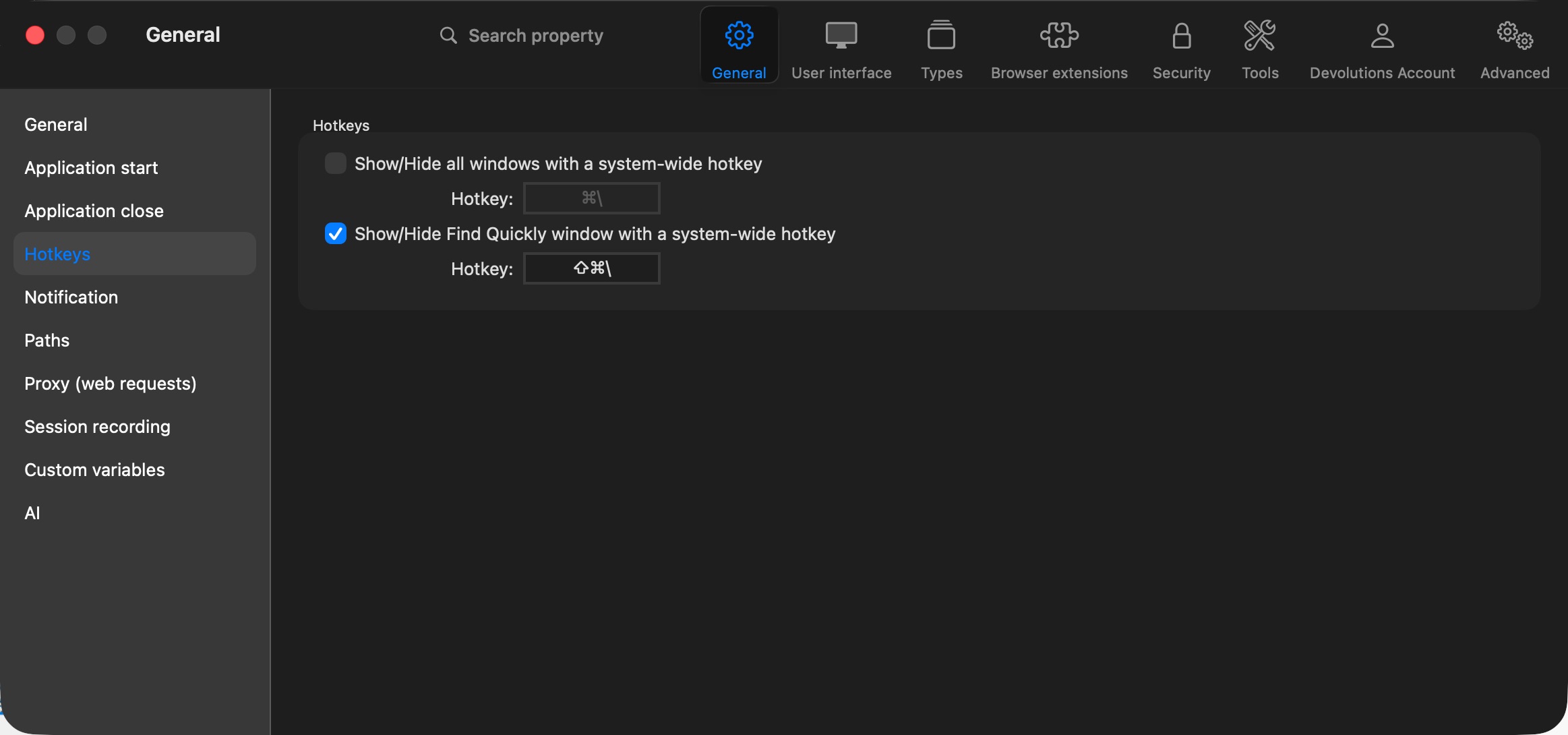
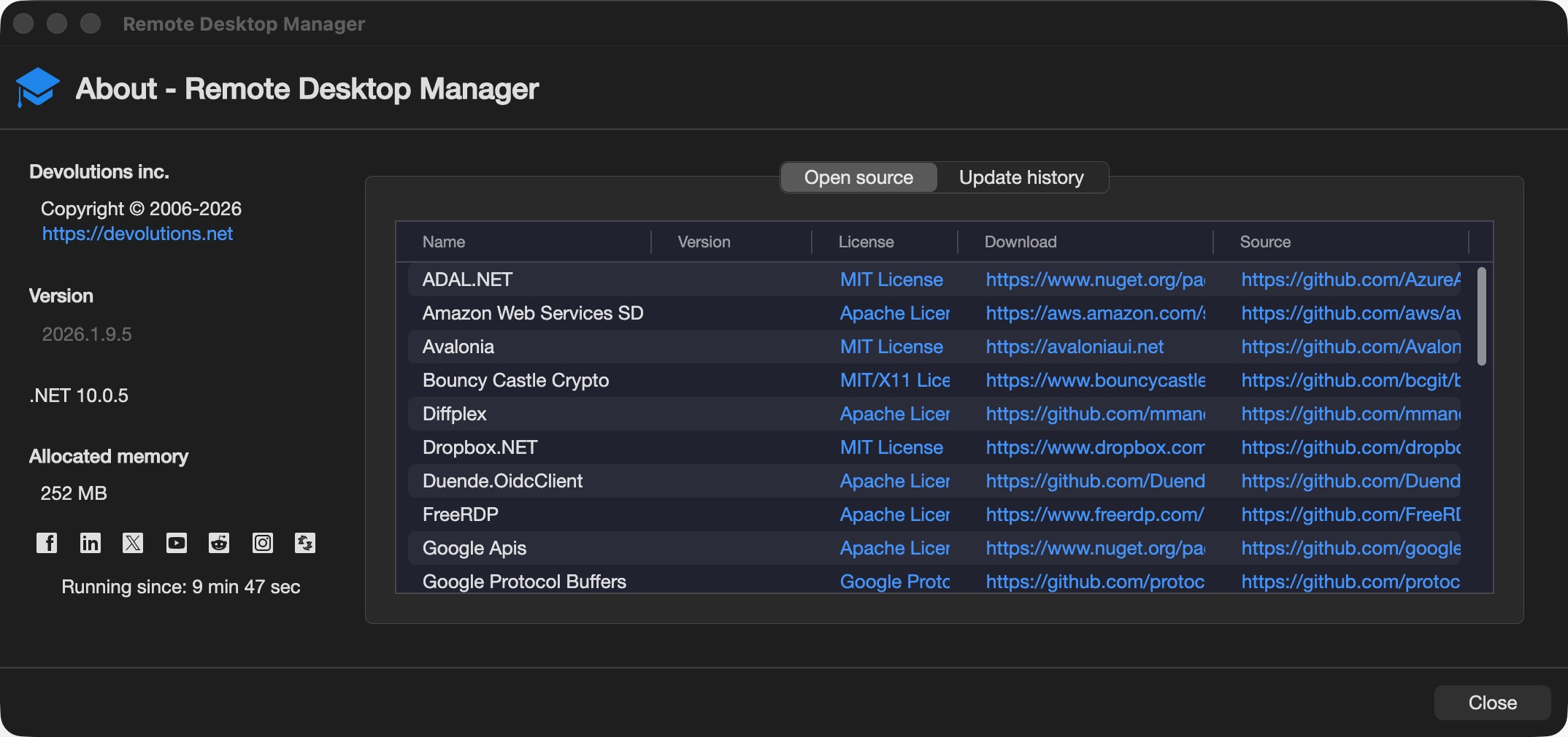
The new Find Quickly window is no longer working reliably. When I use the shortcut (Shift + Cmd + \), the window does not consistently open centered on the screen. With the 2026.1.9.5release, the behavior improved slightly in that the window now opens on some monitor, but its placement and rendering remain inconsistent.
Below are the behaviors I’ve observed. I haven’t identified a specific trigger that determines which behavior occurs:
- Expected behavior - The shortcut menu opens centered on the monitor where the mouse cursor is currently located.
- Incorrect rendering (vertically squashed) - The window opens on the correct monitor, but the menu is vertically compressed. For example, a menu that should be approximately 500 px tall appears squashed into roughly 100 px. (Pixel values are illustrative to help describe the issue.)
(See image below.)
- Incorrect monitor and position - The window opens on a different monitor, positioned near the bottom-right corner and sometimes partially off-screen. Aside from the incorrect placement and monitor selection, the window remains interactive and functional.
(See image below.)
- Window appears to open but is not visible - An opening animation plays, suggesting the window is opening somewhere, but it does not appear on any monitor. Typing a known search term and pressing Enter does not produce any visible result, suggesting the window may be fully off-screen or not rendered.


VerticalSquash.jpeg
NotCentered.jpeg
KeyboardShortcut.jpeg
VersionNumber.jpeg
VerticalSquash.jpeg
NotCentered.jpeg
All Comments (4)
Hello,
Thank you for your feedback.
I have been able to reproduce a similar behaviour when using RDM on my MacBook screen, but not on a second monitor.
I have submitted a ticket to our development team.
We will post it here once a fix is available.
Thank you for being so patient.
Best regards,
Érica Poirier
Hello,
Thank you for your feedback.
I have been able to reproduce a similar behaviour when using RDM on my MacBook screen, but not on a second monitor.
I have submitted a ticket to our development team.
We will post it here once a fix is available.
Thank you for being so patient.
Best regards,
@Erica Poirier
I believe I've gotten the incorrect monitor popup to occur when I have RDM fully filling the screen (not full screen, double clicking the top window so it fills the entire monitor space besides the window bar, but other apps can be opened on top of it if desired). When I have it like this and I have the mouse statiioned on the monitor with the filled screen RDM esssion, when I do the quick shortcut, the popup occurs on another monitor. This is almost 100% consistent for me in this case.
Hello Caleb,
Thank you for your feedback.
I get a similar behaviour, except that the popup occurs on the lower right corner of my MacBook screen.
The next RDM Mac version should contain a fix for this behaviour
Best regards,
Érica Poirier
Hi,
Remote Desktop Manager Mac version 2026.1.10.3 is now available and includes a fix for this issue.
If the problem persists, please don’t hesitate to contact us.
Best regards,
Jesse Galarneau