RDM stuck on "Loading connections..." since updating to 2025.2.11.0
RDM stuck on "Loading connections..." since updating to 2025.2.11.0

On firing up my Mac today (macOS 15.6) I was alerted to an RDP update versioned 2025.2.11.0, I selected to install this. Since the update though I've not been able to get in and actually use RDM though, it is just stuck at "Loading connections...". The previous version 2025.2.9.0 and was working ok prior to the update. I've not been able to find a way past this. I have left this going for more than 15 minutes before force quitting only to face the same when launching RDM again.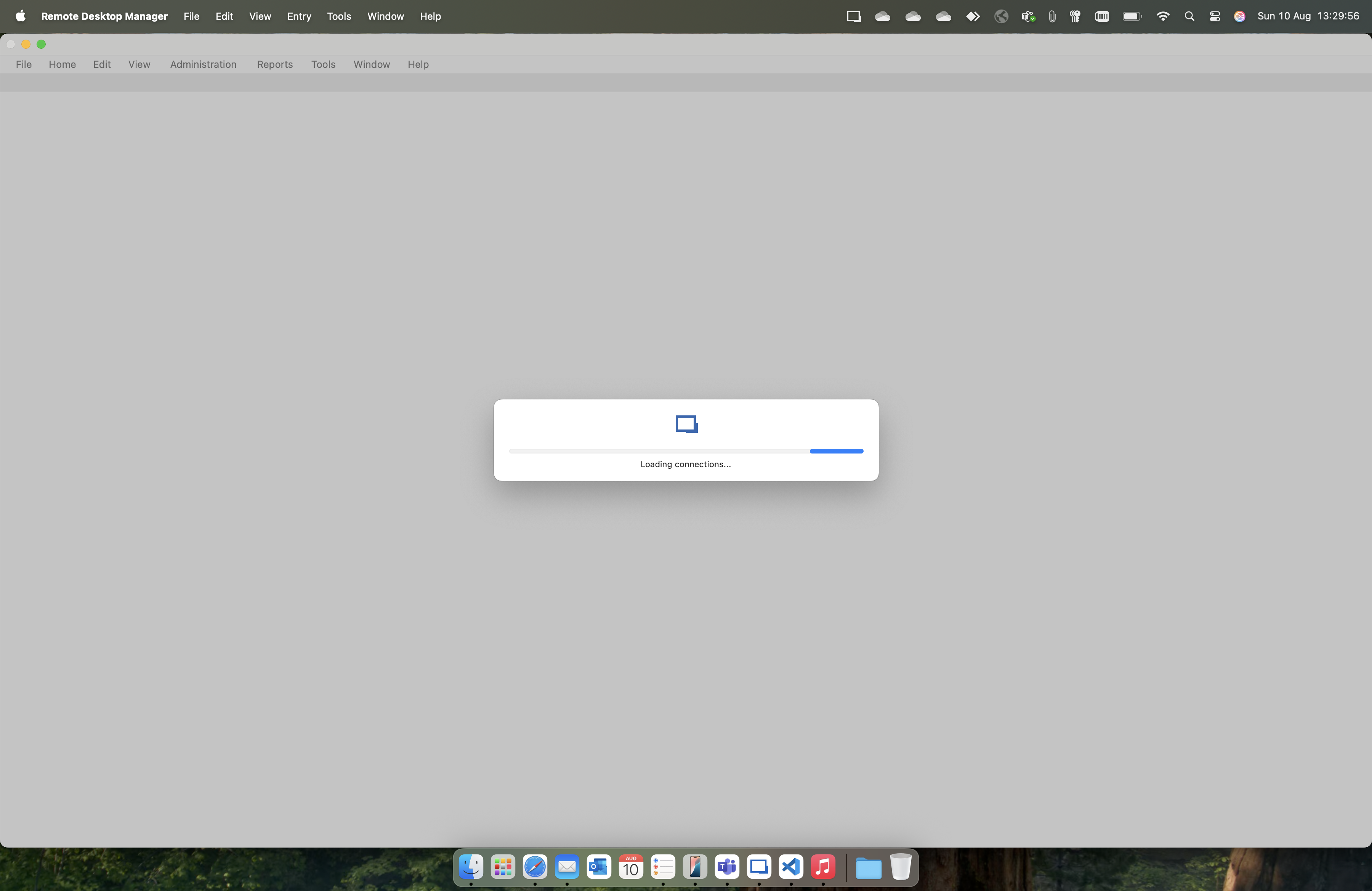
Please advise.
Screenshot 2025-08-10 at 13.29.56.png
All Comments (2)
Hello,
Thank you for contacting us on that matter,
Could you please let me know if you are the only one with this issue?
If yes, this issue is most likely due to something in the local configuration of your RDM instance.
For this reason, I would recommend to reset your local configuration.
To do so, please do the following:
1- Make sure RDM not running at all, as otherwise, the next few steps won't work.
2- Open "Finder"
3- Click "Go" in the menu
4- Select "Go to folder"
5- Paste this path: ~/Library/Application Support
6- Open the folder: com.devolutions.remotedesktopmanager
7- Locate the RemoteDesktopManager.cfg file
8- Rename this file to something different (ie: RemoteDesktopManager.old)
9- Launch RDM again
10- Connect to your Data Source
Once you are connected to your data source, the issue should no longer occur.
Please make sure to have a backup of your datasource before doing that and let me know what is this datasource type.
Best regards,
Tommy Sanders
Hi Tommy,
I don't know if any one else is experiencing the issue, I am using this in my personal capacity. I have followed the steps and am able to get back in again, thank you.
By datasource, is Devolutions Hub Personal what you are referring to?