Configuring RDP access with a separate user account not with the existing user account.
Configuring RDP access with a separate user account not with the existing user account.

Which settings should be changed for the AD Synchronizer or the AD Computer template when I double click the nodes for the RDP access using my separate admin account, not using my existing normal AD account?
This is the pop-up I am getting: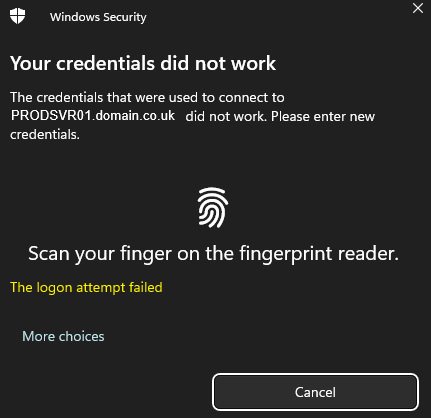
Any help would be greatly appreciated.
Thank you,
e7125610-eb9f-4b79-a0cc-646a08b73cf6.png
All Comments (5)
Hello,
Thank you for reaching out to Devolutions Support.
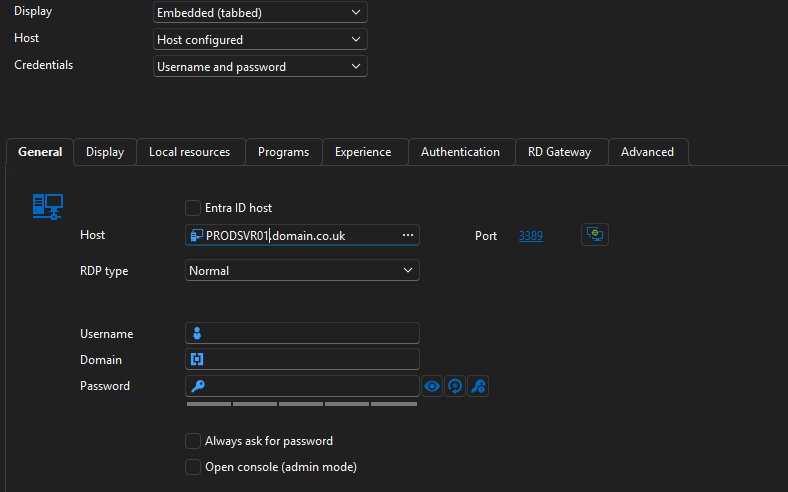
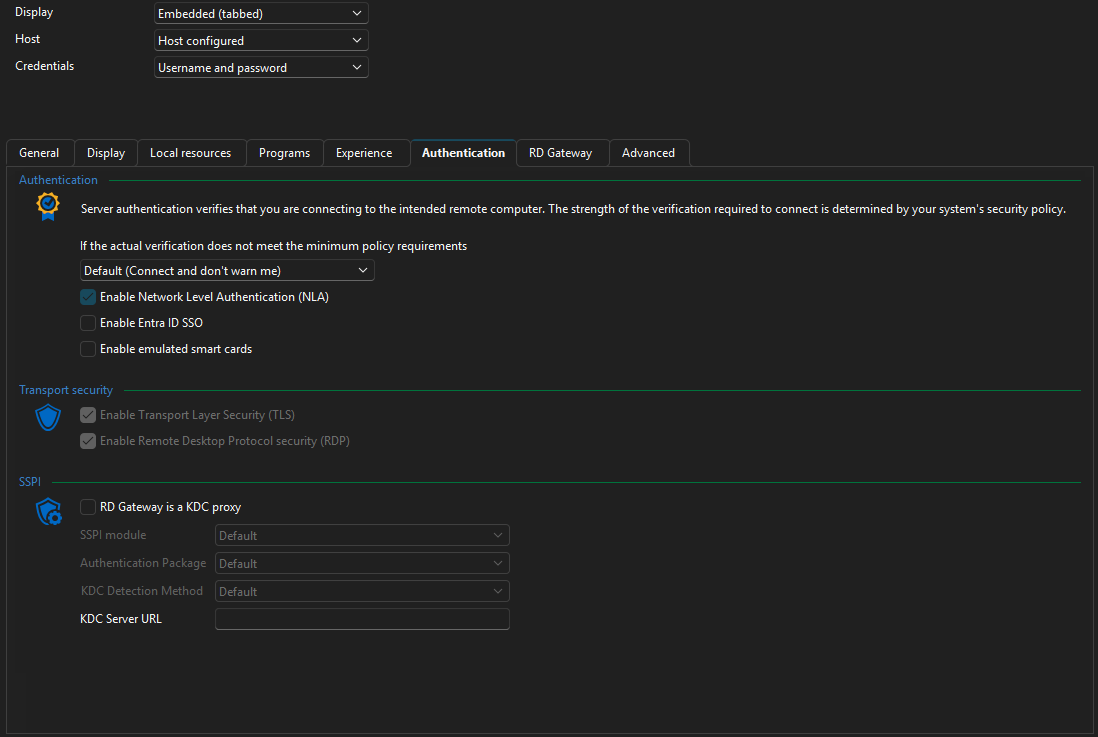
Could you please send us a screenshot of one of the entries? Make sure that no sensitive information is visible.
The "General" and "Authentication" tabs would be the most helpful for us to better understand your issue.
Best regards,
Carl Marien
d46bdd7f-1b89-4caa-9be8-92f33600988d.png
b1693d13-145b-4ca2-8086-96ee980a2406.png
Hello,
Thank you for the screenshot.
Could you please try setting the username, domain, and password to see if the issue still persists?
Best regards,
Carl Marien
@Carl Marien,
If I manually right-click Properties on each entry of the Active Directory Computer object, then manually fill in the custom admin username and domain, then click Save, I am prompted for the custom admin password of the server.
Saving a password in the settings is prohibited by the Security policy.
So how can I enforce the custom admin username and domain for all Active Directory object imported to my RDM client ?
Hello,
Would it be possible to schedule a remote session together? If so, please check your email shortly I will be sending you a link for the session at your convenience.
Best regards,
Carl Marien
