Importing, synchronizing and accessing VMware vCenter VMs using my specific AD login ?
Importing, synchronizing and accessing VMware vCenter VMs using my specific AD login ?

I have multiple vCenters I must manage and connect.
Usually, I install and manage it from VMware Workstatio,n but now I am trying to leverage Devolutions RDM, but not sure how I can synchronise all of the VMs from multiple VMware Centres, so I can manage and remotely access it without relying on the browser.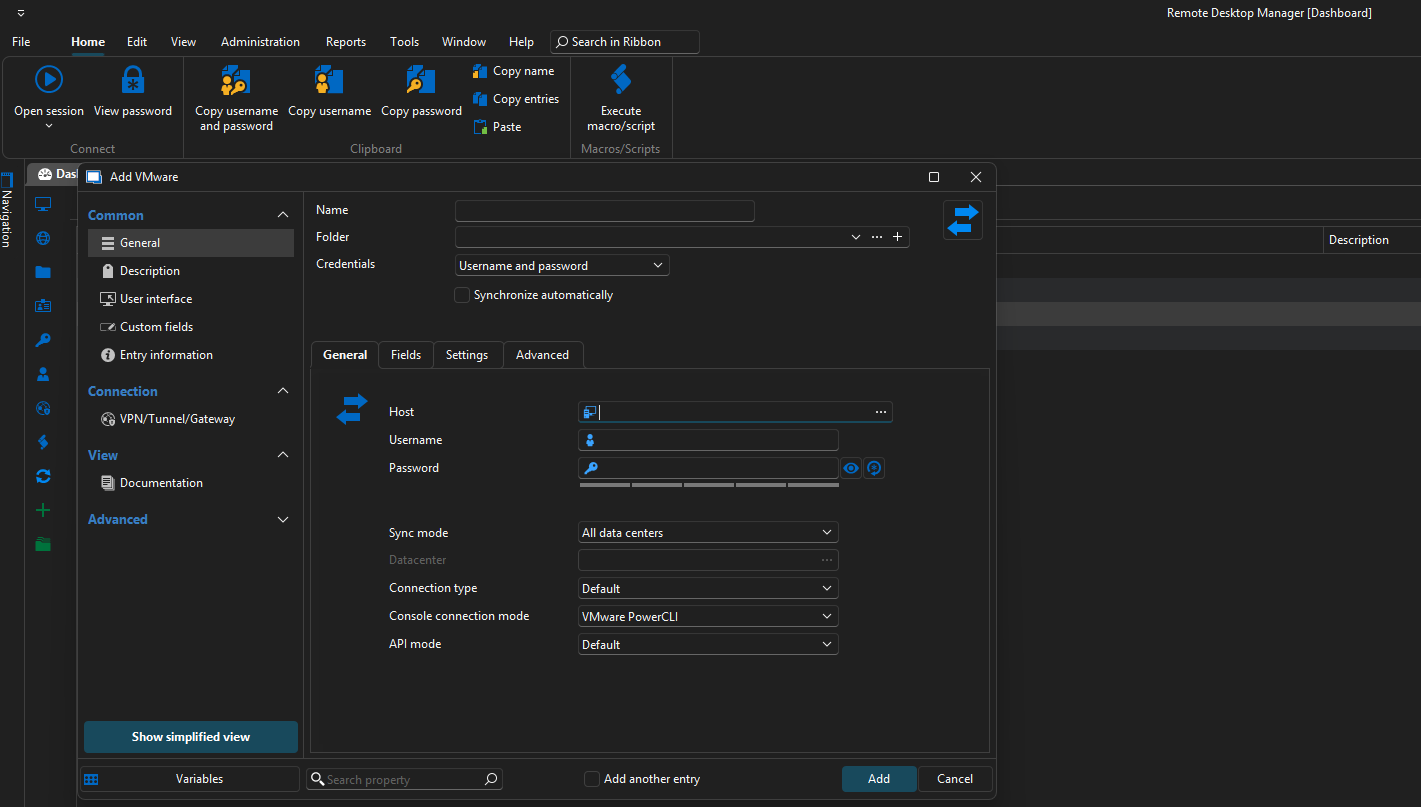
Any help would be greatly appreciated.
Thanks.
c6013656-cbc4-4bcb-9832-c41718745c7b.png
Recommended Answer
Hello,
Thank you for reaching out to Devolutions Support.
You may find this documentation helpful for configuring a VMware synchronizer entry:
https://docs.devolutions.net/rdm/kb/knowledge-base/configure-a-vmware-synchronizer-entry-in-en-rdm/
If you have any further questions or need additional assistance, please don't hesitate to let me know. I'm happy to help.
Best regards,
Carl Marien
All Comments (10)
Hello,
Thank you for reaching out to Devolutions Support.
You may find this documentation helpful for configuring a VMware synchronizer entry:
https://docs.devolutions.net/rdm/kb/knowledge-base/configure-a-vmware-synchronizer-entry-in-en-rdm/
If you have any further questions or need additional assistance, please don't hesitate to let me know. I'm happy to help.
Best regards,
Carl Marien
Basically create a sync for each vcentre (suggest creating a read only account for the sync)
Pull the consoles into a specified folder.
I then set my AD creds on the folder so it will then launch the console.
Thanks
Iain
Version 2025.3.23.0 64-bit
Data Source SQL
Hello,
yes exactly creating a sync for each vcentre would be the best solution for you
if you have any additional questions, concerns, or require further support, please let me know, and I'll be more than happy to help.
Best regards,
Carl Marien
@Carl Marien and @Iain ,
Thank you for the response.
May I know what steps I can follow to create the AD User account to perform the read-only access to the Centre so I can enter these credentials for all of my Center individually?
Hello,
Could you please clarify your request? I'm not sure I fully understand your inquiry.
Best regards,
Carl Marien
@Carl Marien,
For the Synch process only, can I enter the Read Only user account in the RDM for each vCenter servers?
Hello,
By default, the created entry inherits permissions, meaning that if you set the security at the folder level, you should be able to specify which users or groups have access to an entry.
Please refer to this documentation for setting up security:
https://docs.devolutions.net/rdm/user-groups-based-access-control/permissions/
Best regards,
Carl Marien
@Carl Marien,
Thank you, I noticed the
The Permissions window, which is only available in an SQL or Devolutions Server advanced data source
since I only use the RDM installed on my laptop below, there is no way to configure it like in the link: https://docs.devolutions.net/rdm/user-groups-based-access-control/permissions/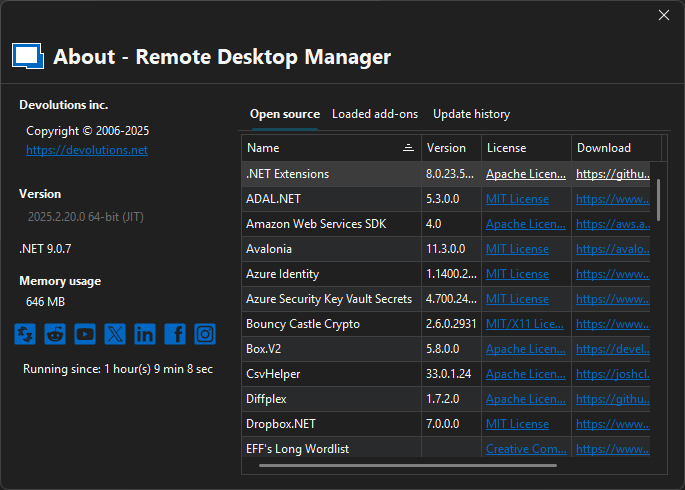
7c9ae417-ff94-46e7-abe0-ca48765dd42c.png
Hello,
Apologies, I had assumed you were using an advanced data source.
In this case, you are absolutely right: the Permissions window is only available when using an SQL, Devolutions Server, or Devolutions Hub Business data source.
So yes, it is not possible to set permissions in a local data source.
Best regards,
Carl Marien
Thank you so much for the clarification @Carl Marien