Problem with RDM with data source from Devolutións Hub Business without internet
Problem with RDM with data source from Devolutións Hub Business without internet

Good morning,
we have a problem when our Mac is not connected to the internet (either by VPN connections or network instability problems) the RDM can't seem to contact Devolutións Hub Business and stops working. The application closes unexpectedly and it is impossible to connect to any server.
We are a service company and when we most need RDM to work is when there are network problems.
We need that even if there is no internet connection RDM keeps working, I don't know if there is a way to save in a local cache the connections.
In addition, this is the error we get when we try to open RDM without internet: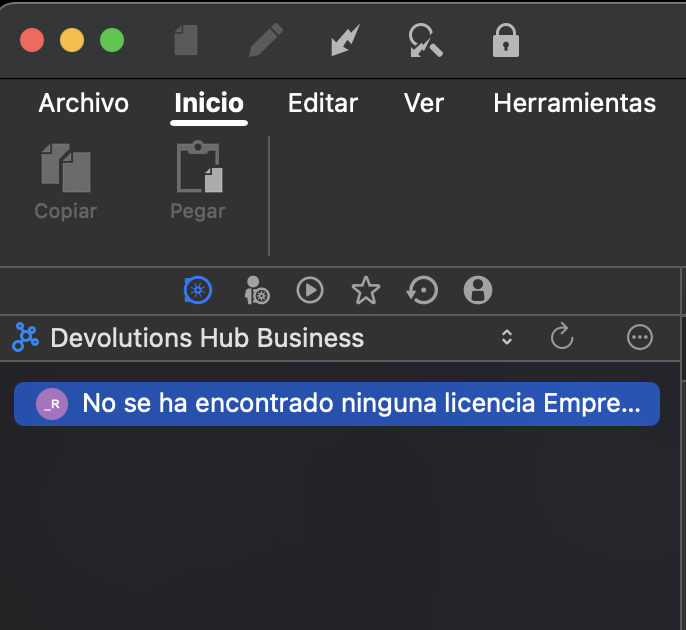
Remote Desktop Manager 2025-04-29 09.11.04.png
Recommended Answer
Hello,
Could you please download the latest version of RDM and let us know if the issue persists?
Best regards,
Carl Marien
All Comments (12)
Hello,
We have managed to reproduce the issue and a ticket has been opened.
We don't really have an ETA of when it will be fixed, but we will keep you updated on how it goes.
Best regards,
Michel Lambert
Hello,
I do have the same issue using Windows 11 and a free Hub. I'm working 90% of the time offline so it is not feasible to use Remote Desktop Manager anymore.
Any chance you already find a patch ?
Thanks for your support,
Hi,
We'll increase the priority for this issue and will update here as soon as we make progress
Best regards,
Gabriel Dufresne
Hi,
do we have any news on this issue?
we are still having a lot of problems with this issue.
Thank you.
Hello,
Is it still the same issue you had with Hub business? The issue you are talking about should have been solved when the 2025.6.8 version came out.
Best regards,
Michel Lambert
Hi,
yes, we still have the same problem.
When the program is opened without internet connection it stays like this: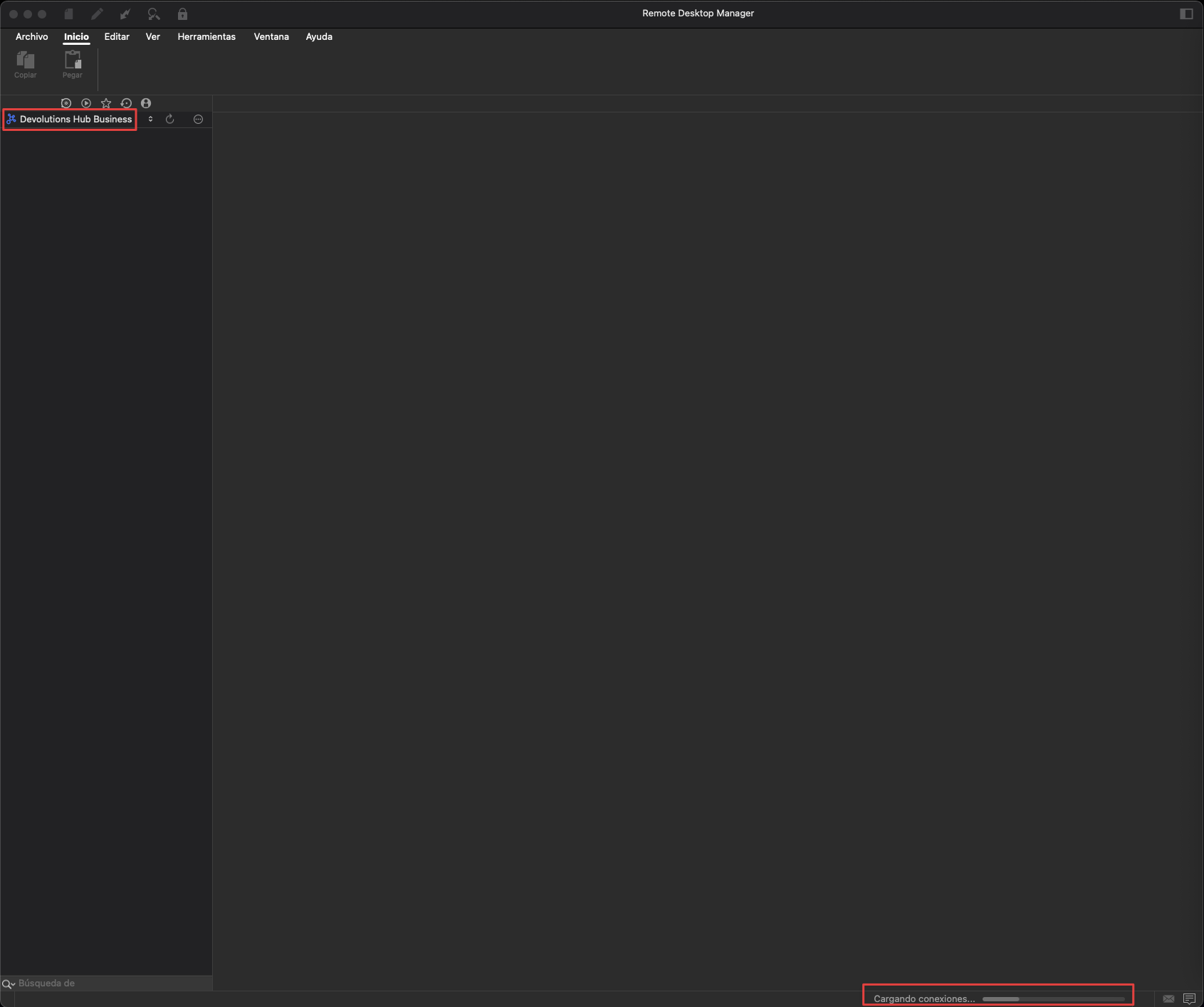
until it gives this error: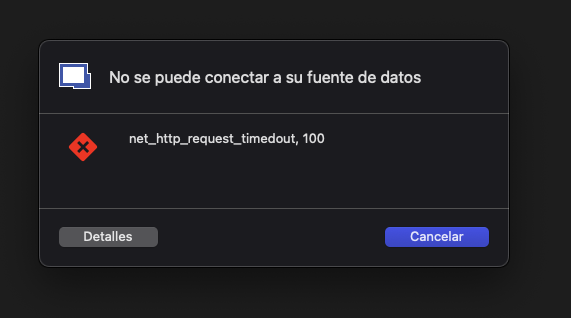
And then it stays that way:
CleanShot 2025-07-14 at 14.31.32.png
Remote Desktop Manager 2025-07-14 14.30.24.png
Google Chrome 2025-07-14 14.30.36.png
Hello,
Thank you for the video.
I wasn’t able to reproduce the issue on my end. In this case, could you please follow the steps in the documentation below to reset RDM to its default settings and check if the issue persists?
https://docs.devolutions.net/rdm/kb/how-to-articles/reset-rdm-to-default-settings/?tab=macos
Best regards,
Carl Marien
I reset RDM to its default settings and did the same test again and the application crashed again.
To reproduce the problem what I do is that I cut the internet output of the laptop in the firewall, then I try to connect to a server on the local network and RDM does not respond. If it has no connection to the Devolutions servers it becomes unusable.
Hello,
Would it be possible for you to send us a recording of the issue?
I will provide you with a secure link via email so you can safely upload the video.
Best regards,
Carl Marien
Hi,
I have sent you the video.
Thank you.
Hello,
Could you please download the latest version of RDM and let us know if the issue persists?
Best regards,
Carl Marien
Sorry for not responding.
I tried it and now it works correctly. Thank you very much!