filter on status bar

Hi
Currently we can put filter on status bar, is possible add more option like put it to center of status bar? Thanks.
All Comments (6)
Hello,
Thank you for contacting us on that matter,
Could you please send me a screenshot to show me where would you like to have the status bar exactly?
Best regards,
Tommy Sanders
Hi, Tommy
I highlighted two positions, thanks for considering this. 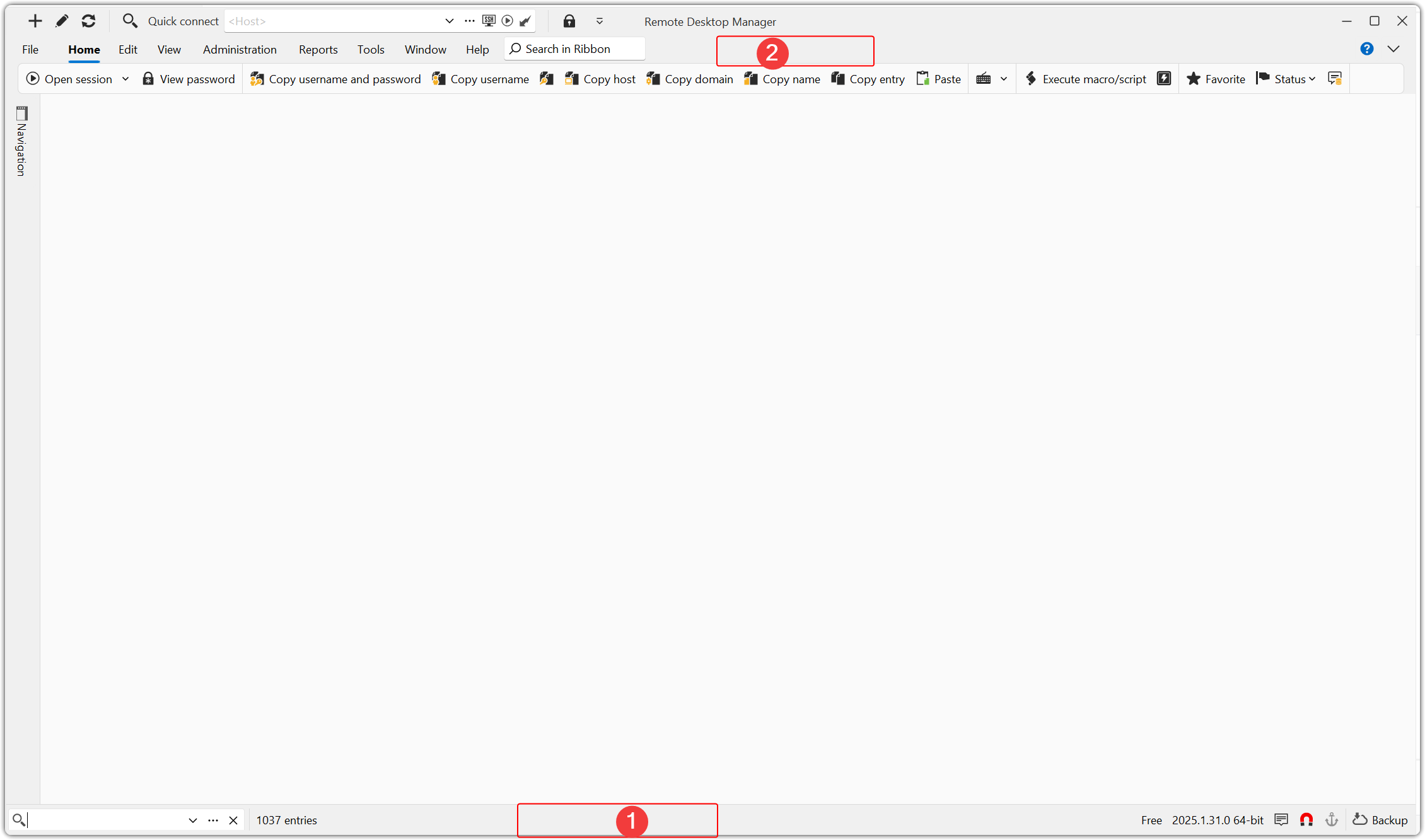
f1c6acc7-1bc1-42b8-a2ec-648cf550b879.png
Hello,
Thank you for your screenshot,
You can move this bar in File -> Settings -> User Interface -> Filter -> Filter Location to TOP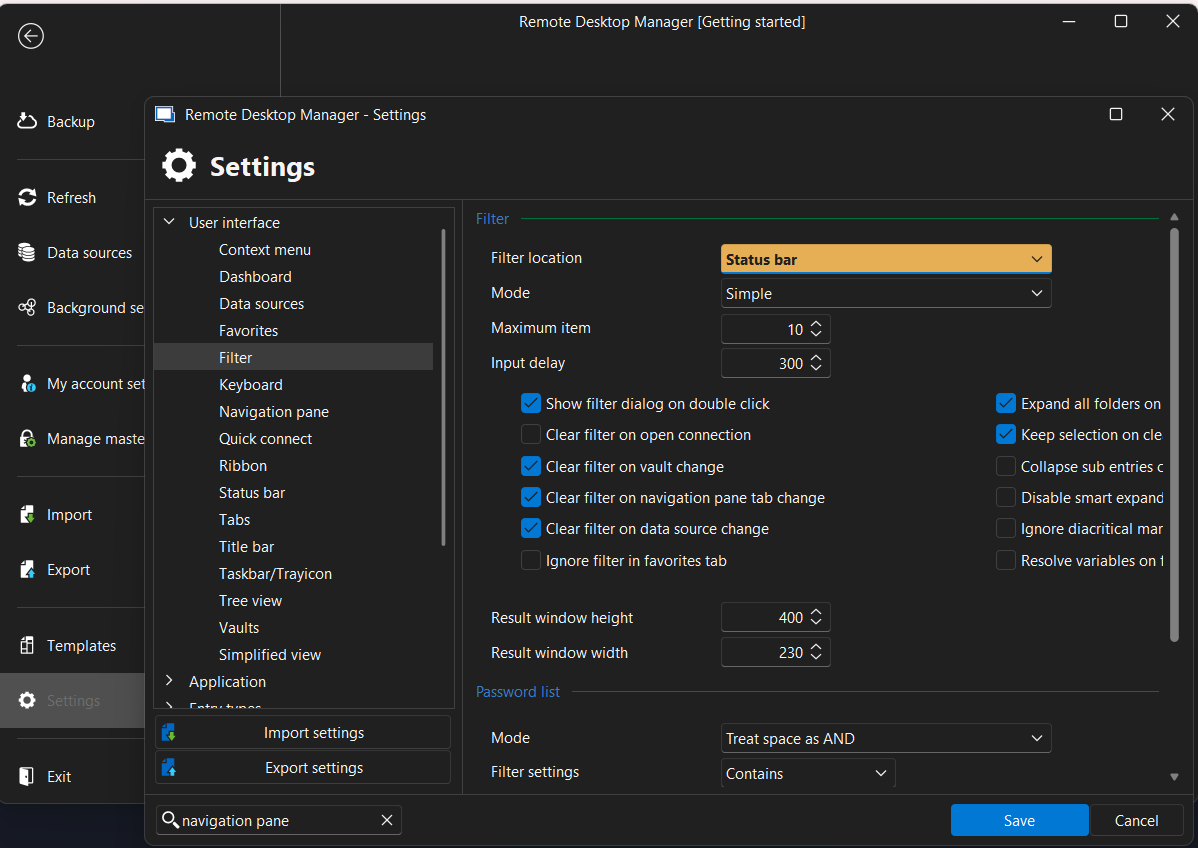
Let me know if that helps
Best regards,
Tommy Sanders
3f152d30-7521-4532-9786-563b992e0ee1.png
Hi,
I think you mean on the navigation panel top. But actually I want it to be top of menu. So I no need open navigation panel every time. Thanks.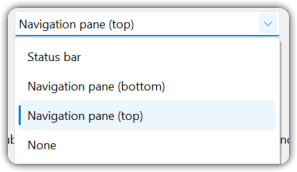
085586e0-dd70-4219-bbbd-f0390b945692.png
Hello,
It's technically not possible to move it to position #2 (not supported by the component we use). Centering it in the status bar could be implemented, but it's not easy since alignment to the left or right is usually what can be set. I'm curious, do you know about the Quick Search feature? The default shortcut is Ctrl+Space, and it's a much easier way to navigate in RDM:
https://docs.devolutions.net/rdm/commands/view/search/
Regards
David Hervieux
Hi, David
Thanks for considering. One click mouse will be better than press two keys :-). Specially for different IME users, Ctrl+Space usually used by switch IME input method. Although we can change to something else, but make complicate to my memory. :-)