How to disable popup window on startup

How I can disable this useless window on every app launch?
MacOs 15. App Version: Latest.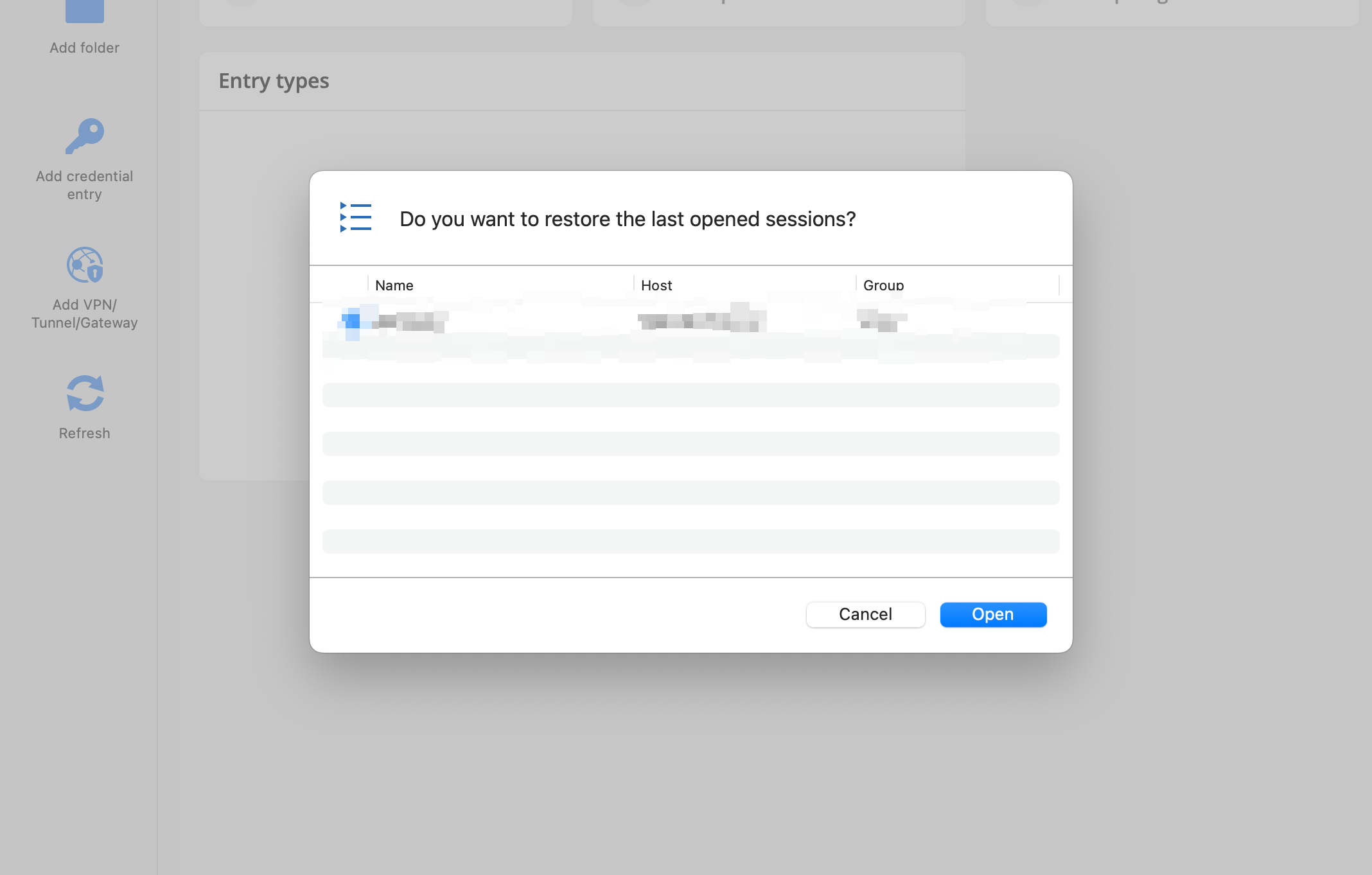
0ff9a26b-4d38-4041-ad23-d35ca742b257.png
Recommended Answer
Hello,
You can go to Edit -> Playlist -> Playlist management
And then set it to no default for "Launch at startup"
It should stop the last opened from opening on startup.
Best regards,
Maxim Buisson
Screenshot 2025-04-18 at 8.00.03 AM.png
Screenshot 2025-04-18 at 7.59.28 AM.png
All Comments (2)
Hello,
You can go to Edit -> Playlist -> Playlist management
And then set it to no default for "Launch at startup"
It should stop the last opened from opening on startup.
Best regards,
Maxim Buisson
Screenshot 2025-04-18 at 8.00.03 AM.png
Screenshot 2025-04-18 at 7.59.28 AM.png
@Maxim Buisson Thanks.