How can I stretch a RDP sessions screen to fit?

Our Windows workstations screen resolutions are 1920x1080, but my eyes are killing me when RDP connecting to one server, whose resolution is the same.
I've experimented with changing the zoom, but when I do, the mouse registration is off (way off). If I change the resolution to the old-school 800x600, the RDP session is a small square with a lot of freespace all around it.
How can I get a 1024x768 (or whichever) session stretched to fit the available space?
All Comments (8)
Hello,
Thank you for reaching out on this matter.
Have you tried the dynamic resolution? You can then change the resolution to your liking. Test it out, and let me know what you think!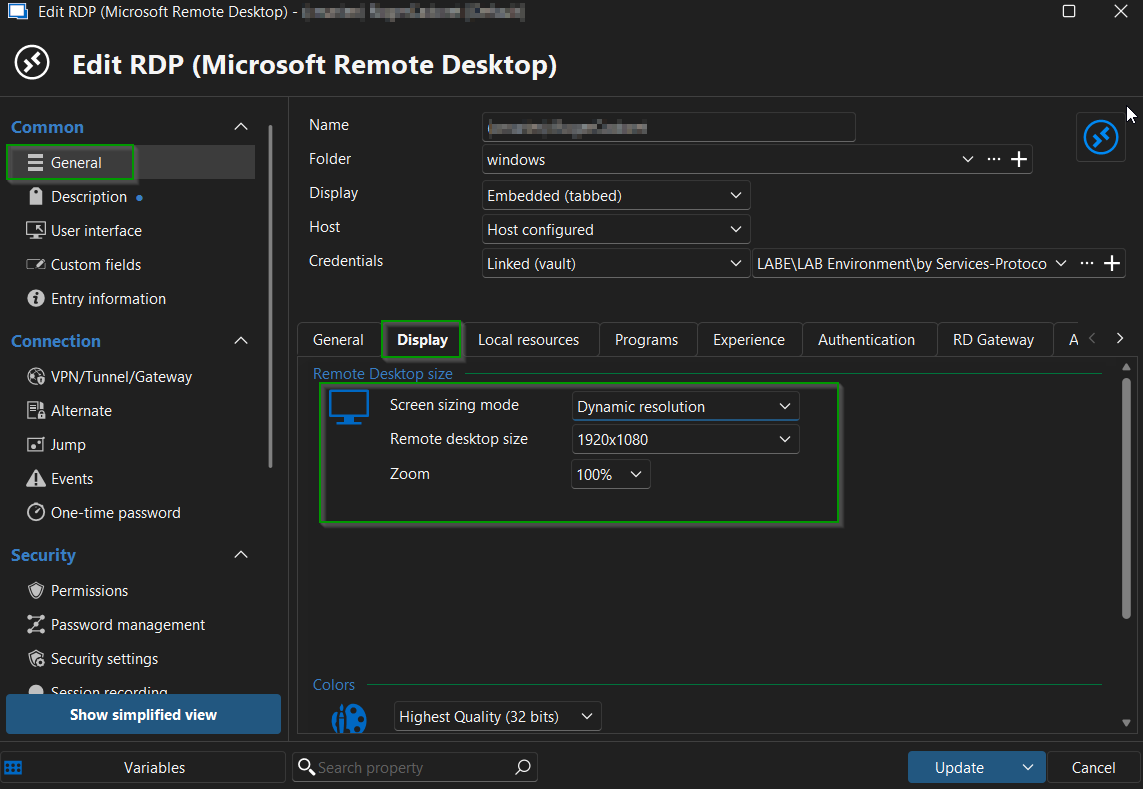
I look forward to your reply.
Best regards,
Jacob Lafrenière
3e0cc4d2-4018-4ef9-8b63-4db8d411096e.png
Hello,
Thank you for reaching out on this matter.
Have you tried the dynamic resolution? You can then change the resolution to your liking. Test it out, and let me know what you think!
Unfortunately, it does the same small screen with tons of free space. I tested with a resolution of 1024 x 768 (just to be ludicrous).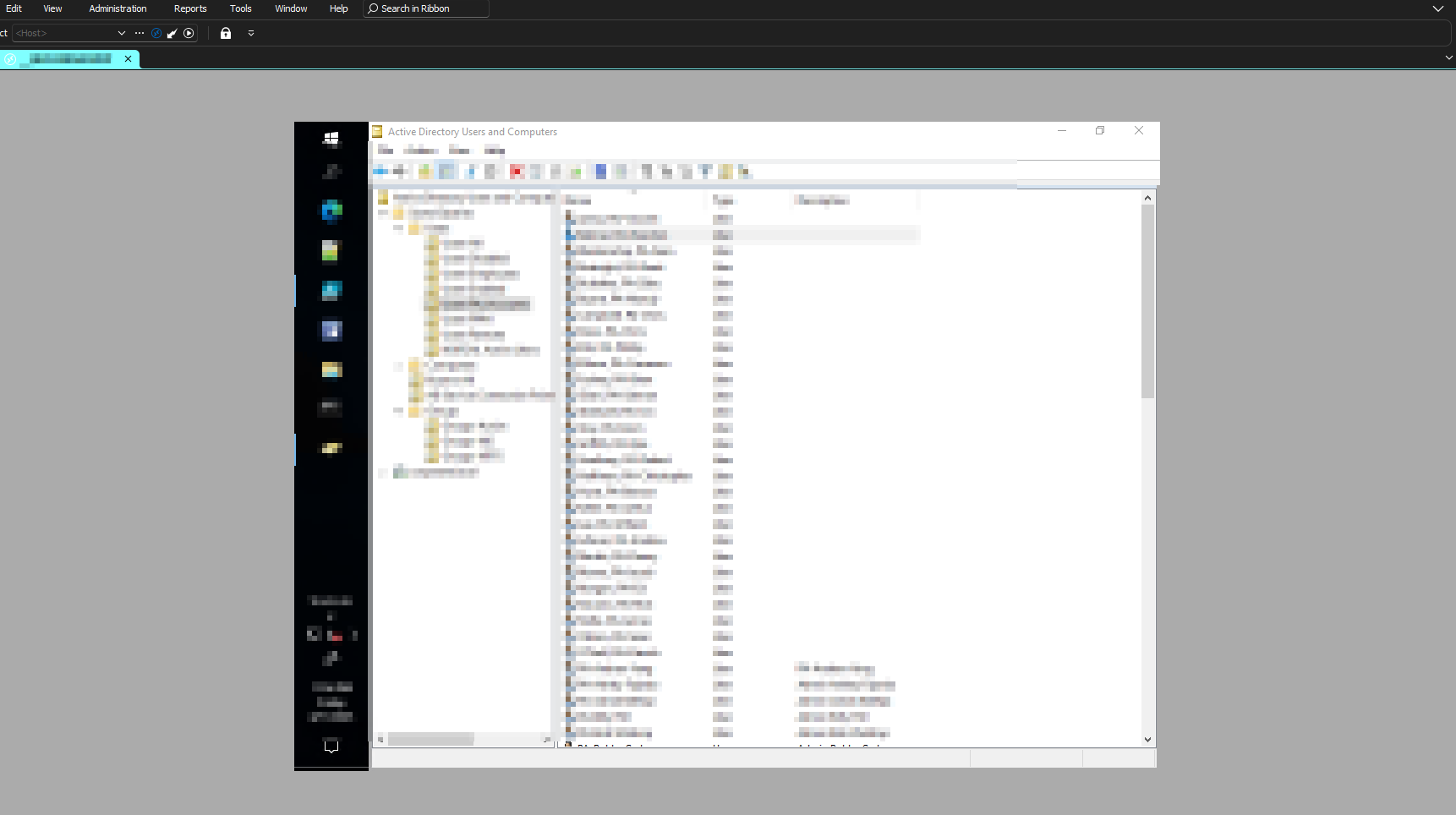
RDP_resolutionIssue.png
Hello,
Thank you for the follow-up.
In that case, can you try with Remote desktop size set to Current work area size? Let me know if this helps!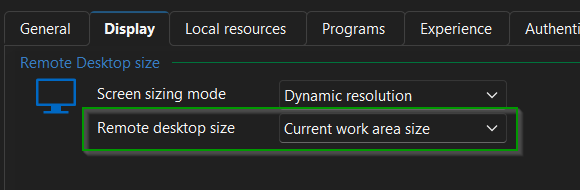
I look forward to your reply.
Best regards,
Jacob Lafrenière
8cc4ee41-2e38-486b-8988-67d31106a8e6.png
Your second suggested setting does not appear to make any difference.
As a FYI, I experimented with all of the methods in this article, all to no avail:
High DPI issues - Devolutions Documentation
Have you tried any of these settings?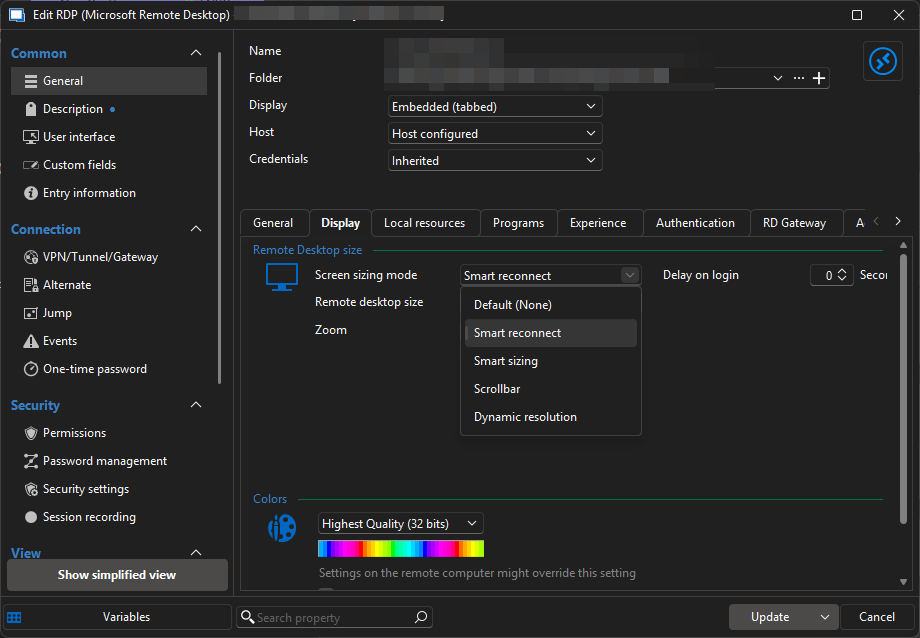
Thanks
Iain
Version 2026.2.13.0 64-bit
Data Source SQL
b30a2600-5811-4153-9596-f90abf1c2493.png
Hello,
Thank you for your patience.
I spoke with the development team, and they suggest trying a resolution of 1920x1080 with zoom enabled.
Please let me know if this works for you.
Best regards,
Jacob Lafrenière
Hi Jacob - thanks for the reply!
That was one of the first approaches I tried. The problem I'm having with zoom enabled is that the remote mouse cursor is not actually 'registering' where the cursor is. For example, I'll double-click on an icon, but the icon/short below it on the screen activates/runs instead.
Hello,
Thank you for your follow-up.
I was not able to reproduce the issue where the mouse is not registered at the correct location, even after testing various zoom levels in both RDM and the Windows display settings.
Could you please share the exact display settings you are using for your RDP entry in RDM? Additionally, if possible, I would appreciate it if you could also provide your Windows display settings.
I look forward to your reply.
Best regards,
Jacob Lafrenière