communication breakdowns..

can we not do this please?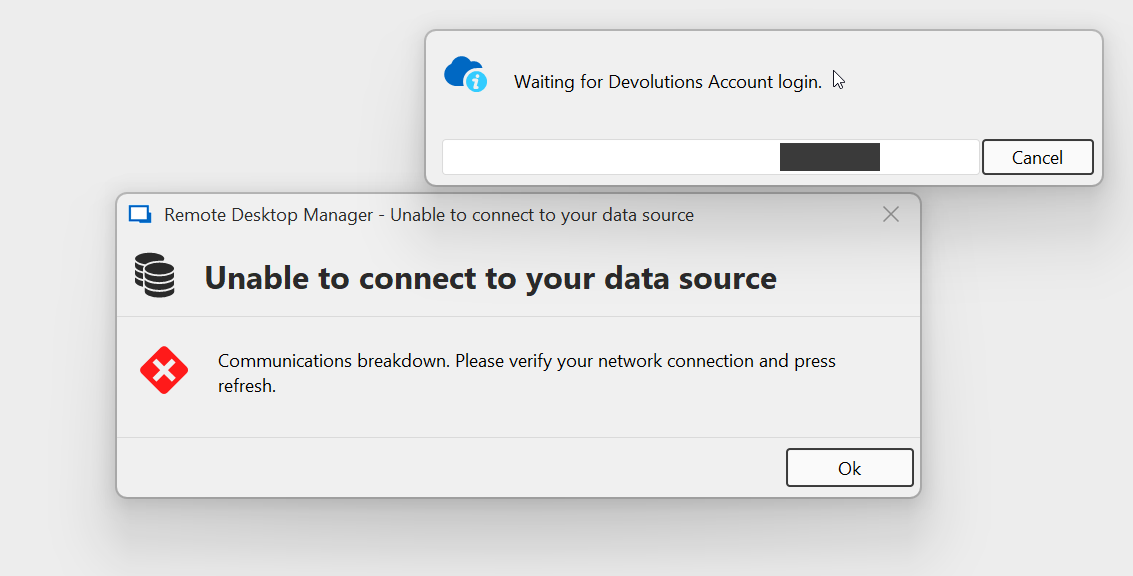
this happens whenever the internet connection is severed. This is something which happens all the time on technicians notebooks be it for testing or when moving from office to office and closing the notebook. This didn't happen in 2024.x
bfdcc348-3379-422d-82dc-e1d626be2a7e.png
All Comments (17)
Hello,
Thank you for reaching out regarding this matter.
Could you please try updating to the latest version (2025.1.26.0) and let me know if the issue still occurs?
In the meantime, could you also let me know which tests you’ve already performed in an attempt to resolve the problem?
Best regards,
Tommy Sanders
no change with 2025.1.26.0 64-bit.
Not sure what you mean by tests I should performe. Error message pops up, communications breakdown message. What am I supposed to test here?
Hello,
Thank you for your response.
The developers are currently working on the issue. I’ll let you know as soon as it has been resolved.
Best regards,
Tommy Sanders
Hello,
We are investigating this issue, and it would help us to know if you get both pop-ups at the same time.
Thank you!
Initially not, but, once I click OK, the "waiting for.." thing pops up, but I think this is because a lot of other communication problem pop ups are often active at the same time and are modal so you need to click them away in the right order. You recognized in another post of mine that disconnection handling in RDM is not optimal but it hasn't got better since then (it was years ago :( ). This is quite a problem, especially for technicians on the road, where you switch from network to network. Something like this is quite a common sight: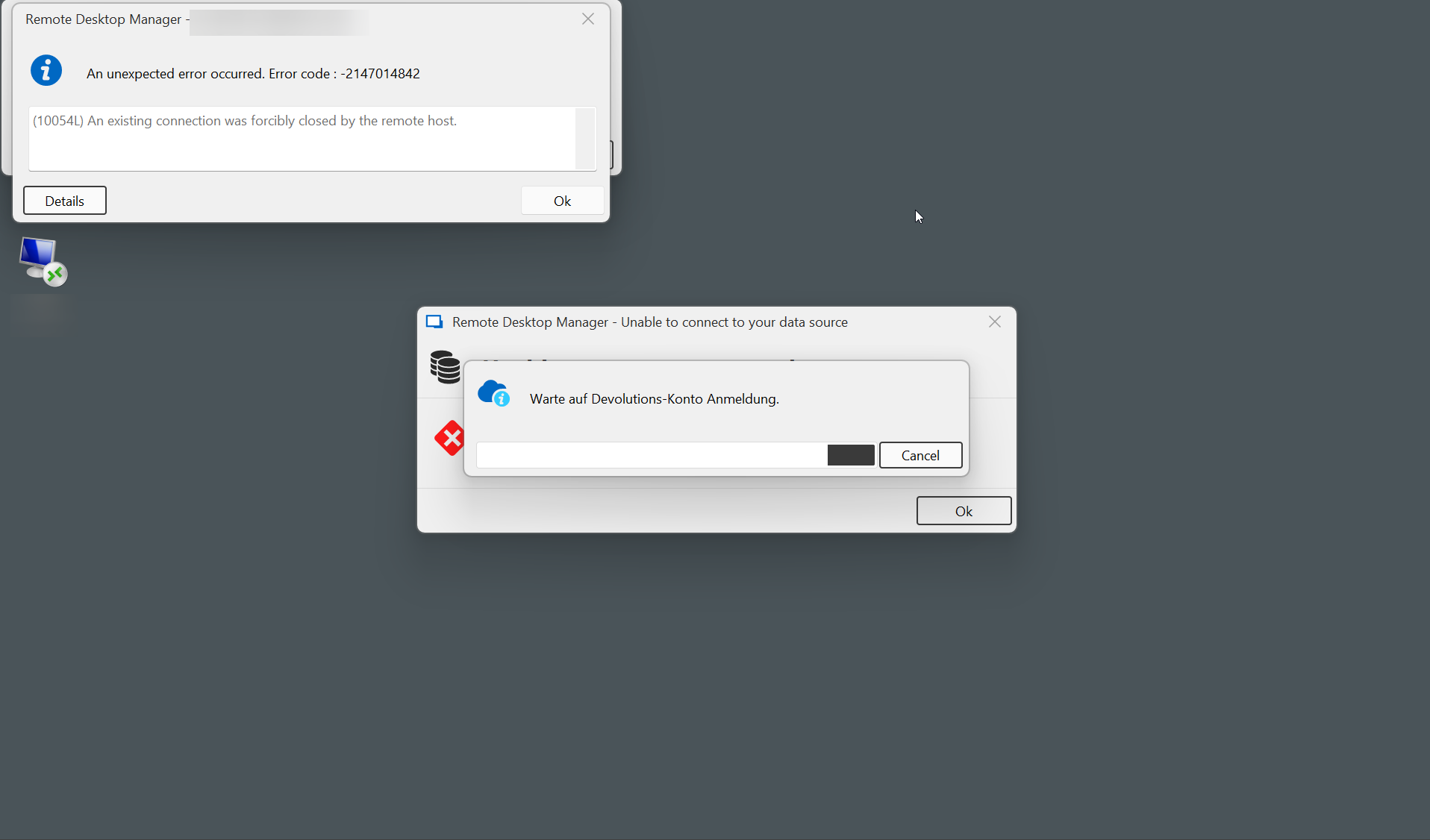
I know, that some of these disconnects are unavoidable (SSH connections being closed from the remot host for instance) but clicking away modal popups is bad design IMO.
4884d375-21f6-44ba-b7b1-f86749c98e0a.png
ok, in 2025.29, after switching to the website, authenticating and switching back the "communications breakdown" pop up stays, OK is unclickable, when now switching away from RDM you can't switch back with alt-tab or clicking icon on taskbar anymore (RDM stays somewhere in the background). We now need to kill RDM via task manager and restart it whenever we loose contact to the devolutions servers. This is becoming unbearable..
We are currently investigating the issue and exploring the best possible solution within the existing architecture. We'll keep you updated on any progress. Thank you for your understanding.
Hello,
We are continuing our investigation to identify a better approach for handling network disconnections and switches. In the meantime, could you please verify your authentication settings?
Specifically, please check whether the "Force prompt login" or "Inactivity logout time" options are enabled. You can find these settings in the Web Client under Administration → Authentication. These configurations may explain the appearance of the authentication window.
Additionally, there is an option to suppress SSH connection error messages. You can find it under File → Entry Types → Sessions → Terminal → Display Error Messages.
Thank you for your cooperation.
968b28f8-feda-425e-883d-7f5f79ec58f6.png
db1186cd-0e92-4b28-8e95-bca256f00ed0.png
ok, re SSH diconnect dialogue, this helps, thanks. I posted almost at the same time an idea how to handle this a bit better IMO, see here
re web administration setting: do you have an URL? I am not sure where to find these..
Could you please confirme what data source you are using in RDM? I've assumed that it wat Hub Business as i've seen Devolution Account Login prompt
It's Hub Personal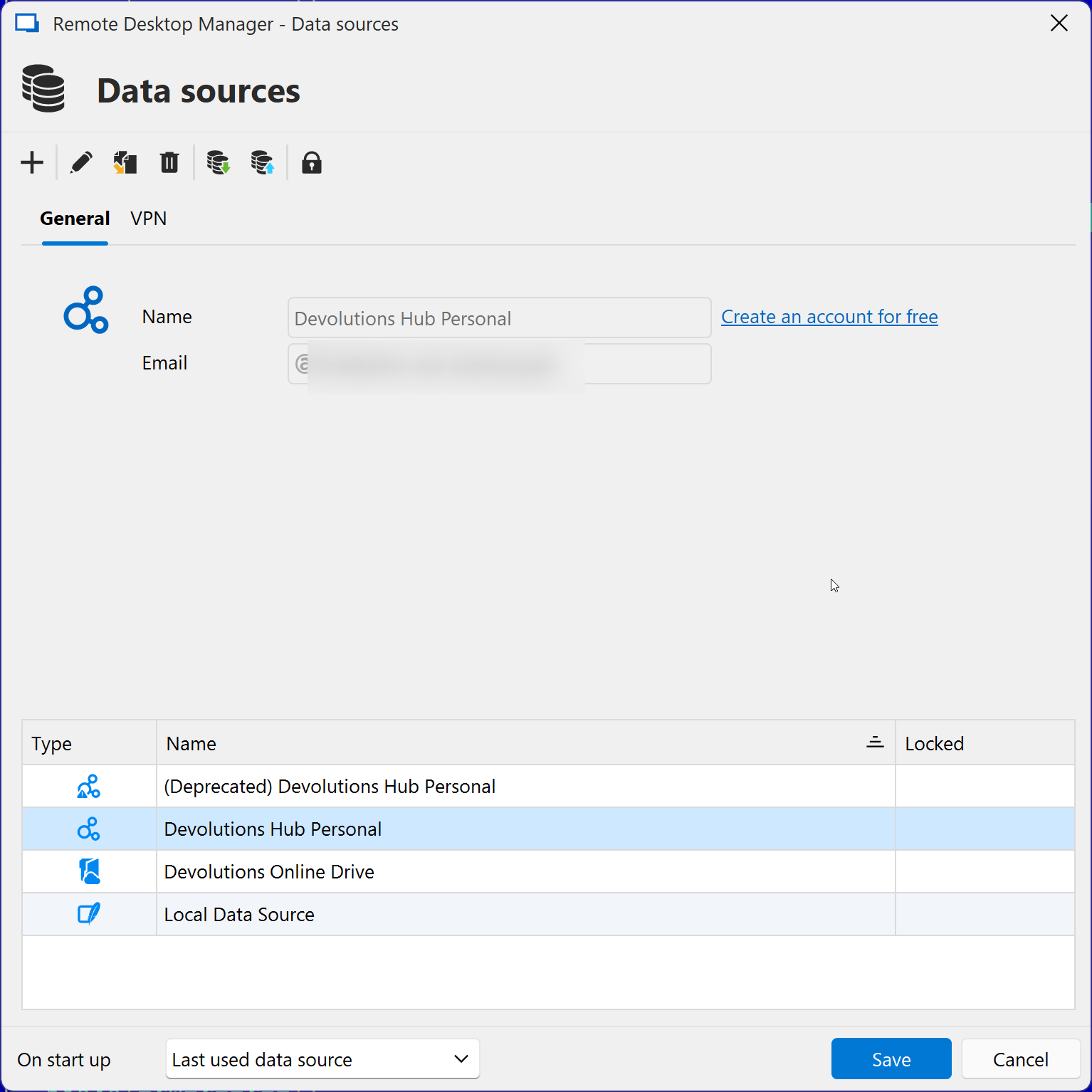
f1dcef34-6541-4d64-b92e-e74b72f1a0cd.png
For Hub Personal you can find the option here
211b1d2d-b56e-4298-9e35-963a027d2fe5.png
looks like this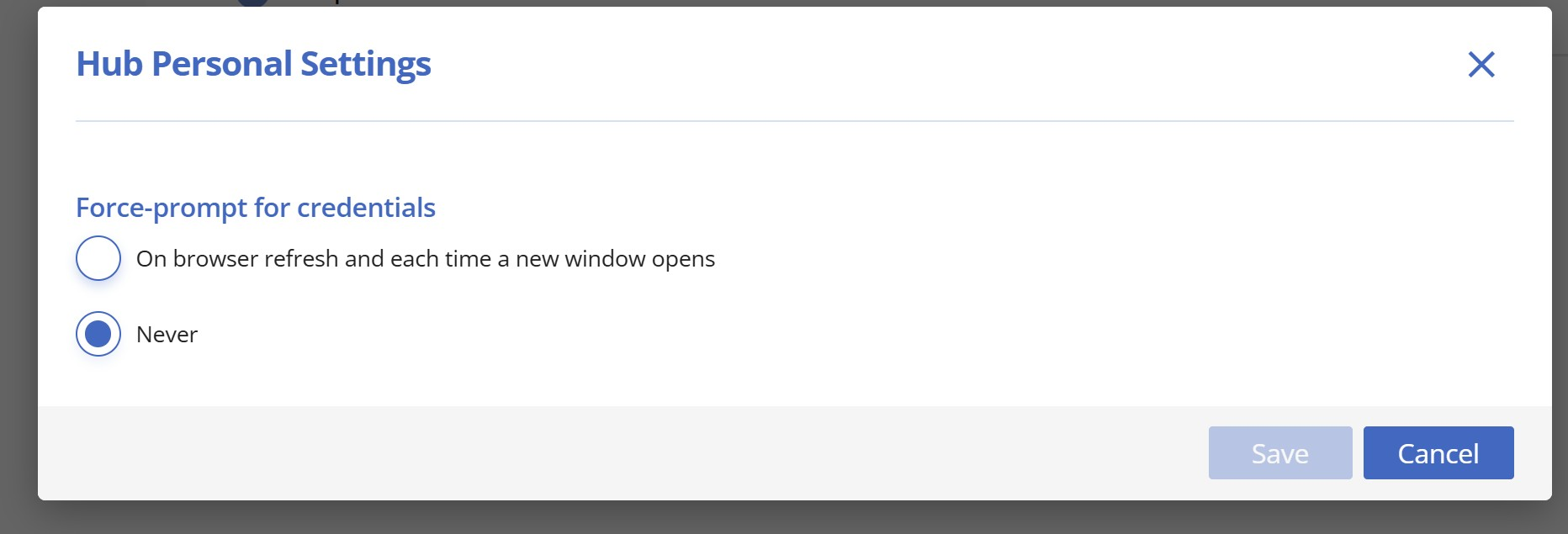
56184c41-88b8-4dbb-af82-b0b8f1d9f784.png
more crashes when notebook goes to sleep/looses connectivity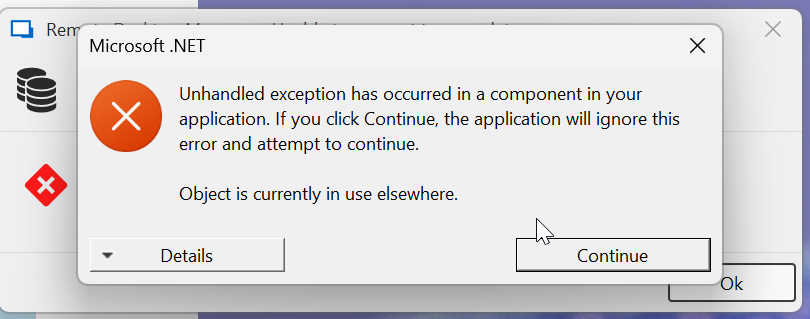
we now need to kil/restart RDM almost everytime we open this notebook. this makes RDM almost unusable..
c9dfe236-71e7-4b5e-988a-6cf7ff1b4e10.png
Hello,
Once you get this error again, could you provide us with the information in the Details section of the image from your last post?
This should help us identify the problem.
Thank you for your collaboration.
Best regards,
Érica Poirier
ok, and it gets even a bit worse. I just had the same problem with three RDP sessions open. When disconnecting from network RDM was stuck as usual, the RDP sessions trying to reconnect, cancel didn't work. Had to kill via task manager. Now RDM doesn't start and, not sure if releated, a remote desktop session is stuck unkillable. Had to restart notebook.
movie night: https://drive.google.com/file/d/1AiDZF8Fy7gnVAT_psL_NS7tGGGAU7GqN/view
Hello @perler,
We have successfully reproduced the issue where RDM is unable to restart, and it is currently under investigation.
In the meantime, you can enable this option the next time you open RDM to help mitigate the issue.
Additionally, we may have identified a solution for the multiple errors occurring when the internet connection is lost. This fix will be deployed shortly in the test environment.
Best regards,
422a7a9e-a9b9-45a4-87d6-c033529308a4.png