SFTP - File Upload Not Working

I'm trying to setup SFTP connections to manage some files shared with external partners. In the past these have all just been simple FTP connections, but now we are requiring the added security of SFTP. I have tried both FileZilla and the internal SFTP options and neither work.
FileZilla works if I open it up outside of RDM and create the connection and connect, but if I try to create the connection in RDM and have it open FileZilla either embedded or externally it won't connect.
After FileZilla failed, I decided I'd just use the built-in SFTP client. I set it up and it connects correctly and will create directories if I try to drag and drop content, but it won't copy files. I've turned on Verbose logging and this is the message I get.
LOG_TYPE_VERBOSE: 1-> stat request: /test/~_AccountDetail_2020-10-10-061640544.xml
LOG_TYPE_VERBOSE: New Data 153 bytes
LOG_TYPE_VERBOSE: 1<- status reply: no such file
LOG_TYPE_VERBOSE: 1-> open request: /test/~_AccountDetail_2020-10-10-061640544.xml
LOG_TYPE_VERBOSE: New Data 157 bytes
LOG_TYPE_VERBOSE: 1<- status reply: op unsupported
I'm not sure what I'm doing wrong with either setup and would appreciate any help you can provide.
All Comments (3)
Hello,
Thank you for contacting us on that matters,
Could you please let me know what is your RDM version and the database that you are using?
In the meantime, could you please send me a screenshot of the properties of your SFTP entry?
Best regards,
Tommy Sanders
Version 2024.3.28.0 (February 3, 2025)
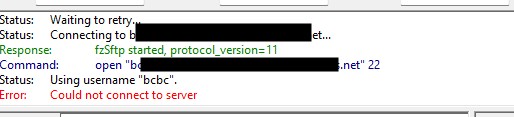
Below are screenshots of my setups for both internal SFTP and using FileZilla with the log screen from FileZilla.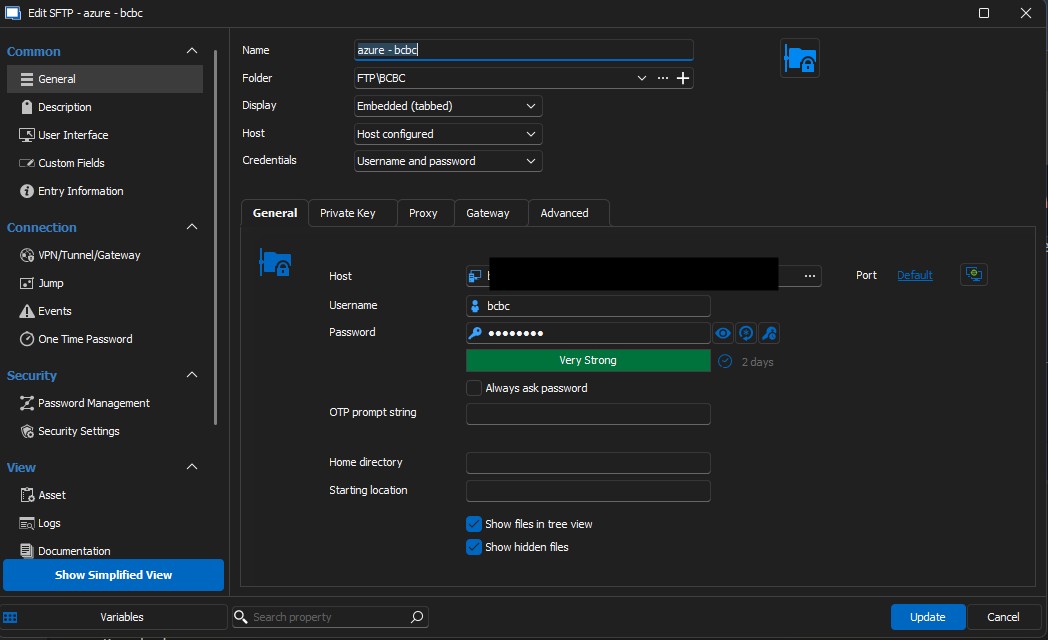
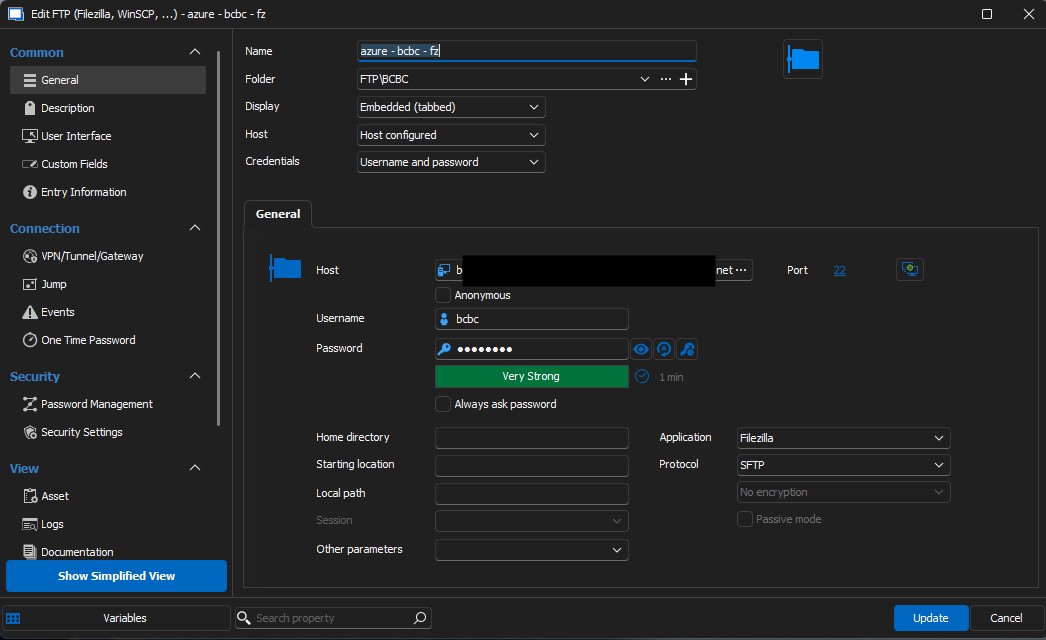
using internal sftp.jpg
fz.jpg
fz log.jpg
Hello,
Thank you for your response.
I have created a case for you and have sent a remote session request. Please let me know if you need any further assistance.
Best regards,
Tommy Sanders