Auto-Sign-in office 365 portal from RDM

Hi,
I am trying to set up Auto-Sign-in connection to the 365 portal from my RDM System
No matter what I do it doesn't work....
Can someone please help?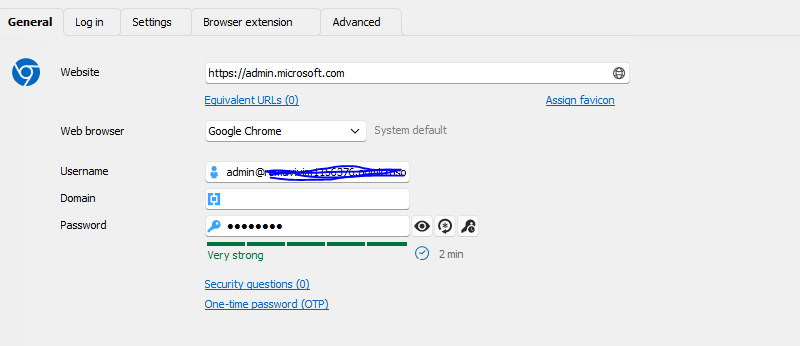
 .
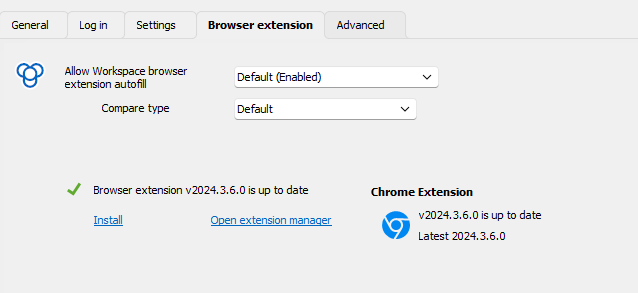
.
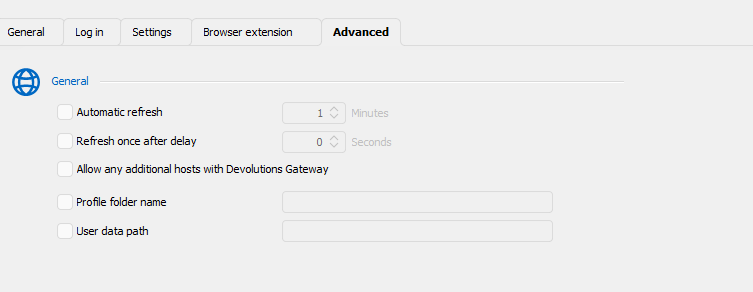
f28c0d47-ed85-4963-a97f-ef8edef9ede5.png
f3838bd5-4021-40e7-853e-726e627e5a94.png
84ce806f-ee31-458b-85f6-9b0c310f643d.png
218a5296-d914-4e6e-bfa0-2b3f9a405f3c.png
4d7d38be-b1de-4f8b-9f6c-a1e51f3e84a7.png
0a931fe2-375d-42f5-8ada-730f349eab0d.png
All Comments (4)
Hello
Thank you for contacting us on that matter,
Could you please follow the steps into this document and let me know if that helps?
https://docs.devolutions.net/rdm/kb/knowledge-base/website-authentication/
Best regards,
Tommy Sanders
Hi
I tried this process, it doesn't work
Do you have any clients for whom this works?
Thnak you
Sagi Pitsik
Hello,
Thank you for your follow-up.
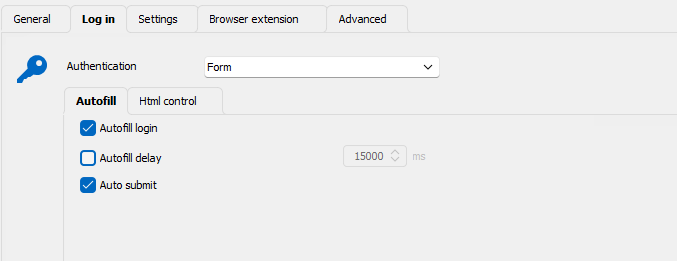
I recommend setting the Autofill delays to a minimum of 5000ms for the Microsoft admin webpage. You can adjust this under Properties > Log in > Autofill.
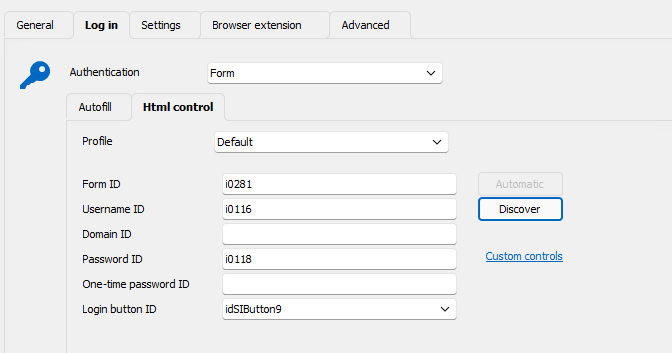
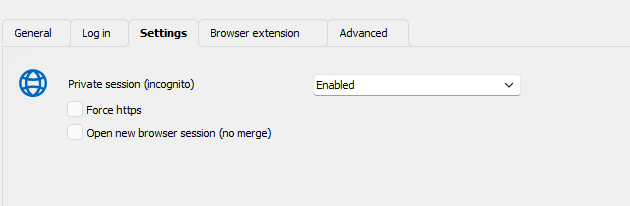
Based on your screenshot, the form appears to be correctly set up. The furthest the process will go is:
- Entering the email address
- Pressing "Next" for you,
- Entering the password.
Please note that you must manually press "Enter" to proceed to the 2FA (two-factor authentication) prompt. The system does not navigate to the 2FA prompt automatically, as there is a timer on that page. This precaution helps prevent authentication failures.
I hope this guidance is helpful.
Feel free to share your results or reach out with any additional questions.
Best regards,
Jacob Lafrenière
Thank you very much, I will try. :)