Skip This Version doesn't work.

Hi,
I'm on v2024.1.30 and keep getting notifications that .32 is available. I keep clicking Skip This Version but then I keep getting reminded about the update. Something seems to be broken with that button...
Thanks.
All Comments (13)
Hello,
Thank you for reaching out to the Devolutions Forum.
I am happy to help you. Could you please provide a screenshot of the message you are receiving?
Best regards,
Tommy Sanders
It's just the page that tells me there's a new version within RDM. I can click Install, Skip, or Reminder me later. I click Skip and the next day I get another notification.
Next time I get one I'll take a screenshot but I just updated yesterday so I don't know when the next version will come out.
Hello,
Thank you for getting back to me so quickly.
I am pleased to hear that the message has been successfully removed.
So then, I will close the forum for now.
If you have any further questions or require additional assistance on this matter, please do not hesitate to let me know.
Best regards,
Tommy Sanders
Well, the only reason it was removed is because I stopped clicking Skip this version and decided to just install and get it over with. Something was definitely broken in version 1.30 so someone should look into that to see if it's actually been fixed or not.
Hello,
Thank you for your response.
Please proceed with your suggested solution.
If the issue persists after updating to the most recent version, kindly inform me so we can conduct a further investigation.
Best regards,
Tommy Sanders
I was prompted to install version 2024.2.17.0 (currently on 16.0) yesterday and I clicked the Skip This Version button. When I logged in today, I was prompted again for the same version. The button doesn't seem to work properly.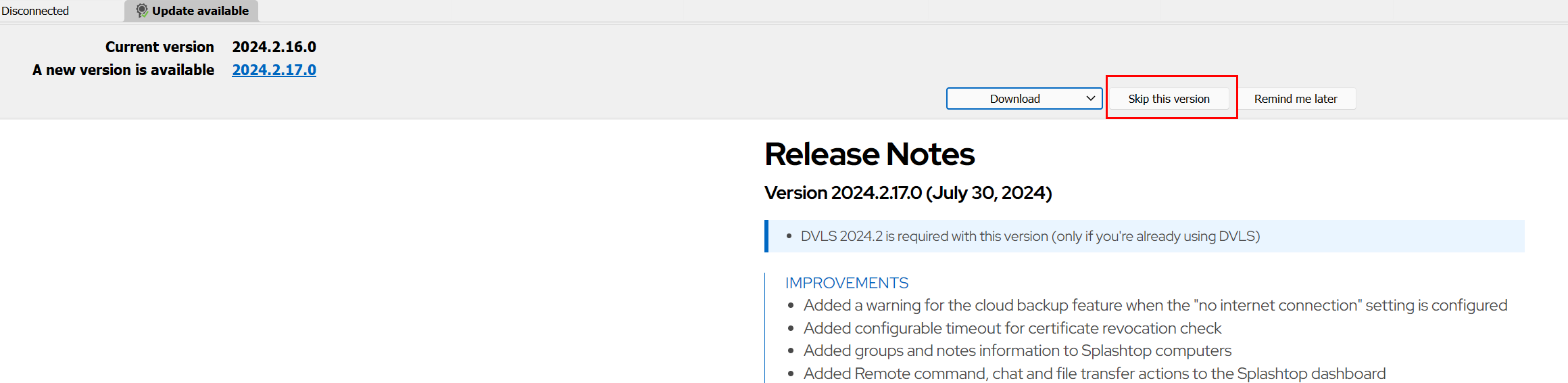
c2825550-20f2-4e96-be9e-f7cd4340262c.png
Hello,
I'm investigating this issue. Could you verify the content of remotedesktopmanager.cfg? Usually, it's located in %localappdata%\Devolutions\RemoteDesktopManager
Please let me know the value of the element "CheckForUpdateVersionToSkip".
Regards
David Hervieux
Got prompted for the update again today.
I see this in the file:
<CheckForUpdateVersionToSkip>2024.2.17.0</CheckForUpdateVersionToSkip>
And got this prompt again this morning.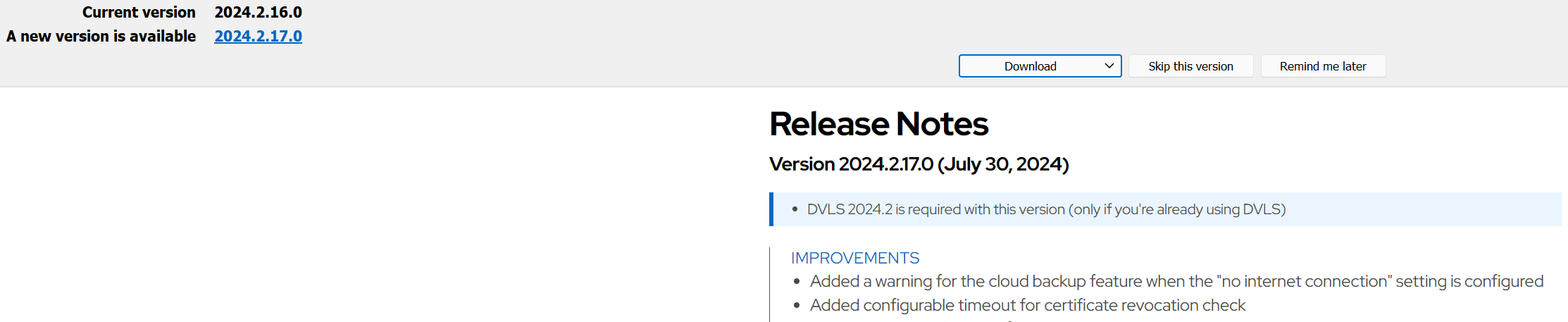
f12c9742-14f4-4e02-9201-a287e5917dd3.png
Hello,
It seems that the skip version is saved. I'm unable to reproduce it. Could you post you Auto update settings please?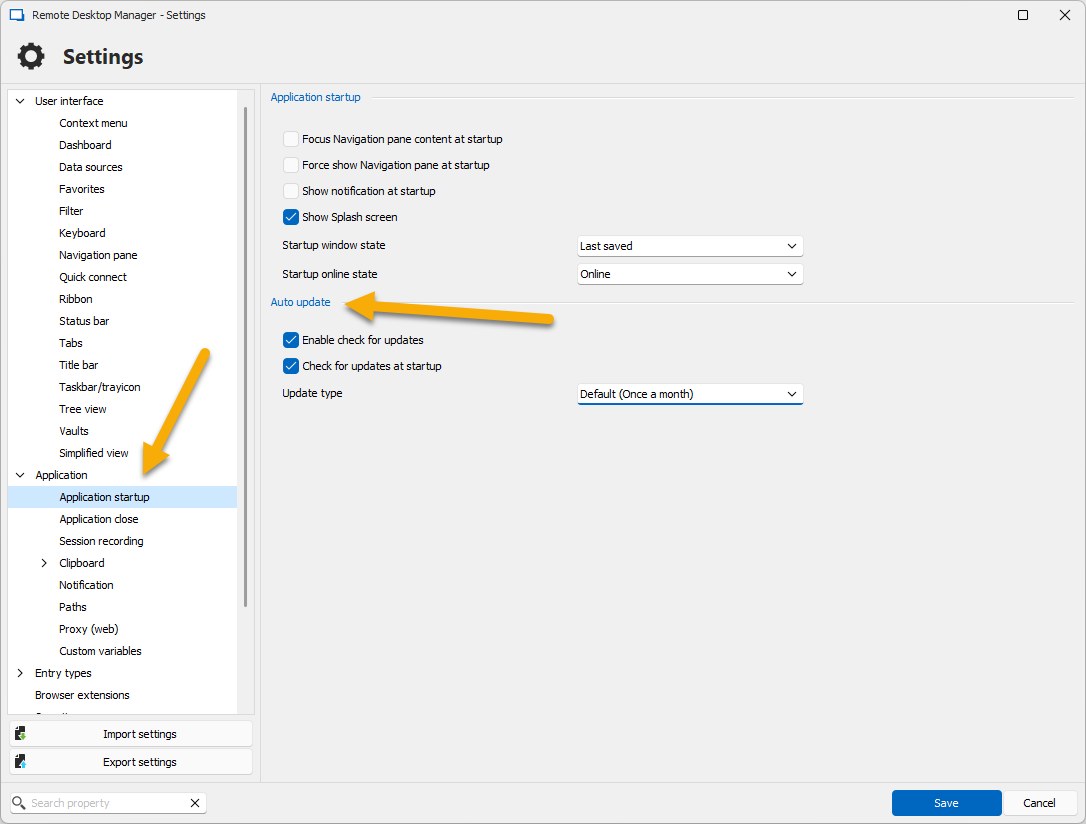
Regards
David Hervieux
8e674a6a-0438-4968-9a88-189614a9a47d.png
This is what I have under Startup. However, I don't ever close RDM so the application is never actually "Starting Up" on a daily basis. It's open from the day before and must just periodically do an update check when it's open.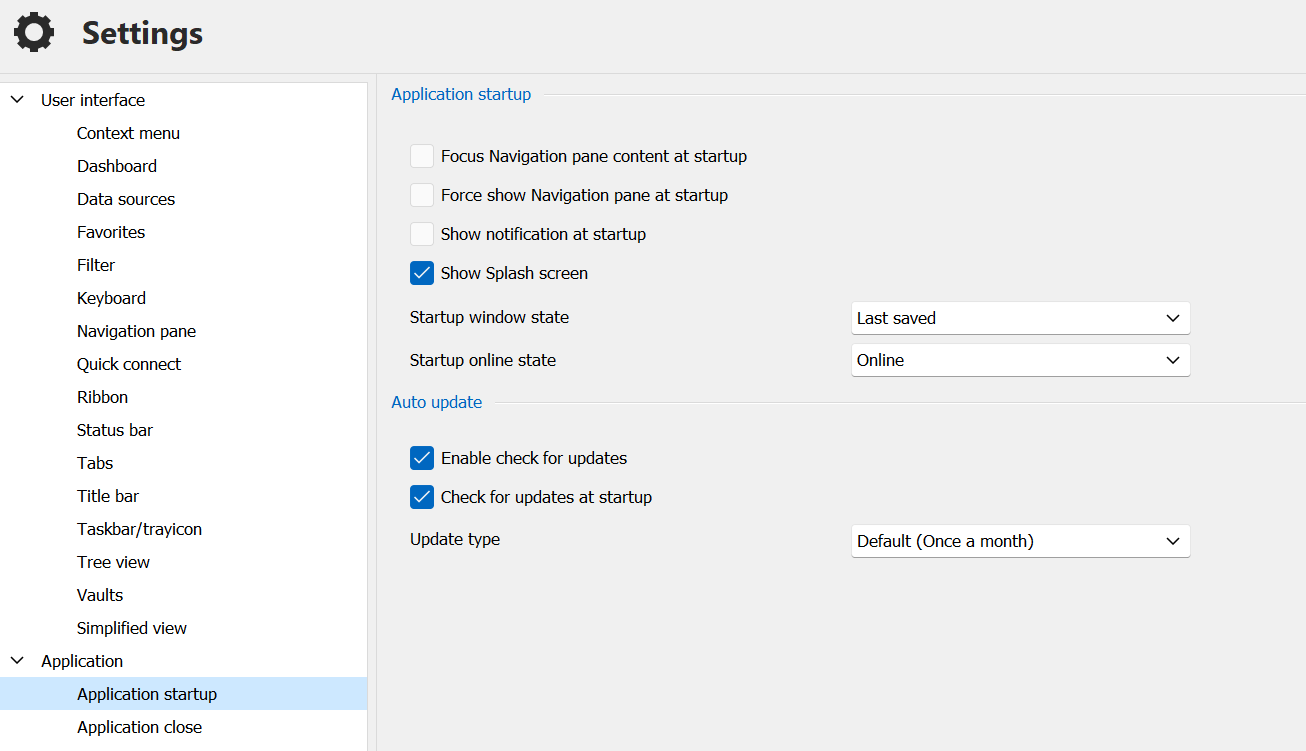
88fa7538-9122-4992-b0d2-08f39df113f4.png
Hello again,
I looking directly into the code and I'm don't see why this is happening for you. The only thing left is the GPO. Could you verify the policies in diagnostic? Just type updating and verify if you see a green checkbox please.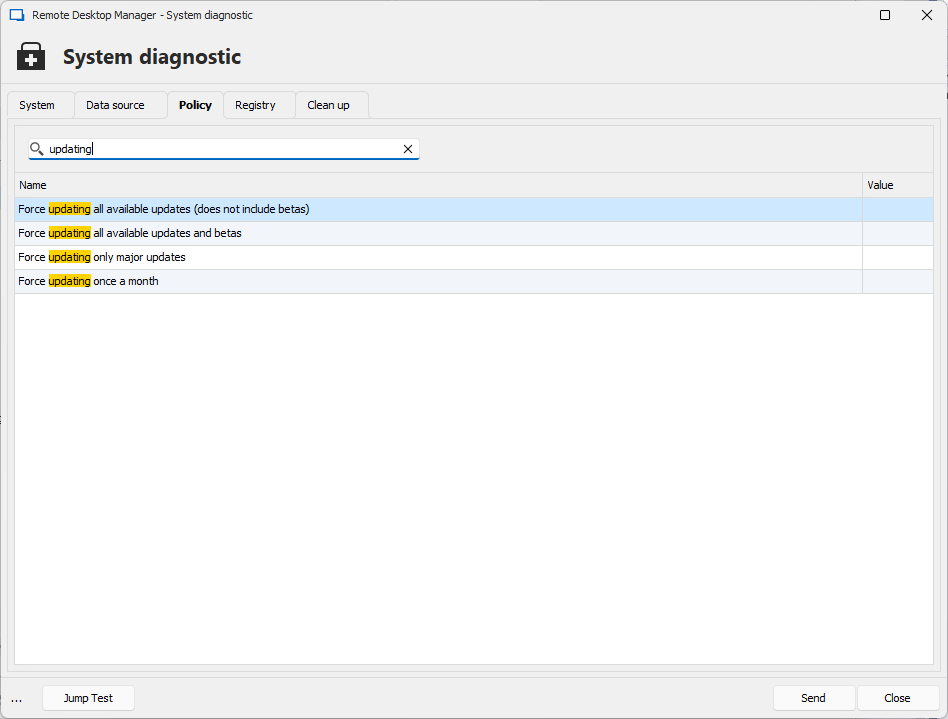
Regards
David Hervieux
13cde62c-607a-417a-bc39-46ff7b8751aa.png
I see the same thing as you show.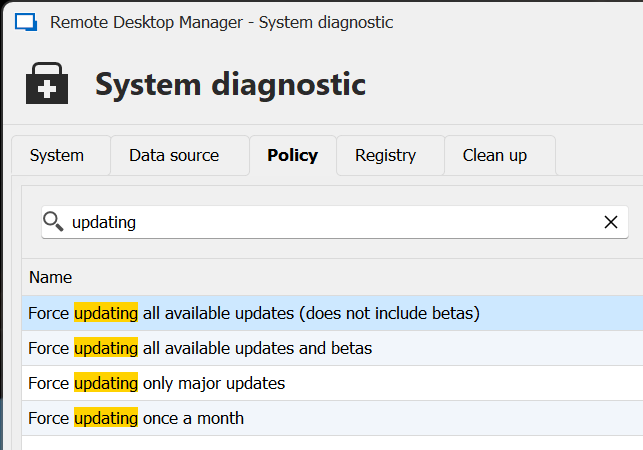
Maybe it's just something with my install. Normally I just install updated as soon as I see them. But sometimes I'm in the middle of something so if the release notes don't look like anything urgent for me, I do the Skip. I was then surprised when I got the same prompt the next day.
5fb4828b-a660-4858-90fa-8a91268138ee.png
Hello,
We have an automatic version check every 12 hours, and this seems to be what triggers the notification. I will add a setting to make it optional, so you will not be annoyed. I will also try to figure out why you receive it even if you have the 'Skip version' set.
I'm really sorry about that; these are the kinds of details that are very annoying.
David Hervieux