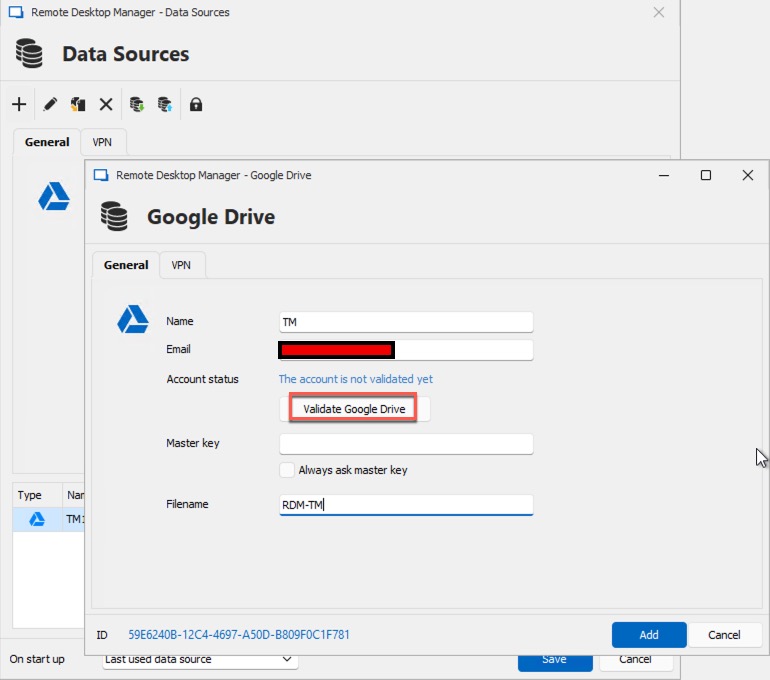
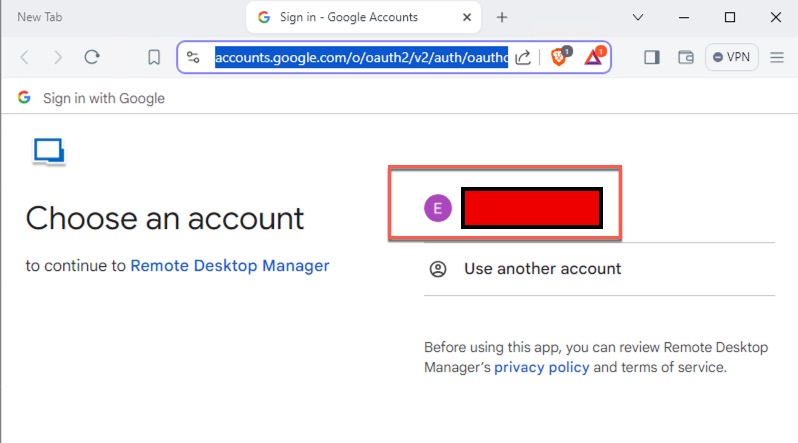
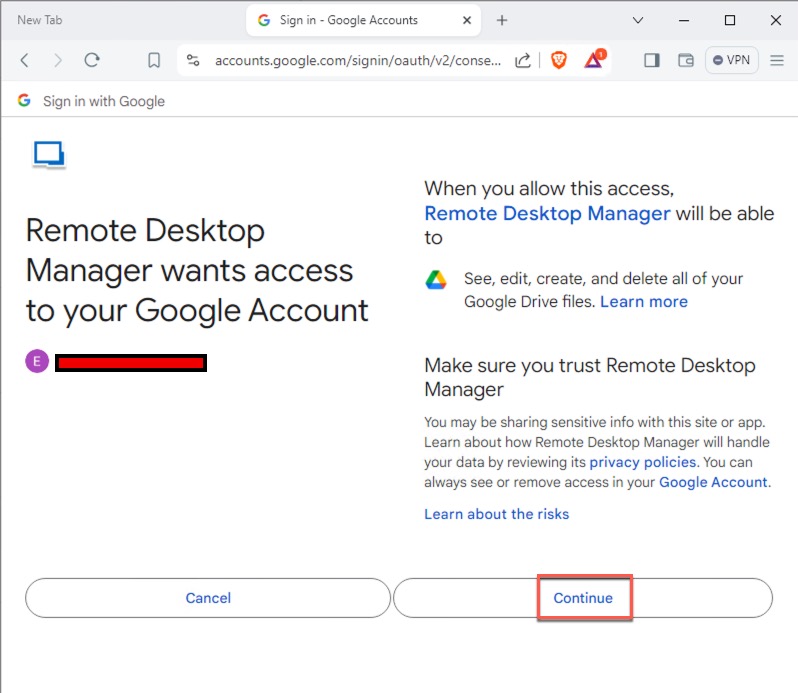
data source: validating google drive is not working when using web proxy
data source: validating google drive is not working when using web proxy

RDM version: 2024.1.32.0 64-bit
OS version: Windows server 2022 datacenter edition
the data source: google drive was working previously until upgrade to 2024.1.32.0. I dont record the working RDM version, but it was installed 6 or 8 months ago and was upgraded last Friday manually and reinstall again today.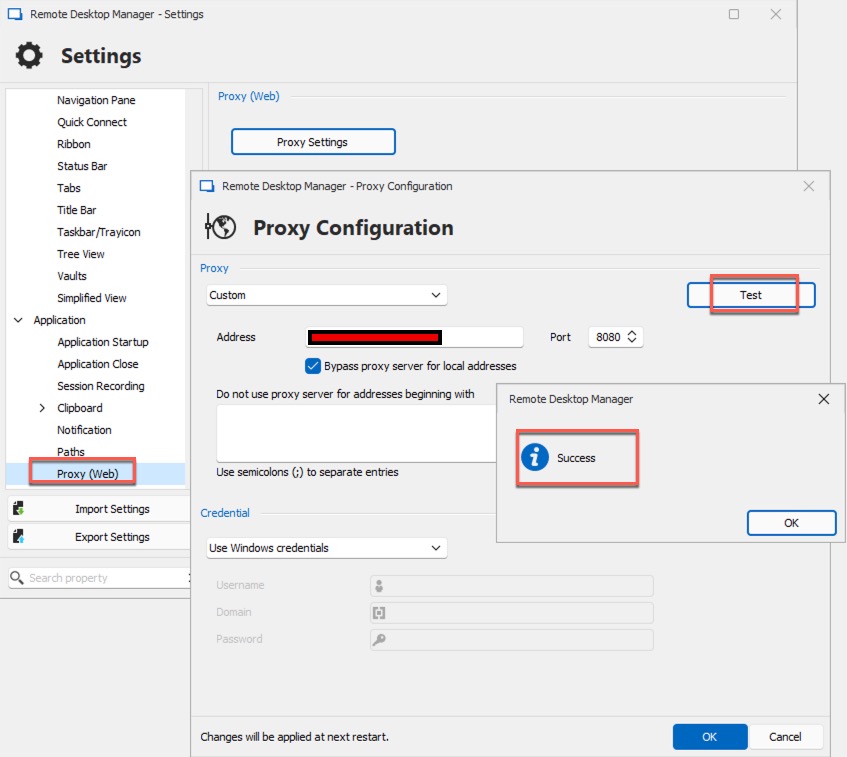
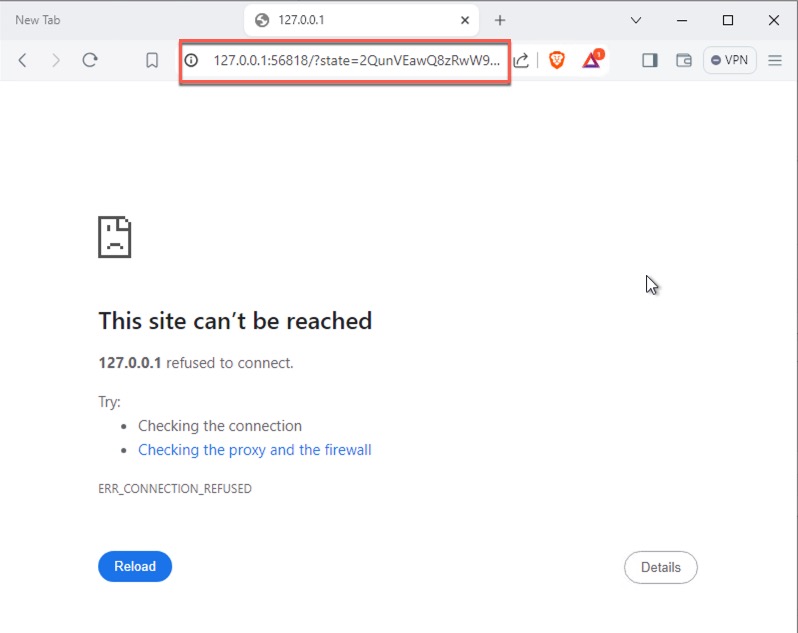
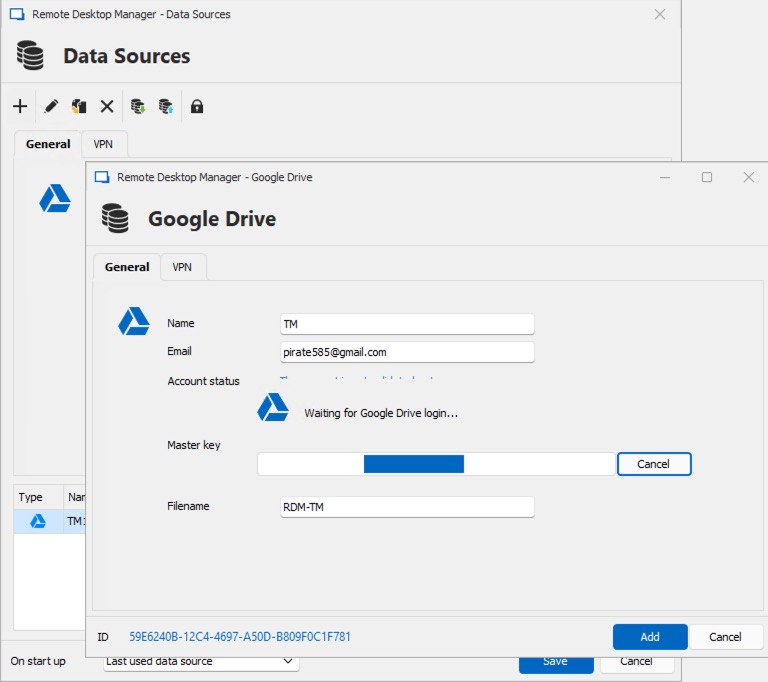
2024-06-17_14-57-44.jpg
2024-06-17_14-57-26.jpg
2024-06-17_14-57-08.jpg
2024-06-17_14-56-52.jpg
2024-06-17_14-56-28.jpg
2024-06-17_14-51-30.jpg
All Comments (11)
rollback to 2023.3.35.0 64-bit to fix the issue
Hello,
Thank you for your question.
I have replicated the issue on my end and logged a case with the developer for further investigation.
I will inform you as soon as I receive a response from them.
Best regards,
Tommy Sanders
Hello,
I hope this message finds you well.
After talking with the developer, they suggested updating the RDM version to 2024.2.8.0, which could solve the problem.
Your prompt attention to this matter would be greatly appreciated.
Thank you for being so cooperative.
Best regards,
Tommy Sanders
here're the steps that I performed (order by time)
- uninstall RDM 2023.3.35.0
- install RDM 2024.2.10.0 (set http proxy to custom). The result is unable to load file from google drive as data source
- close RDM 2024.2.10.0, run RDM 2023.3.35.0 portable/binary version. The http proxy is still set to custom and I can load file from google drive without any issue
- close RDM 2023.3.35.0 portable/binary version. Run RDM 2024.2.8.0 portable/binary version, same result as 2024.2.10.0. Unable to load file from google drive
Hello,
Thank you for your response.
I am curious about the reason for using a proxy. Is it essential for your setup?
When I replicate your issue without the proxy, it works on my side with any RDM version.
If it is unnecessary, try running without the proxy to see if it works correctly. This will help us determine if the issue is related to the proxy.
Best regards,
Tommy Sanders
http proxy is mandatory required to access the Internet in our environment. We are using Squid as the http proxy
I also did additional tests to include devolution personal hub
- RDM 2023.3.35.0
- proxy "system default": data source: both google drive and devolution personal hub works
- proxy "custom": data source: both google drive and devolution personal hub works
- RDM 2024.2.8.0
- proxy "system default": data source: both google drive and devolution personal hub not working
- proxy "custom": data source: both google drive and devolution personal hub not working
just want to update some news
I have a Windows 10 PC at home and install RDM 2024.2.11.0 on it. The RDM on my PC works well with proxy "custom" setting to load the RDM config from google drive so I guess this problem can be isolated to Windows server only. Just FYI
Hello,
Thank you for providing the information.
I will let the developer know about this.
Once I receive a response, I will get back to you.
Best regards,
Tommy Sanders
Hello,
Thank you for your patience. I have received a response from the developers. Could you please follow these steps:
- Click on the File tab.
- Click on Settings at the bottom.
- Click on Application on the left.
- Click on Proxy (web).
- Click on the Proxy Settings button.
- Uncheck the ‘Bypass proxy server for local addresses’ option.
.png)
Please let me know if this resolves your issue.
Best regards,
Tommy Sanders
image (1).png
Hi Tommy,
Unchecked the checkbox "Bypass proxy server for local address" and the result is the same. Still unable to load data from google drive.
Regards,
Eric
Hello Eric,
Thank you for your response.
I am still in communication with the developers to find another solution. I will get back to you as soon as possible.
Best regards,
Tommy Sanders