! Cannot access my vault - Please contact your administrator to request an invitation
! Cannot access my vault - Please contact your administrator to request an invitation

I installed RDM on a new computer and changed my password.
Now, when I try to open RDM in the old or the new computer, browser window opens and authorizes successfully and then, within RDM, I get this: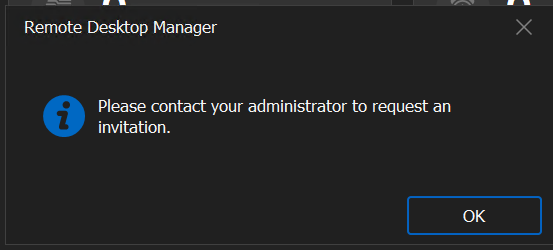
Please, help.
- Petre
12fd87ef-d8a8-4c40-8ca9-07cfc8cda868.png
All Comments (14)
Hello,
Thank you for getting in touch with us. To better assist you, could you kindly provide us with the following information:
· Your RDM version.
· The operating system you are using and is version.
· The data source you are utilizing and is version.
· Are you using active directory to connect to the data source?
· Did you ask your administrator to send you an invitation?
· Any additional information you believe might be relevant.
Once we have this information, we will be better equipped to diagnose and resolve the issue.
Best regards
Carl Marien
Hello, Carl.
Please find answers to your questions below:
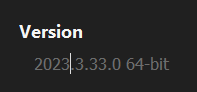
· Your RDM version - 2023.3.33.0 64-bit
· The operating system you are using and is version - Windows 11 Pro, OS Build 22631.2861
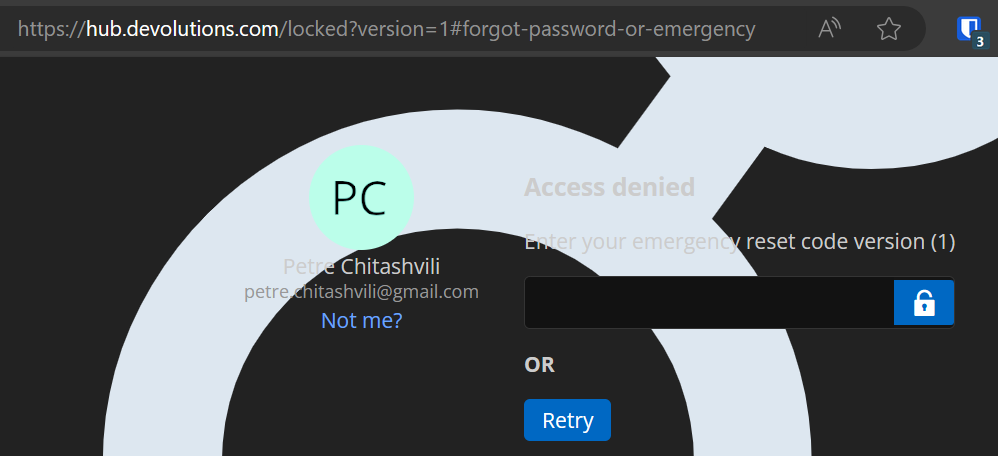
· The data source you are utilizing and is version - Devolutions Hub. When I open hub.devolutions.com, it shows "Access denied" and asks me to enter emergency / reset code version (1)
· Are you using active directory to connect to the data source? No, I'm not using an active directory to connect to the data source.
· Did you ask your administrator to send you an invitation? I am the only user.
· Any additional information you believe might be relevant. User seems to be locked? (based on this URL I'm being redirected to: https://hub.devolutions.com/locked?version=1#forgot-password-or-emergency)
23b47b81-b0b1-4305-a679-c3daf8963776.png
cb0761df-005a-4200-98e9-8cb578b3b966.png
Hello,
Now that I understand you are using Devolutions Hub Personal, it's important to use your emergency reset code in this situation.
Unfortunately, if you do not have your emergency reset code, we are unable to assist further. The only option would be to delete your current Devolutions Hub and create a new one. Please be aware that this process will result in the loss of all existing data.
If you have any additional questions or require further support, please feel free to contact me. I'm here to help in any way I can.
Best regards,
Carl Marien
Hello, Carl,
Where do I find the emergency reset code? I don't recall having been presented with it when migrating to the Hub from my older Devolutions Online Drive account.
- Petre
Hello,
you should have been prompted to download the emergency reset code during your verry first connection to the Devolutions Hub Personal.
Best regards,
Carl Marien
Hello, Carl.
What extension should the file have, if it is a file? Could I have chosen to send it to my email address?
Why is it not possible to recover my existing account without the reset code?
Thanks
Found the Emergency Kit, recovered my account. Thank you for helping out, Carl!
Hi,
i'm facing a similar issue as per the previous user.
How or where do i get access to the Emergency Kit ?
I login to my account through the web but i don't see an option to access the emergency kit ?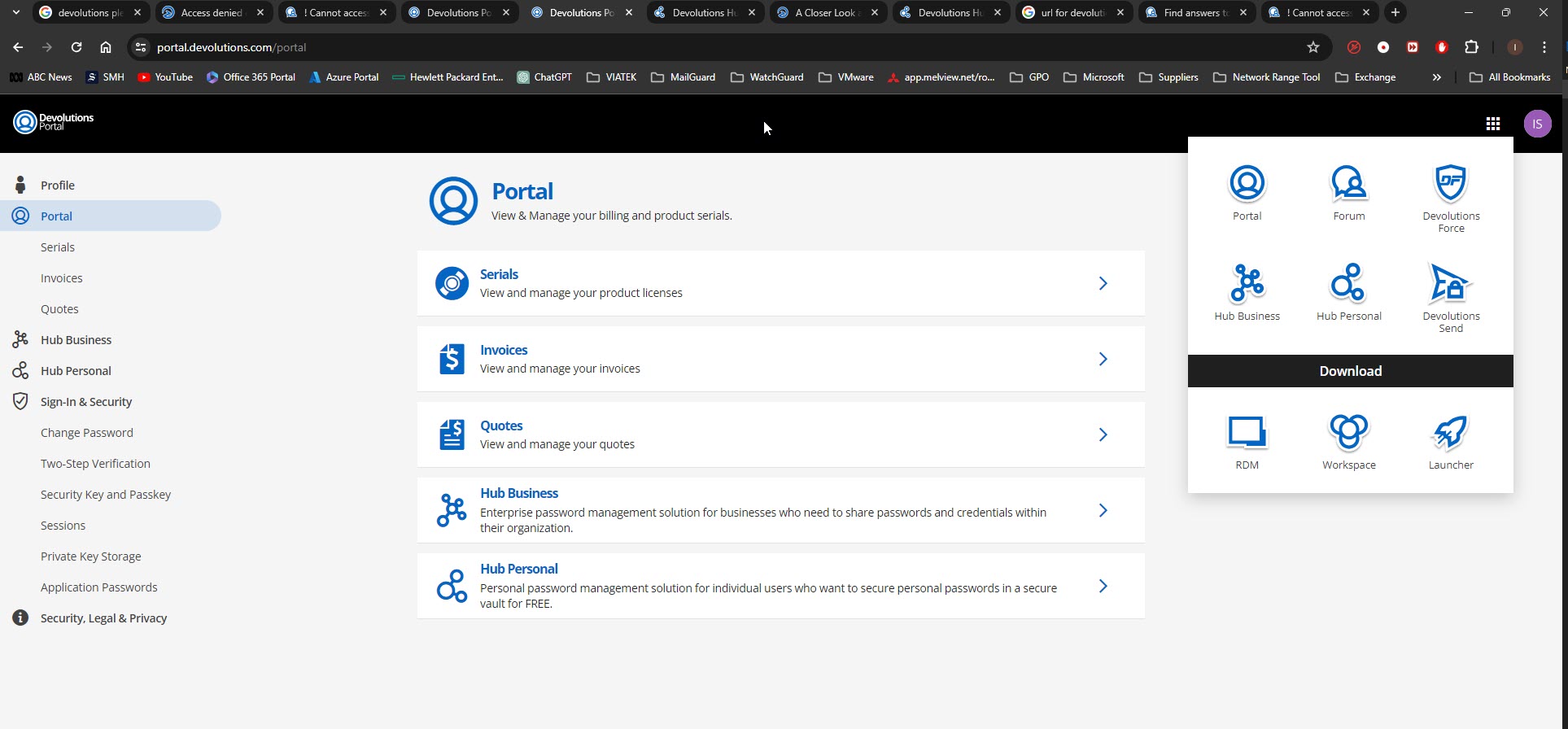
Devolutions - Emergeny Kit v1.jpg
Hi,
i should mention, my account is Hub Personal
@ian_salgado,
The emergency kit is provided to you at the creation of your Hub Personal. If you didn't save it at that time, there's no way to find him.
What is the message that you get when you navigate on https://hub.devolutions.com ?
Best regards,
Jeff Dagenais
Hi Jeff,
this is the message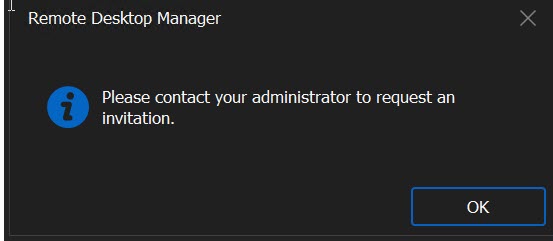
Devolutions - Emergeny Kit v2.jpg
Hello,
I validated the 2 emails address that you have used to post here and none of them have a Hub Personal configured under them.
Are you using Devolutions Hub Business with your organization instead?
If yes, make sure that you are running RDM 2024.1.27.0
https://devolutions.net/remote-desktop-manager/home/download/
Best regards,
Jeff Dagenais
the email address should be
xxxx@outlook.com = Hub Personal
to get around this, i created a new account under xxxx@gmail.com
i had previously saved all my rdp connections to a local file (*.rdm) which was lucky
my the new account, i got the emergency kit as well & save it in a safe place
I was able to restore the rdp session with the *.rdm file
I delete the previous data source from RDM (account should still be active)
cheers
Hello,
For security reasons, I edited your previous post to removed sensible information's inside of it.
Glad that is now working and that you have been able to restore your sessions with a backup.
Best regards,
Jeff Dagenais