Use LastPass as a credential repository

Hi, I have been looking at this manual to configure Keepass as Credential repository (https://blog.devolutions.net/2016/07/how-to-integrate-your-password-management-software-into-remote-desktop-manager/), but I can't configure LastPass, can anyone help me? 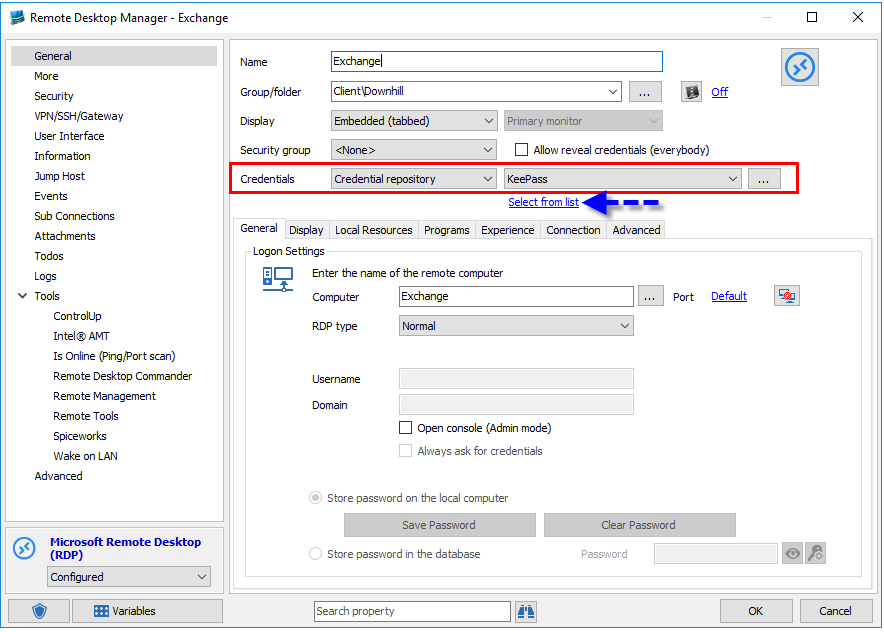
I have seen that there is an option to add a password and associate it with a host, but what I want is to select from all my vault. Because if I have to go one by one adding all the credentials it is not very operational.
57d9ecbb-9376-43fa-a1bc-a0385ed66ce5.png
All Comments (7)
Hello,
which RDM version and data source do you use?
Regards,
Min
Hello,
thank you for your reply.
My data source is a SQL server and my version is 2023.3.24
Hello,
you should be able to add a LastPass credential entry: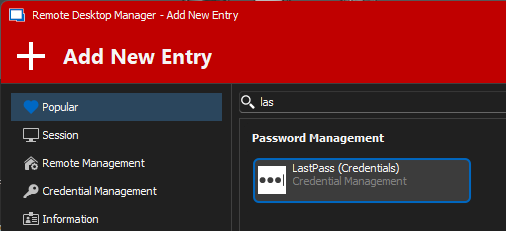
Afterwards you can link this credential at Folder / Vault level and configure the credentials from all children with the Batch Edit feature to Inherited.
https://docs.devolutions.net/rdm/windows/concepts/intermediate-concepts/inheritance
In this case all your sessions will use the linked credential from the top level Folder / Vault.
Regards,
Min
133bf4ad-c054-4704-84c8-2c2da86ceba0.png
Yes, I would know how to do that, but my servers have different passwords. Isn't there some way to put LastPass as a credential repository like KeePass?
Hello,
If you configure the LastPass entry to "Always Prompt with List", select the "Linked Vault" option in your RDM session entries options, and link it to the LastPass entry, it will always prompt with your LastPass list when launching the connection.
You can equally choose to import your LastPass entries as a .csv file into RDM by using the LastPass option under File > Import > Login
Best regards,
Yes, that's what I needed. Thank you very much.
Hello,
My pleasure !
I'm very glad to read that this helped you.
Best regards,