SSH issues Sonoma 14.0

Hi, I am having SSH issues with RDM Version 2023.2.10.3 running on Sonoma 14.0
When connected to an SSH season arrow keys are not working, and I cannot "control c" to break out of a command. Assuming the control and arrow key is not correctly passed to the season.
I have opened several ssh sessions to different boxes, all the same, and have testes with the native osx terminal, which is working, as well as iTerm.
Any pointers to get this working?
All Comments (17)
Hi,
Did the issue starts after updating to Sonoma? Or after updater RDM Mac to 2023.2.10.3?
Best regards,
Xavier Fortin
after updating to 2023.2.10.3
If you rollback to the previous version (2023.2.9.2), does it resolve your issue?
Best regards,
Xavier Fortin
Installed and ran version 2023.2.9.2, which had the same behavior. 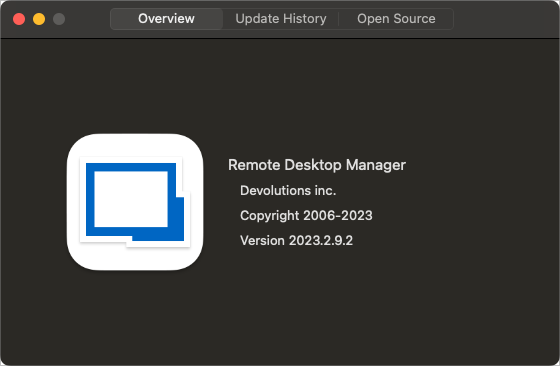
2023-09-27T13.03.38.png
This is probably a problem with Sonoma then. I'll open a ticket to investigate this.
Best regards,
Xavier Fortin
I also just noticed in RDM that any keyboard shortcuts are not working
Like ⌘+, for settings and ⌘+H to show/hide the window. But those commands are working in other apps, I'll await your reply on the Sonoma investigation.
I know better than to update something on day one. :(
Thanks for your help.
Hi,
We've tried to reproduce your issues, with both a M2 Sonoma MacBook and a Intel Sonoma MacBook. In either case, we do not reproduce. We may need more information.
Can you confirm the processor of your device (Intel or M1/M2)? What is your keyboard layout? Are you possibly using any third party software that would get in between the keyboard input and other applications (e.g. a shortcut manager)? Did you, in any way, modify the key modifiers (switching any of the Shift, Ctrl, Command, Alt with any others)?
Best regards,
Xavier Fortin
It's a M1 MBP, No keyboard software rocking a Keychron v10, and I have the same issue with the built-in keyboard.
Everything else is working normally, and I tested ssh sessions in terminal and iterm and everything worked as expected. So it's not the key modifiers. as control, option, and ⌘ are working normally in all other apps. it's only when in an SSH session in RDM that this issue happens.
is there a way to reset all settings in RDM to default?
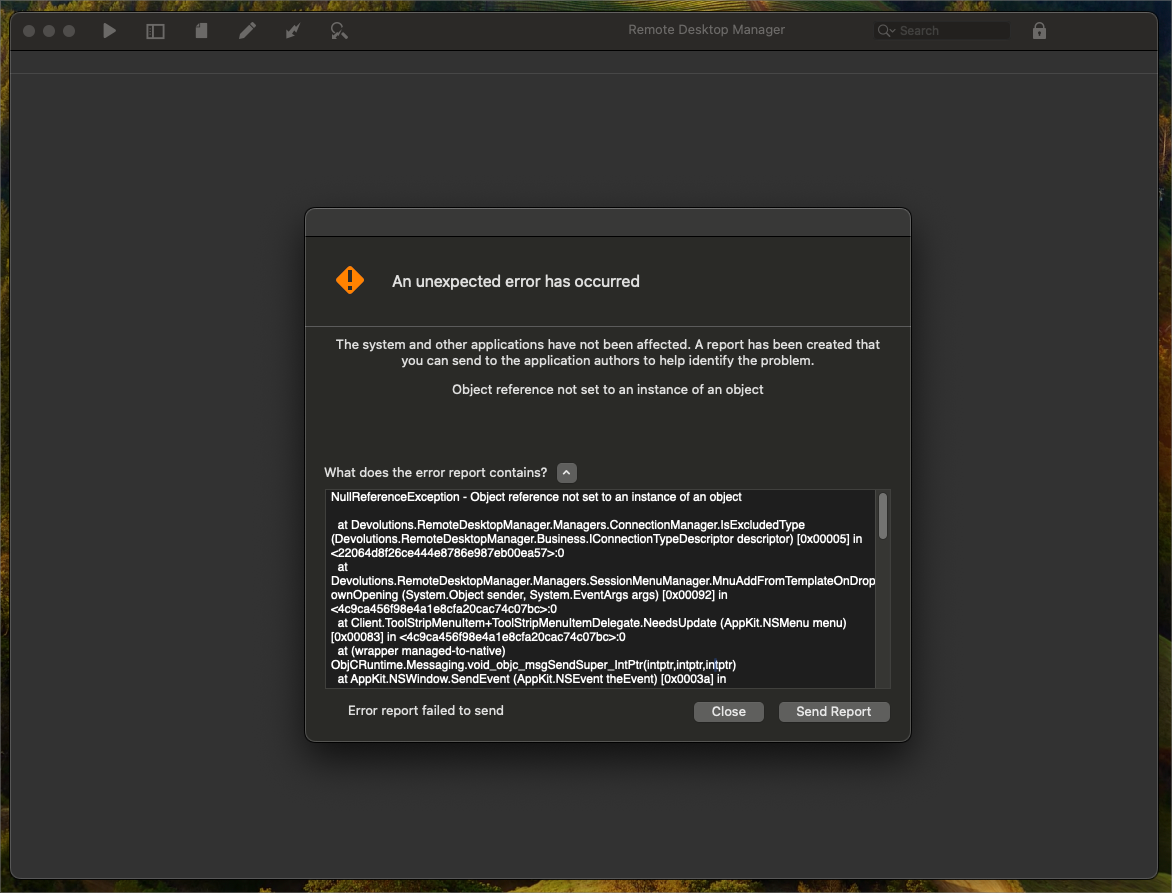
2023-09-27T22.49.31.png
Hi,
Yes it's possible. While RDM is closed, delete the two following files:
~/Library/Application Support/com.devolutions.remotedesktopmanager/RemoteDesktopManager.cfg
~/Library/Application Support/com.devolutions.remotedesktopmanager/RemoteDesktopManager.ext
As for the error, do you remember what you did when it occurred? If you can reproduce, can you send the report?
Best regards,
Xavier Fortin
That being said. I personally updated to Sonoma last night and I seem able to reproduce your issue (and clearing the option files don't seem to solve much). So I will start investigating this.
Best regards,
Xavier Fortin
If I clear the entirety of the application configuration folder (~/Library/Application Support/com.devolutions.remotedesktopmanager/), it does solve the issue though.
If you do so, I suggest renaming the folder to preserve a backup. You will also need to reconfigure your data source.
Best regards,
Xavier Fortin
Well, I have some good news. I have found the issue and fixed it internally. The next version will have a fix for this.
Best regards,
Xavier Fortin
Awesome, Ill look for that in the next few days.
I am glad that I did not wipe all my settings.
Hi me6,
The new version of RDM Mac (2023.2.10.4) is now available with a fix for this. Please, do tell us if the issue persists.
Best regards,
Xavier Fortin
Issues Resaved.
Hi me6,
Just to confirm, did your mean issue resolved? I just want to make sure 😅
Best regards,
Xavier Fortin