What does "User Default Vault" do...?

Hello,
While searching for my other Topic I found this: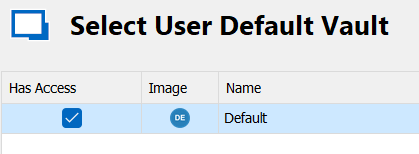
What does "Has Access" do/change if I disable it?
As we only use Personal Vaults maybe this setting could help in our setup, if I know/understand what it will do...
Thanks a lot for your help!
Brgds Andreas
eabd09d4-c98b-4842-969a-4e47b4889151.png
All Comments (6)
Dear Andreas,
When you first install your DVLS, the Default Vault is automatically created as the main vault. However, if you do not plan to use this vault, you can uncheck the option to prevent your user from accessing it. This permission can also be applied to all of your vaults in both DVLs and RDM.
Best regards,
Patrick Ouimet
Hello,
we only use RDM with a central SQL Database - we don´t have DVLS...
At the moment when I provision a new user, I have to manually remove his permissions for the Default Vault. If I change this setting, would this mean that a new user automatically has no permissions and I must not remove him?
Brgds Andreas
Hello Andreas,
By default, the permission in RDM allowed all you users to use your vault.
If you want to change this permission on this vault, go to Administration -> Vault Setting -> Inherited Permissions -> and set the permission to never.
By doing so, all your users will only see the vault in the list but will never have access to it.
Best regards,
Patrick Ouimet
Hello,
I already did Administration -> Vault Setting -> Inherited Permissions, but I also remove the access from each user manually while provisioning.
So what will happen, when I also remove the "Has Access" checkbox?
Brgds Andreas
Hello Andreas,
If you set the permission to never and uncheck the Has Access to the vault, even the newly created user will have the same configuration as the other users.
There will be a message saying No shared vault available, but the user vault is still available.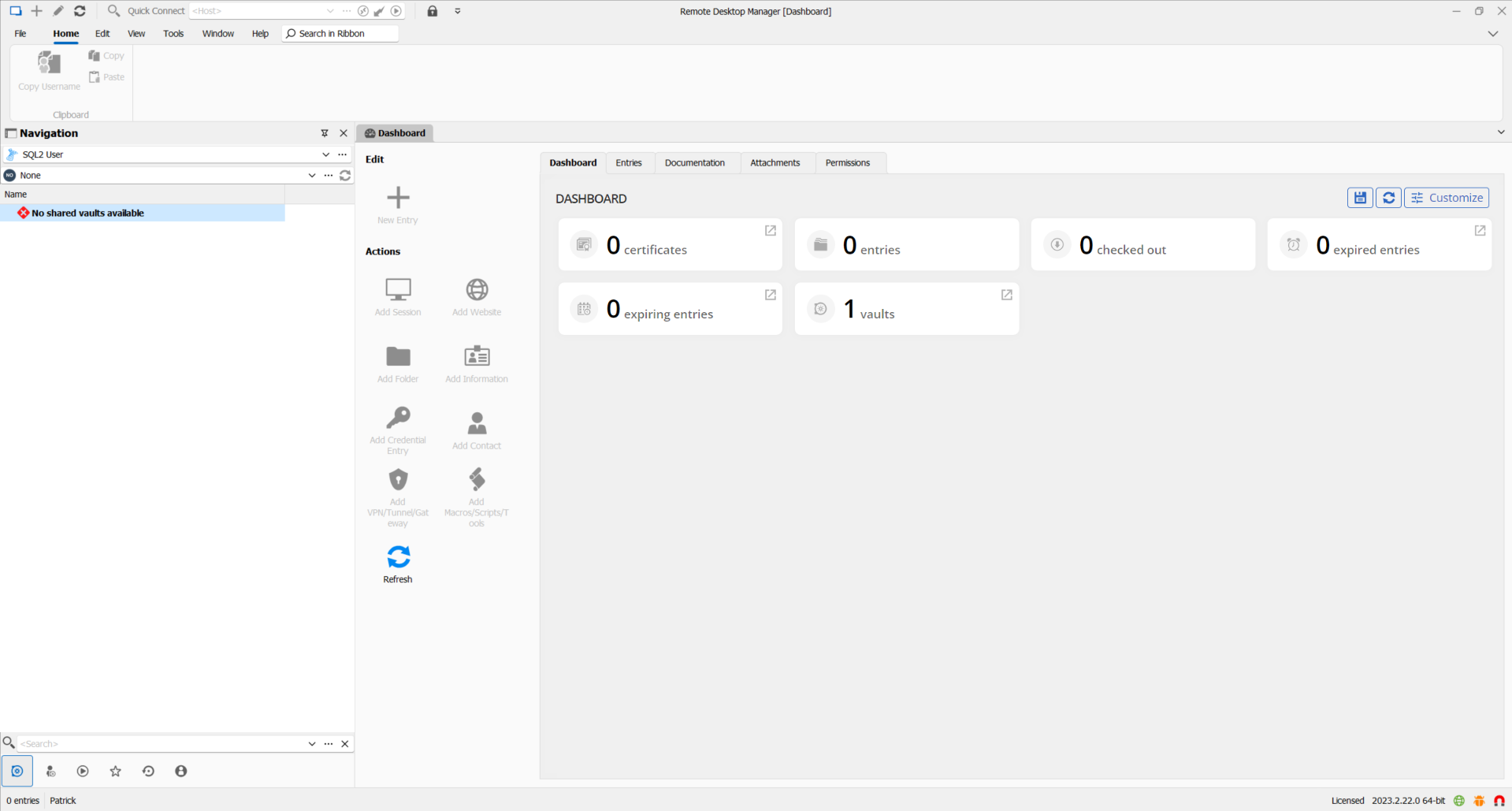
Best regards,
Patrick Ouimet
users.png
Hello,
Thanks, but in the meantime I figured out, that this is not a good idea if you want to use offline...
"Go Offline" only available for my own user...? (devolutions.net)
Brgds Andreas