Error when Admins only sign into Devolutions

Only when our 3 devo admins sign do we get this error shortly after log in, and there are many of them. 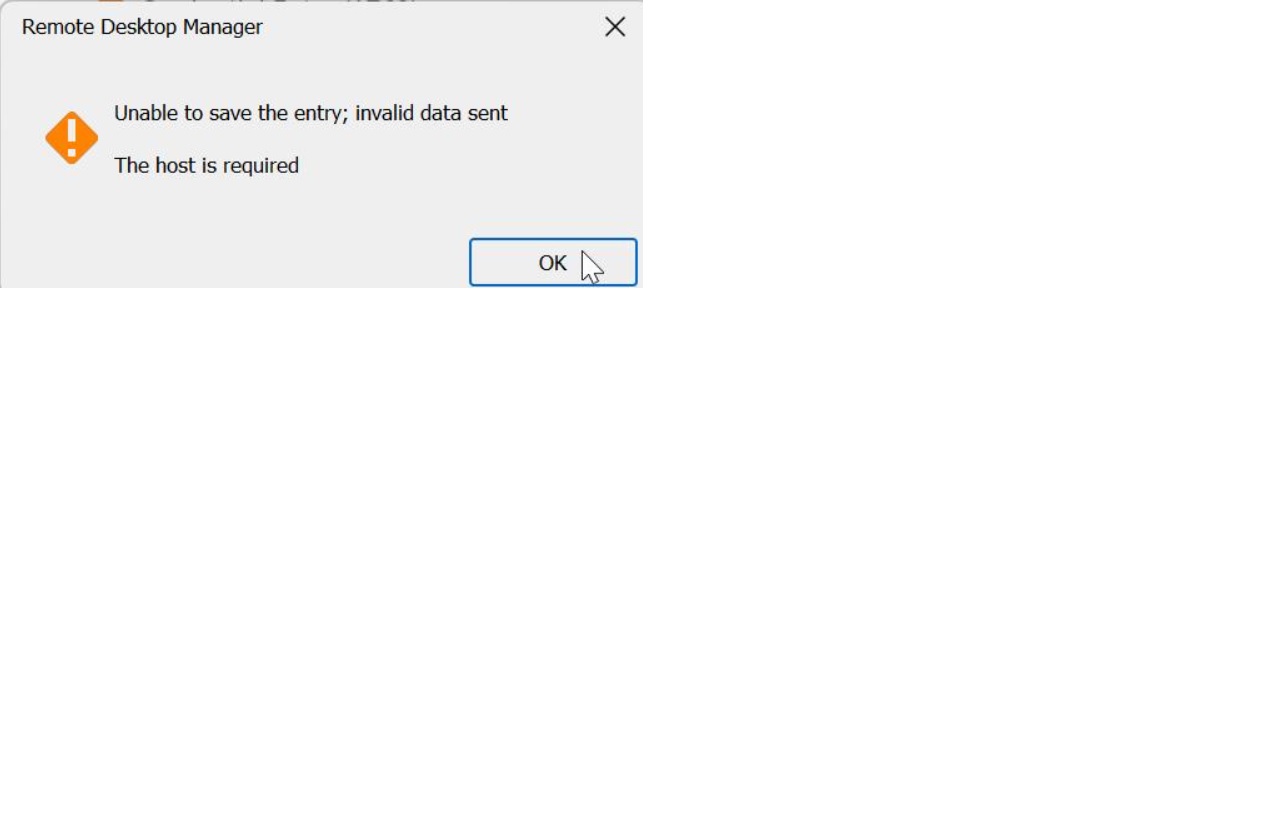
devoissue.jpg
All Comments (13)
Hello,
Thank you for contacting our service desk. To better assist you, we require the following information:
1- What version of RDM are you presently running?
2- What type of data source are you currently using? If it’s Devolutions Server (DVLS), please indicate to us the version that you are using.
Best regards,
I am running 2023.2.9.0 64-bit
Datasource is DVLS and is running: 2023.2.2.0
Hello,
Could you please describe the steps so we can try to replicate the issue? Are you trying to save an entry, or modify one? What type of entry?
Best regards,
Richard Boisvert
It just happens at startup
I'd be happy to show you
Hello,
That error comes directly from Devolutions Server. Could you confirm the following:
- Are all the admins using different accounts or the same one?
- What type of authentication are you using (domain, AzureAD, Okta, custom)?
- Do you have an issue when connecting to the web interface directly?
Best regards,
Richard Boisvert
We all use different accouns.
Domain authentication.
And no issues connecting to web interface.
Hello,
Could you please increase your debug level to 3 - https://docs.devolutions.net/rdm/windows/commands/help/support/application-logs/#increasing-the-debug-level
Replicate the issue, and then send us your applications logs to service@devolutions.net - https://docs.devolutions.net/rdm/windows/commands/help/support/application-logs/#report
Please mention the forum thread URL in your email, and you can put your debug level back to 0 after.
Best regards,
Richard Boisvert
Done. I also noticed this thread. this issue has been persistent since I did a data source import and export some months ago.
https://forum.devolutions.net/topics/34953/import-error
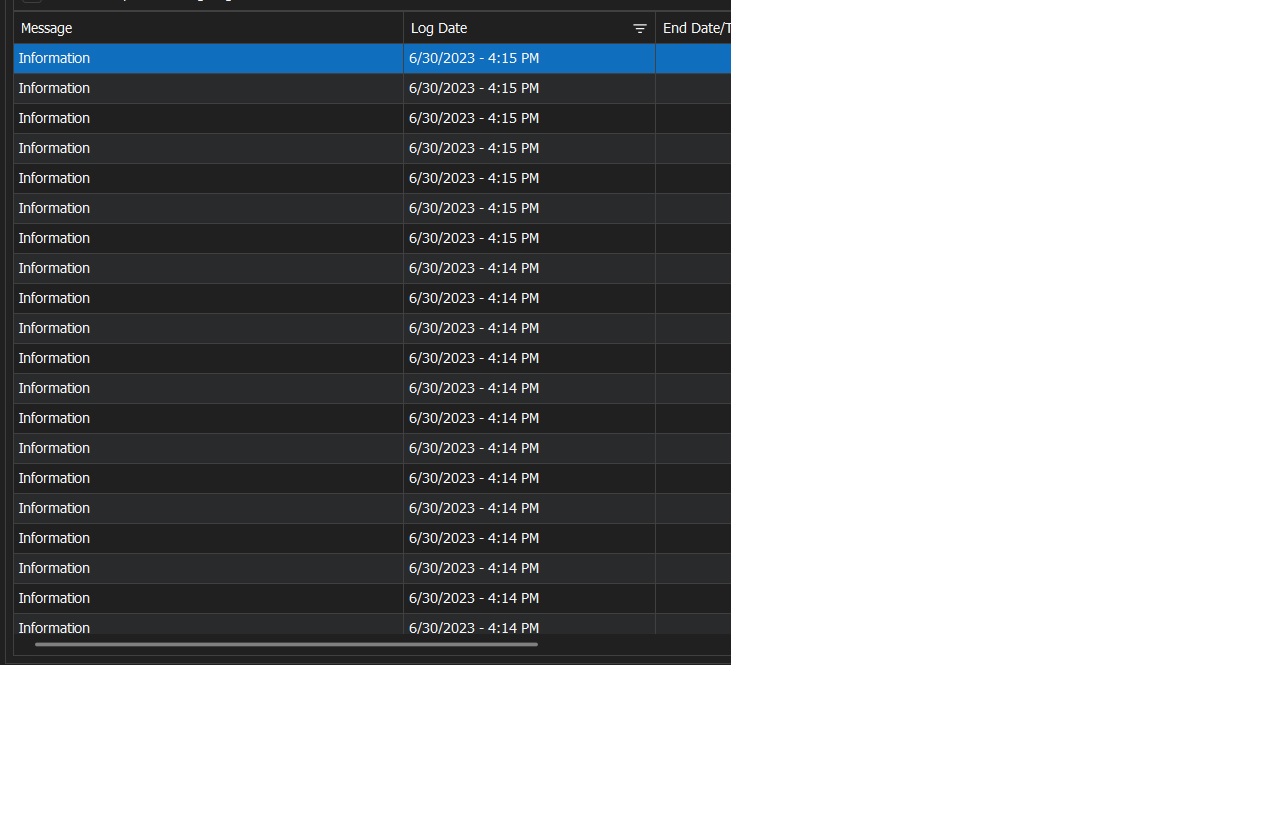 also of note, here is a synchronizer log after start up. the syncronizer seems to be functioning, connection and such. but it generates tons of entries. around the time of sign in.
devoissue.jpg
Hello,
Your RDM appears to be configured to run a synchronizer automatically. Since the host is empty, it is returning those errors.
Could you verify if you have any under File > Background Services? You should also have a look at those synchronizers and verify the host field pull information that is valid from its source.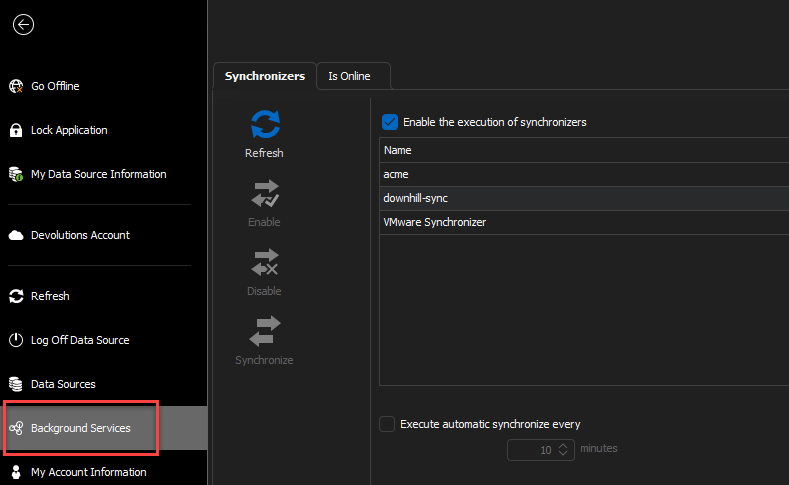
Please note that with Devolutions Server, it is no longer required to have the synchronizer tied to your local RDM, it can be scheduled, if it is for AD or VMWare - https://docs.devolutions.net/kb/devolutions-server/how-to-articles/enable-server-side-synchronizer/
Best regards,
Richard Boisvert
e1d08774-5c75-4ffe-ad96-8104530d0824.png
is there a faster way than recreating them? I have many synchronizers tied to my local RDM
Hello Ross,
You do not need to recreate them, simply uncheck the "Synchronize automatically", and then enable the feature under the scheduled tab.
The error report you send also seems to indicate the credentials used for the synchronizer may not be correct, if you can validate them:
Error Silent: System.Runtime.InteropServices.COMException (0x8007052E): The user name or password is incorrect.
Best regards,
Richard Boisvert