Unable to login to Devolutions Drive on Chrome OS

I've installed 2022.3.1.2 on a chrome OS tablet from the Play Store. I went to sign into Devolutions Online Drive from the Data Sources page, but the login screen doesn't work. Unfortunately, the tablet just screenshots a black screen, but I can see the city wallpaper and cancel, but no box to login. I can't see any DNS calls being blocked that aren't obvious ads being blocked, but who knows.
Any workaround without having to switch away from Devolutions Drive?
All Comments (10)
Hi,
Have you still the issue ?
It could have been a temporary server problem.
Here now everything working well on a Chromebook.
Regards,
André Sanscartier
I rebooted and tried again, same thing. Just blank city wallpaper and a cancel option.
My Windows desktop connects just fine, so I don't think its firewall/DNS.
Hi,
We are unable to reproduce your issue.
Are Chrome OS and web browser up to date?
Regards,
André Sanscartier
I am having a similar issue when trying to log in from my chromebook as well to access the backups. If the app is maximized I see the city background, and if the app is running in it's windowed version, the sign on page is just blank.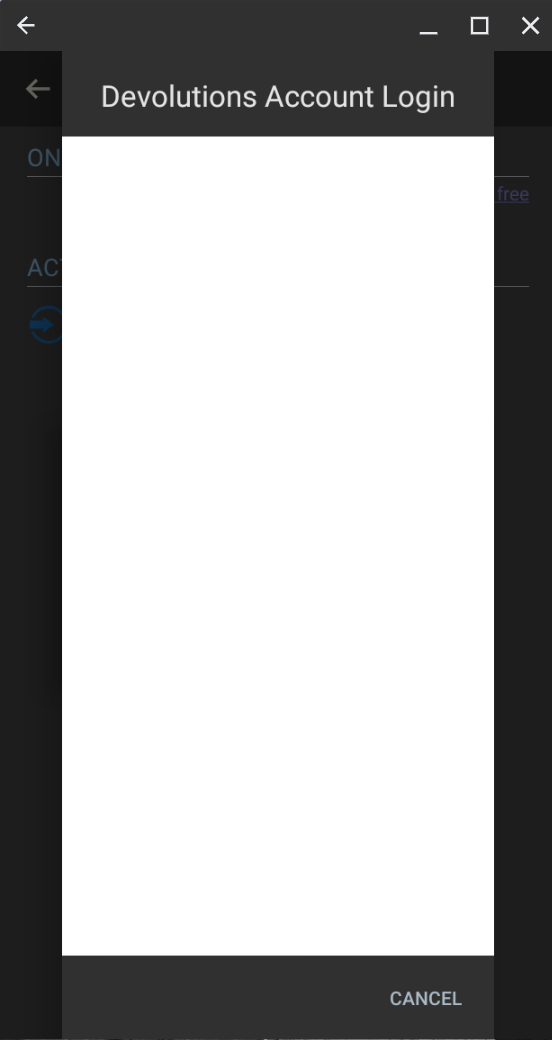
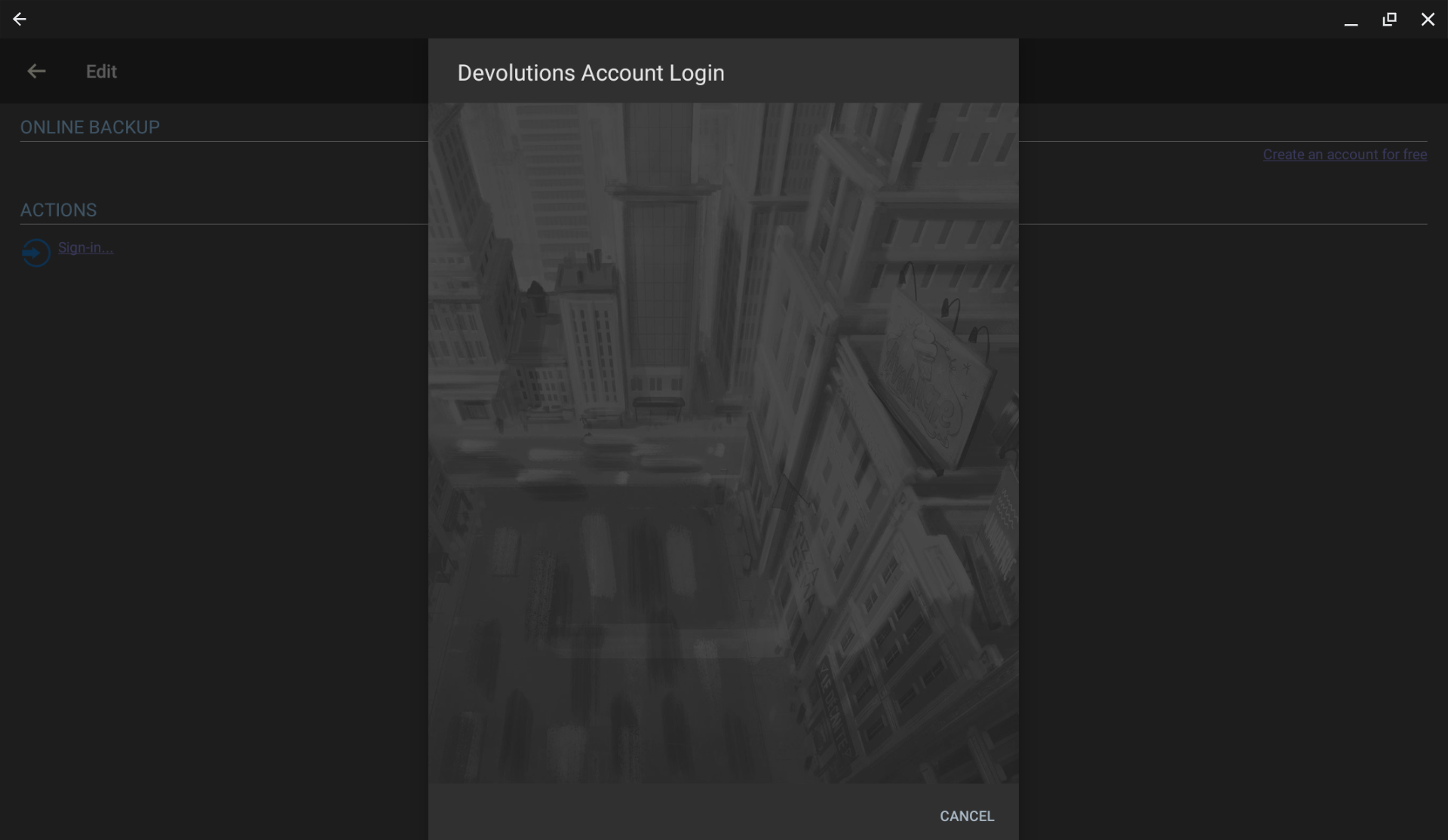
Screenshot 2023-01-23 8.08.42 AM.png
Screenshot 2023-01-23 8.12.17 AM.png
Hi,
We will revisit this issue. But as long as we fail to reproduce it it will be difficult to solve your problem.
Sorry for the delays this is causing.
André Sanscartier
Hi,
After a few unsuccessful tests, we wonder if it could be as simple as clearing your browser history and cookies in Google Chrome. It's not supposed to happen, but it might be locked data/cookies for the login process.
Cordially,
André Sanscartier
Hi,
After a few unsuccessful tests, we wonder if it could be as simple as clearing your browser history and cookies in Google Chrome. It's not supposed to happen, but it might be locked data/cookies for the login process.
Cordially,
No, the Chrome tablet was new and never used to login to RDM or be used much at all. It's also forced to be the latest after a few reboots and what not, so Chrome is current and there are no cookies or cache issues. The same thing happens in Incognito mode.
Moving the signin process outside of your app and into an third party app was probably not a good choice. You lost control of the process and have no way to troubleshoot the issue.
Actually for me I am all good. I rebooted the Chromebook and noticed I was a revision back. So I updated the app and all is well across from he board. I am on version 2022.3.4.1
Hi,
Glad to hear that everything is back to normal.
Regards,
André Sanscartier
It happened to me as well, I was confused. But now I know why it happened to me. So, don't hesitate to visit https://www.topwritersreview.com/reviews/penmypaper/ if you're in need of writing services. With their comprehensive reviews and expert insights, you'll be able to find the best writing service provider for your academic needs.