Automatically reconnect to RDM Database when available.
Automatically reconnect to RDM Database when available.
0 vote

Hello, I've done some Googling and some poking around in RDM and have not found an answer to my request. We support a large number of clients that we connect to with RDM via VPN. Unfournitly, many of them configure their VPN as a forced tunnel, thus breaking our connection to our locally hosted RDM DB, giving us the dreaded "Red Globe" in the bottom right.
My request is; can a feature or option be added to have RDM check to see if the database server is available again, and if so, simply "Self-Reconnect" instead of us having to click on the red globe to "Go Online"?
Now there might be times when someone might want to "Go Offline" for a reason, and so, a little bit of logic would be great. If the "Offline" event was due to a time out, check every X minutes or seconds, but if the "Offline" event was user-initiated, stay "Offline" till the user initiates a "Go Online" event.
As always, please let me know if you have any questions about my request, or if any part of it was unclear.
Thank you for your consideration. :)
All Comments (6)
I also hope for this feature
And here's my vote as well. similar use case
Thank you for the suggestions. We will investigate the possibility of adding this feature.
Until then a refresh (F5 or refresh icon) will also do the trick to reconnect.
or
Configure the VPN to go offline on connect and online on disconnect in the Advanced tab.
Stéfane Lavergne
Okay, that works, thank you for sharing that.
A self-healing option would still be much appreciated for times when we get disconnected outside of an RDM VPN connection. e.g. momentary loss of internet, connecting to a client's VPN that we have not been able to fully automate in RDM, etc.
About half to maybe two-thirds of our clients now provide VPN as the sole source of access, and I will start adding the "Go online on disconnect after" option to each of the root folders for our clients. Thankfully we use the "inherit" feature on the VPN section as it's a pretty long list.
Each folder is a different client, and this only shows "A" through about half of our "S" clients. lol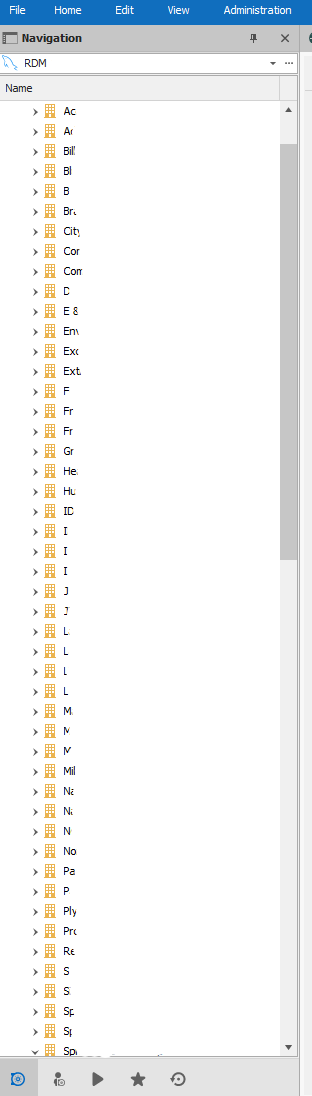
RDM Connection List.png
You could probably run a Custom PowerShell Command to modify them all "auto-magically". Let me know if your interested and I can give you a hand.Edit > Edit (Special Actions) > Custom PowerShell Command writing the PowerShell
Writing the actual command is the tricky part but once it works it's like magic.
Stéfane Lavergne
Thank you so much for adding this feature request. Just watched it go online without user intervention after disconnecting from a client's VPN.