Custom report

Hello, a long time ago I created a custom report and now I have to edit it, but after the various RDM updates I can't find my report anymore. The version of RDM is Enterprise Edition 2020.2.19.0
How cai I Edit / Add a custom report ?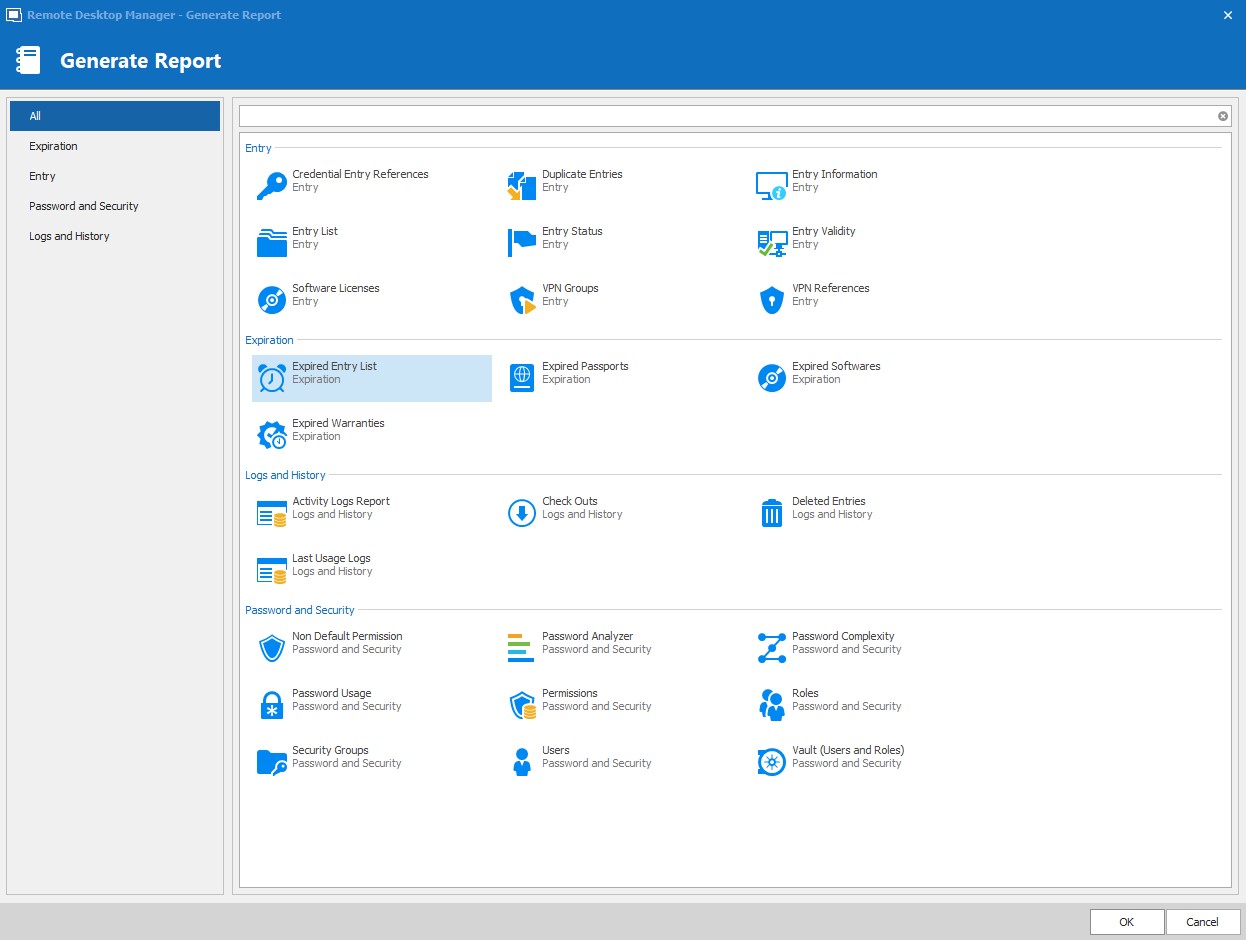
Regards
Immagine 2020-10-08 112422.jpg
All Comments (7)
Hello,
To have a custom report showing in the Generate report window, you need to create a Custom entry. It will appear after like shown here:
Best regards,
Christine Breault
Hello,
I'm a new user of the german version. I should be an admin of something and I try to learn how to work with the RDM.
Some customer wants to get a monthly report of the access to his system.
Where can I find the intruduction how I create the custom entry like you posted?
Or how I create an custom access report? We don't need all the fields, that are in the regulary report.
Thanks
Hello @Lubeca
Remote Desktop Manager (RDM) generates report about the users/activities made through the application itself, is this what you are referring to? Or is it access made to your customer system without RDM? Because it cannot do this.
Best regards,
Christine Breault
Thanks for the quick response.
I used the Activy Logs Report and selected the month and the folder with the customer system.
This report was exactly what we needed, only some columns are superfluous. We only need the fields Folder, Connection, Log Date, Ende Date/Time, Active Time, Duration, Username and Ticket# and exclusively all data include with the message "Sitzung geöffnet" (session open).
I would like to create my own report from the report as a template. How can I change the report without overwriting the default one?
Best regards,
Lubeca
Hello,
Yes this was the report I was going to suggest :) . That being said, it is not possible to customize it in RDM at this time, but might be something interesting for the community that you can request on our Feature request forum here: https://forum.devolutions.net/forums/17/remote-desktop-manager--feature-request
As you may know, these reports can be exported in Excel, and from there columns can be easily deleted/tweaked as a workaround for the time being.
Best regards,
Christine Breault
Hello,
No need to create another post. I will add a feature request for that.
Regards
David Hervieux
Thanks for the infos.
I hope we will be able to use this function in RDM soon.
Now I have to start programming an Excel macro for the transition period. ;(
Best regards,
Lubeca