asr
Devolutions Server Scheduler Service Showing Offline
Hello Michel,
Thanks for your answer.
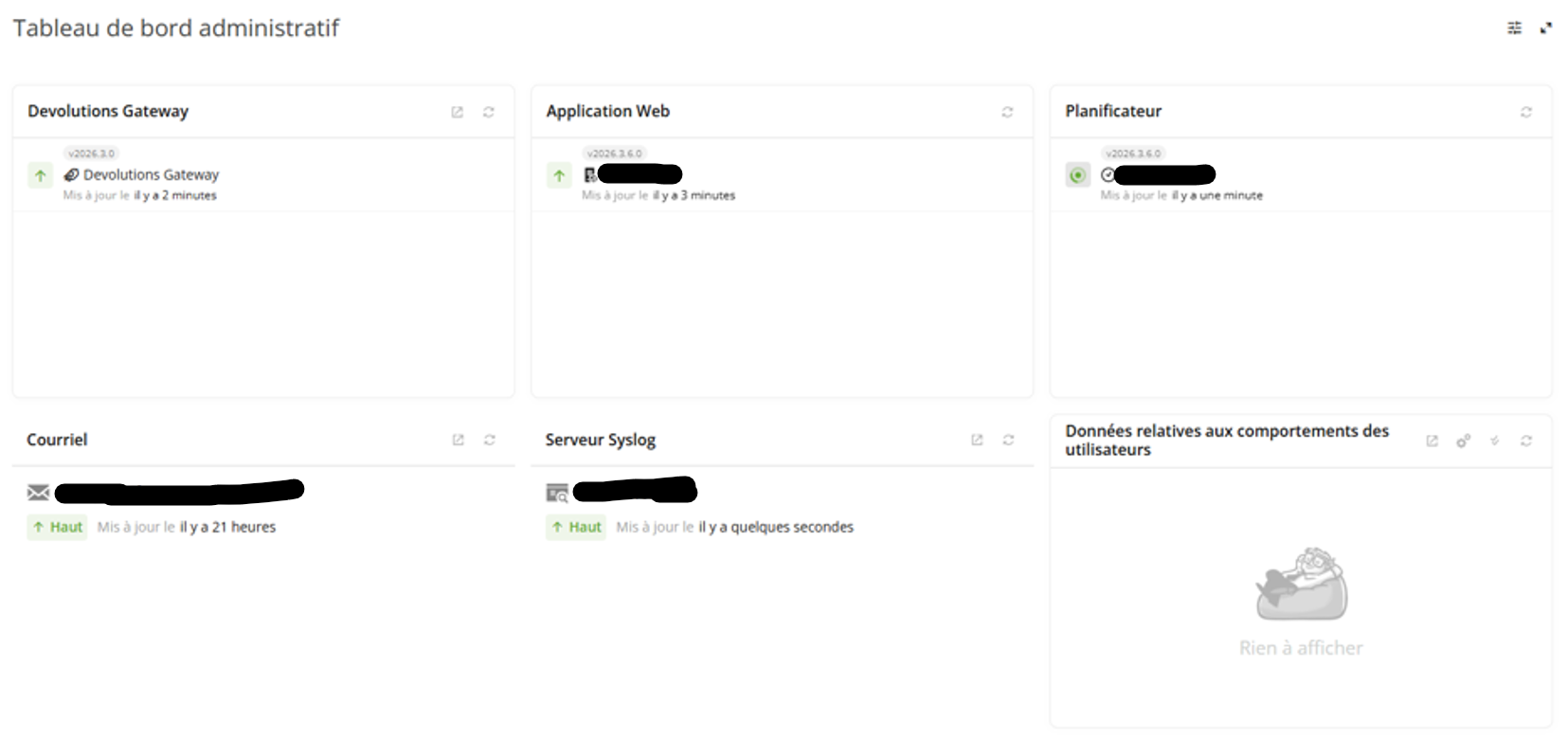
I have attached the requested screenshots and scheduler log.
Please note that I anonymized the server name in the log before sending it.
I can provide you the zip package but not here, it contains sensitive data.
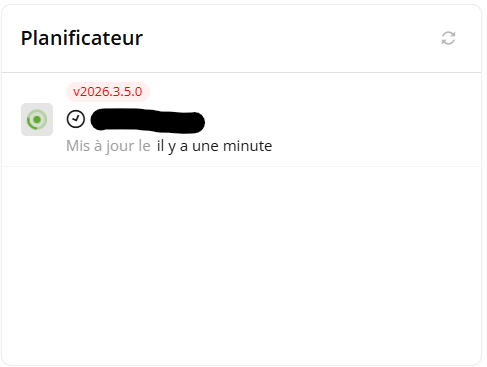
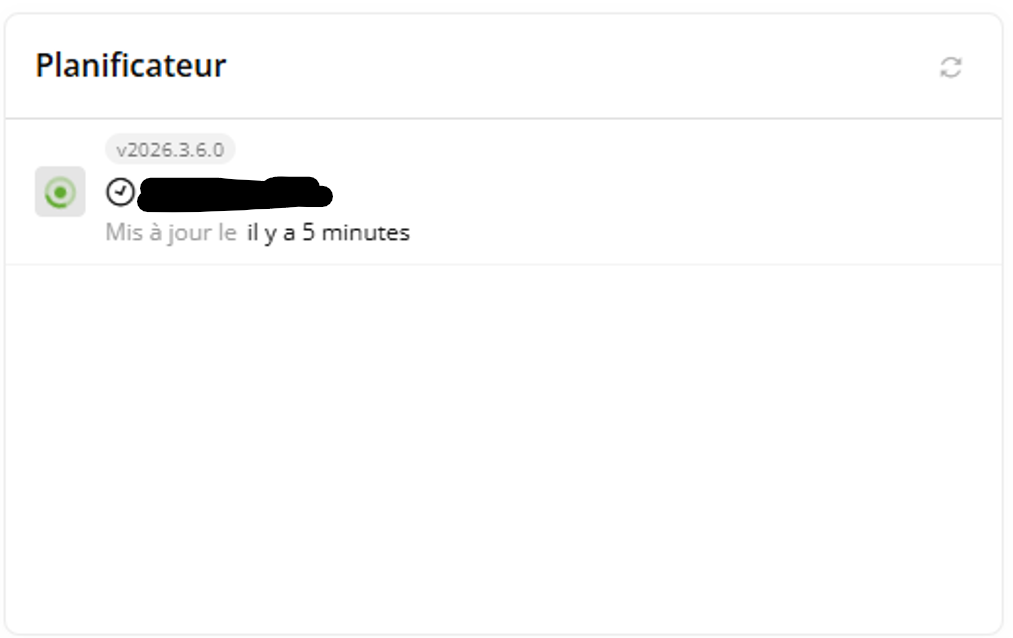
I would also like to point out that when I click Refresh in the Scheduler widget, the Last Updated value is updated correctly and shows "a few seconds ago".
The Scheduler appears to be sending its heartbeat successfully.
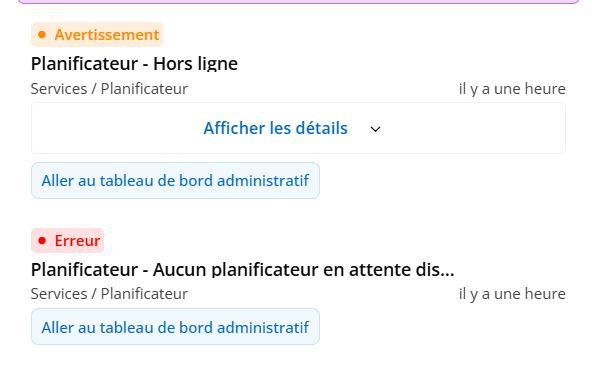
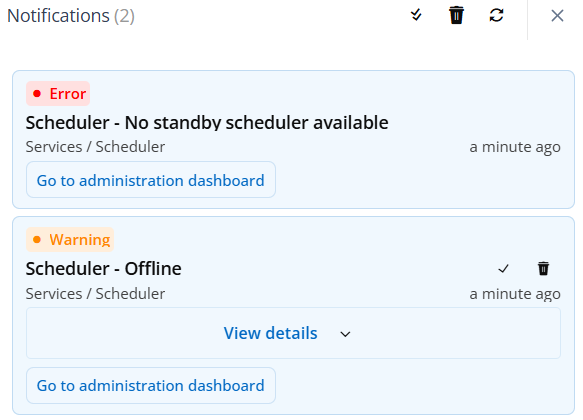
However, I still receive the following notifications:
Scheduler - Offline
Scheduler - No standby scheduler available
Best regards,
Jérémy Guibert
Devolutions Server Scheduler Service Showing Offline
Hello,
I am experiencing an issue with my Devolutions Server installation.
Environment:
Windows Server 2022
Devolutions Server updated to the latest available version (2026.3.5)
Standard installation
All components are installed on the same server
Issue:
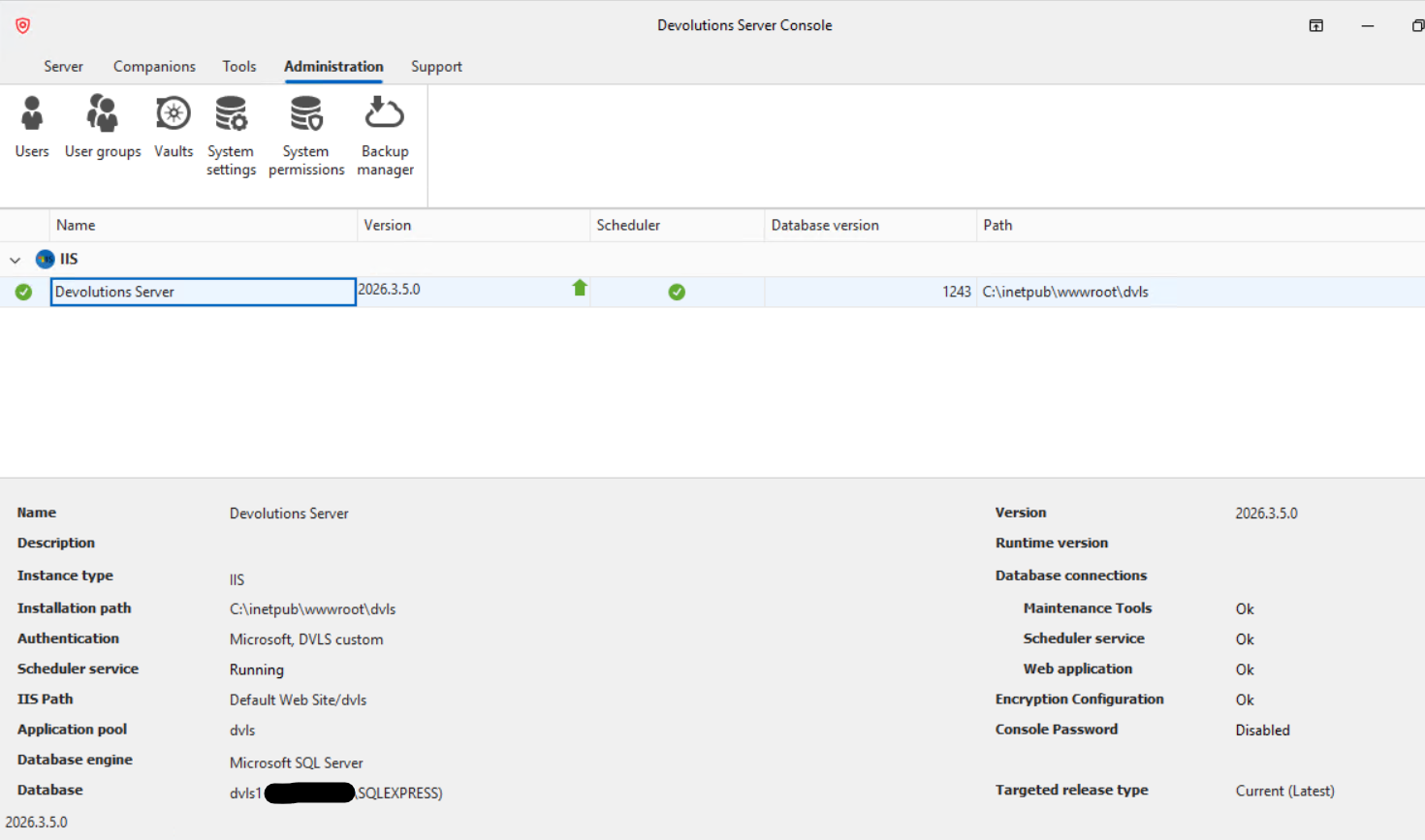
The Devolutions Server Scheduler service starts successfully and is shown as Running in Windows Services.
No error message appears when the service starts.
However, in the Devolutions Server administration interface, the Scheduler is displayed as Offline.
Troubleshooting already performed:
Restarted the Scheduler service.
Restarted the server.
Verified that the service is running in Windows Services.
Could you please advise which checks or logs I should review to determine why the Scheduler is reported as offline while the Windows service appears to be running normally?
Thank you for your assistance.
Kind regards,
Jérémy G
System & Network Administrator