ibhozza
I can SSH but cannot Telnet through Devolutions Gateway (DGW)
I got it working. The problem was DNS settings on RDM client.
proxy.nbc.africa was resolving to 192.168.20.100 instead of 192.168.20.99 (using /etc/hosts file since rdm client has no access to private dns server)
The rest of settings are still the same. Telnet is now working through the gateway
I can SSH but cannot Telnet through Devolutions Gateway (DGW)
I have test environment with following:
Outside network - 192.168.20.0/24 (router 192.168.20.99)
Inside Network - 192.168.20.0/24 (router 10.20.20.99)
DVLS - 10.20.20.240
Local DNS Server - 10.20.20.240
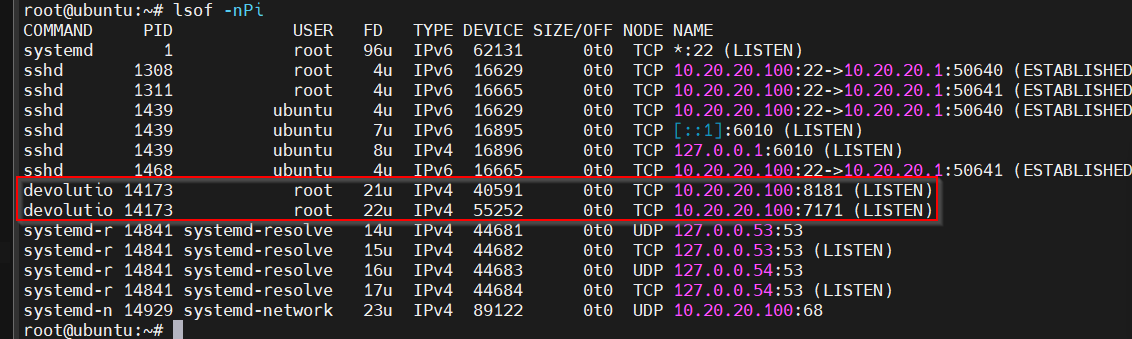
Devolutions GW - 10.20.20.100 (internal), 192.168.20.99 (external)
SSH/Telnet Server - 10.20.20.15
RDM Client - 192.168.20.190
Port Forwarding enabled on router :
TCP 192.168.20.99:443 to 10.20.20.240:443
TCP 192.168.20.99:7171 to 10.20.20.100:7171
TCP 192.168.20.99:8181 to 10.20.20.100:8181
Basically, I would like to simulate RDM client from outside to a protected network. To gain access to a protected network RDM client must go through Devolutions Gateway (DGW). This is a standalone gateway installed on Ubuntu 24.04 with a single NIC and IP of 10.20.20.100
Routing between the two subnets is configured and working fine. From DGW, I can telnet and SSH to a Cisco device 10.20.20.15 since they are connected to the same switch. This proves that SSH and Telnet are configured well on Cisco device perspective. I did swap Cisco with a MikroTik device and both SSH and Telnet worked fine.
Now here comes the challenge. From the outside subnet, I can SSH from RDM Client (192.168.20.190) to 10.20.20.15 through the gateway. From a Cisco/MikroTik device perspective, SSH connection originated from DGW 10.20.20.100 and life is good.
But I cannot Telnet from RDM client 192.168.20.190 to 10.20.20.15
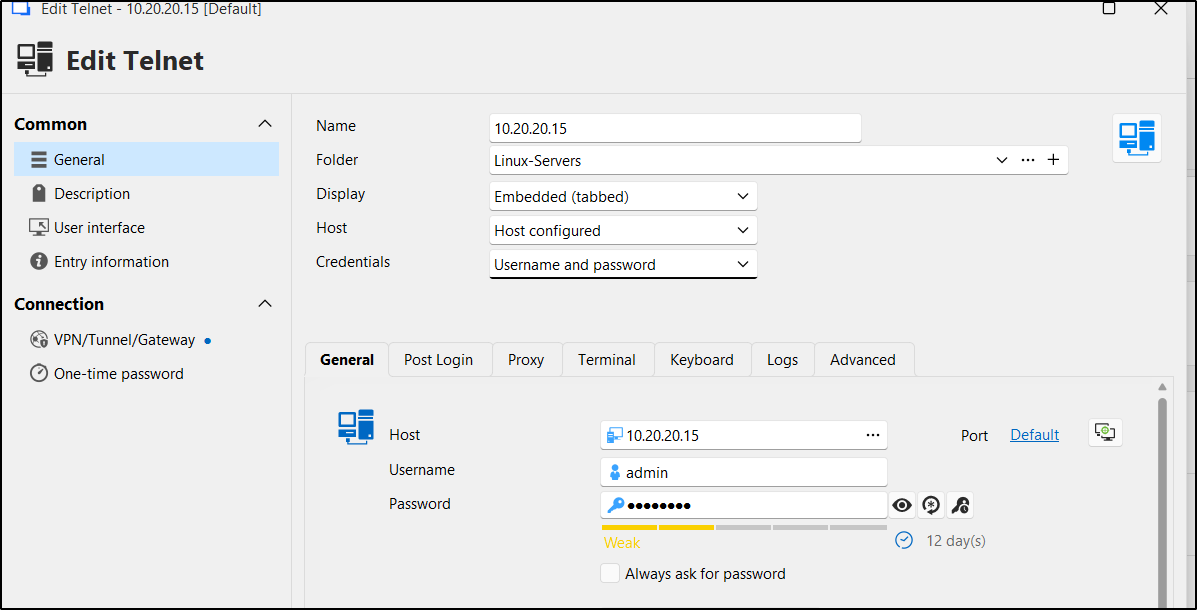
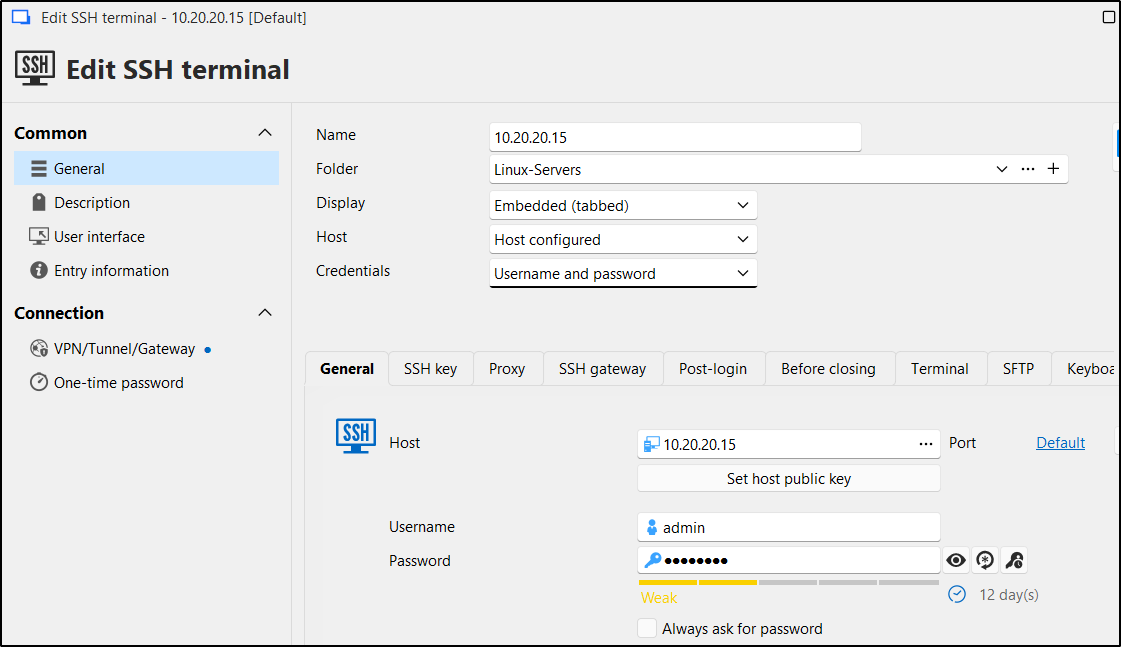
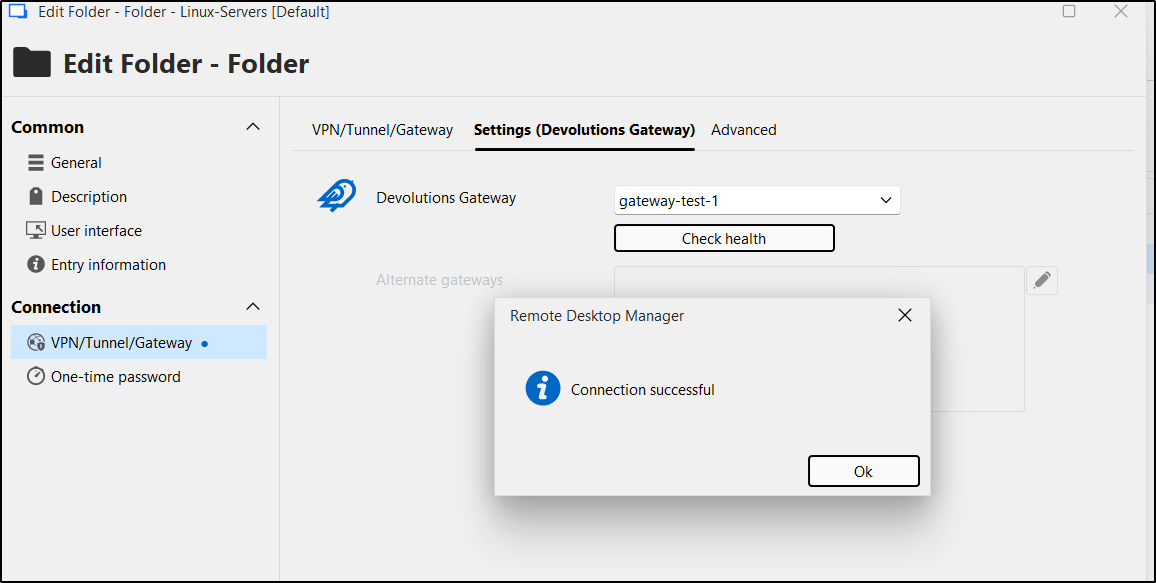
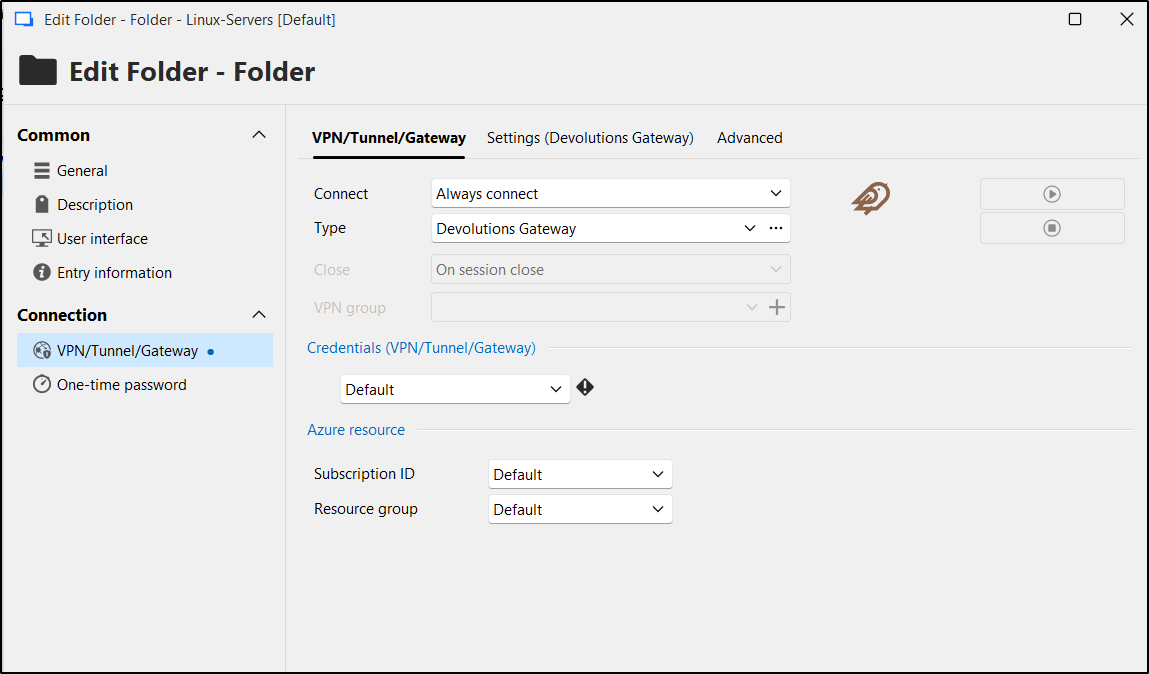
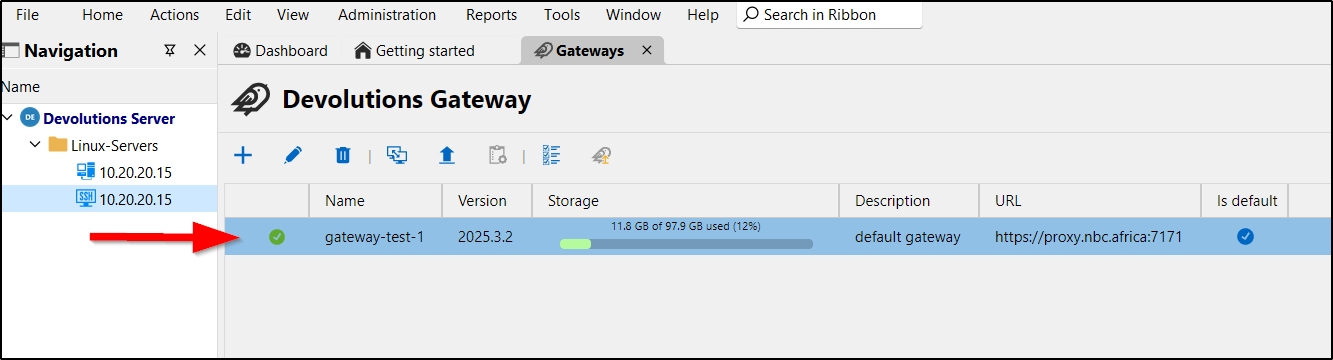
Both SSH and Telnet entries belong to a folder names "Linux-Servers" whose Gateway/VPN settings are set to "always connect"
DGW settings:
{
"Id": "01e9f434-c0ac-4ebb-ae05-1adb0463abb6",
"ProvisionerPublicKeyFile": "provisioner.pem",
"ProvisionerPrivateKeyFile": "provisioner.key",
"TlsCertificateFile": "server.crt",
"TlsPrivateKeyFile": "server.key",
"Listeners": [
{
"InternalUrl": "tcp://10.20.20.100:8181",
"ExternalUrl": "tcp://192.168.20.99:8181"
},
{
"InternalUrl": "https://10.20.20.100:7171",
"ExternalUrl": "https://192.168.20.99:7171"
}
]
}
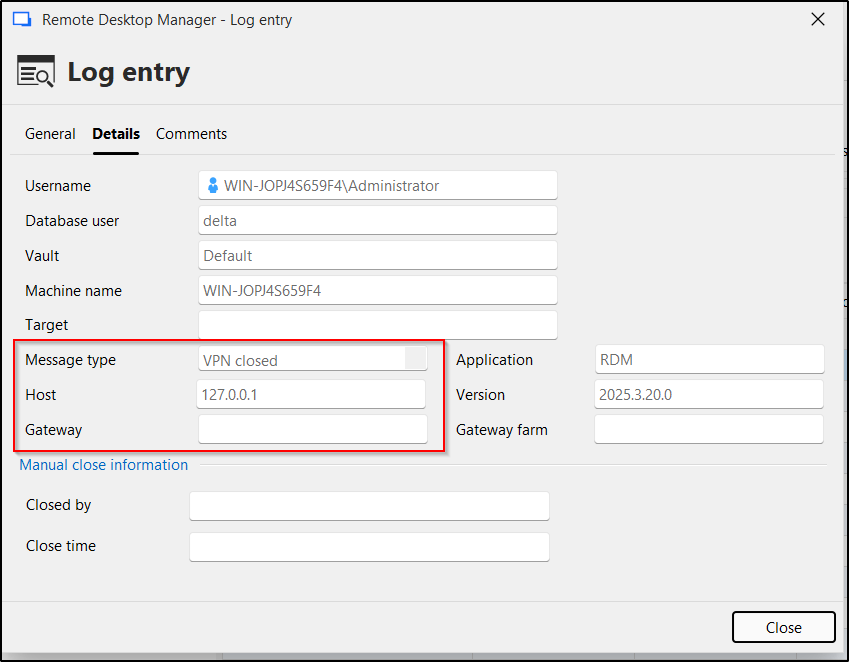
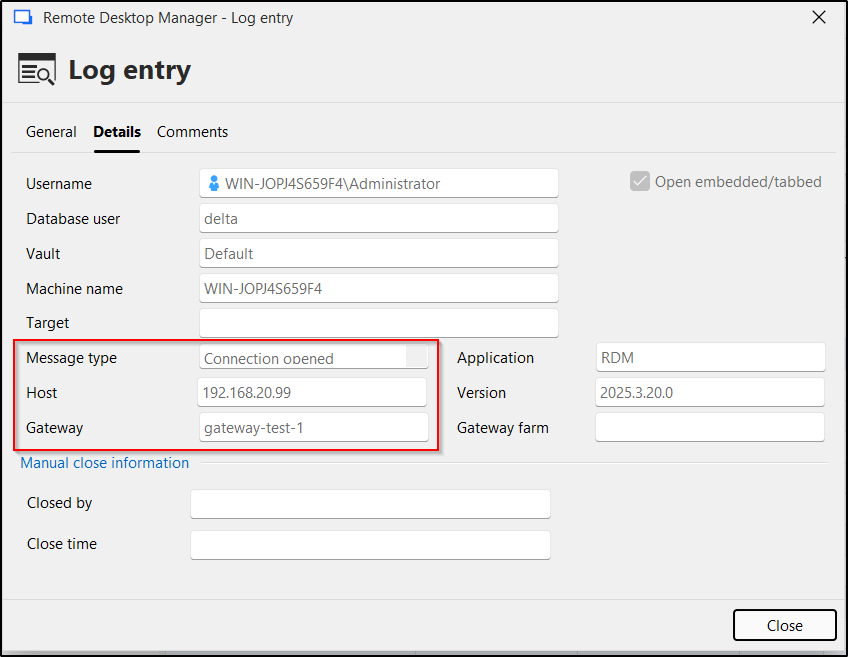
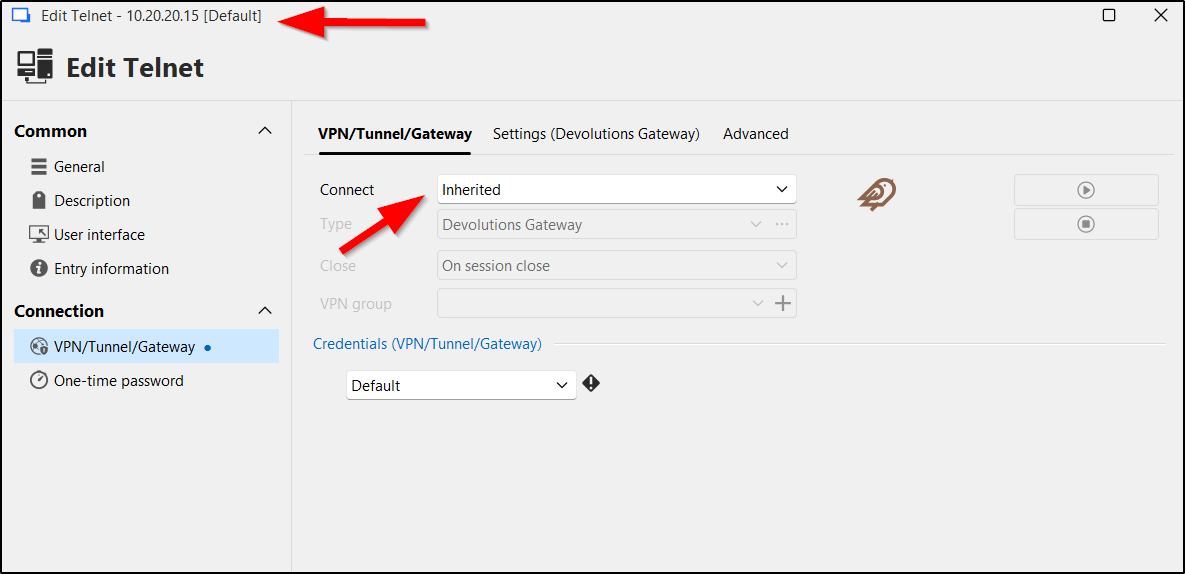
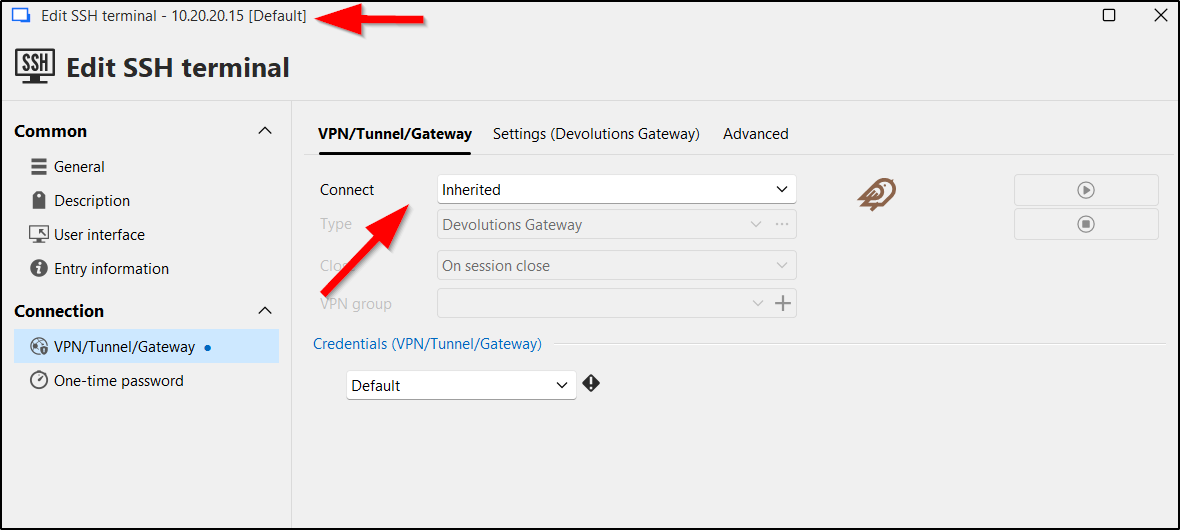
See screenshots of entry properties and errors. The Telnet error indicates a gateway IP of 127.0.0.1 on while SSH shows the correct gateway of 192.168.20.99. The 127.0.0.1 does not look right and I think it is the root cause of failure. Honestly, I don't know where the 127.0.0.1 is coming from. I have deleted and recreated SSH/Telnet entries. Either way, SSH works, but Telnet keeps failing.
I think the 127.0.0.1 in the error message is the smoking gun.