I can SSH but cannot Telnet through Devolutions Gateway (DGW)

I have test environment with following:Outside network - 192.168.20.0/24 (router 192.168.20.99)Inside Network - 192.168.20.0/24 (router 10.20.20.99)DVLS - 10.20.20.240Local DNS Server - 10.20.20.240Devolutions GW - 10.20.20.100 (internal), 192.168.20.99 (external)SSH/Telnet Server - 10.20.20.15RDM Client - 192.168.20.190
Port Forwarding enabled on router :TCP 192.168.20.99:443 to 10.20.20.240:443TCP 192.168.20.99:7171 to 10.20.20.100:7171TCP 192.168.20.99:8181 to 10.20.20.100:8181
Basically, I would like to simulate RDM client from outside to a protected network. To gain access to a protected network RDM client must go through Devolutions Gateway (DGW). This is a standalone gateway installed on Ubuntu 24.04 with a single NIC and IP of 10.20.20.100
Routing between the two subnets is configured and working fine. From DGW, I can telnet and SSH to a Cisco device 10.20.20.15 since they are connected to the same switch. This proves that SSH and Telnet are configured well on Cisco device perspective. I did swap Cisco with a MikroTik device and both SSH and Telnet worked fine.
Now here comes the challenge. From the outside subnet, I can SSH from RDM Client (192.168.20.190) to 10.20.20.15 through the gateway. From a Cisco/MikroTik device perspective, SSH connection originated from DGW 10.20.20.100 and life is good.
But I cannot Telnet from RDM client 192.168.20.190 to 10.20.20.15
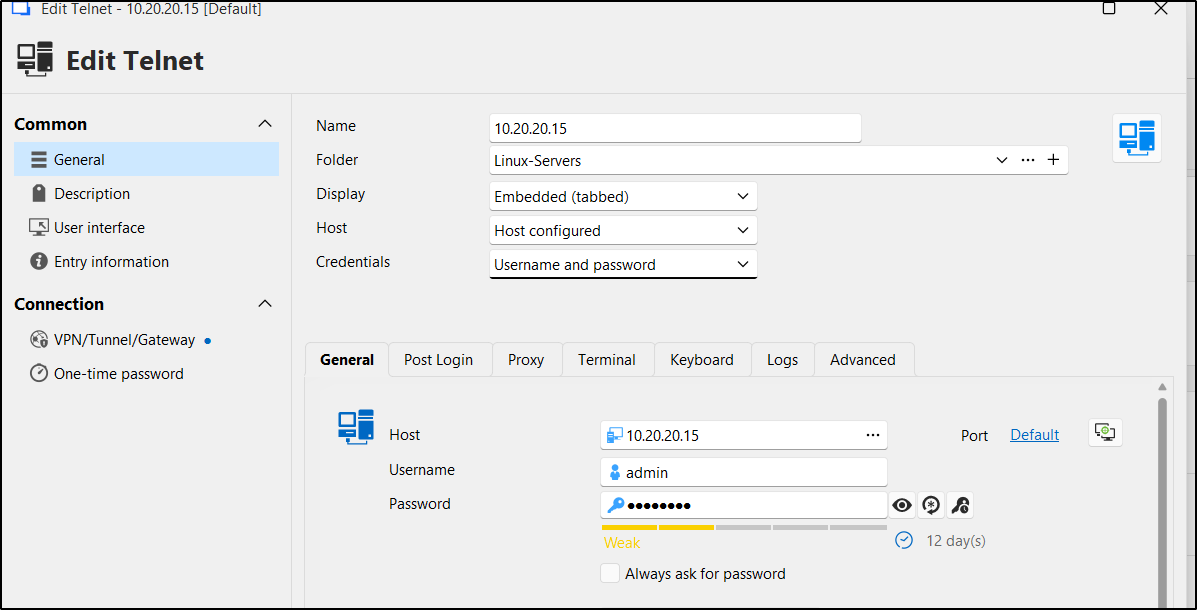
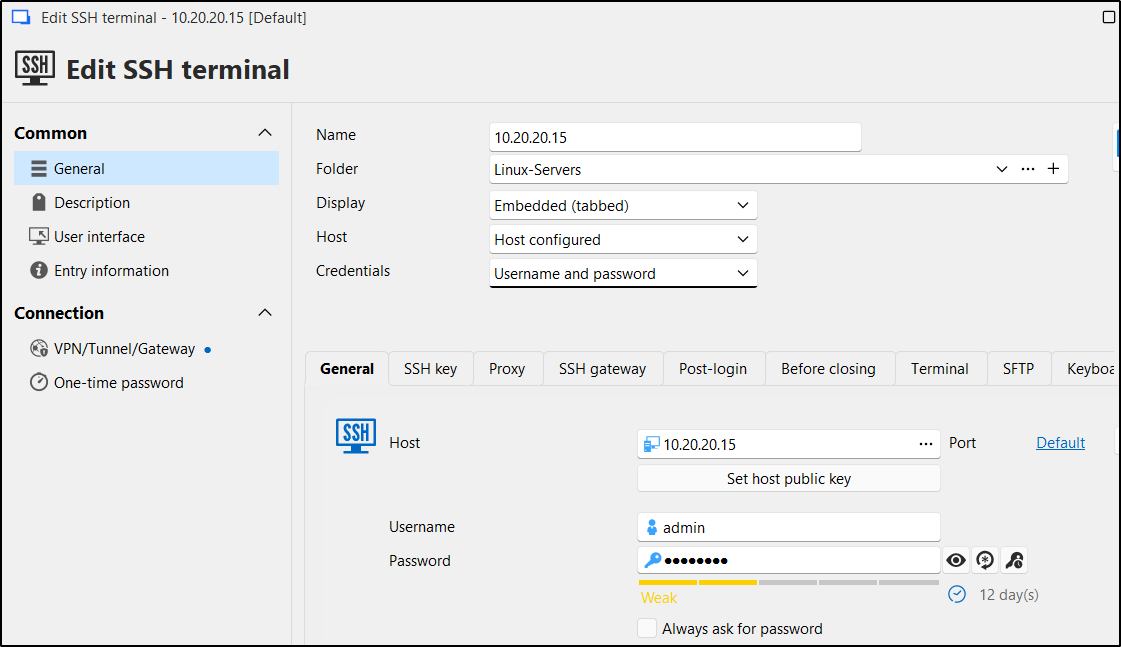
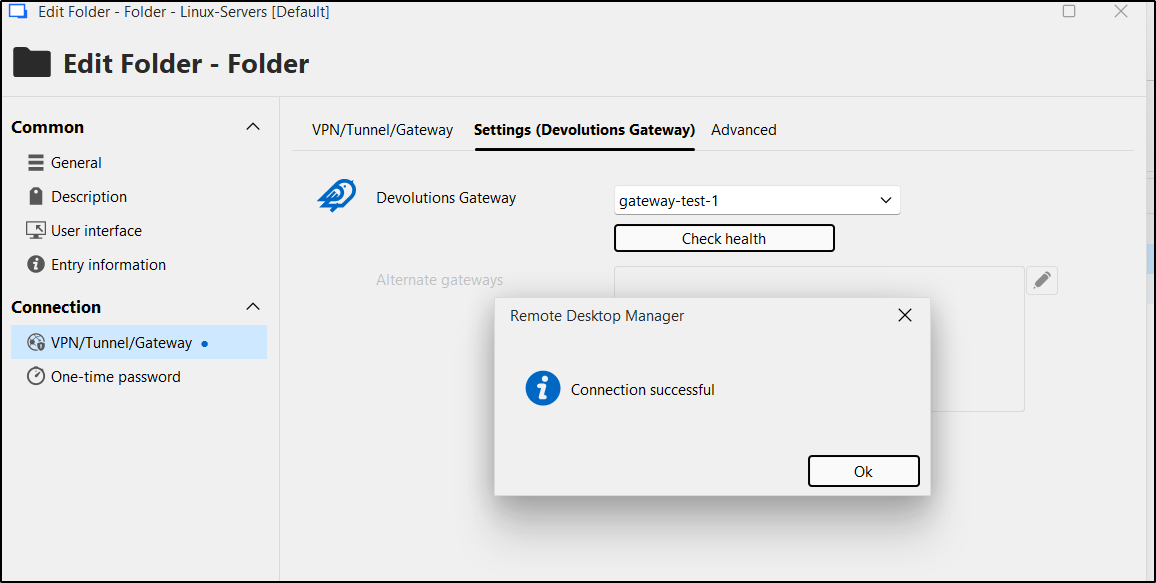
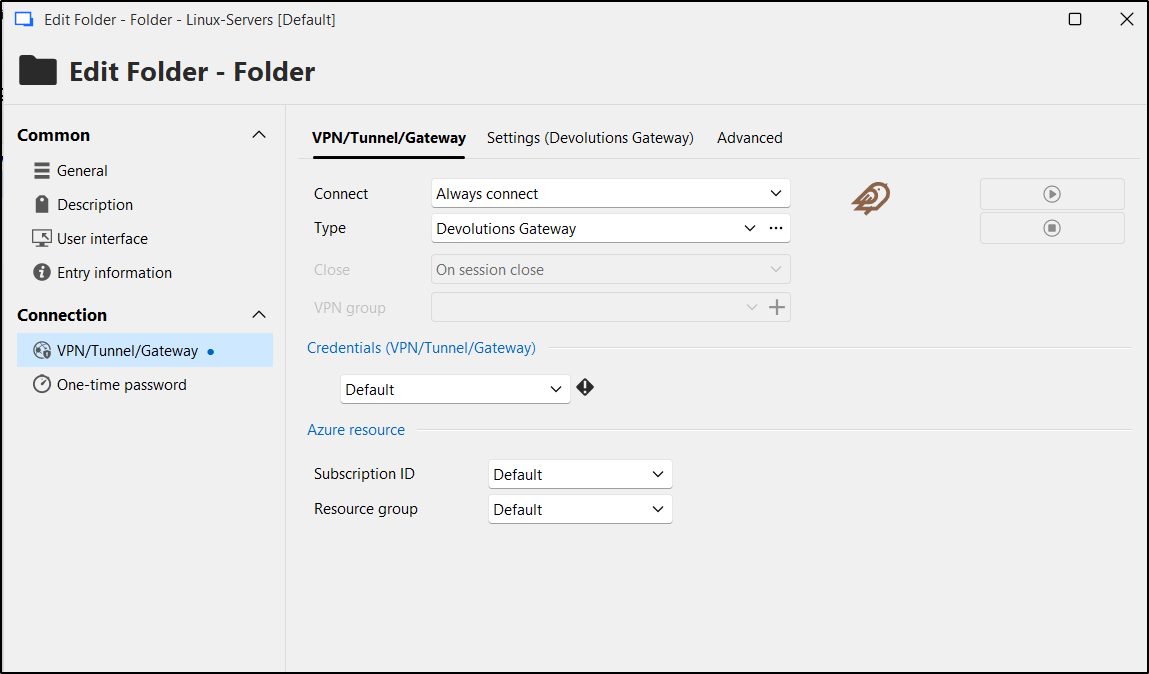
Both SSH and Telnet entries belong to a folder names "Linux-Servers" whose Gateway/VPN settings are set to "always connect"
DGW settings:{ "Id": "01e9f434-c0ac-4ebb-ae05-1adb0463abb6", "ProvisionerPublicKeyFile": "provisioner.pem", "ProvisionerPrivateKeyFile": "provisioner.key", "TlsCertificateFile": "server.crt", "TlsPrivateKeyFile": "server.key", "Listeners": [ { "InternalUrl": "tcp://10.20.20.100:8181", "ExternalUrl": "tcp://192.168.20.99:8181" }, { "InternalUrl": "https://10.20.20.100:7171", "ExternalUrl": "https://192.168.20.99:7171" } ]}
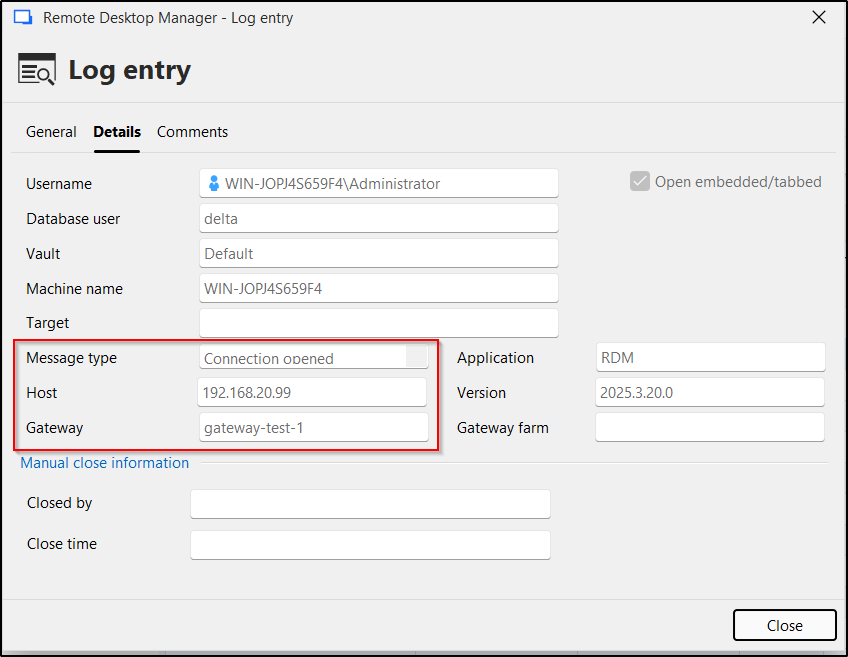
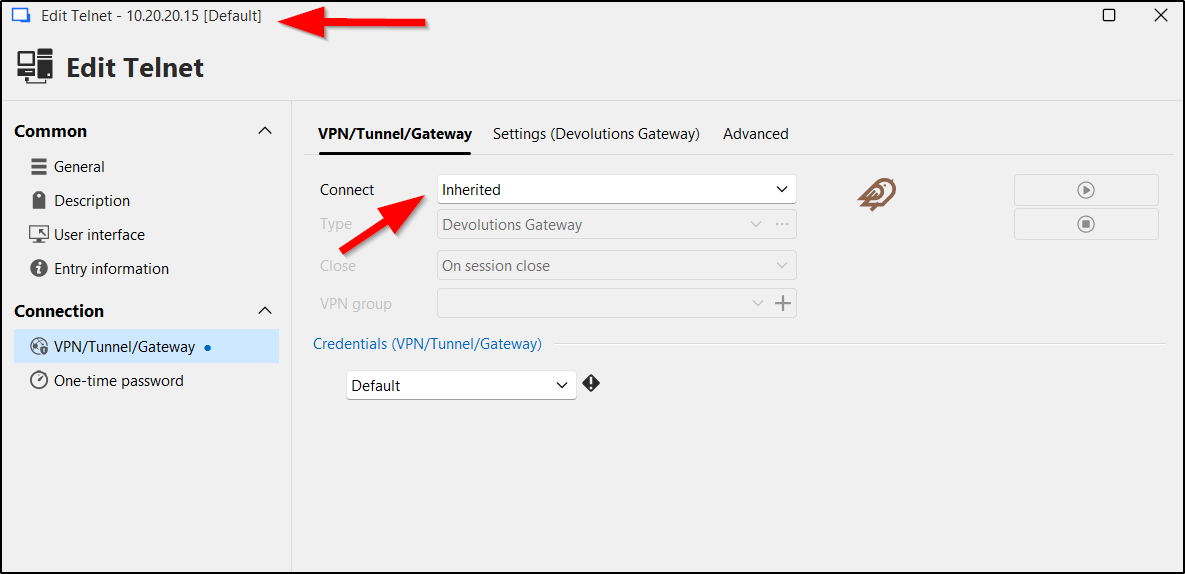
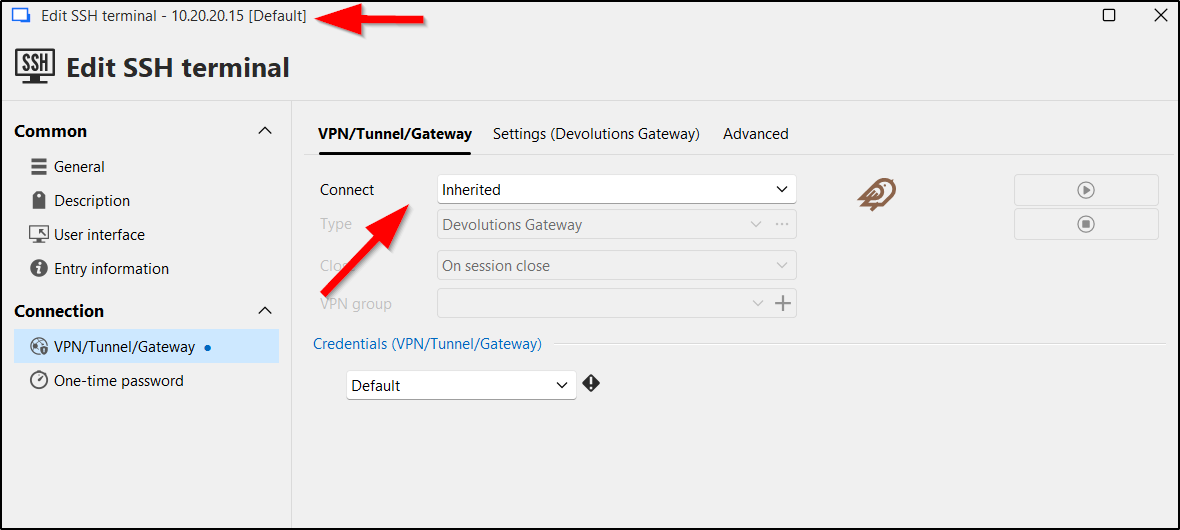
See screenshots of entry properties and errors. The Telnet error indicates a gateway IP of 127.0.0.1 on while SSH shows the correct gateway of 192.168.20.99. The 127.0.0.1 does not look right and I think it is the root cause of failure. Honestly, I don't know where the 127.0.0.1 is coming from. I have deleted and recreated SSH/Telnet entries. Either way, SSH works, but Telnet keeps failing.
I think the 127.0.0.1 in the error message is the smoking gun.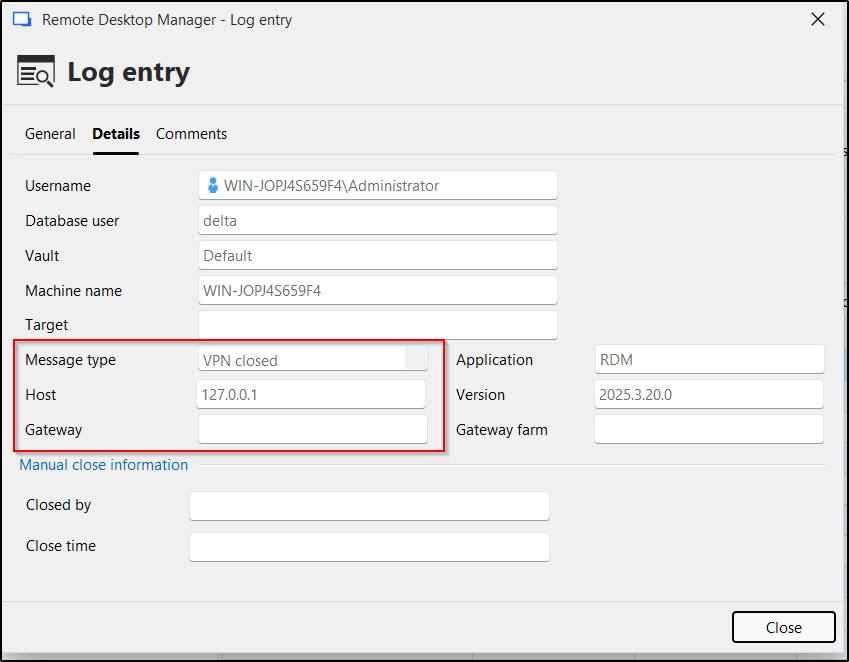
08_telnet_log_error.png
07_ssh_log_success.png
06_telnet_property.png
05_ssh_property.png
04_telnet_inheritence.png
03_ssh_inheritence.png
02_2_folder_settings.png
02_1_folder_settings.png
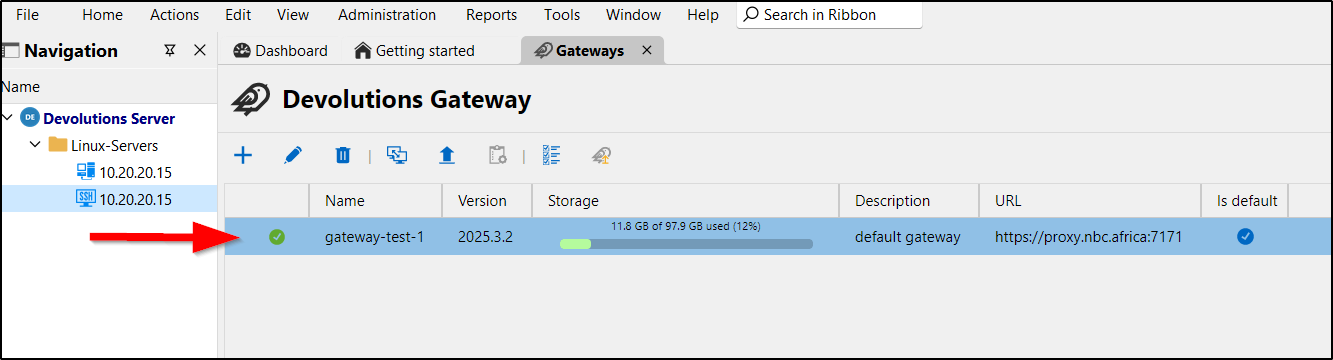
01_gateway_health.png
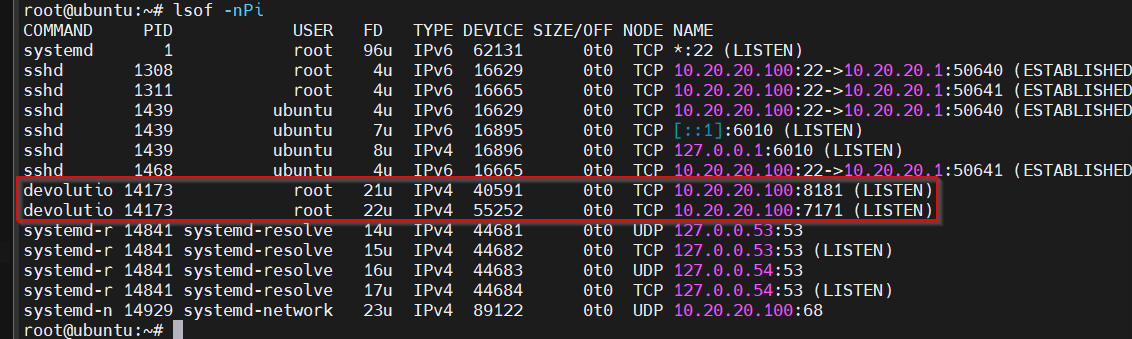
00_dgw_netstat.png
Recommended Answer
I got it working. The problem was DNS settings on RDM client.
proxy.nbc.africa was resolving to 192.168.20.100 instead of 192.168.20.99 (using /etc/hosts file since rdm client has no access to private dns server)
The rest of settings are still the same. Telnet is now working through the gateway
All Comments (2)
I got it working. The problem was DNS settings on RDM client.
proxy.nbc.africa was resolving to 192.168.20.100 instead of 192.168.20.99 (using /etc/hosts file since rdm client has no access to private dns server)
The rest of settings are still the same. Telnet is now working through the gateway
Hello,
Thank you for sharing your solution.
Best regards,
Érica Poirier