
mikkoaaltonen89
Password Manager extension on Firefox (Linux) doesn't autofill
Hello,
Yes, this seems to have solved the issue. Thank you very much!
Br,
Mikko
Password Manager extension on Firefox (Linux) doesn't autofill
Hello,
The edit on the entry worked, and I tried it with another site that had the same issue, which resolved that, too.
Thank you very much for this already, but would there be some way to "mass edit" entries, so that I wouldn't have to go through them one by one?
Br,
Mikko
Password Manager extension on Firefox (Linux) doesn't autofill
Hello,
Both clicking the entry from the popup, and clicking the entry from the extension bar do not autofill information, and both username and username/password prompts have the some issue.
An example with Plex:
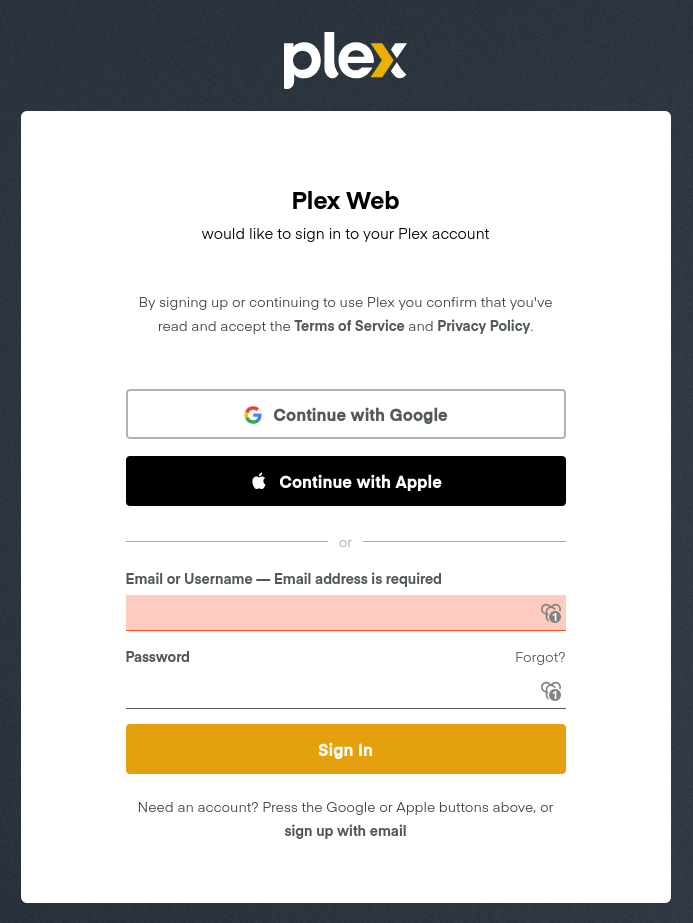
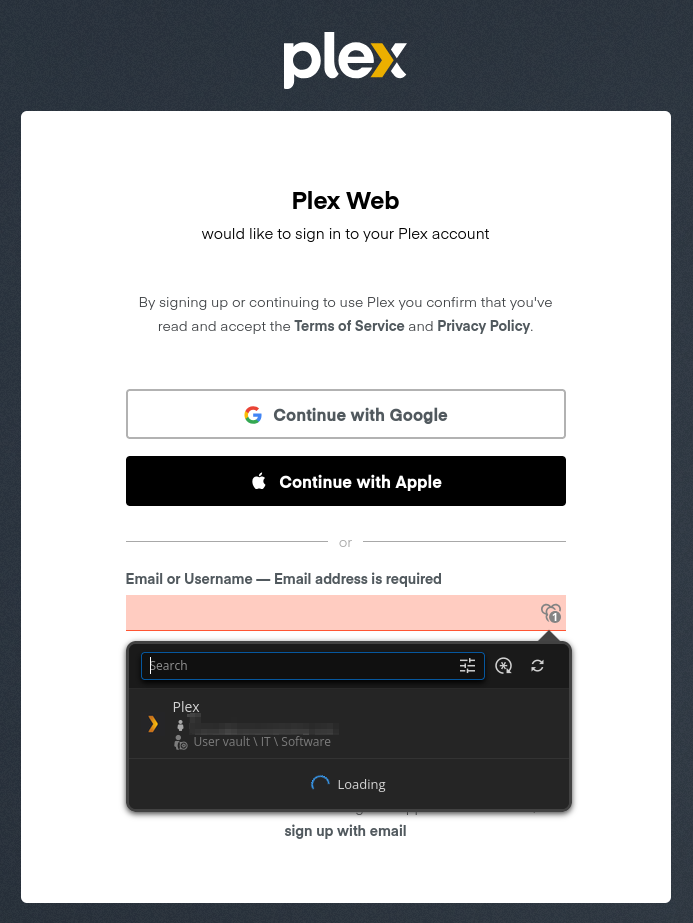
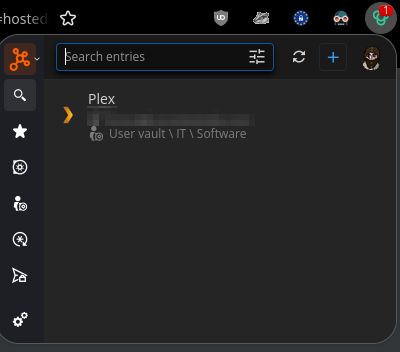
I have disabled all my other extensions for this test, and cleared the cache for these sites.
Br,
Mikko
Password Manager extension on Firefox (Linux) doesn't autofill
Hello again!
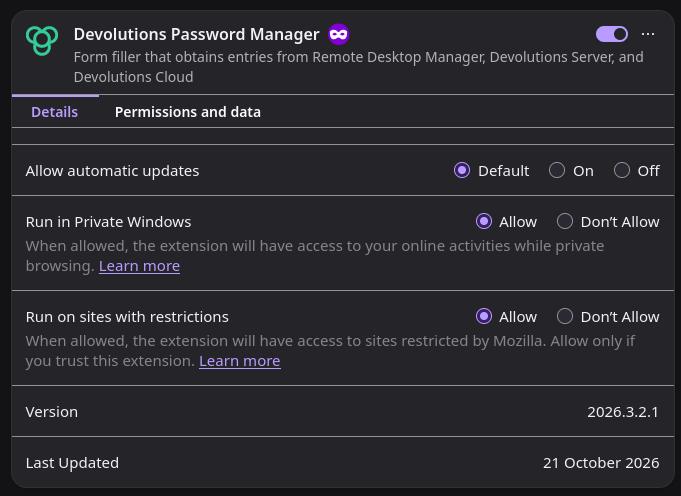
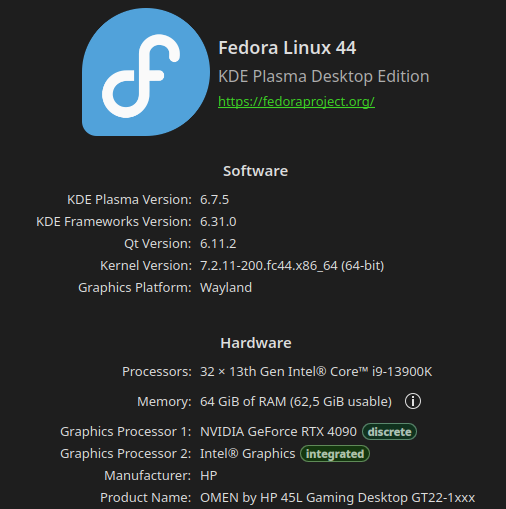
I've noticed a bit of a headache after switching to Linux Fedora 44, in that Password Manager extension (version 2026.3.2.1) on Firefox (158.0.1 x64 through Discover)
isn't able to automatically fill in my login information to the vast majority of websites.
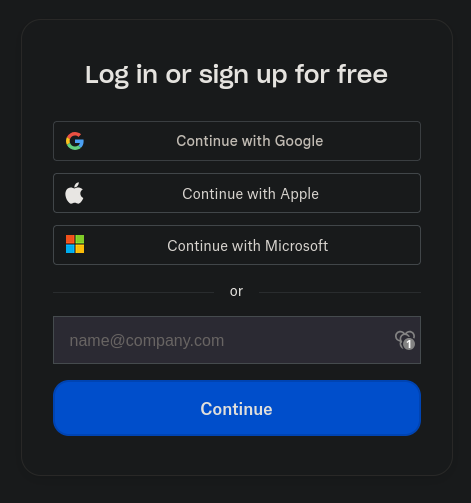
For example Dropbox sign-in: It shows that I have my login stored for the site, and I can select it, but nothing fills into the user account field, then I have to manually copy-paste the information to continue. I won't start listing websites where this occurs, since it'd take me far less time to gather a list on where it does work.

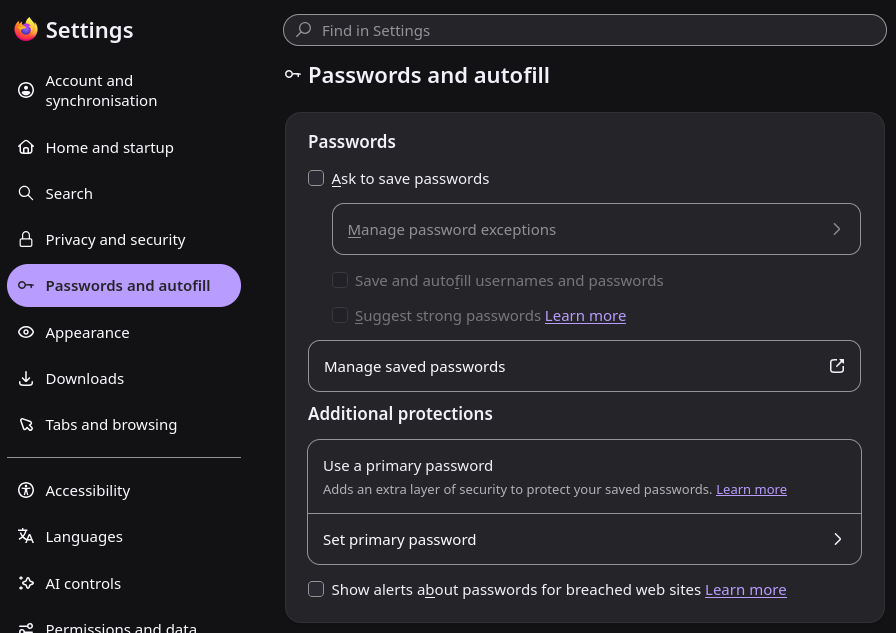
All the settings are as they should be, as far as I'm aware, and this feels like a Linux problem, since I don't remember having any issues on Windows and Firefox.

Found bugs in 2026.2.202
Hi @mikkoaaltonen89,
Thanks for the detailed list. This is clear and actionable, and I appreciate you taking the time to document each issue.
We’ll create tickets for these right away and start working through them without delay. I’ll make sure each item is tracked so we can fix them properly and follow up once we have progress to share.
Best regards,
Marc-Olivier Lalonde
@Marc-Olivier Lalonde
Thank you very much. Also the application sign-in problem was 95% likely caused by my device silently needing a PIN change, so that can be safely ignored.
Found bugs in 2026.2.202
New website entry: if you do not input the URL when creating the entry the first time you cannot input it later, as it will only get saved on the first edit
New entry: entry logo window opens behind the entry, making it impossible to do anything with it. Also if you click on the logo button multiple times, it will open multiples of the window, and if you then click "add" multiple times, these will all get saved as new entries
Editing entry: Mouse click-painting/highlighting text is next to impossible, since "touchscreen movement" is enabled, making the entry move to next tab when trying to highlight text
New entry: all entries have the expiry date enabled by default
Entry: Enabling "expires after" on existing entries does not work: date selection does not become available, and saving when no date set disables the selection
Application: After clearing offline cache, and temporary files, the application won't allow signing in any more (biometric login), need to to a re-install
Mobile: after moving an entry you get returned to the "main menu" instead of where you were moving/editing entries