Password Manager extension on Firefox (Linux) doesn't autofill
Password Manager extension on Firefox (Linux) doesn't autofill

Hello again!
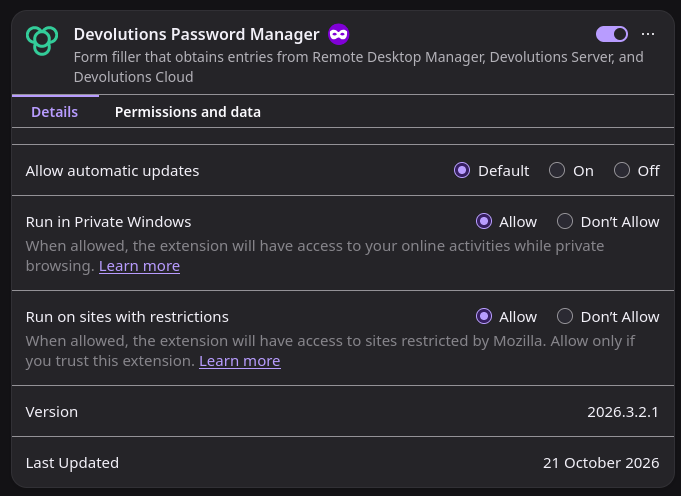
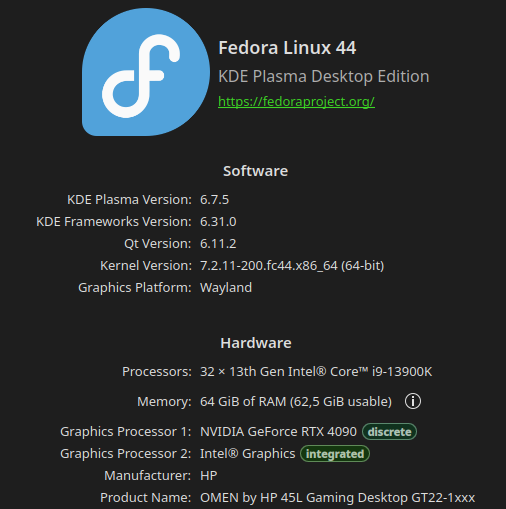
I've noticed a bit of a headache after switching to Linux Fedora 44, in that Password Manager extension (version 2026.3.2.1) on Firefox (158.0.1 x64 through Discover)
isn't able to automatically fill in my login information to the vast majority of websites.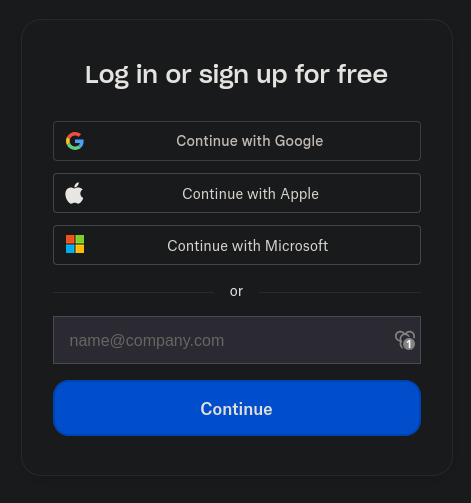 For example Dropbox sign-in: It shows that I have my login stored for the site, and I can select it, but nothing fills into the user account field, then I have to manually copy-paste the information to continue. I won't start listing websites where this occurs, since it'd take me far less time to gather a list on where it does work.
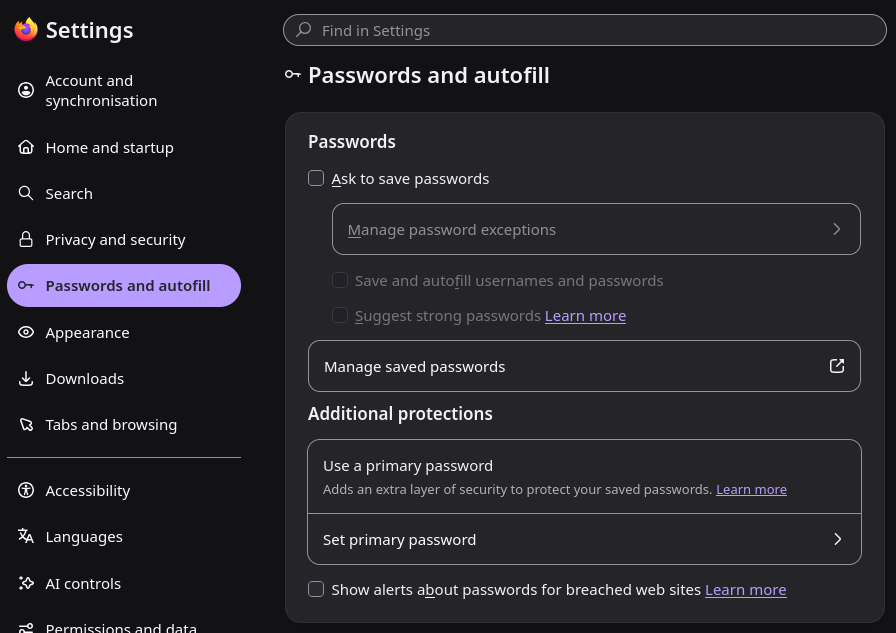 All the settings are as they should be, as far as I'm aware, and this feels like a Linux problem, since I don't remember having any issues on Windows and Firefox.
ef6045f0-8ed0-4c84-84ef-a3c7eba0e864.png
47fc7f25-8ad0-45ba-b715-031978134265.png
6accd405-c5e0-473a-aba0-075092b333f6.png
232d3179-db4f-4bef-8c5d-24f2dd487683.png
59dff2e7-2273-4cd5-99f5-a6d785ef6f96.png
0cdceb7e-8b74-4034-9c2c-482ab119e53d.png
All Comments (6)
Hello,
It is normal for multistep logins (logins with one field per page) to not automatically autofill on load, however dropbox does seem to work with autofill on load and so it seems like a entry resolving issue. Are you able to fill the entry from the popup by clicking on it? And do your entries work on websites with a login where the username and password are both visible on the same page?
Best regards,
Samuel
Hello,
Both clicking the entry from the popup, and clicking the entry from the extension bar do not autofill information, and both username and username/password prompts have the some issue.
An example with Plex: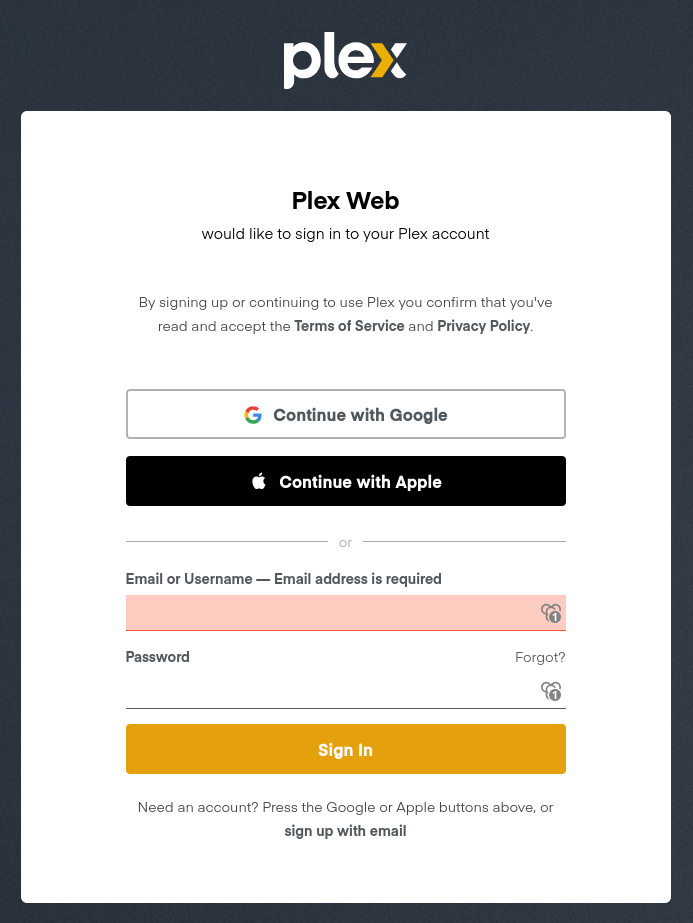
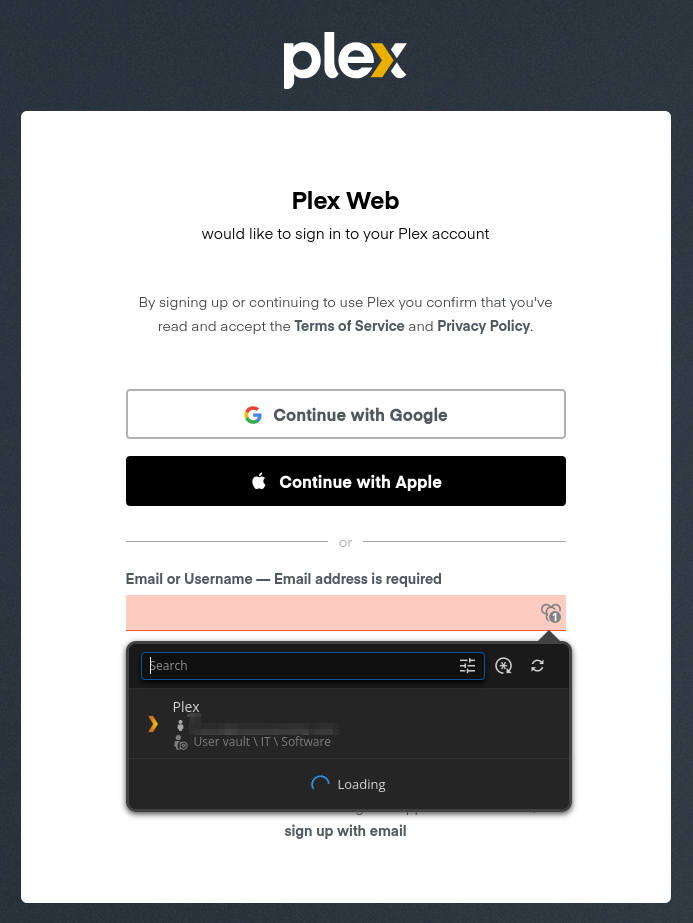
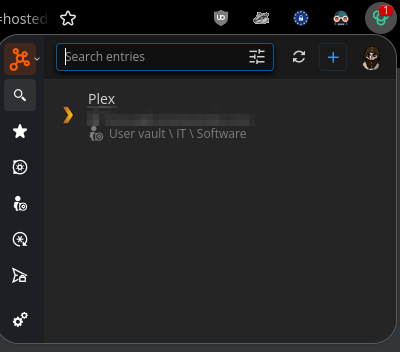
I have disabled all my other extensions for this test, and cleared the cache for these sites.
Br,
Mikko
21971890-f798-4153-849f-7cfd820736dc.png
2bee6579-ef79-4b9c-b224-9af67e2db6dd.png
5fa69333-6204-4132-95e5-e777b14dbae7.png
Hello,
We are unable to reproduce this issue internally on linux, which leads me to believe that this might be a resolving issue.
Before we start deep debugging, i would like for you to try to edit the entry that does not work, change it's name then save. It might have gotten corrupted for one reason or another and editing it usually fixes that.
If that does not work, i would like you to inspect the extension, fill by clicking the entry in the popup, then give me a screenshot of the console to see if any errors show up. A guide on how to do this can be found here: https://docs.devolutions.net/password-manager/knowledge-base/browser-extension-knowledge-base/devolutions-password-manager-browser-extension-troubleshooting-connection-logs#firefox, the guide says to open the network tab, open the console tab instead. Make sure to open the console of the extension and not the web page.
Best regards,
Samuel
Hello,
The edit on the entry worked, and I tried it with another site that had the same issue, which resolved that, too.
Thank you very much for this already, but would there be some way to "mass edit" entries, so that I wouldn't have to go through them one by one?
Br,
Mikko
Hello,
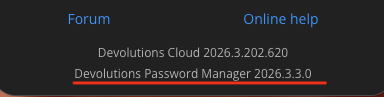
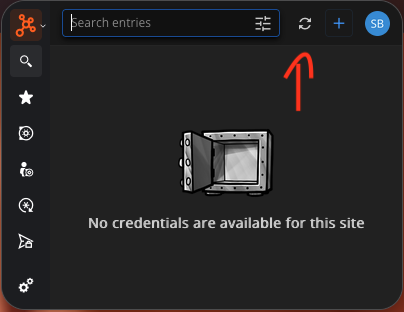
A mass edit might not be necessary, a fix for a bad import made by the cloud client will be live today, it might be live already. Version 2026.3.3.0 fixes bad vault ids during a fetch, before looking into mass edits i would recommend verifying the extension version and refreshing to see if it fixes it.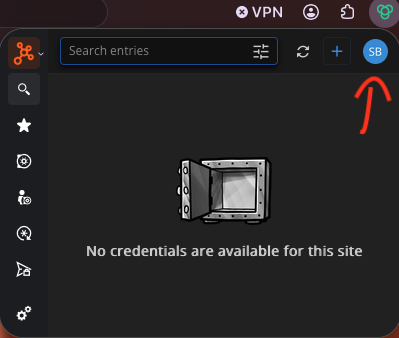
Best regards,
Samuel
2528f8c0-cf18-4d7b-b8d2-8f0cb694c5dc.png
a158d6d5-f0b2-40ed-a241-6115e1c0850d.png
ac2b5fe4-09d1-4324-916d-d2b41c9345e5.png
Screenshot 2026-10-27 at 2.56.49 PM.png
Hello,
Yes, this seems to have solved the issue. Thank you very much!
Br,
Mikko