
bjoernahrens
iPad Display/Resolution Issues?
But I enabled automatic scaling option in settings and now it is better. Maybe it was a scaling problem and not resolution
iPad Display/Resolution Issues?
No, as I said enabling dynamic resolution does not work for me.
iPad Display/Resolution Issues?
I tried this already, but it doesnt work. This changed nothing.
iPad Display/Resolution Issues?
Thanks for your quick answer
Correct, No parts are cut off. Everything is displayed on Remote desktop session. But it seems to be that the Resolution on RDP session is too high.
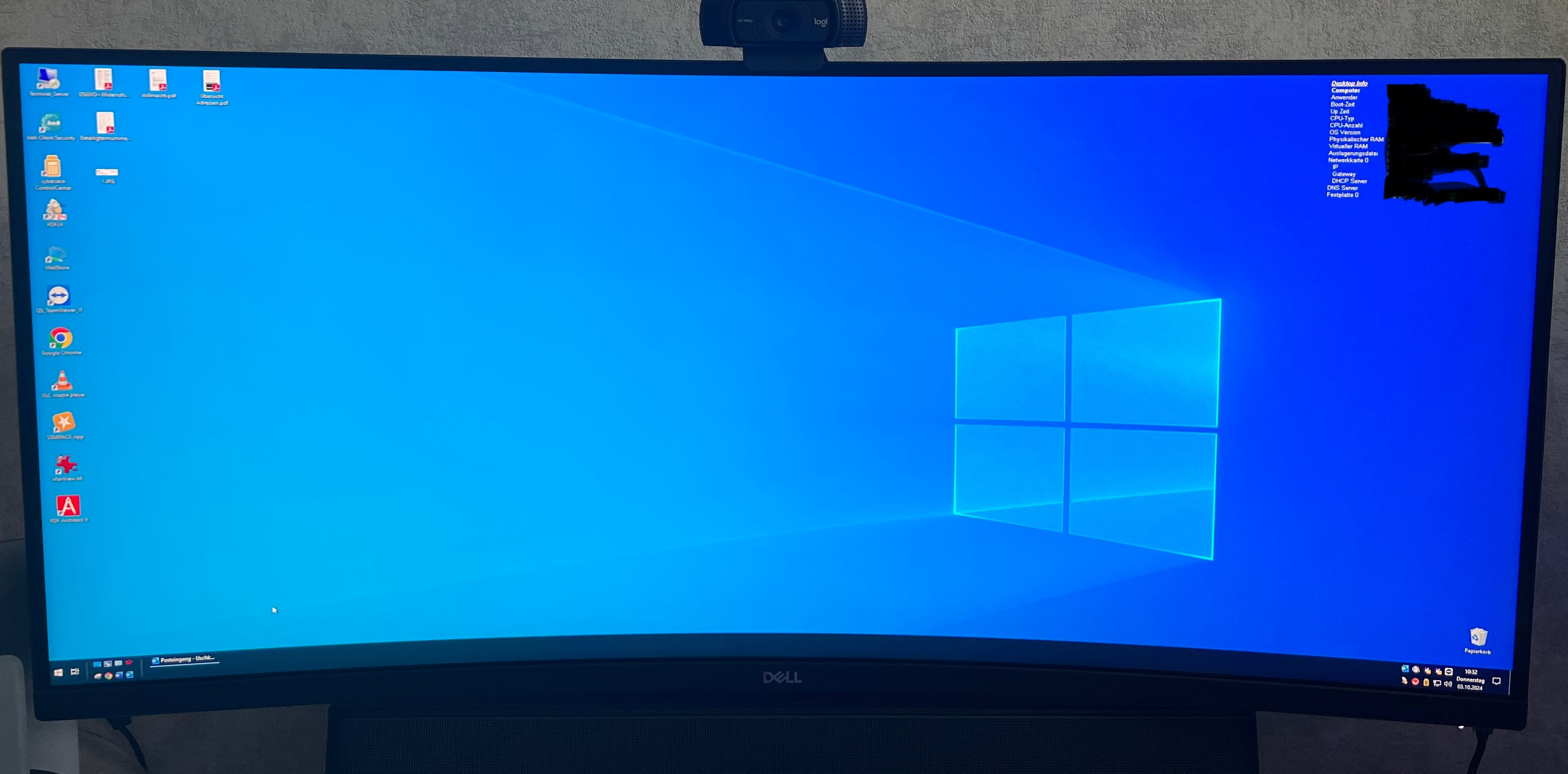
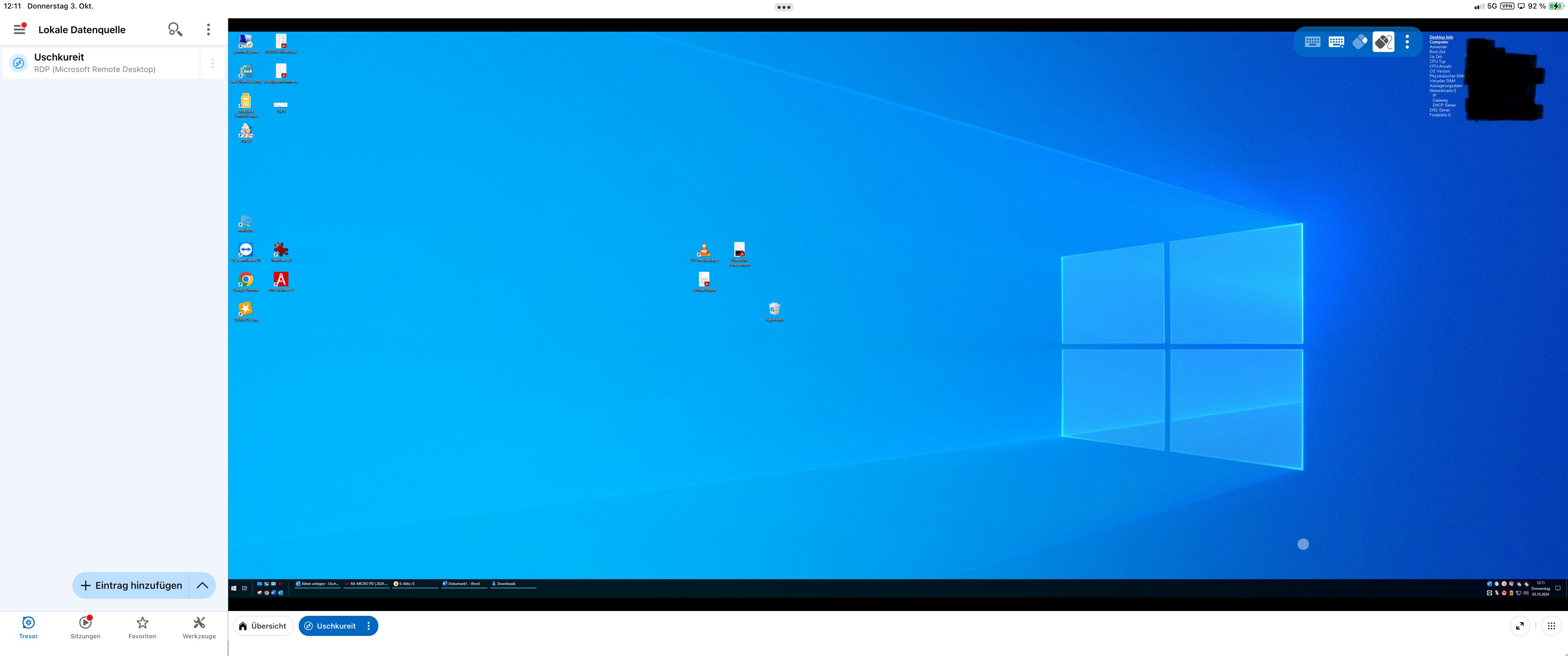
here some screenshots
first screenshot is how it Looks Like normaly (Windows 10 to Windows 2022 Datacenter Session)
2nd and 3rd screenshots is how it looks like with your RD Manager
And fullscreen
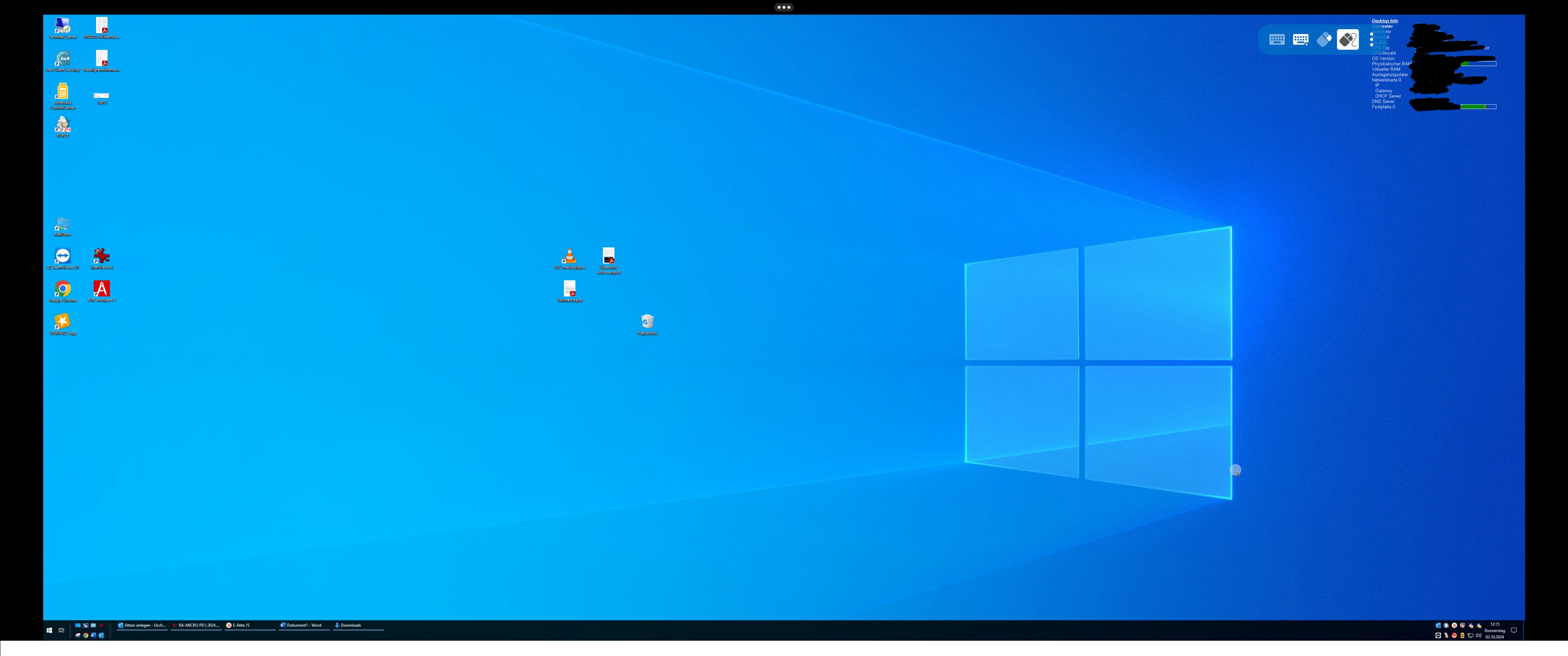
I‘ve tried every possible resolution setting and display option. Nothing helped. Metal Renderer is off.
external Display is connected via DELL Docking Station.
iPad Display/Resolution Issues?
Hi all,
Same Issue here:
IPad Pro 12,9 M2
External Widescreen Monitor 3440x1440
App works on external Display
I want to Connect to a MS Server 2022 via RDP. Resolution on rdp session does Not Match with Screen Resolution. It is too small. Need help please.