Latest update has resulted in inconsistent behavior for session resolution
Latest update has resulted in inconsistent behavior for session resolution

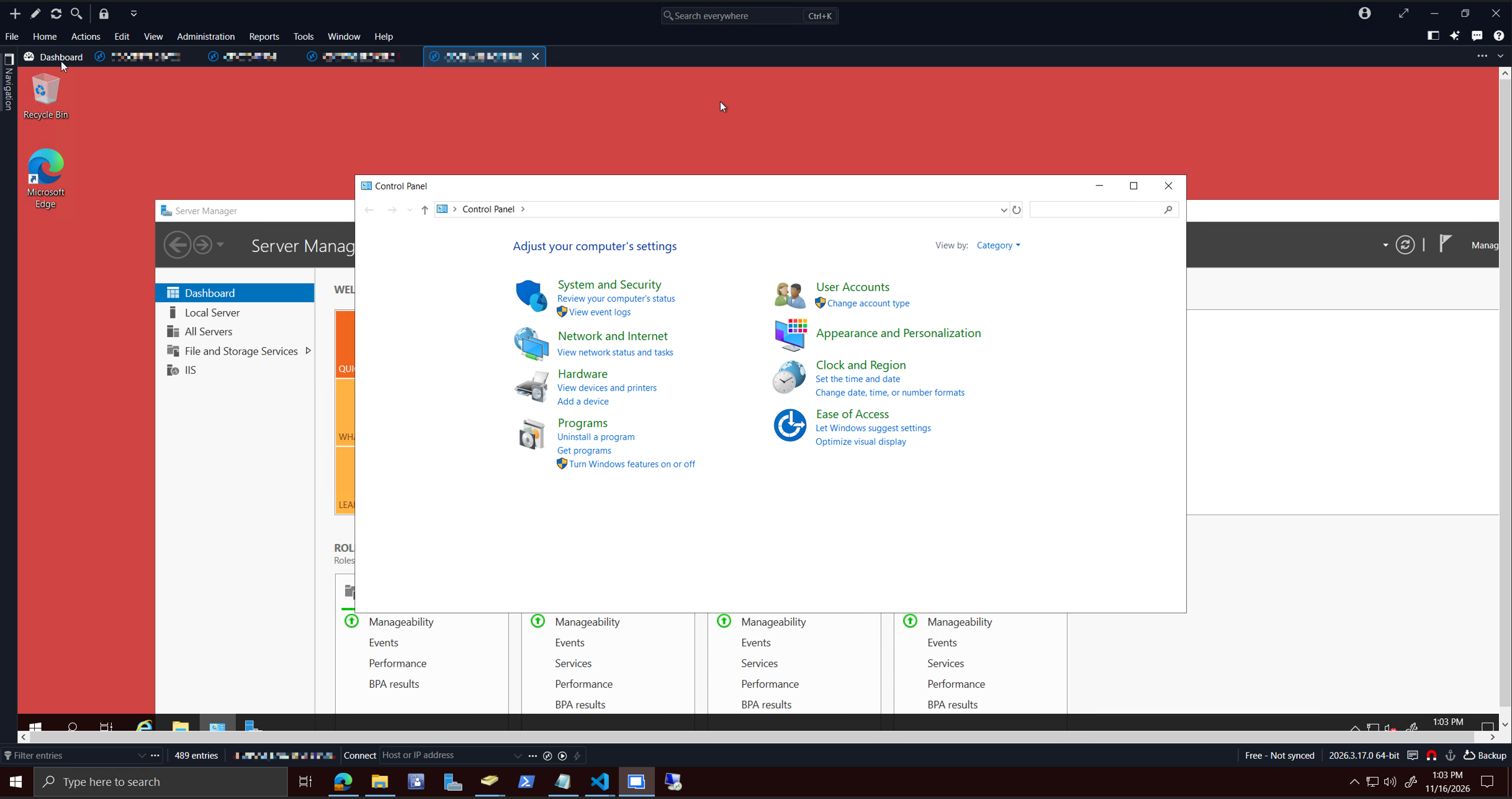
Ever since the latest update with the UI rewrite I have been seeing the following behavior, that when opening a saved session configured with 'Screen Sizing Mode: Dynamic Resolution', it will occasionally open the session like this with scrollbars instead of maximized to the full possible resolution:
As opposed to another session that was opened literal seconds before opening the above:
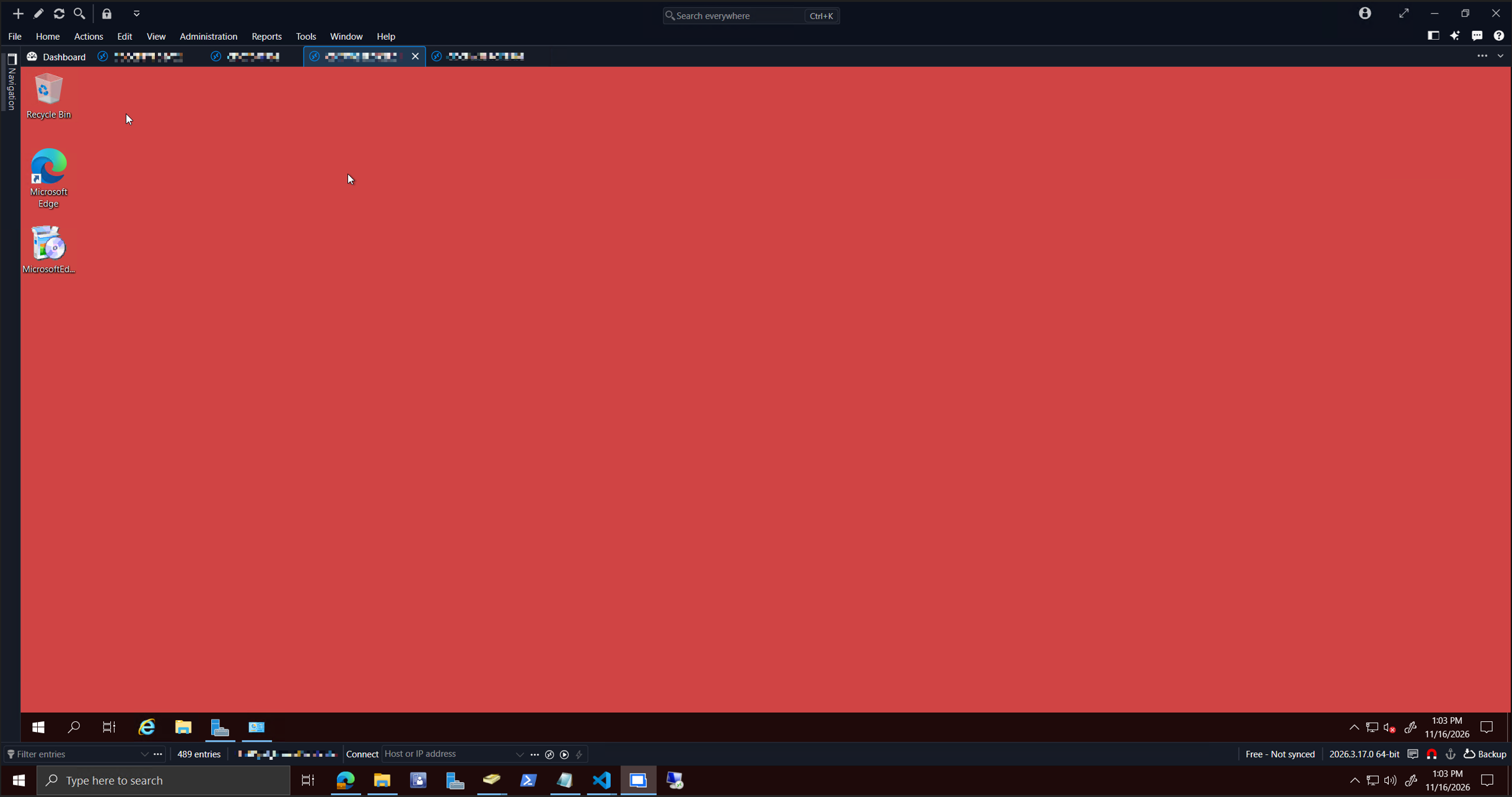
I did not get the exact same capture area when I snipped these but switching between the tabs but other than the scroll bars being in the way for one session, the resolution and position of the window/icons/UI seems to be EXACTLY the same.
Haven't noticed any patterns or been able to replicate it consistently, I have seen it happen both with a session where I was already logged into the destination machine and ones where it was a brand new logon to the destination, but see it probably once every 10-15 times I open a session at this point. Triggering a resize by undocking the session will correct the problem
May be important to note that I use RDM from within another VM that I have open in maximized windowed mode(so not fullscreen), so that may be contributing some to wonky resolution nonsense when calculating what resolution to show the final embedded session window at, but it was working fine previously and continues to be fine most of the time now still.
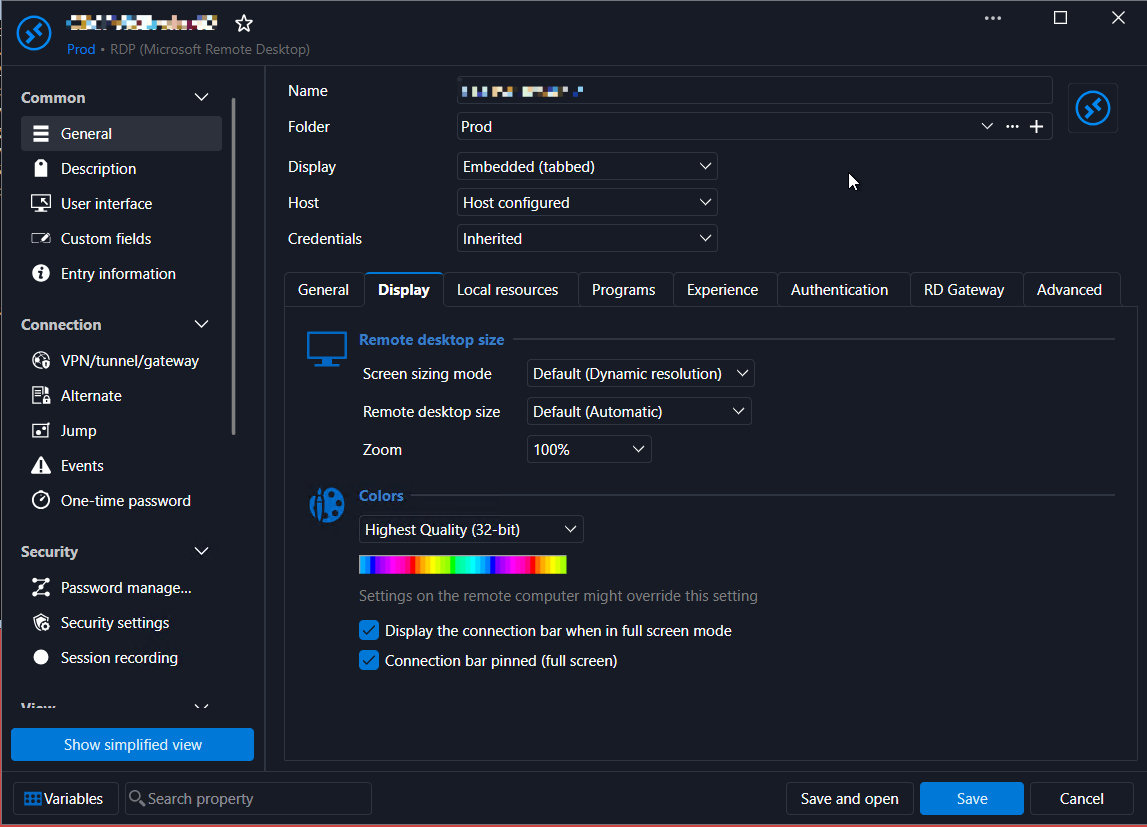
Session display settings that I use across all my saved sessions: