How to Disable Automatic Account SignIn Machine Wide?

Hi all,
i have realized that updating to 2026.3.15.0 from a 2026.1 version, that my users are now getting a FORCE Popup every time RDM boots up to login into a Devolutions Account.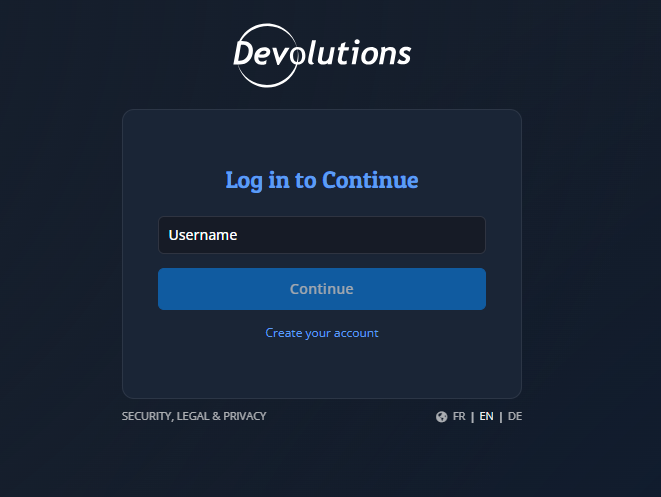
I dont want that.
So I researched to see if there is a Machine Wide Registry Policy to disable this. I had only found this:
[HKEY_LOCAL_MACHINE\SOFTWARE\Policies\Devolutions\RemoteDesktopManager]
"DisableOnlineAccount"=dword:00000001
But this did nothing and did not help.
So i digged up further and i saw that there is now a new entry created AUTOMATICALLY without me wanting it in the RemoteDesktopManager.cfg file with the value:
<Option>
  <AccountAutomaticSignIn>true</AccountAutomaticSignIn>
</Option>
When i set this value to "false", and start RDM; the whole "AccountAutomaticSignIn" string disappears (it does not set it to a visual "false"), but also the Popup disappears. Why is this not staying at "false"?
This .cfg is in the USER-Profile, which is annoying to control. Is it possible to include a Registry Key at the HKLM Path under Policies? I feel like this should not be enabled on Default on future installations because companies like mine run On-Premise on a Popup Windows that comes on ever start to a Cloud Login is very annoying.
Thanks.
Furkan
8e6d4df6-0b80-442d-ae83-99ce86ed05b0.png