Editor - where we can enter account notes and instructions loses formatting or adds lines, or does not scroll to the end
Editor - where we can enter account notes and instructions loses formatting or adds lines, or does not scroll to the end

we have used the editor functionality for a while, but over the last few patches, the editor has lost formatting or changes formatting willy-nilly. Painful to use.
All Comments (3)
Hello,
Thank you for reporting this. We know about formatting problems in the new editors that came with Remote Desktop Manager 2026.3, and our development team is working on them.
To link your case to the right ticket, could you send us:
Your exact RDM version (Help > About).
Where you write these notes: an entry’s Documentation tab (Markdown or HTML page), a Document entry (Word/RTF), or the Notes field?
Your workspace type (Devolutions Server, Devolutions Cloud, SQL Server, …).
As soon as we have this, we’ll add your case to the existing ticket and let you know when a fix is released.
Best regards,
Carl Marien

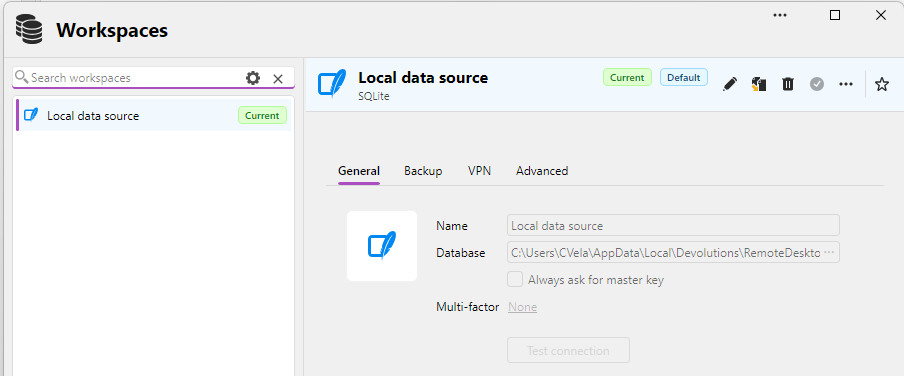
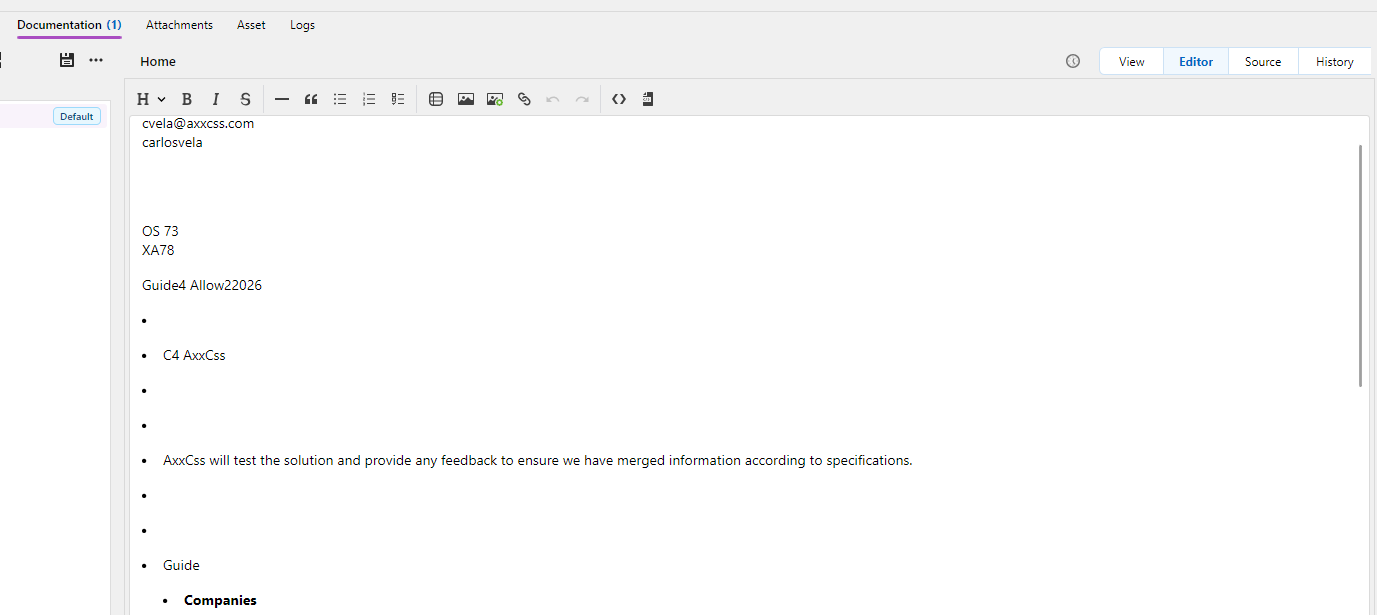
i get to the bottom of the screen and it it stops randomly u from showing more details:

but log out and in it shows additional details
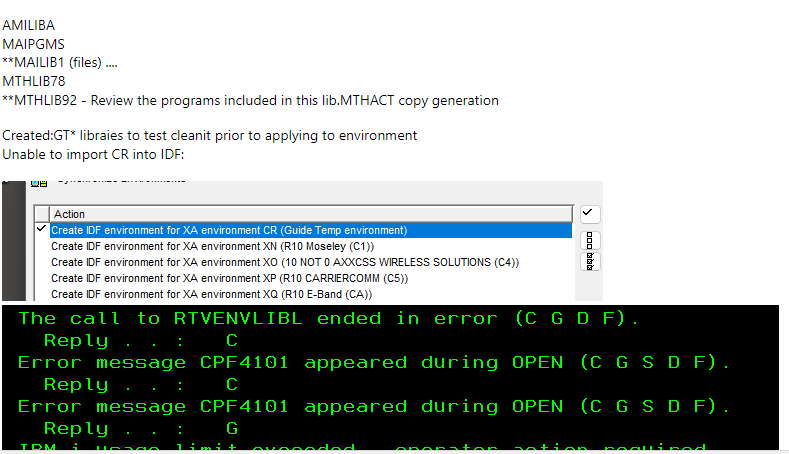
Other issues;
delete a line does not always work.
sometimes it reformats losing indents spaces or adds spaces...
Hello,
Thank you for providing the screenshots.
They show that you are using a Markdown documentation page on Remote Desktop Manager 2026.3.16.0. Version 2026.3.17.0 includes a fix for an issue where parts of a Markdown documentation page were not displayed. Therefore, I recommend updating to 2026.3.17.0 and letting me know whether the page still stops partway through, or whether empty bullets are still added between your list items.
If the issue still occurs after the update, could you please send me a short screen recording of the problem, along with a copy of the page content from the Source tab (with any sensitive information removed)? This will help me reproduce the behavior on my side with the same content.
I look forward to your reply.
Best regards,
Jacob Lafrenière