ssh terminal command result different

Hi,
I open multiple SSH terminal to manage cisco switch, but I got different display of result when I open multi entries at same time for same command:
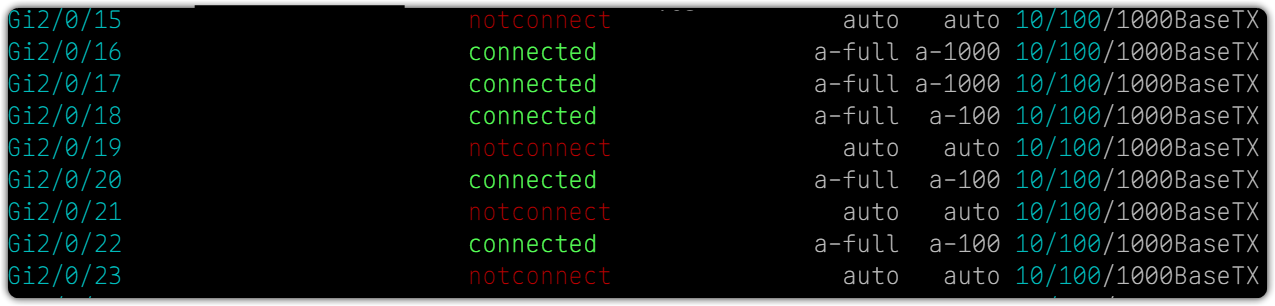
First window shows everything correct
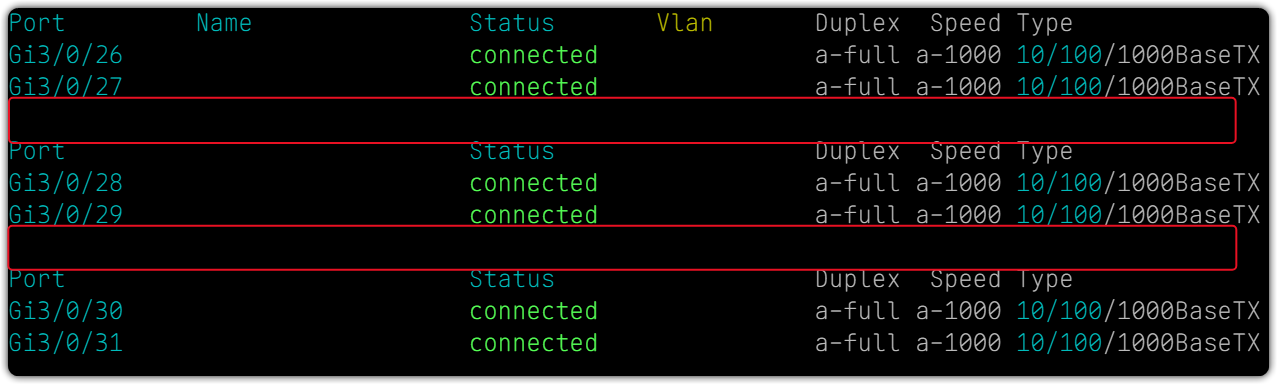
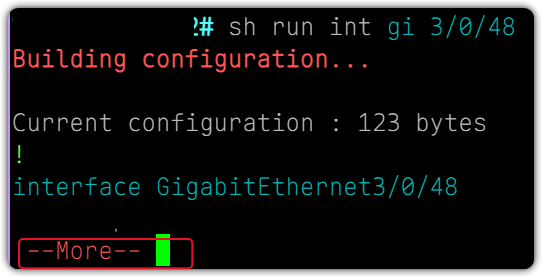
But 2nd tab of window, it has extra space line compare with first window for same command, the command stop display only for 2 lines, then I need press enter to get more info, this is something abnormal compare with normal cisco command output. Can you advise on this?
If open sessions one by one seems have no this issue, only happened with open multi session at one time.

All Comments (4)
Hi,
Any adivse on this? Thank you.
Hello,
Thank you for the details and screenshots.
We have reproduced this behaviour. In current RDM 2026.3 builds, when several SSH sessions open at the same time, every tab except the first connects with a small default terminal size (13 rows × 48 columns). The tab is resized when it’s shown, but Cisco IOS only reads the terminal size at login. That’s why you see the extra line wrapping and the --More-- prompt after only a few lines. Sessions opened one at a time aren’t affected. This is logged with our development team as a regression and will be fixed in an upcoming release.
Until then, any of these will work around it:
Use a fixed terminal size (recommended): edit the SSH entries (you can select them all and use Batch edit), go to Terminal settings, set Terminal size to Fixed size and enter the columns and rows you want (for example 120 × 40). Every session then opens with that size, even when you open several at once.
Run
terminal length 0(andterminal width 0if needed) on the switch once the session is open. You can add these as an After opening typing macro on the entries.Open the sessions one at a time.
Could you confirm which RDM version you’re using (Help > About)? That way we can make sure you get the version with the fix.
Best regards,
Carl Marien
Hi
I am use 2026.3.16
Hello,
Thank you for the version. We confirmed that 2026.3.16 still has this behaviour. It’s tracked by our development team, but a fix isn’t scheduled in a specific version yet.
For now, the most reliable workaround is a fixed terminal size on your SSH entries:
Select all the Cisco SSH entries, right-click > Edit > Batch edit > Edit entries (Advanced). You can also edit each entry.
Go to Terminal settings.
Set Terminal size to Fixed size and enter the columns and rows you want (for example 120 × 40).
With this, every session opens with the right size, even when you open several at the same time, and the --More-- prompt only comes after a full screen.
We’ll update you when the fix is available in a release.
Best regards,
Carl Marien