Regression: cannot type diacritic characters in documentation editor
Regression: cannot type diacritic characters in documentation editor

Hi, it worked fine yesterday in 3.15, today after upgrading to 3.16 it stopped working.
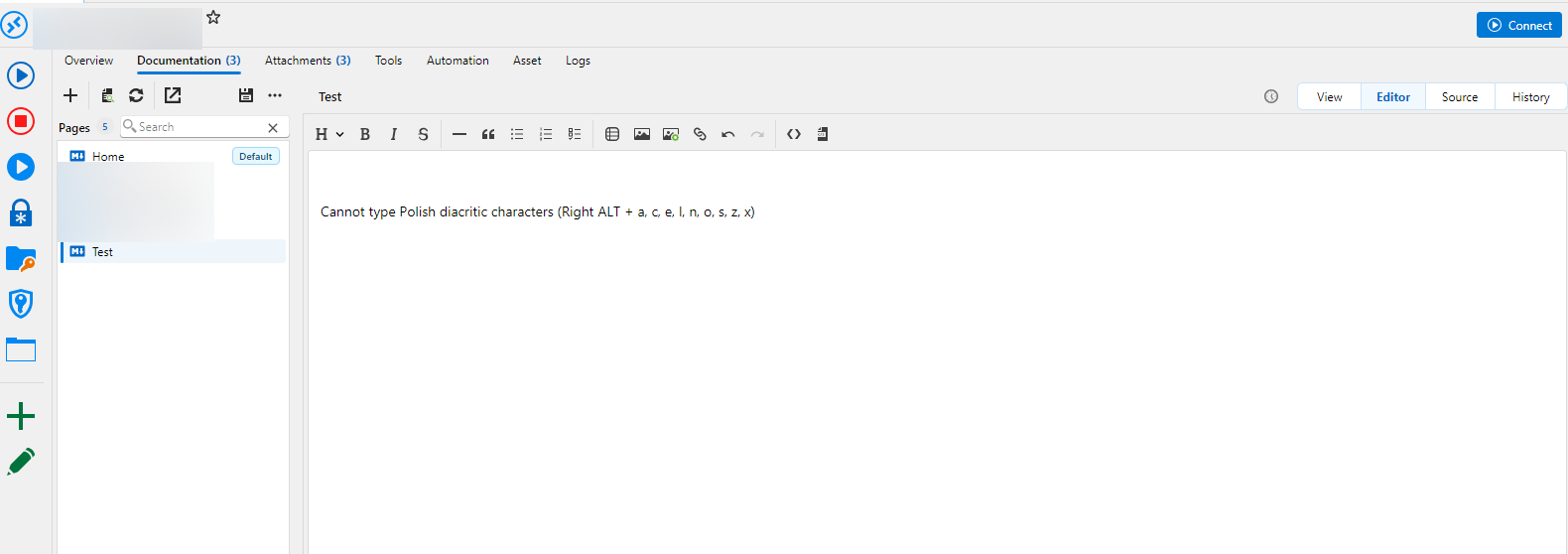
I cannot enter Polish diacritic characters anymore in documentation editor. Yesterday I was able to. Pressing Right-Alt + letter (one of: a, c, e, l, n, o, s, z, x) to type (ą, ć, ę, ł, ń, ó, ś, ż, ź) or Right-Alt + Shift + Letter (for a capital letter) activates menu, and I found no way of turning that off in settings.
Please fix it.
For urgent cases like this is for me you should also provide a "Downgrade" or "Rollback upgrade" option in Help menu so that I can easily reinstall previous version.
All Comments (2)
Hello,
I'm sorry you found this issue, we updated our Markdown Editor to a new Avalonia version in the .16 release, I have logged the issue and I will fix this issue asap.
As for the downgrade, it's an interesting idea to allow it from inside the app. You can download previous builds from our website here:
Download Previous Versions | Remote Desktop Manager
Thanks,
Paul Dumais
Hello,
Thank you for your patience while our team looked into the issue you reported.
I'm happy to let you know that the latest version of Remote Desktop Manager (2026.3.17.0) includes a fix for this problem. You can download it from our website here:
https://devolutions.net/remote-desktop-manager/download/
Once you have installed the update, could you please test it in your environment and confirm that everything now works as expected? If the issue persists or if you notice anything unusual related to the same original problem, just reply to this message with a few details, and we will be glad to look into it further.
Thank you for your collaboration.
Best regards,
Maxim Robert