Graphical artifacts in RDP

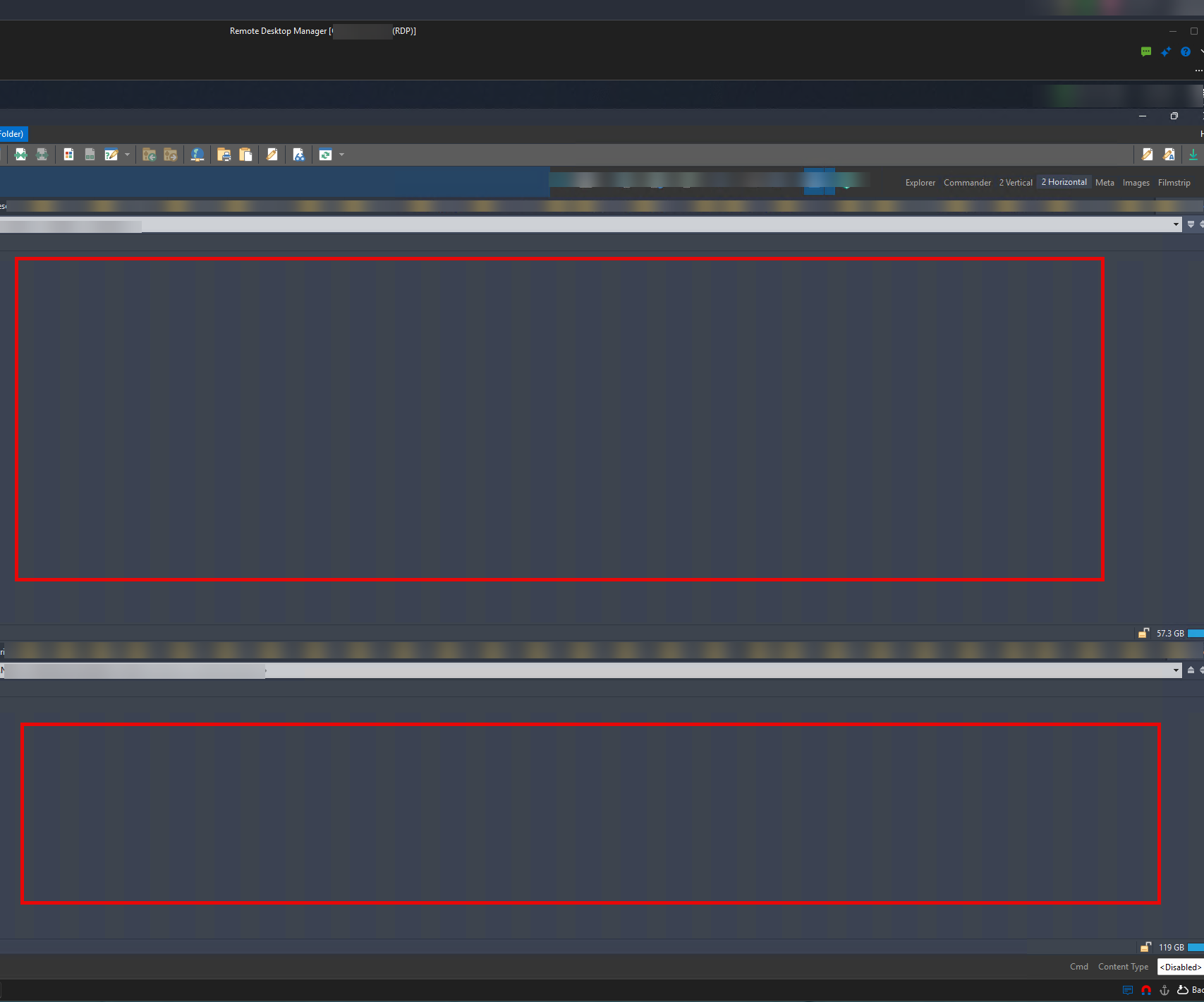
Using RDM on Win 11 host, always the latest version.
Sometimes (not every time, but still pretty often) in solid areas in the guest (Win 11 in this case) I get visual artifacts. See screenshot. If it's useful to know, the actual background in this example is supposed to be the darker gray in those bars, and fully solid, not striped.
Does anyone know how I can fix this? Is it just a setting I need to change?
TIA!
f3941e71-5372-467c-ac68-c949a1427b4a.png
All Comments (2)
Hello,
Thanks for the screenshot, the striping in the solid areas is clear. Could you share the following so we can narrow this down:
- The exact RDM version, from Help > About
- The data source type you are using
- Whether the same stripes appear when you connect to the same machine with the Windows Remote Desktop client (mstsc.exe)
In the meantime, please try these changes in the properties of the RDP entry, under General and then the Experience tab, and reconnect after each one:
- First, untick Persistent bitmap caching. Our Microsoft RDP display issues article covers this setting.
- If the stripes still appear, untick Detect network automatically. Then set Performance to LAN (> 10 Mbps with low latency).
The full list of options on that tab is in our RDP session entry article. Let us know whether either change makes a difference.
Thank you in advance!
Best regards,
Hi Sam
- The exact RDM version, from Help > About
2026.2.18.0 64-bit (PreJIT)
- The data source type you are using
I'm not sure; where can I find that exact info?
- Whether the same stripes appear when you connect to the same machine with the Windows Remote Desktop client (mstsc.exe)
I tested in mstsc and yes, it does also happen there as well, so I'm guessing this is a RDP issue rather than a RDM issue, but seeing as this (RDP) is software that you likely are super familiar with it in your development you might still be able to help solve this?
In the meantime, please try these changes in the properties of the RDP entry, under General and then the Experience tab, and reconnect after each one:
- First, untick Persistent bitmap caching. Our Microsoft RDP display issues article covers this setting.
Unchecked that on your advice and tested, but no luck unfortunately.
- If the stripes still appear, untick Detect network automatically. Then set Performance to LAN (> 10 Mbps with low latency).
I just changed that setting now, and we'll keep an eye out for whether it helped.