RDM 2026.3 - Quick Connect ignores linked credentials in RDP templates
RDM 2026.3 - Quick Connect ignores linked credentials in RDP templates

Hello,
Since upgrading Remote Desktop Manager to version 2026.3, I've been experiencing an issue with Quick Connect when using RDP templates with linked credentials.
Before the update, I could simply enter an IP address in the Quick Connect bar, select my RDP template, and press Enter. The connection would open automatically using the credentials configured in the template.
However, since upgrading to 2026.3, RDM prompts me to enter credentials every time, even though the selected template already has a valid linked credential entry.
The issue persists even after updating to version 2026.3.15.0.
Thank you!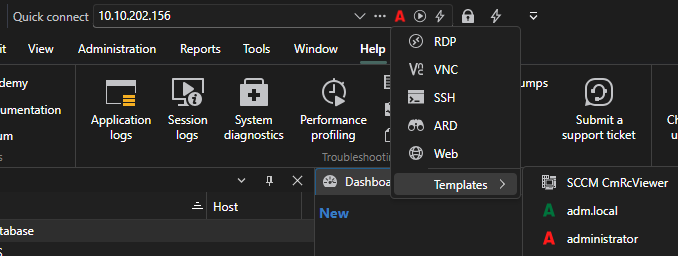
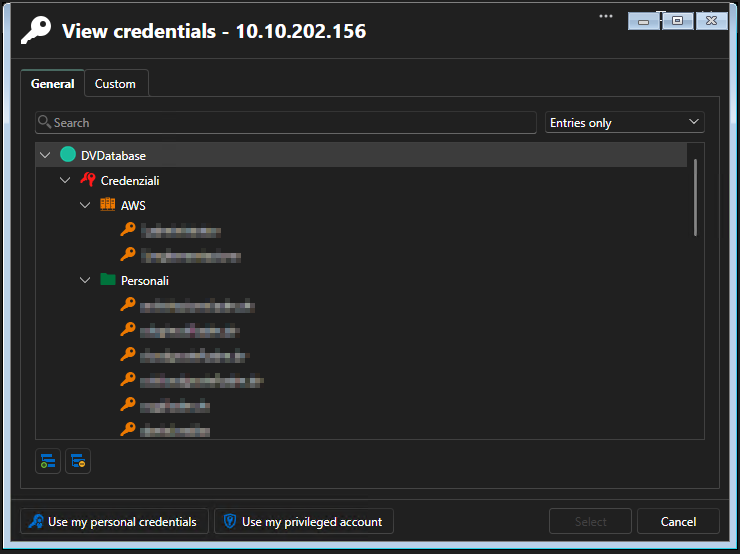
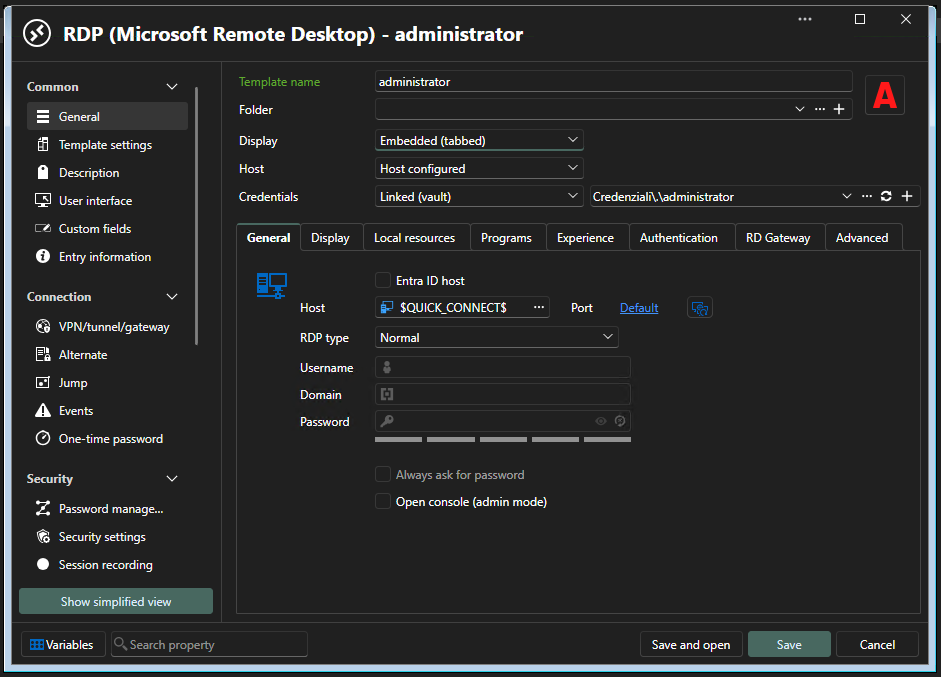
2026-10-22 12_16_12.png
2026-10-22 12_16_59.png
2026-10-22 12_12_33.png
All Comments (1)
Hello,
Thank you for the report.
A Quick Connect session runs in the vault that is selected in RDM at that moment.
If that is not the Credenziali vault, RDM can’t find the linked entry and asks you for credentials instead.
Linked credential handling changed in 2026.3, and we are checking with our development team why this worked in earlier versions.
In the meantime, could you try these two tests?
- Select the Credenziali vault in the navigation pane, then run the same Quick Connect with the administrator template. Does it connect without the prompt?
- Edit the template and open the Credentials list. If it offers a cross vault option, select it, pick the administrator entry from the Credenziali vault, save, and try again.
Could you also tell us what type of workspace DVDatabase is, for example Devolutions Server or SQL Server?
Is the administrator template a local template or a shared template?
Best regards,
Carl Marien