RDM Hotkeys Consistently Resetting to Default

In the latest RDM release, the keyboard shortcuts for "Show/Hide Find Quickly window with a system-wide hotkey" are consistently getting reset. I believe it's getting reset every time the program restarts. My keyboard shortcut stops working, and when I go into the settings, I see that it's reset to the default SHIFT + CTRL + `. I am able to change it back to my desired shortcut, but it keeps somehow resetting itself.
Below is a screenshot of the default shortcut that the enabled shortcut keeps resetting itself to after a certain time or program restart.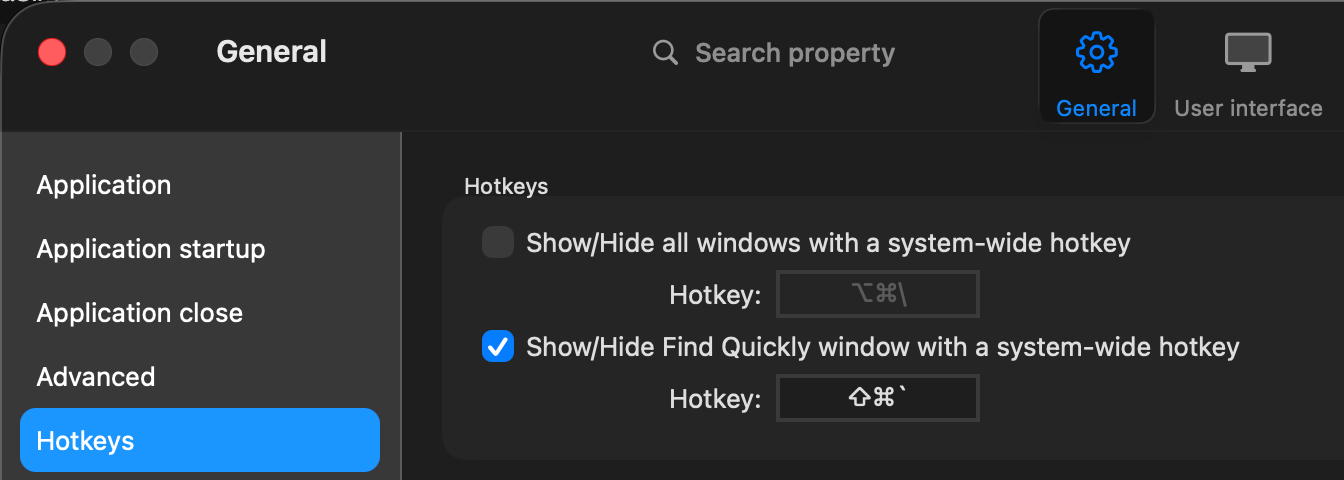
The version information is below for RDM:
Remote Desktop Manager 2026.3.1.2
Runtime: .NET 10.0.12
Platform: macOS 26.7.0
Workspace: Local Data Fix
Allocated memory: 436 MB
363f7cc5-c793-48bf-a977-92b3768ba1cb.png