Problem with Web Logins - Firefox

Hi, after a long one year absence from my favorite utility at last my new job is needing it back.
I must say that the new whole interface took me by shock to get used to it but i still trying to make things the old way. One of them is the web login.
Normal scenario, i use firefox to enter a VCENTER. devolution plug in asked for me to save the credential, i select and it saves the credential and the URL that uses that credential (you can have multiple urls)
Then i went and add an entry, web site with the link of vcenter and open with firefox. when i double click the entry the vcenter opens the fields are green and username/password is filled and auto submit the form.
Now that is not happening.. First of all if i add a credential for the site and the site as an entry devolutions shows two password entries on the field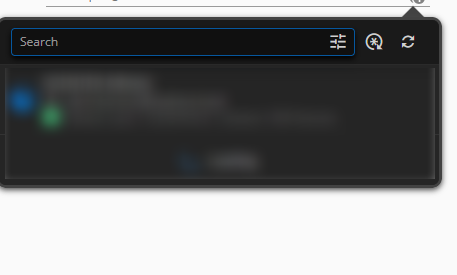
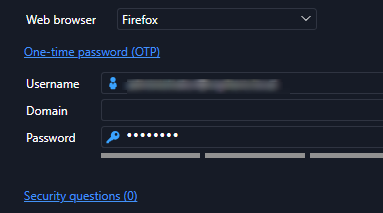
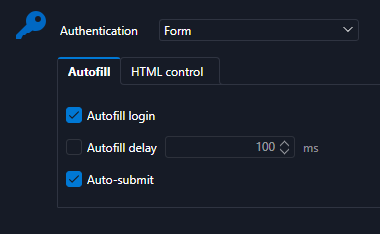

I did the other method, open firefox and open VCENTER i see the credential and added then a UI opened in the VAULT that i add name, folder, username password
a normal entry is added in the RDM, i double click but again the same happens, no auto fill-no submit even though it finds the credentials.
What am i doing wrong?
Also does the scenario with web credentials and a list of URLs is not working like before. I mean many web sites have the same password/username so i used to go to the credentials of web and add the equivalent URLs and that was it.
Pleas assist
RDM for Windows 11
Purchased Enterprise Edition v2026.x
427aebcc-4586-465a-9125-714315fcf83e.png
748ad065-533f-4215-bc79-56e9fea52c6d.png
422b5b7c-5423-41c7-b8a0-2a16bb247f01.png
a0f317e5-8740-48b7-b585-2475ef405634.png
All Comments (3)
Hi,
Do you have “Automatically fill in credentials on load” and “Automatically submit the form after filling it” enabled in Extension Settings > Remote Desktop Manager Workspace?
Does it work when you manually select the entry in the extension popup?
For the equivalent URLs, you can add the URLs in the “Equivalent URLs” section of a Website entry. Where was your list of URLs before?
Best regards,
Olivier Désalliers
I'm sorry but i'm very confused on how this is suppose to work.
Yes i have all these settings enabled but nothing works or i do not make it work like it used to be. let me clarify again i was used to :
Normal scenario, i use firefox to enter a VCENTER. devolution plug in asked for me to save the credential, i select and it saves the credential and the URL that uses that credential (you can have multiple urls)
Then i went and add an entry, web site with the link of vcenter and open with firefox. when i double click the entry the vcenter opens the fields are green and username/password is filled and auto submit the form.
So know i have done also with edge cause it is not on the list the firefox. I have tried to add a website on the RDP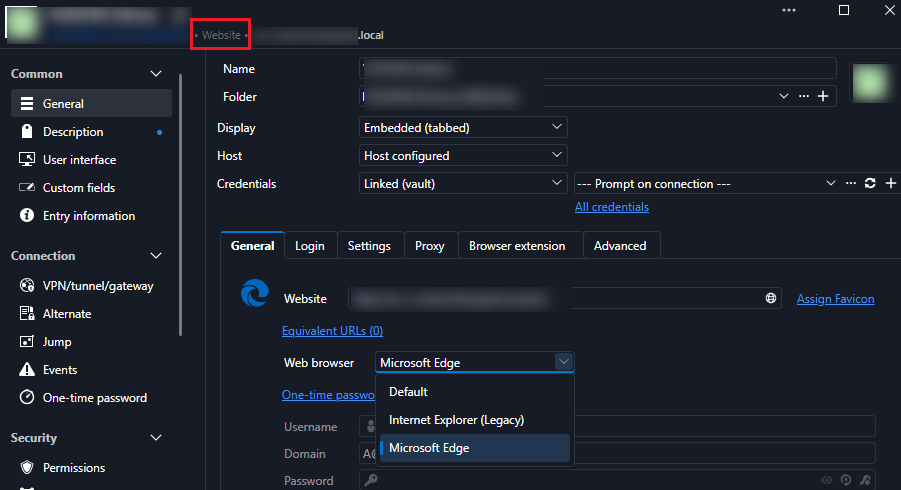
Another way i tried it is how i used to do it, open firefox and enter the site, i get the devolution icons and login it askes to save the login details i click ok.
then on the RDM the entry was like that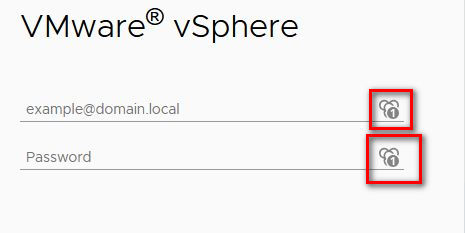
Now i try every possible combination of website and credentials but the fields are not filled or auto-subimt, in fact on the website when i open it it does not show 1 and no credentials on the extension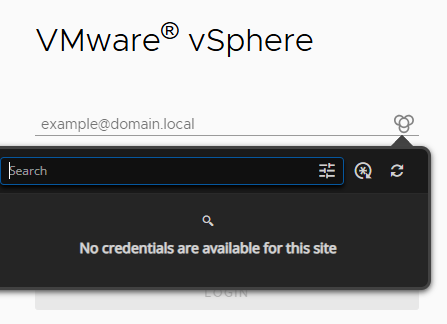
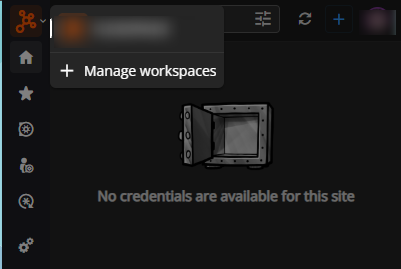
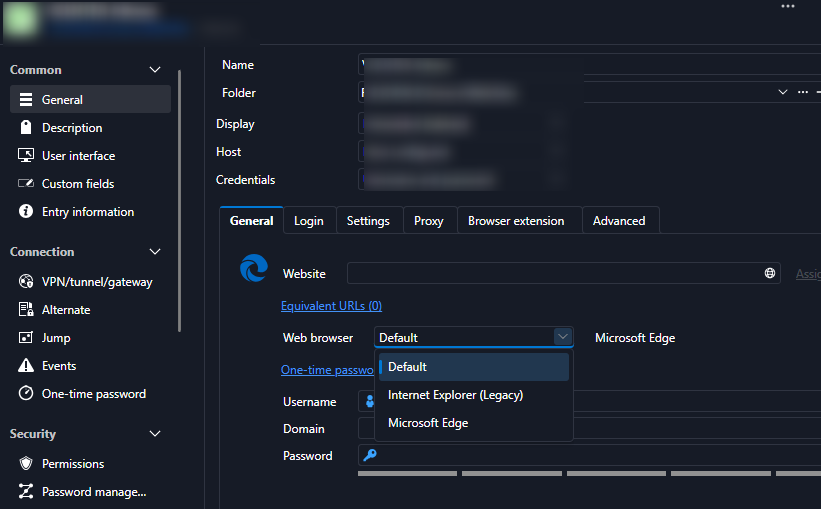
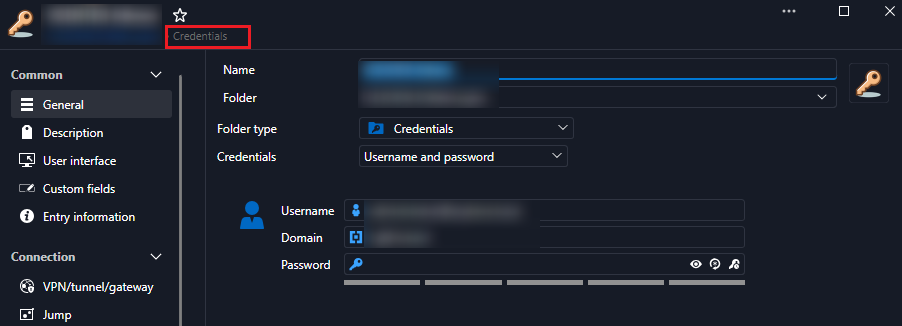
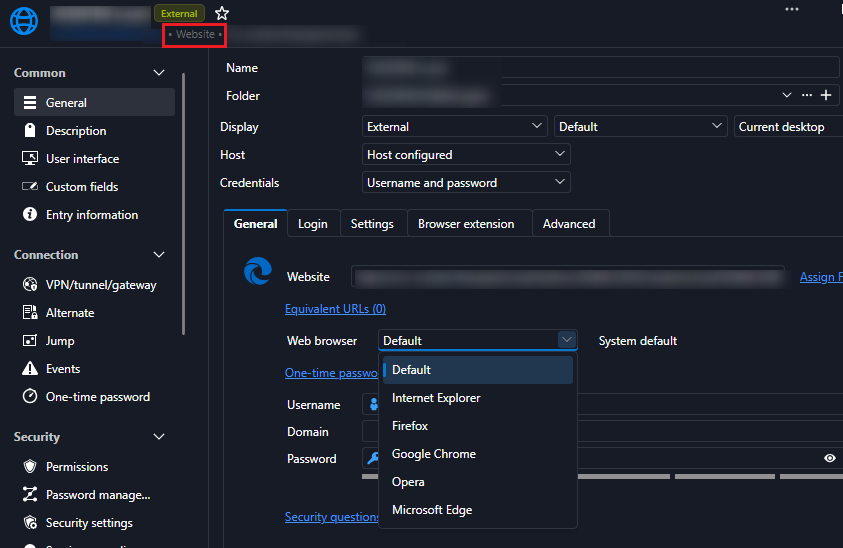
Can i have a step-by step? i'm really stunned on how this is suppose to work normally.
Thank you
RDM for Windows 11
Purchased Enterprise Edition v2026.x
b6ac0479-11ed-40d7-97e9-0a5f5f6fdafe.png
2b8d81f8-c6ab-4128-a33c-53c3522dad70.png
8d9aba24-2dfa-42d2-9431-eb55af627651.png
9249c48a-1c6a-416f-a98d-a75747d2b961.png
92fd7b1a-220b-43b0-a538-0aa804828a4f.png
373dfaab-2859-477e-accc-bbe72bf087e3.png
694823a6-5293-400f-8978-9ea98bb56d3e.png
afe561c8-a995-4653-a210-de01983650ca.png
Hi,
Is the browser extension connected directly to Remote Desktop Manager (RDM) or to Devolutions Cloud?
Based on your screenshot, the extension appears to be connected to Devolutions Cloud, while the pages you are editing are in RDM.
When opening a website from RDM, the browser extension needs to be linked to that RDM instance in order to retrieve the associated credentials.
You can find step-by-step instructions for retrieving credentials here:
When connected to RDM: https://docs.devolutions.net/password-manager/browser-extension/devolutions-password-manager-browser-extension-with-remote-desktop-manager/using-the-devolutions-password-manager-browser-extension/retrieve-credentials
When connected to Devolutions Cloud: https://docs.devolutions.net/password-manager/browser-extension/devolutions-password-manager-browser-extension-with-devolutions-cloud/using-the-devolutions-password-manager-browser-extension-with-devolutions-cloud/retrieve-credentials
You can also refer to this video for the Devolutions Cloud workflow: https://youtu.be/PiYDKIU-q-A?si=7vzQ67CYOonB73JY
Best regards,
Olivier Désalliers