2026.3.2 - Unable to delete a file in files tab

If I select a file in the files tab, click the delete icon, then click the delete button, nothing happens. I can then no longer select other files or close the delete confirm flyout.
All Comments (5)
@akapsch I've opened an issue to track this. Once we dig in, I'll let you know if I need any more info.
Adam Driscoll
PowerShell Expert and Software Architect at Devolutions
@akapsch I've opened an issue to track this. Once we dig in, I'll let you know if I need any more info.
@Adam Driscoll I tried creating a file, that also appears to be broken.
Hello,
Thank you for your patience while our team looked into the issue you reported.
I'm happy to let you know that the latest version of PowerShell Universal (2026.3.4) includes a fix for this problem. You can download it from our website here:
https://devolutions.net/download-center/#psu
Once you have installed the update, could you please test it in your environment and confirm that everything now works as expected? If the issue persists or if you notice anything unusual related to the same original problem, just reply to this message with a few details, and we will be glad to look into it further.
Thank you for your collaboration.
Best regards,
Maxim Robert
Hello @Adam Driscoll and @Maxim Robert
unfortunally this issue seams not to be completely fixed in the verison 2026.3.4.0 (i am using this version on Windows Server 2025 with the current updates from october) Today my colleague created a new custom module and tried to move additional files into an subfolder withhin the file tab under the specific module. In the end the whole web ui stops responding, after you click on the "move"-button. Till you restart the whole PSU-Server you cant view any files unter the file tab in any module. Here are the steps which i had to take to reproduce this issue:
created a demo module
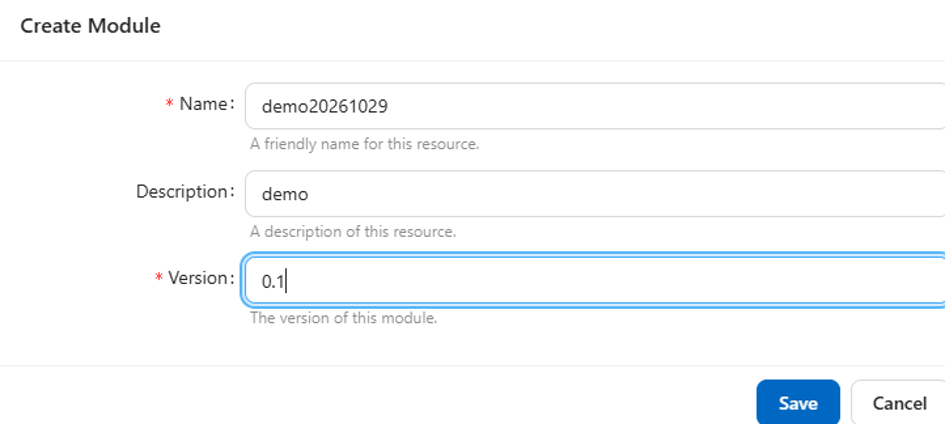
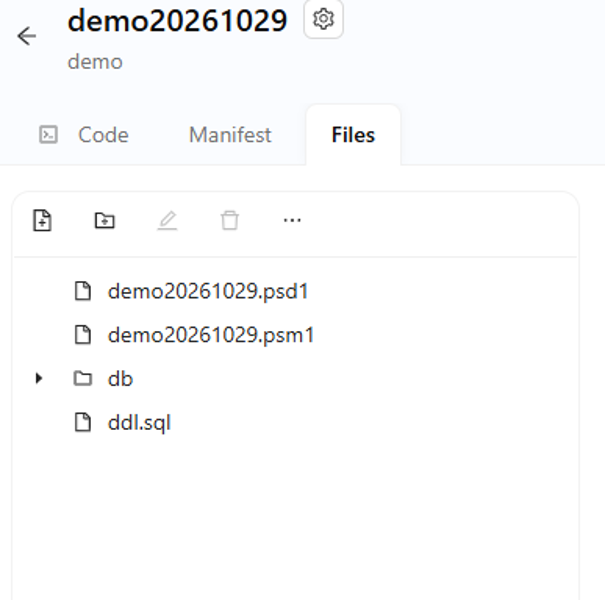
create a subfolder ("db") and testfile ("ddl.sql") within the files tab
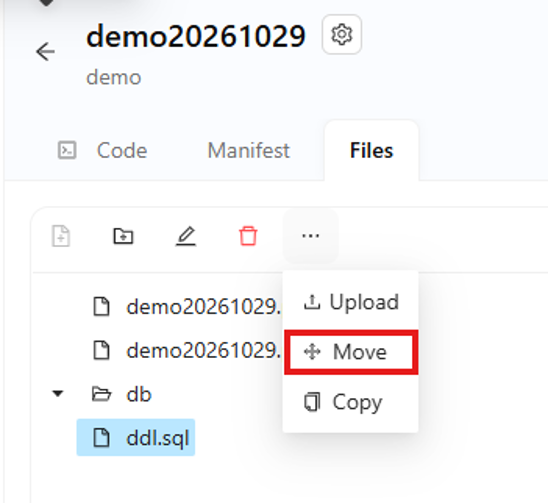
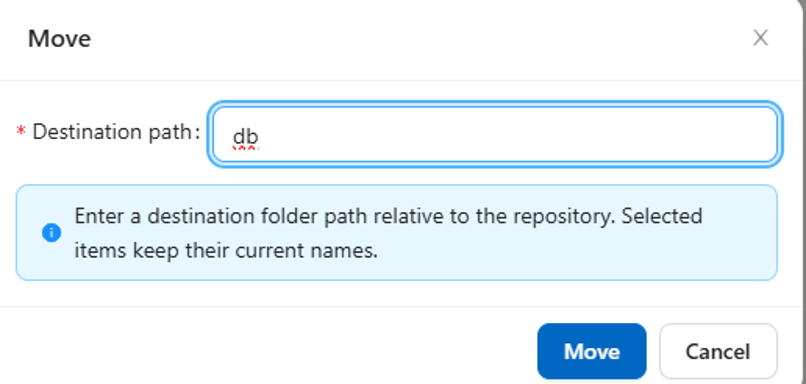
trying to move "ddl.sql" into the subfolder "db"
I also checked the server log on the verbose log level, but unfortunally i was only able to find the following two entries regarding the file i tried to move.
2026-10-29 12:03:04.202 +01:00 [DBG][Universal.Server.Services.Configuration.ConfigurationSystemWatcher] File Modules/demo20261029/0.1/ddl.sql changed. Recording configuration change.
2026-10-29 12:03:04.236 +01:00 [DBG][PowerShellUniversal.Git.GitService] Committing with message 'Added: Modules\demo20261029\0.1\ddl.sql' by ‘<redecated>‘
Please take a look at this issue a let me know if you need further information. Thanks in advance for your afforts.
Best regard,
Markus
@markusburkhardt Thanks for letting us know. I'll reopen this and have a look. I do wonder if it has to do with the fact this is in the modules view and not the Source Control \ Files view.
Adam Driscoll
PowerShell Expert and Software Architect at Devolutions