Black bars (pillarboxed) on ARD connection

New user to RDM and I'm trying to figure out how to get my remote session display to fill my screen.
I've tried turning "Scaled" on & off, no change. Tried using a virtual display, and using a HDMI dummy plug, but no change. And I've tried multiple screen resolutions, but no change.
I am sure I'm missing an obvious setting somewhere but my Google & forum searching haven't turned up a solution.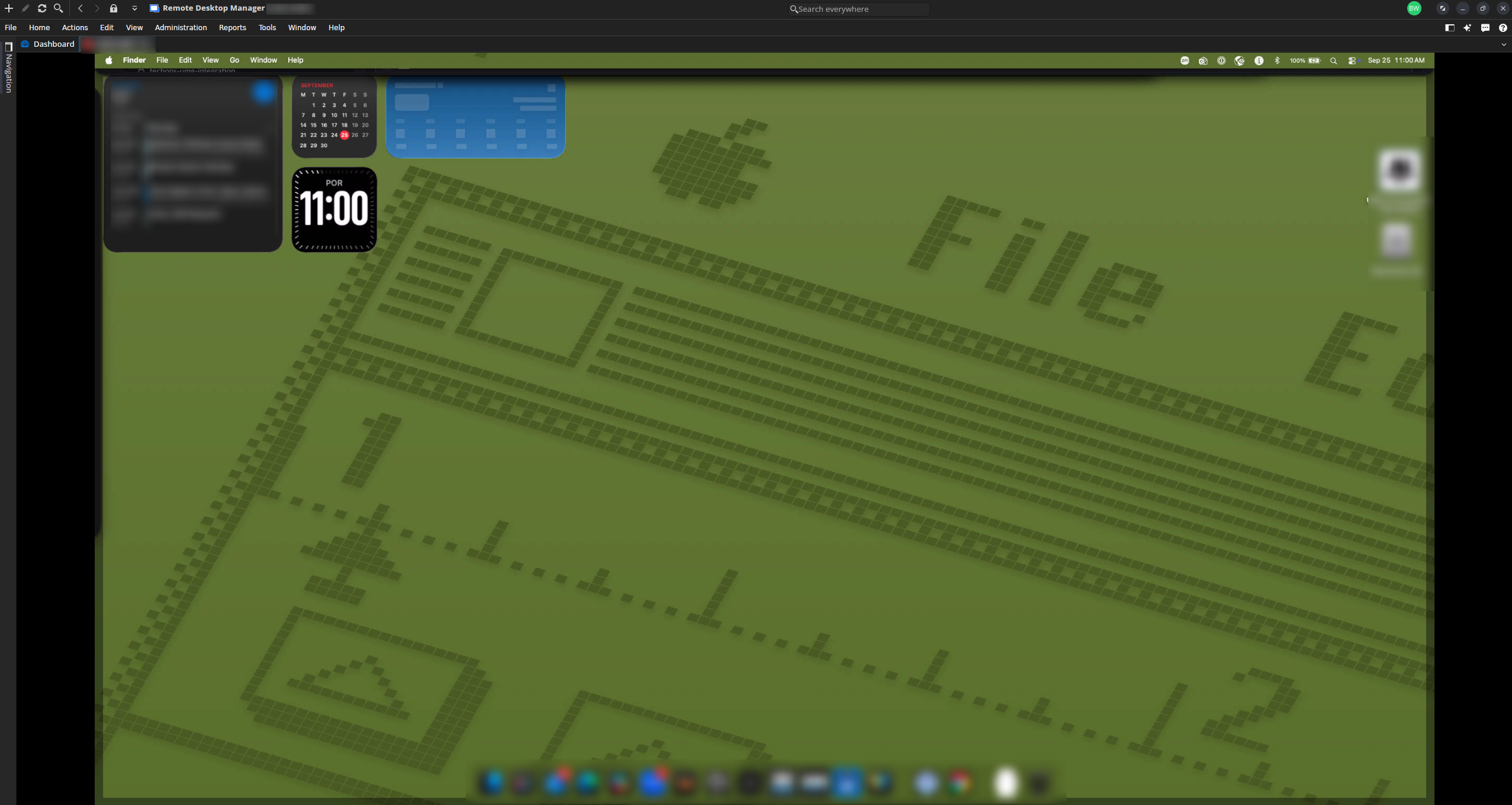
Screenshot_20260925_110056.png
All Comments (2)
Hello,
The best way to achieve what you are asking is to set your session display to undocked. This will open the session in a separate window.
To do this, right-click on the session > Properties > and switch the display to undocked in the General tab.
The screenshot shows you where the option is located.
Best regards,
Michel Lambert
Screenshot 2026-09-28 at 7.19.20 AM.png
Hello
What Michel wrote could be a workaround for you, but this does look like a bug on our side. But it also depends on your expectations.
Traditionally in Apple Remote Desktop (3.8 and earlier) you're connecting to the server "console" and the resolution you get on the client is the resolution that the server is using. So, normally, if the server resolution is smaller than your embedded tab, then it will appear smaller and centred. If the server resolution is larger, you get scrollbars. The "scaled" option in the settings will stretch or shrink the display to fit in your tab (this is just client-side scaling). In that respect, what you see is normal; but what I think is the bug is that the extra option for "Preserve aspect ratio" seems to be ignored. What I'd expect with that option unchecked, is that the display is scaled to fit the tab exactly (although it would be distorted, depending on how big the difference is between your server resolution and tab size).
What you can try doing, assuming you're on at least 2026.3, is change the "Embedded Application" in the general tab of the session to "IronVNC". IronVNC is our next generation VNC backend, it's not quite ready to become the default yet but it should work well for Apple Remote Desktop. If you choose that option, and set "Scaled" but not "Preserve aspect ratio", the remote display should fill your tab. I'm interested if you find any issues using this because as I wrote, we're still working on the integration but in future it will become the default.
An extra point here (when I talk about your expectations) is that macOS Tahoe and later significantly improves Apple Remote Desktop and provides the option for "High performance screen sharing". This uses a totally different protocol and allows the client to dynamically resize the server resolution; meaning the server resolution will match your embedded tab size (and update dynamically) without any scaling or distortion. This is still a work in progress on our side (as I said, it's a totally different protocol, closed source and proprietary to Apple) but we do plan to support it (maybe as soon as 2027.1).
Please, let me know if you have some questions or something isn't clear
Kind regards,
Richard Markievicz