Drop Shadow Effects In Some Windows ?1

Hi,
I have set Optimize UI Performance to Yes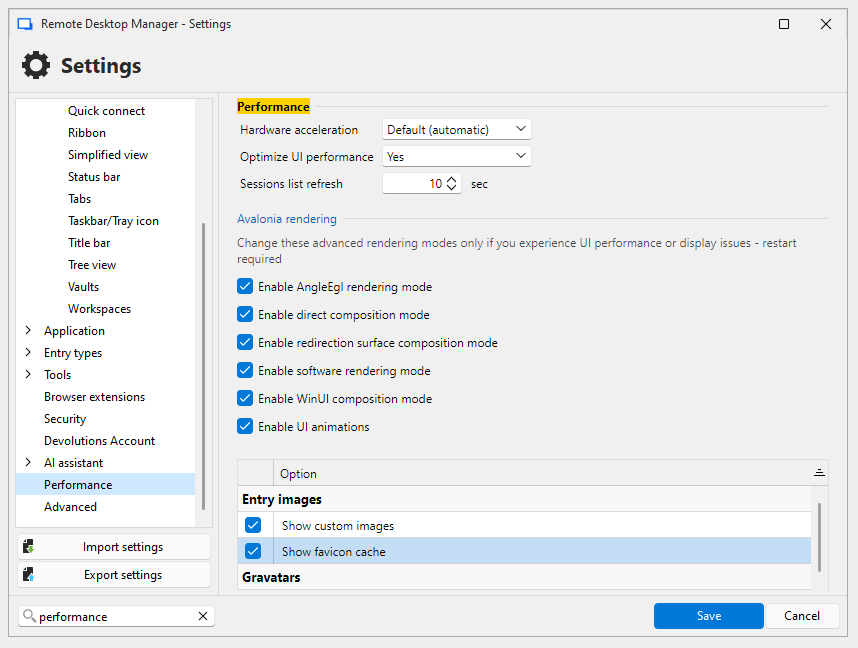
Some windows still show drop shadow efftect, any way to disable all shadow effects..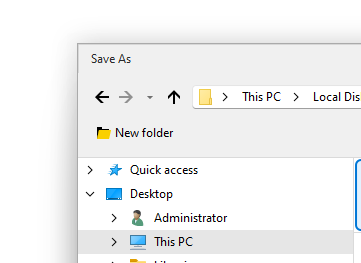
Thank You
Capture.PNG
1Capture.PNG
All Comments (6)
Hello,
Unfortunately, the Save As and Open As dialogs are from the OS. I think that's why it isn't applied. Those are not dialogs from the application directly. Do you have more examples? We have updated the UI framework in 2026.3, but I think we will have the same limitation.
Regards
David Hervieux
Thanks @David Hervieux
The Windows OS itself has drop shadow turned off, for now I have only seen this in the Save As dialog box. At the moment I can't remember if this was the same in previous version..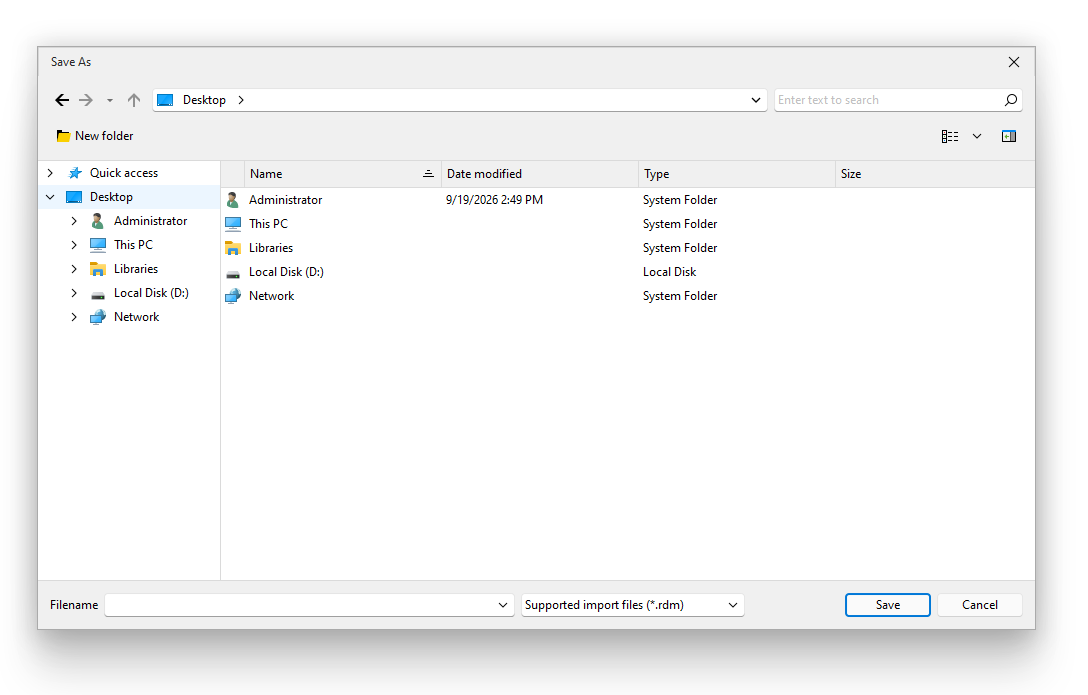
Sorry just seen this, also shows in the Yes/No dialog box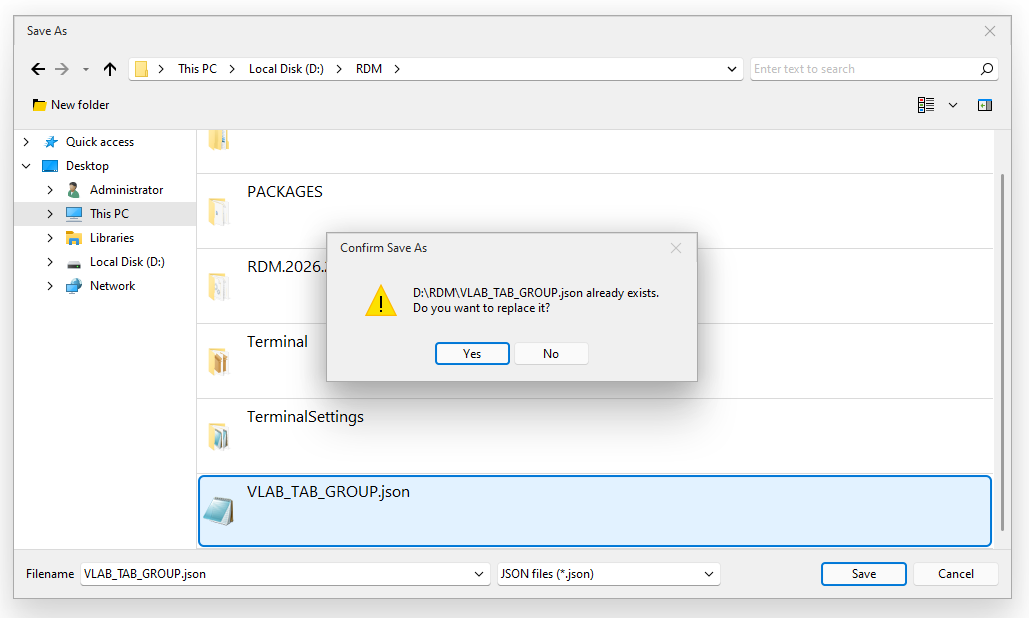
I have checked many other windows, does not appear in them..
bb8dc29e-fb21-437b-965b-6d7a40bc1bba.png
31d7bd57-dd8b-4b92-a2cb-6154dfbb906b.png
Hello again,
What RDM version do you use?
Regards
David Hervieux
Its the portable version 2026.2.18.0
Thank you. This is our old DevExpress UI framework. I can't find a fix since we moved away from it, but in the latest version, it should honor the OS settings. Since you are using a portable version, could you give it a try?
Regards
David Hervieux
Thanks,
I checked, it uses Windows Open/Save Dialog box, that should do it..
Thanks again @David Hervieux