Let an entry restrict which credentials appear in the credential prompt
Let an entry restrict which credentials appear in the credential prompt
1 vote

Current behavior
When an entry (or a Host template) uses Linked (vault) credentials pointed at a Password List or a folder, the prompt at launch shows every row/entry in that list. There is no way to narrow it per entry.
Problem
As an MSP I keep one Password List per client with every user's login. When I open a workstation I only ever want two options: that machine's end user and the shared admin account. Instead I get the full list of 20+ rows and have to scroll or type into the search box on every launch. The current workarounds (a sub-list or subfolder per machine, or a separate RDP entry per credential) multiply entries and defeat the point of centralizing the list.
Request
On any entry whose Credentials are Linked (vault) to a Password List or folder, add an optional "Allowed credentials" selector: a multi-select of the rows/entries in that list. At launch, the prompt shows only the selected rows. If exactly one is selected, connect without prompting.
Nice-to-haves
- Same selector on Host entries, so host-launched templates with Inherited credentials receive the filtered set.
- Allow a shared entry (e.g. the admin account) to be pinned so it always appears first.
Benefit
One credential list per client, one entry per machine, two clicks to connect as either the user or the admin. No duplicated credentials, no per-machine folders.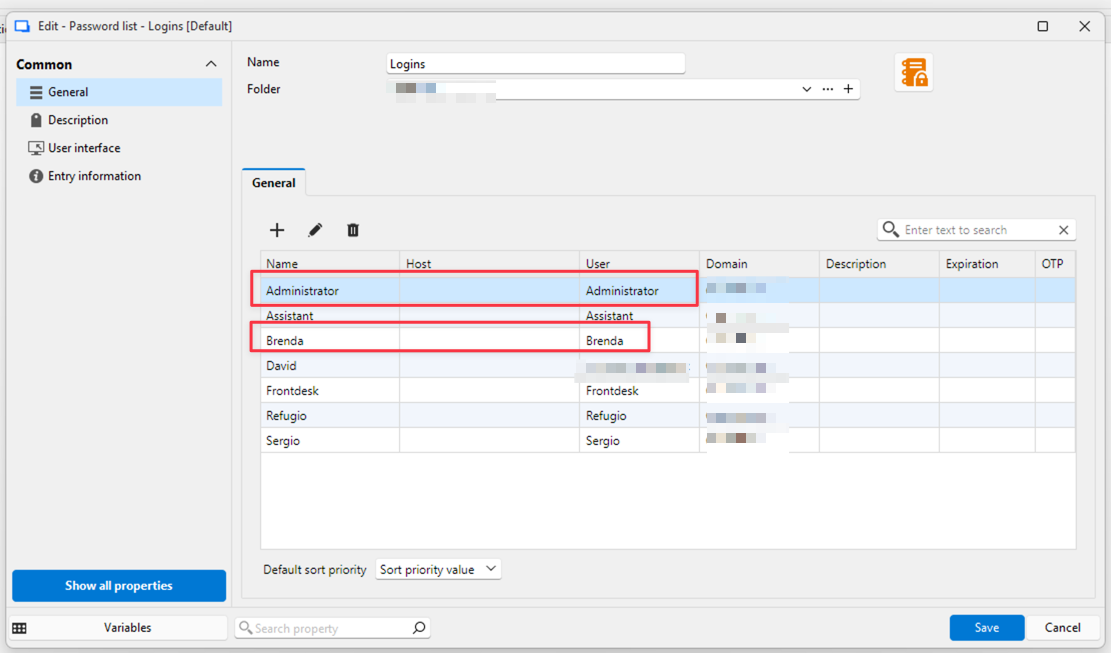
CleanShot 2026-09-04 at 7.02.05 AM.png
All Comments (6)
Hello,
It sounds like it could be a nice addition to the dynamic credential linking feature we already have. At the moment this feature only allows to link to one specific credential, but we could see about allowing a multi-selection, as it sounds like it would solve your issue.
Also just so I understand, can you describe your setup a little more, specifically when you're talking about folders? I want to make sure I understand what you're currently doing so we can best address it.
Regards,
Hubert Mireault
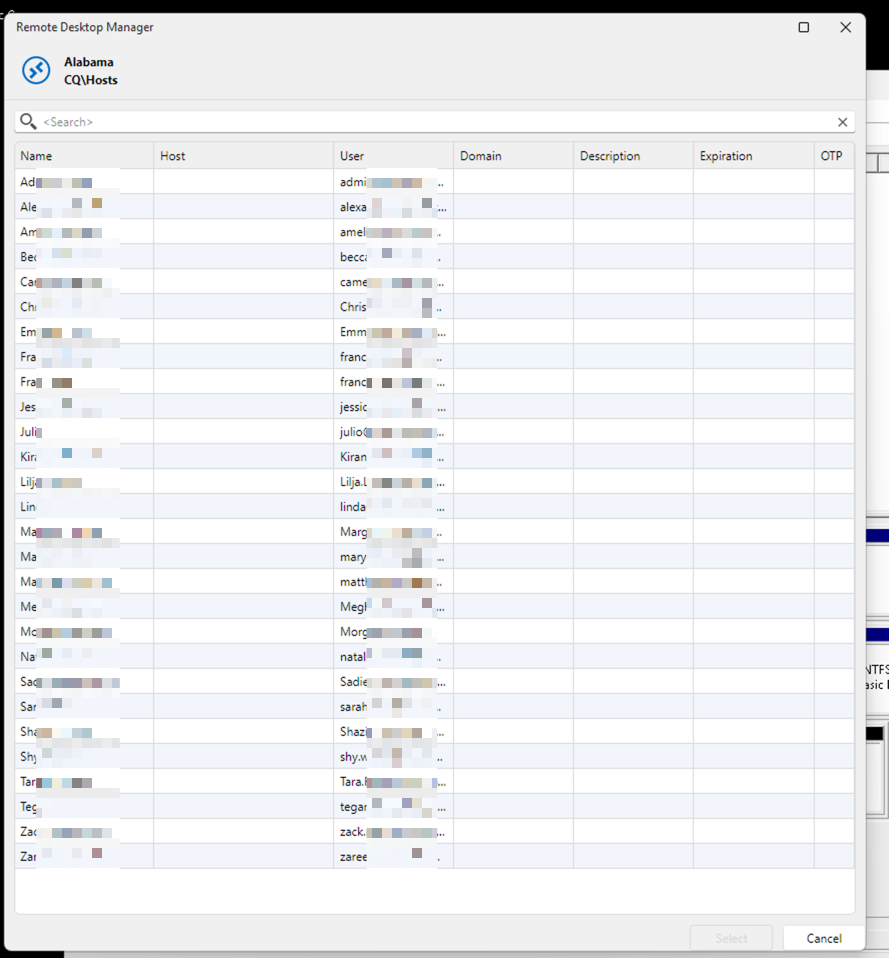
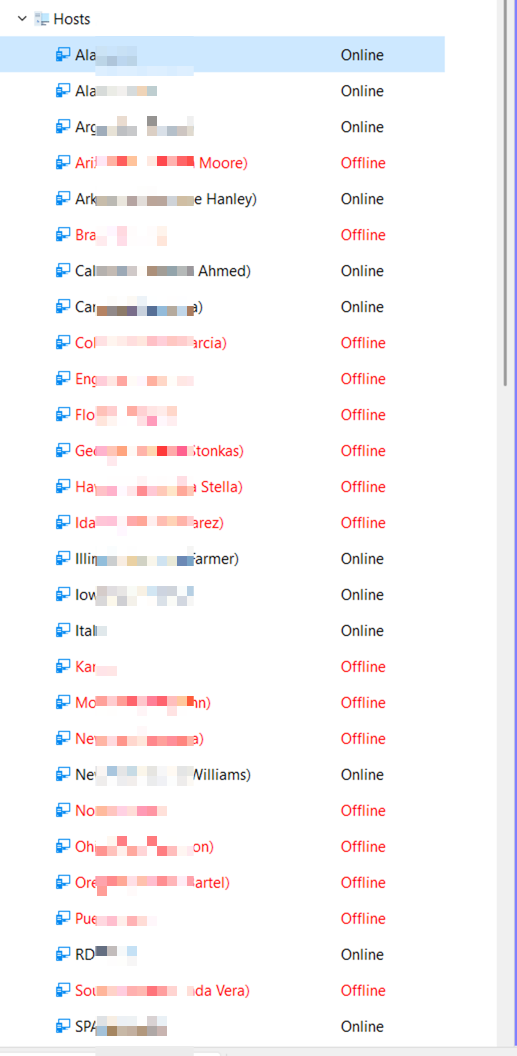
Here's another example. In this customer, there are about 25 computers, each with one user. When I RDP into one, I see the entire company's credential list, but each computer has only two potential logins: the current user and an admin. However, I have to scroll through the large list to log in. Also, hitting the first letter or name doesn't work. The credential list window doesn't resize, so I have to manually resize it and scroll to find the credential entry. This makes logging in cumbersome. I believe your host template system is the best hidden feature. It keeps RDM small, which makes it easier to manage.
I know I can break down credentials and do different things with them, but that creates more entries. In my opinion, the goal should be to have the fewest entries and keep RDM as small as possible. This makes it easier to manage.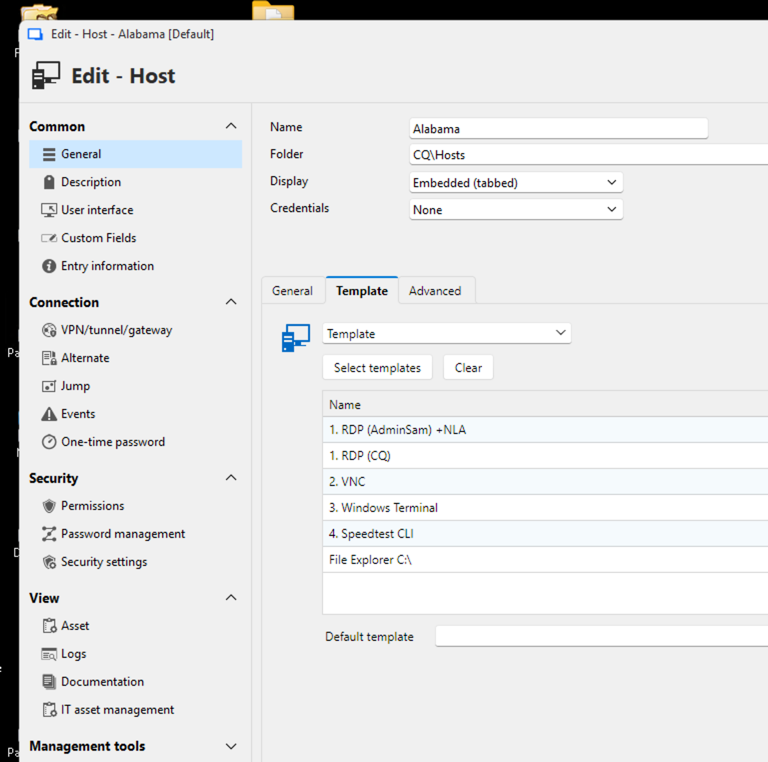
CleanShot 2026-09-14 at 8.07.46 AM.png
CleanShot 2026-09-14 at 8.00.25 AM.png
CleanShot 2026-09-14 at 7.52.34 AM.png
Hello,
Thank you for the additional information. I do think that adding the ability to multi-select in the dynamic credential feature could solve this for you then. I don't see all of your setup with your screen captures, but I'm assuming you reference your credentials through the templates? At any rate, wherever you link to that password list entry, when using the dynamic credential link (the blue "Select from the list" button), if we allowed selecting more than one credential, you could then choose the two you need (the regular user, and the admin user). You would then be prompted for only those two credentials when opening your entry.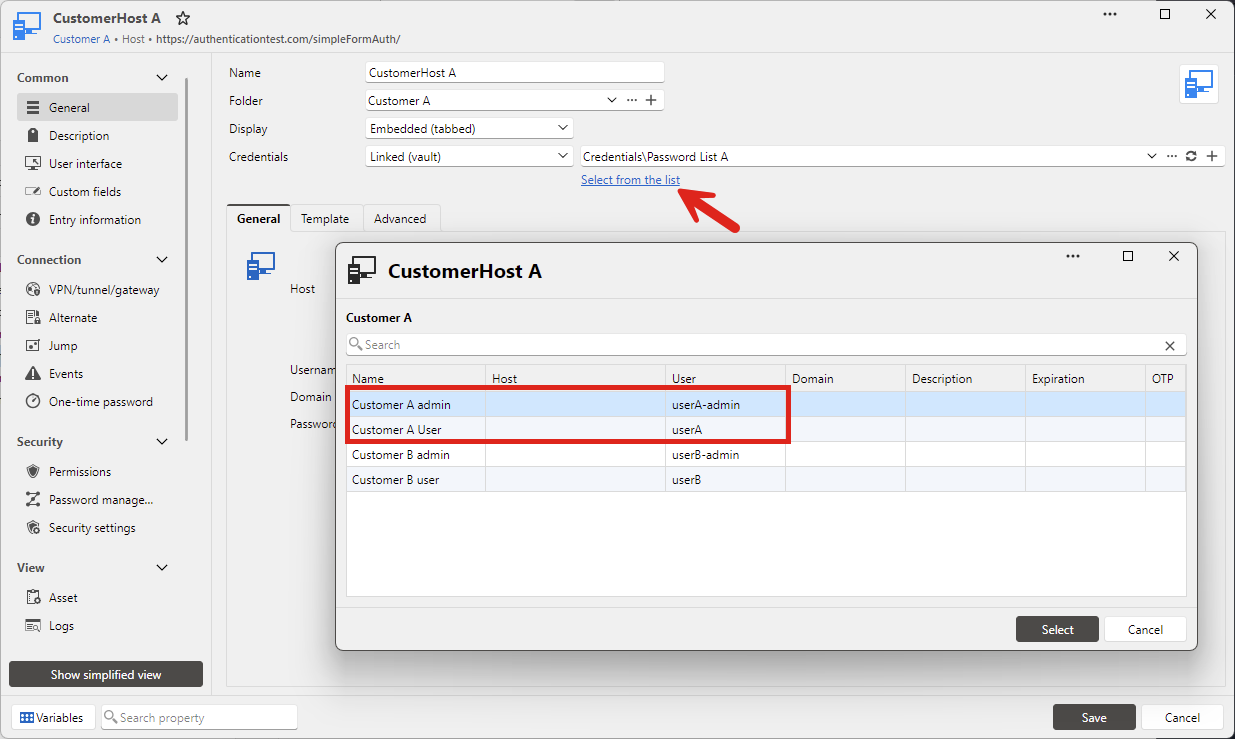
I'll open a ticket for this, but if I missed the mark, please let me know.
Regards,
Hubert Mireault
ec1d0a48-6fe5-4cab-8572-3aaeba263045.png
I set up the system exactly as you described. The dynamic link opens the credential list, which displays all the users. So the only way a dynamic link could show only the two users I need is if I had to create a password list for each computer, which would add 25 entries.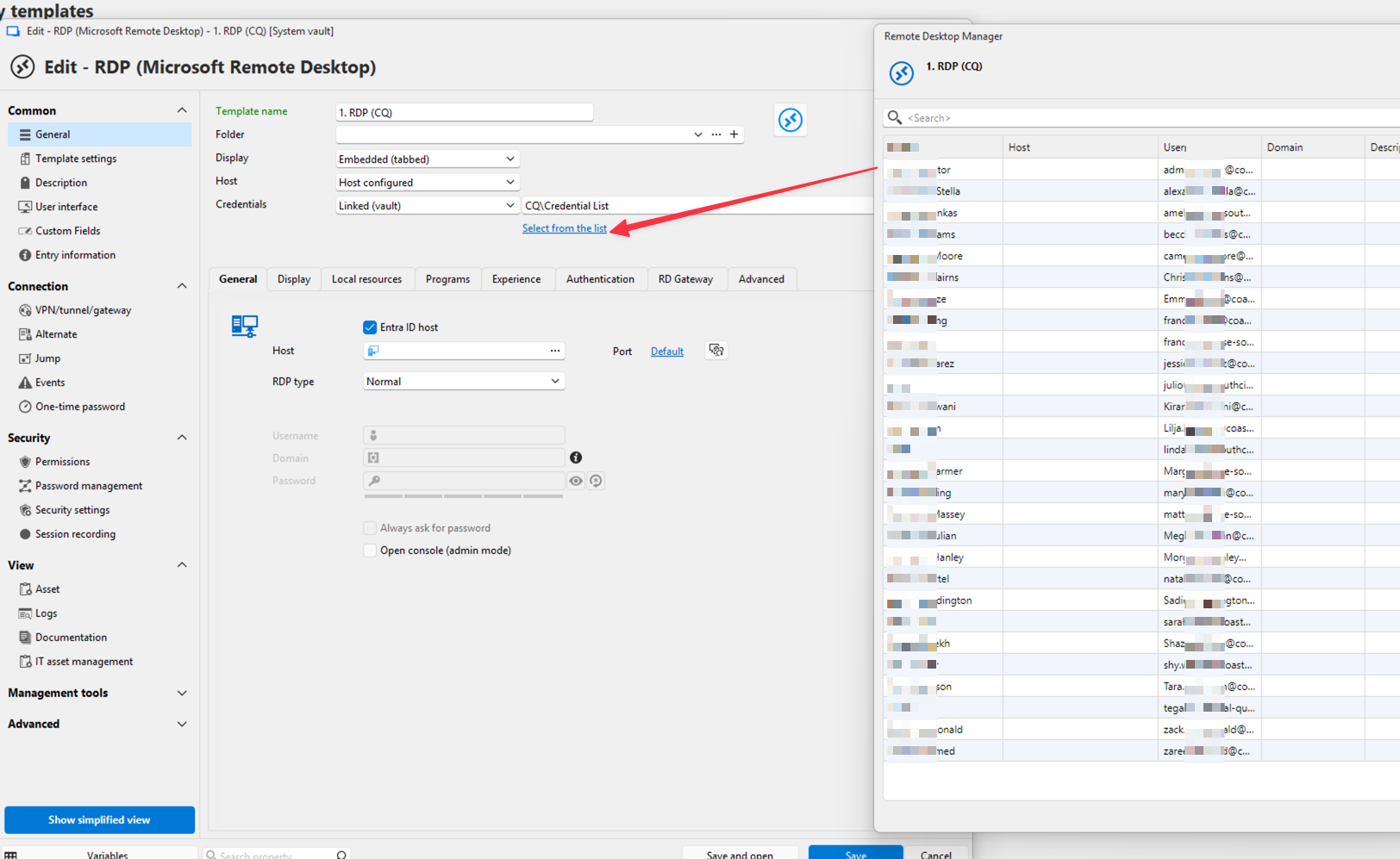
CleanShot 2026-09-15 at 7.16.45 AM.png
Hello,
The configuration of the dynamic link will show the full list, but that's only the first step. From there, you will pick only the relevant credentials. Then, when opening this entry, only the selected credentials would be shown to the user (or if you only select one, it would be used automatically). This is the benefit of dynamic credential linking: with only one entry containing multiple credentials, you can reuse this entry for multiple hosts, while avoiding showing unnecessary credentials.
Basically, what I'm suggesting here is to improve the feature to let you choose more than one credential from your list as a dynamic link, meaning that from then on, every time you open this entry, you would only be prompted for the relevant credentials.
Regards,
Hubert Mireault
Hello,
The ability to dynamically link multiple credentials at once will be included in version 2027.1.
This will allow you to preconfigure which items in your password list is shown in the prompt.
Regards
Jonathan Del Signore