Recent Entries Empty

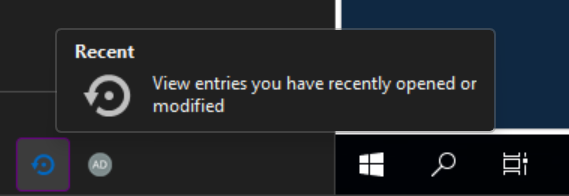
This whole navigational menu is always blank. How do I get connections to start apearing here?
On version 2026.2.13.0 64-bit.
699eff4f-e607-4cd4-b88d-d8e0e46e874c.png
All Comments (7)
This whole navigational menu is always blank. How do I get connections to start apearing here? drift boss
On version 2026.2.13.0 64-bit.
I’ve seen how frustrating it can be when recent entries appear empty, so the troubleshooting details and suggested fixes are really helpful.
Hi adamsturdivant and chubbyscooter,
Thanks for flagging this.
A few quick things that usually explain this: which workspace are you connected to (default local vault, SQL Server, Devolutions Server, or Devolutions Cloud), is a vault actually selected in the vault selector at the bottom of the pane, and is there any leftover text sitting in the search box above it? That last one catches people a lot, since a forgotten search term can filter out everything.
If none of that fits, could you send a screenshot of the whole RDM window (not just the pane, so we can see the vault selector and menu bar too) and your logs from Help > View Logs, from around when you noticed this? That'll let us dig into it properly.
Thanks,
Eduard Sepulveda Lopez
Here is a screenshot of the whole window. I'm not sure how to confirm which Workspace I'm using as that connection information does not seem to present itself obviously.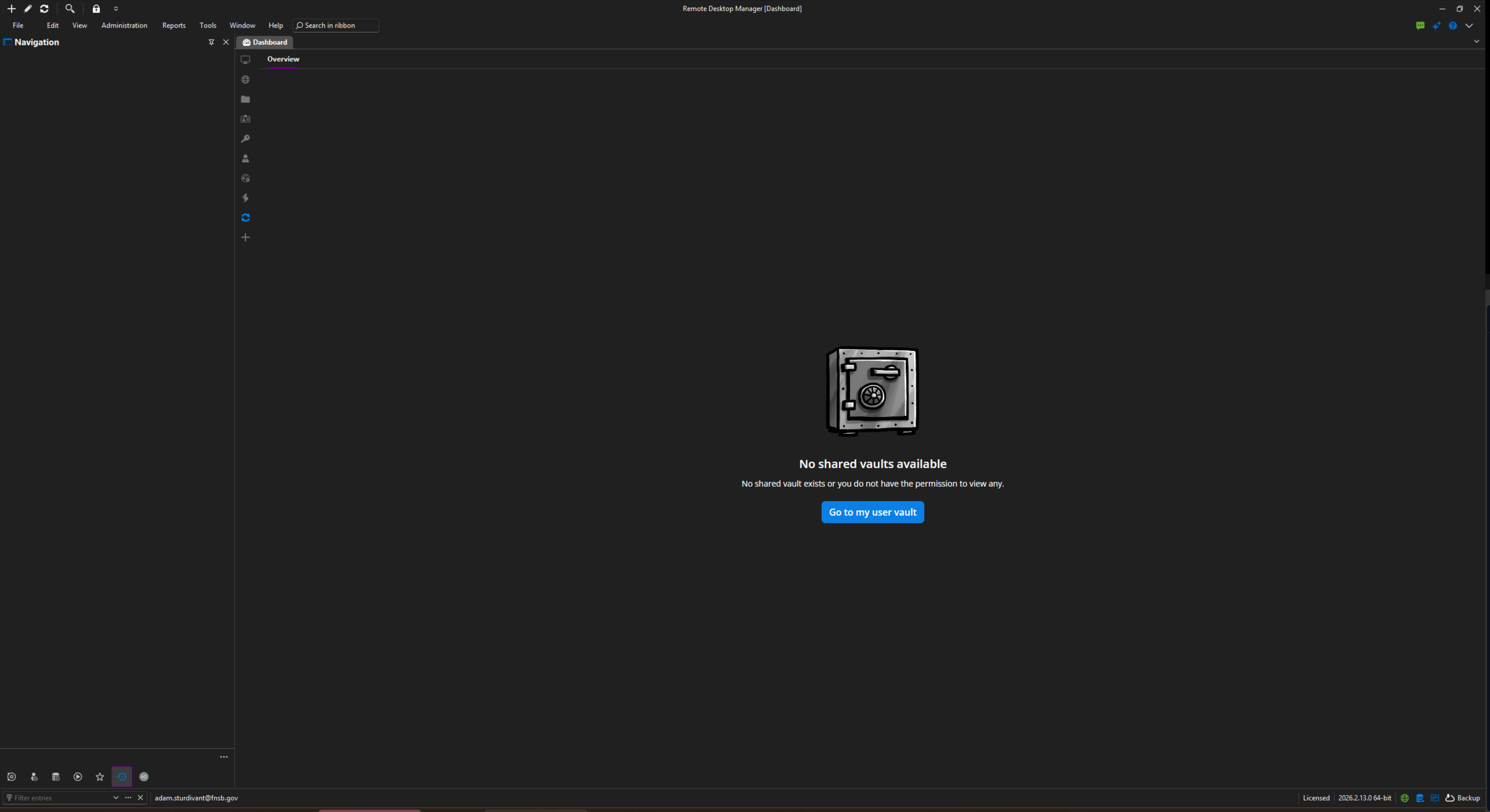
19367fd5-e43e-43fe-a485-b68019fa9e4d.png
Hello,
We have been able to reproduce the issue, and a ticket has been sent to the Engineering Team.
Best regards,
Antoine Mauger
Hello @adamsturdivant @chubbyscooter,
We are currently investigating how we can resolve this issue in the current version of RDM.
In the meantime, you can create a shared vault by navigating to Administration → Vaults. This should unlock the MRU section in the currently available versions of RDM.
Please let us know if this workaround resolves the issue. In the meantime, we will continue working on a more permanent fix.
Thank you,
Hello,
This issue will be fixed in version 2026.2.18.0.
Regards
Jonathan Del Signore
Hello,
Thank you for being so patient!
I'm pleased to inform you that a new version of RDM (2026.2.18.0) has been released, featuring the fix for your issue.
Latest Version: Download RDM
Please let us know if this works or if you encounter any issues.
Best regards,
Maxim Robert