Devolutions Server web page is blank

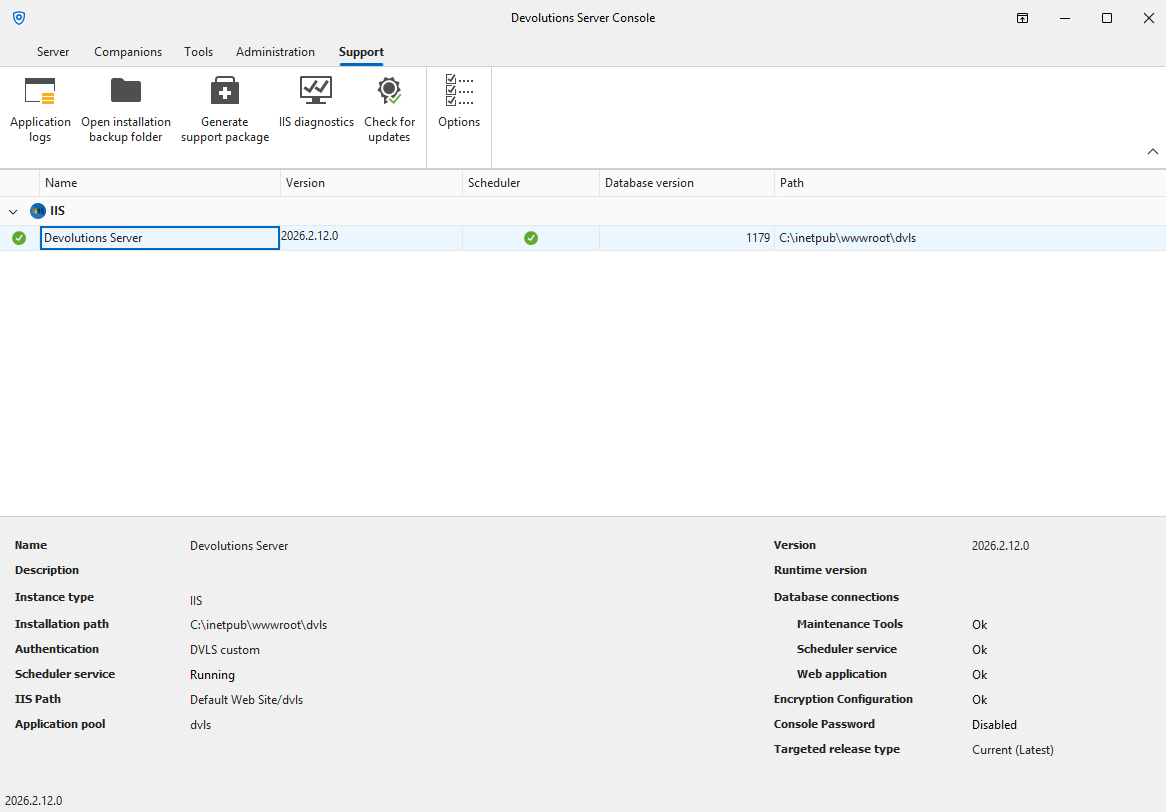
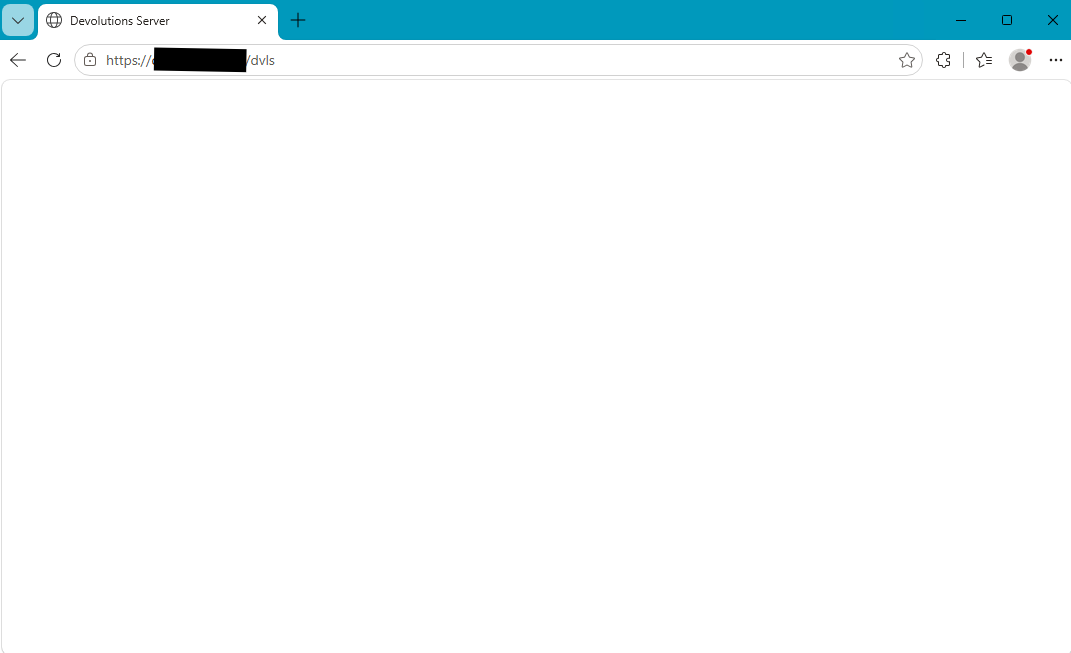
We just installed a new instance of Devolutions Server in order to evaluate RDM on a trial basis. After installing Devolutons Server, the main admin web page (i.e. https://contoso.com/dvls) is completely blank. The IIS diagnostics shows all green. No idea what to do, please help.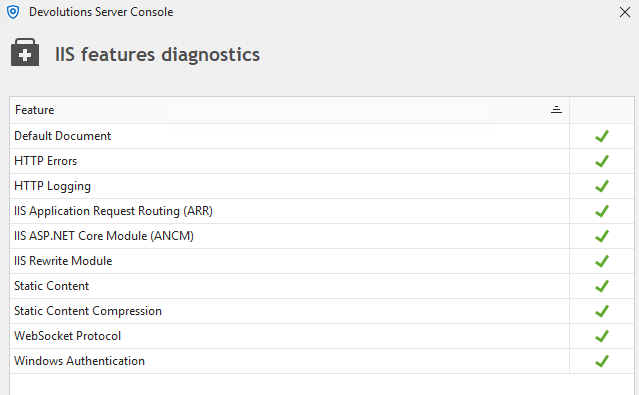
dvls2.png
dvls1.png
dvls.png
Recommended Answer
Hello,
In this case, you need to adjust the service user also on the IIS application pool, as described in the pre deployment guide:
https://docs.devolutions.net/server/knowledge-base/knowledge-base-articles/pre-deployment-account-survey#windows-domain-accounts-integrated-authentication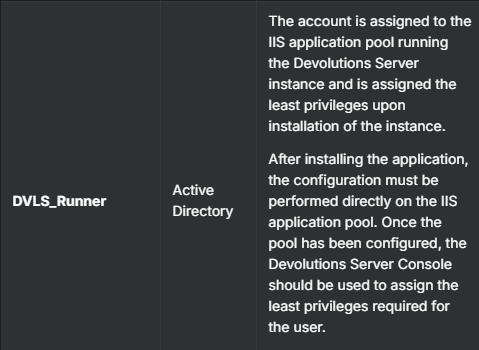
By default, the NETWORK_SERVICE user owns the pool, and this user seems to have no permissions to your database.
For the Scheduler, you need to set up the user in the Windows Services.
Afterward, open the Devolutions Server Console => Edit => Database => Advanced Credentials => Apply least permissions for the Runner and Scheduler account.(greyed out for the user, but it should reflect the two users you already set in the IIS and services)
Finally, perform a Stop / Start Server from the Console
Regards,
Min
d2d18d41-835e-4b83-9181-ff3f527c7e7e.png
All Comments (5)
Hello,
Is this the browser running on the server? If so, could you also try accessing it from a browser on your client machine?
Also, which authentication method are you using to connect to the database?
https://docs.devolutions.net/server/knowledge-base/knowledge-base-articles/pre-deployment-account-survey
Regards,
Min
Yes, it is the browser running on the server. I did try accessing it from another computer with the same results.
I am using Windows Authentication to connect to the SQL database, which resides on a different server. "Test authentication" works successfully.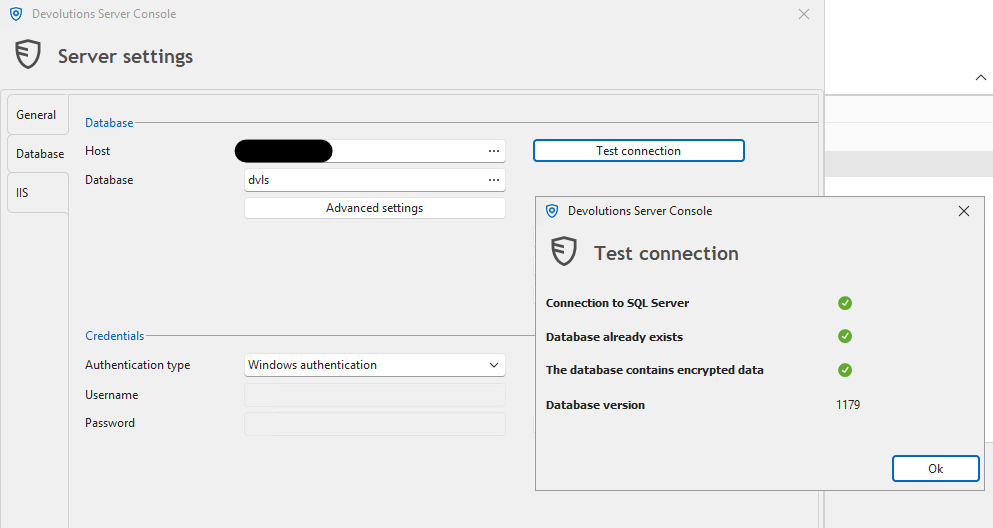
dvls3.png
Hello,
In this case, you need to adjust the service user also on the IIS application pool, as described in the pre deployment guide:
https://docs.devolutions.net/server/knowledge-base/knowledge-base-articles/pre-deployment-account-survey#windows-domain-accounts-integrated-authentication
By default, the NETWORK_SERVICE user owns the pool, and this user seems to have no permissions to your database.
For the Scheduler, you need to set up the user in the Windows Services.
Afterward, open the Devolutions Server Console => Edit => Database => Advanced Credentials => Apply least permissions for the Runner and Scheduler account.(greyed out for the user, but it should reflect the two users you already set in the IIS and services)
Finally, perform a Stop / Start Server from the Console
Regards,
Min
d2d18d41-835e-4b83-9181-ff3f527c7e7e.png
That did it. Thank you so much for your help!
Hello,
Nice, I'm glad to hear! Thanks for your feedback! 😎
Regards,
Min