Proxmox stuck in "Credential is required" loop on macOS

App Version: 2026.2.2.1
Hi team,
I'm trying to set up a Proxmox entry (that I assume will) pull my lab's VMs and containers into my navigation tree, but I’m running into a configuration roadblock. I'm not actually entirely sure what the difference between a Proxmox and Proxmox dashboard entry are?
When I fill out the host URL, select Ticket (or Token) as the authentication mode, and type my username and password directly into the inline fields, clicking Create throws a hard blocking popup saying: "Credential is required".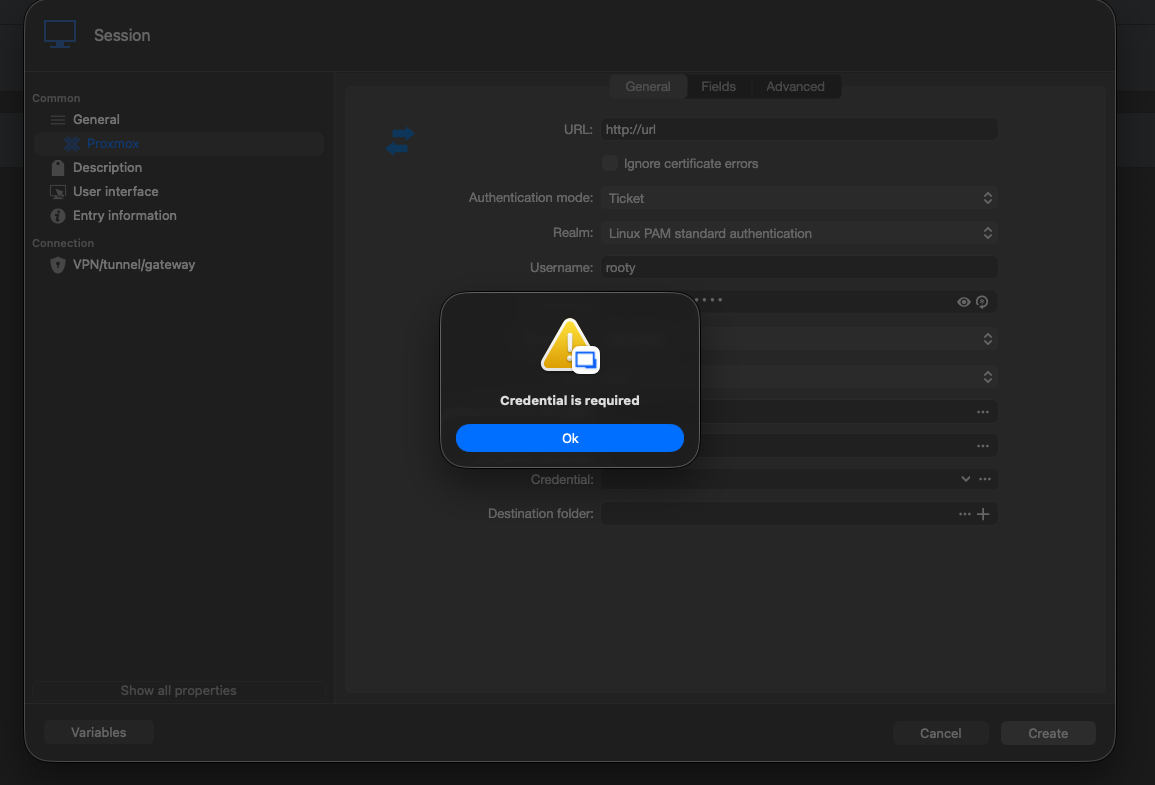
I notice that the full Proxmox panel has a dedicated Credential field at the very bottom that doesn't exist on the standard Proxmox dashboard entry (which works completely fine for me with just inline credentials).
When I try to use that bottom Credential dropdown on the synchronizer card to satisfy the validation:
- Clicking the ... button opens up a completely empty Credentials list search modal.
- It doesn't show any of the entries currently sitting in my sidebar, even though I have verified username/password and token entries saved in my local workspace.
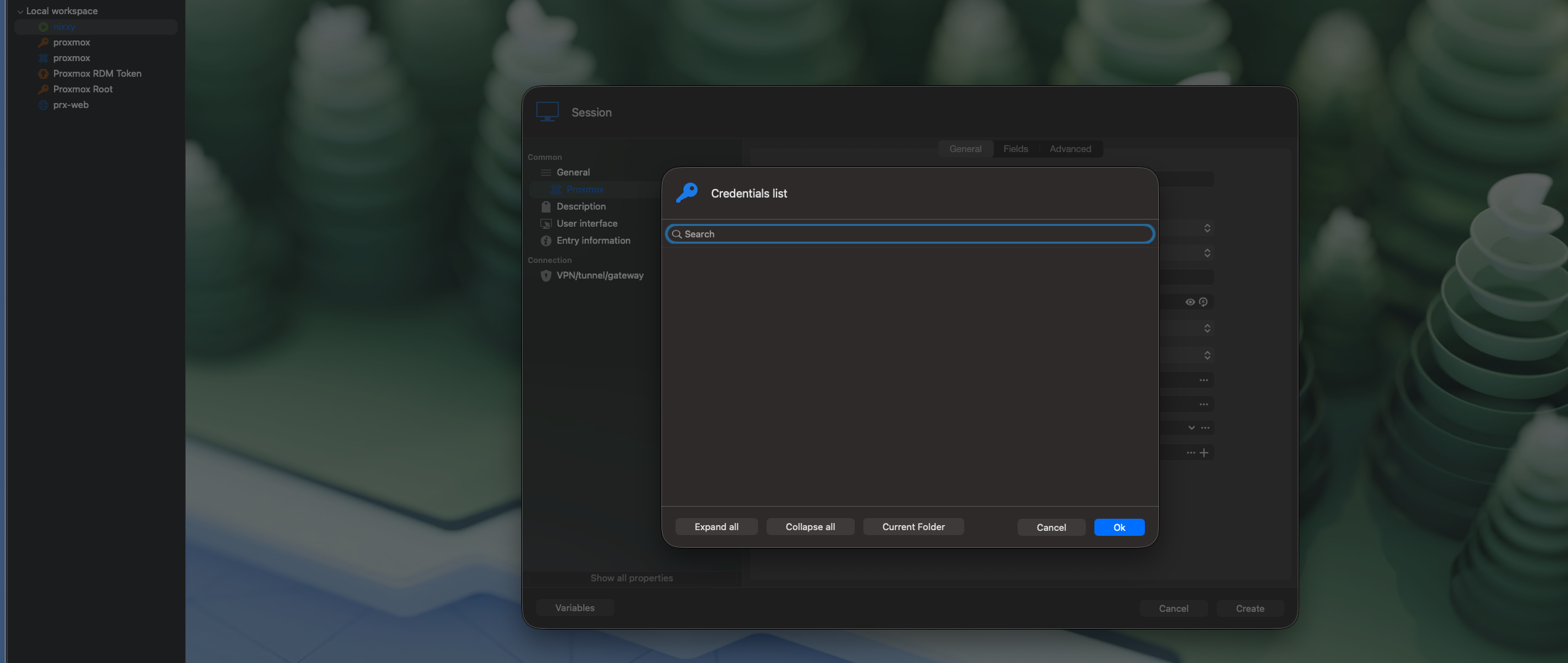
Am I structuring my credentials or inheritance paths wrong for this 'Proxmox' entry on macOS, or is there a trick to passing inline credentials to it without triggering that block?
Thanks for any guidance!
44576a74-0a1f-49f1-a855-54457545408b.png
63c1db06-83cc-48eb-9c0e-da96e62a72d3.png
All Comments (2)
Hello,
Thank you for reaching out and bringing this issue to our attention.
I was able to reproduce the behavior you described on my end. I've reported it to our Development team, and they will begin investigating and working on a fix.
At this time, I haven't been able to identify a viable workaround. I'll keep you informed and follow up as soon as a fix is available in a future release.
Thank you for your patience and understanding.
Best regards,
Jacob Lafrenière
Hello,
Thank you for your patience.
After discussing this with our development team, we've confirmed that you will need to create a Proxmox credential entry so it can be referenced in the Proxmox (Synchronizer) entry.
Once the credential has been selected in the Credential field, you should be able to save the entry and use it as expected.
Please let us know if you have any further questions.
Best regards,
Jacob Lafrenière