Sessions not moving to "disconnected".

Updated to latest version of RDM. Seeing a new issue where sessions seem to get disconnected but the tab itself doesnt show it disconnected. Then, when you try to right click on the tab and "Reconnect" it doesnt do anything. You have to close the tab and reopen.
All Comments (7)
Hello,
Thank you for contacting us on that matter.
Could you please provide us with the RDM version and the workspace you are currently using?
https://docs.devolutions.net/rdm/workspaces/workspace-types
To assist you further, we kindly ask you to provide a few screenshots illustrating the situation you are experiencing. If possible, we would also appreciate a short video demonstrating the behavior.
To upload the video, I will send a private link via DM.
Thank you for your collaboration.
Best regards,
Alexis Geller Peiro
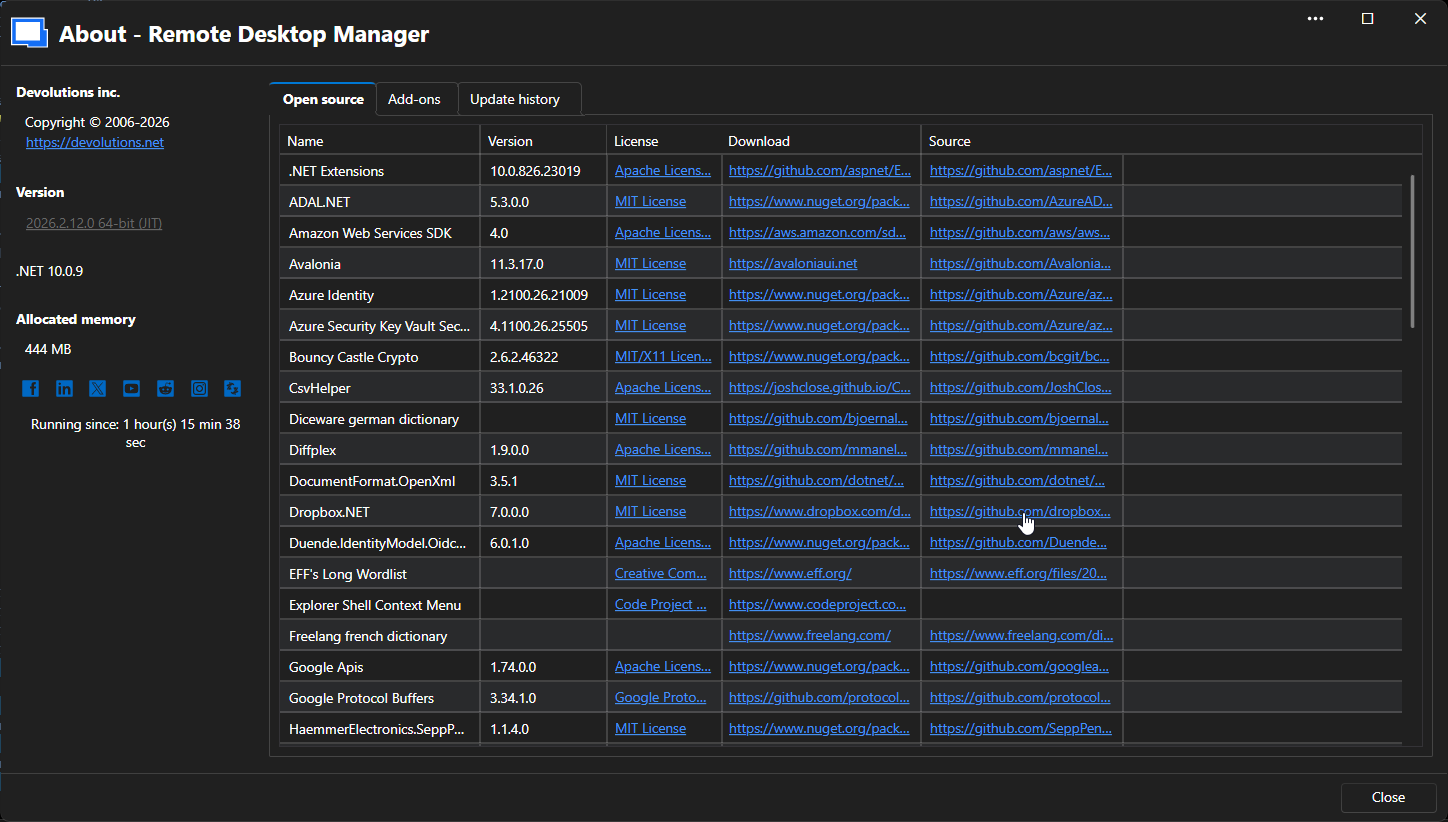
I'll have to wait until it happens again to get a gif/video.
f95c4199-3b79-4515-982e-1af1e247503d.png
Actually got it to happen pretty quickly. So in the screenshot you'll see that the tab on the top does not say "Disconnected". However, if you notice, as my mouse is spinning I am spamming Enter, random keys, ctrl-c, etc. But nothing happens on the session. Then if I click Reconnect, we can see it just sits there doing nothing. No disconnect and reconnect to the remote machine. Only way to get back in is to close the tab and reopen. 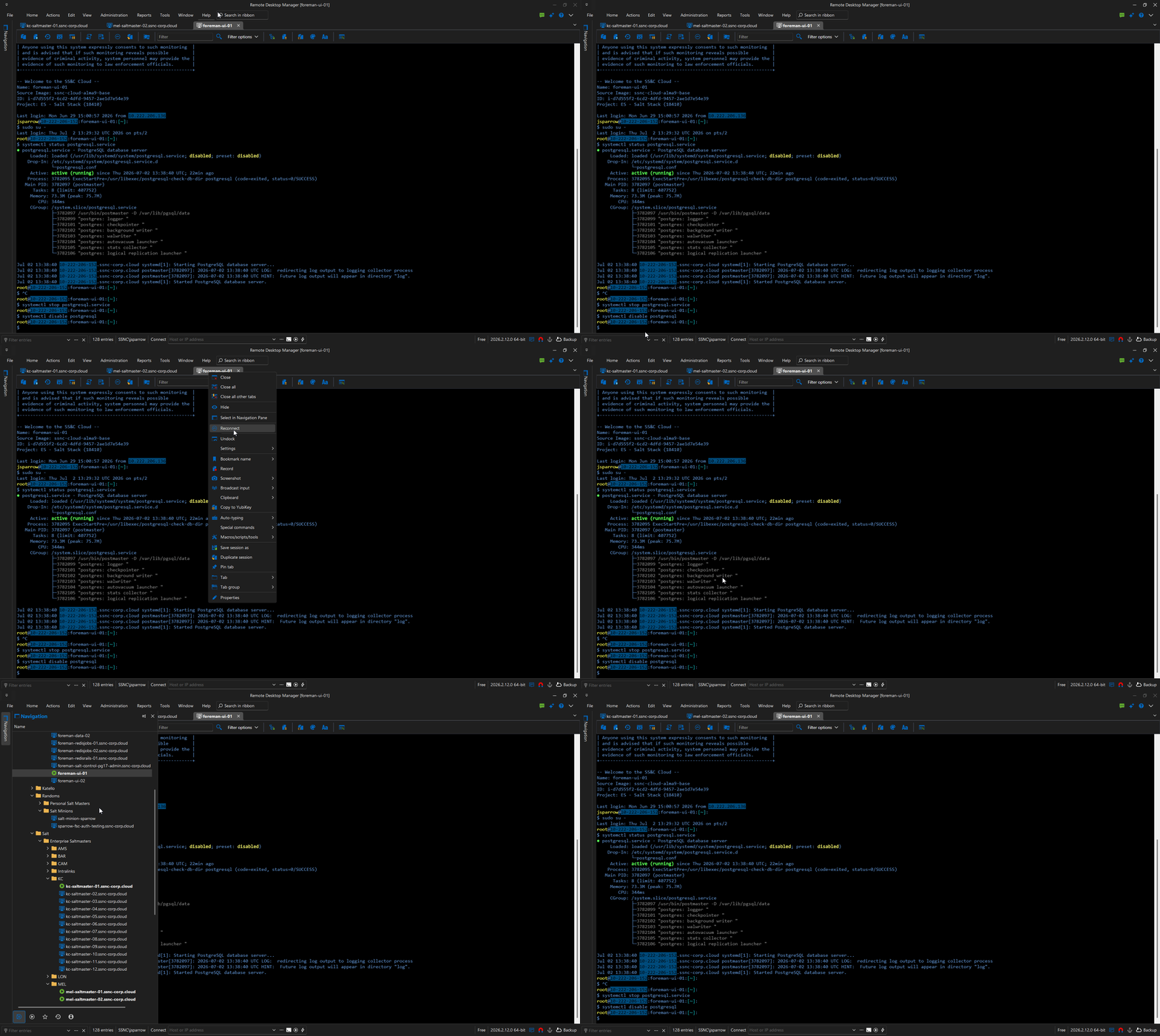
RemoteDesktopManager_aU3pALUYYQ.gif
Hello,
Thank you for the screenshot and the video, they were helpful to better understand the behavior.
I tried to reproduce this issue on my end and was not able to get the same result. To help us investigate further, could you please share the settings you currently have configured in RDM? You can upload them through the private SharePoint link I sent you earlier, sanitized of any sensitive information (credentials, IPs, hostnames, etc.).
Also, could you confirm which workspace type (e.g. DVLS, SQL, Cloud) you're currently using? This will help us narrow down whether the issue is tied to a specific configuration.
Thank you for your collaboration.
Best regards,
Alexis Geller Peiro
Hello,
Thank you for the screenshot and the video, they were helpful to better understand the behavior.
I tried to reproduce this issue on my end and was not able to get the same result. To help us investigate further, could you please share the settings you currently have configured in RDM? You can upload them through the private SharePoint link I sent you earlier, sanitized of any sensitive information (credentials, IPs, hostnames, etc.).
Also, could you confirm which workspace type (e.g. DVLS, SQL, Cloud) you're currently using? This will help us narrow down whether the issue is tied to a specific configuration.
Thank you for your collaboration.
Best regards,
@Alexis Geller Peiro
Workspace is 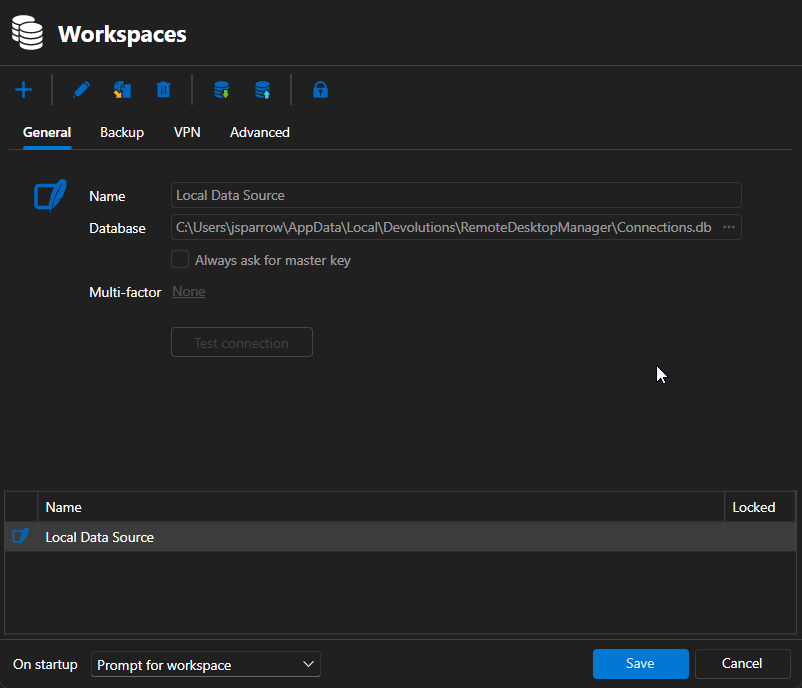
Settings I cannot seem to upload. They get exported to a .cfg format that your Sharepoint doesnt allow to upload to.
52b047a3-db6a-42ce-a610-55a100b6ecd1.png
Hello,
Thank you for the screenshot of your workspace.
Could you please try archiving the .cfg file into a .zip file and then upload the .zip through the SharePoint link?
This should allow the file to be uploaded successfully.
In the meantime, could you also try using the portable version of RDM to see if the issue still occurs there, or if it may be related to the local installation?
You can find the instructions here: https://docs.devolutions.net/rdm/kb/how-to-articles/portable-rdm-installation/
We look forward to your feedback.
Best regards,
Alexis Geller Peiro
Updated to latest version of RDM. Seeing a new issue where sessions seem to get disconnected but the tab itself doesnt show it disconnected. Then, when you try to right click on the tab and "Reconnect" it doesnt do anything. You have to close the tab and reopen.
@cptsparrow
I am also seeing this same issue. Same symptoms.