Windows authentication (Custom user) not working?

Hello,
We just upgraded to latest RDM (2026.2.11.0), and I happened to notice under the workspace datasource settings that we can now use windows authentication to log into SQL server WITH a custom user rather than the current user (different than the custom login feature). I tracked this down to a feature that was released recently with 2026.2.5.0 per change notes here. I tested out this feature, however it doesn't appear to be working as expected. No matter how I fill out the credential fields, the error "Unable to connect to the server. Login failed for user ''" is shown. Notice how it doesn't actually show a username, just a blank string, so something in RDM is not passing along the correct value for whatever reason.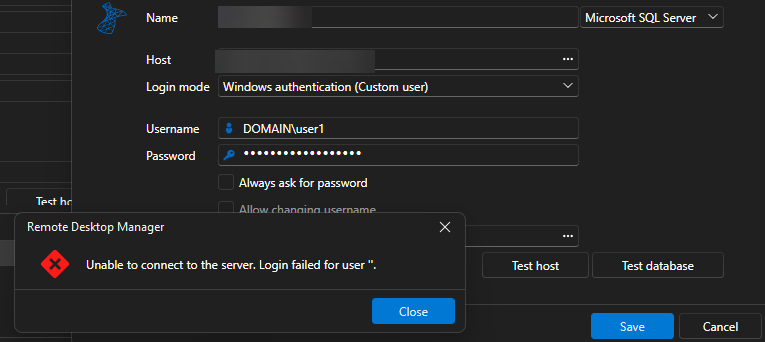
If I save and force close RDM, after re-opening I get the same error and still a blank username. Here's the popup with details expanded: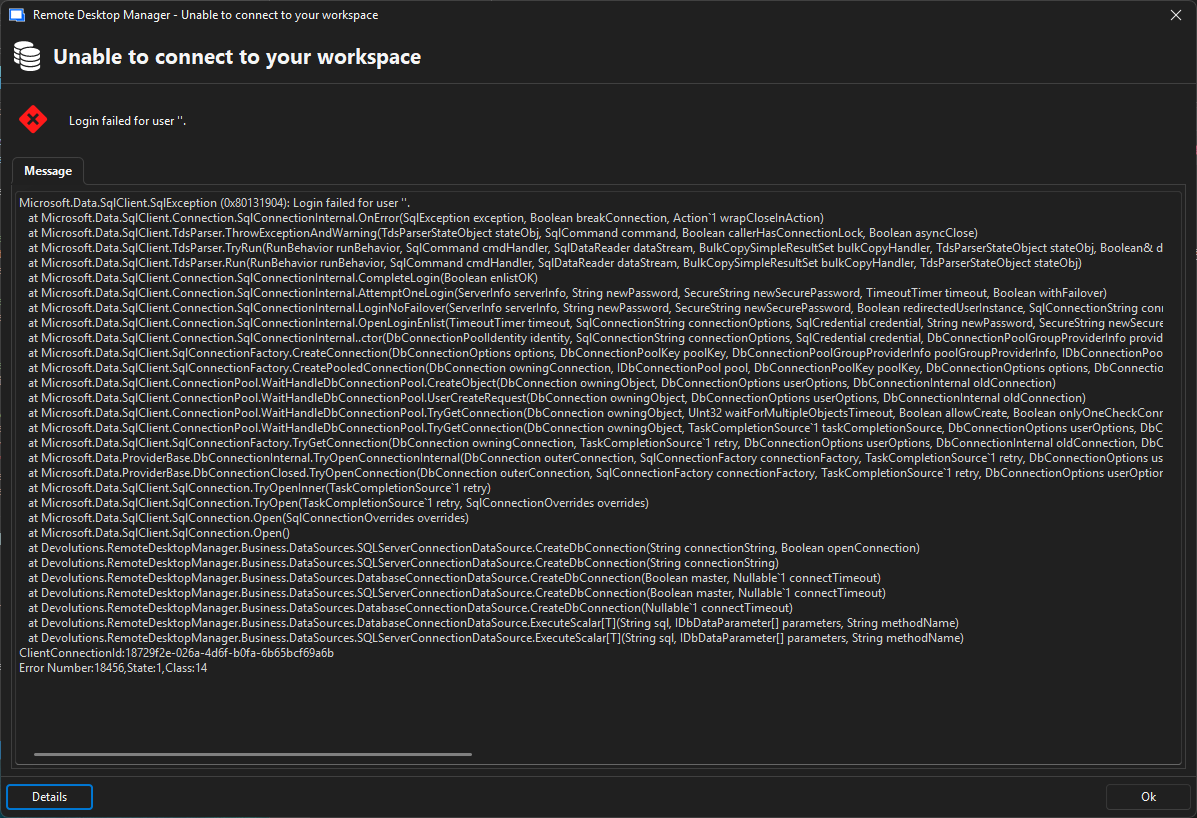
This would be a very welcomed feature, so would love to get this to work.
Note: We use RDM with 2017 SQL server (not Azure). And I do know for a fact that it works with windows authentication logins.
3c00df34-e73e-4ee5-8807-ff12d72c4ab7.png
e6717936-6a93-4bad-9063-ce2a3d9fa2e2.png
All Comments (1)
Hello,
I believe this was a mistake on our end as the feature was intended for the Microsoft SQL Server entry type as can be seen here https://forum.devolutions.net/topics/51794/sql-server-console-different-windows-user-authentication.
For now I will remove this choice from the next version as it is not implemented. I will contact the ones who did the implementation for the entry type to see if it can be implemented for the workspace. We will keep you updated on any progress.
Best Regards,
Michaël Beaudin
