Seriously

I upgraded and now when I copy a lot of commands I get the new windows, which frankly sucks compared to the old, I cannot even resize to tell it yes!!! WTH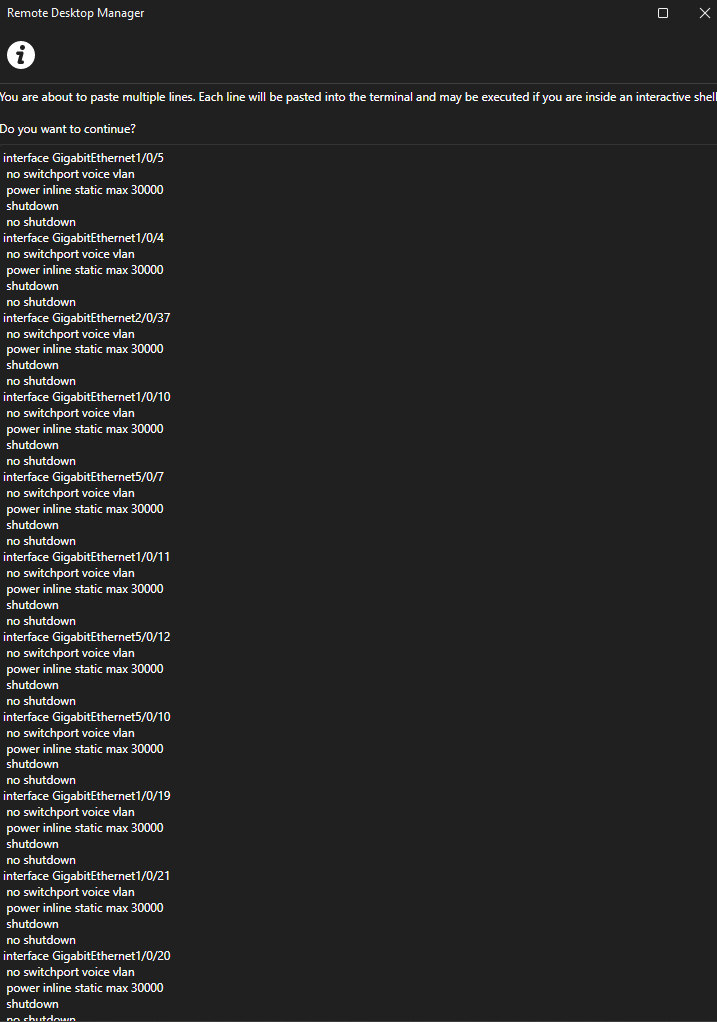
i reduced the commands, get this but I still can resize. I want the old style back!!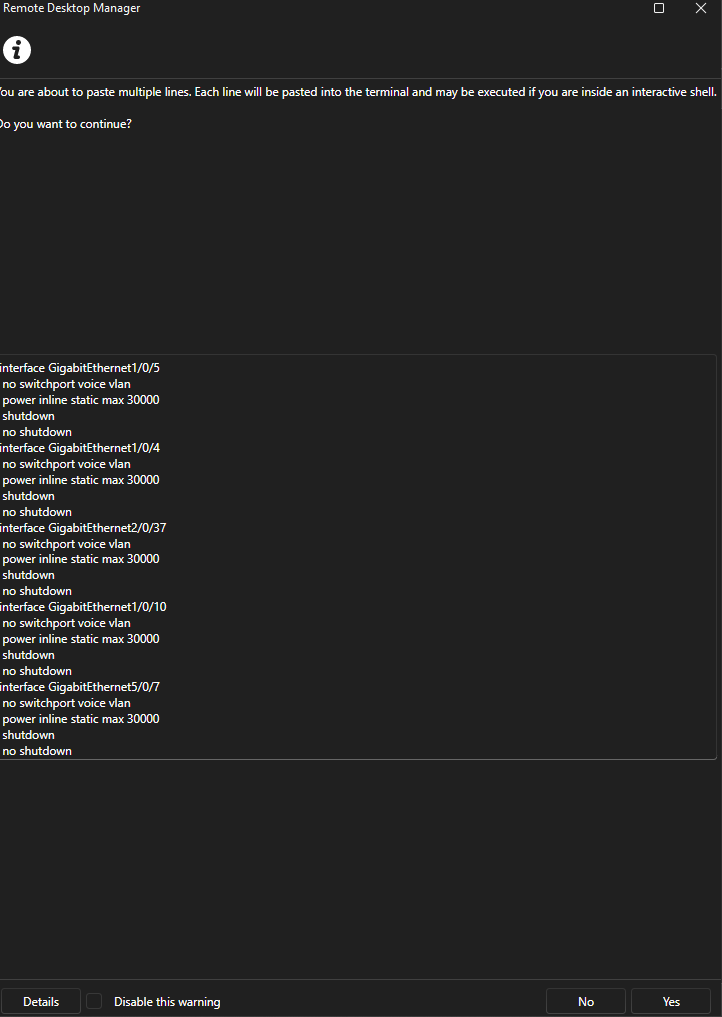
7dd0db04-d04b-4499-bf89-e783bed35fb1.png
289b55cf-053d-49b4-9de2-2d1c61a4bafd.png
All Comments (9)
This issue wasn't fully tested or thought through.
Hello,
These issues were reported by another of our users as well. We have an internal fix that will be available starting with version 2026.2.10.0. Version 2026.2.9.0 is already in the release pipeline so it will be available in the version after that.
For your information, we're completely reworking our user interface which includes hundreds of windows, and while we've tested a large majority of them, some windows under certain circumstances may still have some issues, like the one you've noted. We appreciate your report and are prioritizing these issues to ensure the transition is as smooth as possible for our users.
Regards,
Hubert Mireault
Thank you. Any idea one when this will be available? I would love to get this added. The other thing i want to note, for single line paste, that should just go in with no message.
I'll have to ask the team lead for the product, but I'll let him know it would be important to you to get this fix as soon as possible.
I will also validate with the dev who made the fixes whether the single line paste issue is fixed, and if not, if we need more information from you to reproduce this issue.
Regards,
Hubert Mireault
Hello,
For your reference to single-line paste, I'm assuming you mean a single line but with a line break? (Pasting content without line-breaks shouldn't be giving you any message prompt). I will include this as an improvement for the 2026.2.10 version.
Regards,
Jafran Majeau
Single line is working
Hello,
Thank you for being so patient!
I'm pleased to inform you that a new version of RDM (2026.2.11.0) has been released, featuring the fix for your issue.
Latest Version: Download RDM
Please let us know if this works or if you encounter any issues.
Best regards,
Maxim Robert
installing now!
Much better!!