RDM 2026.2.1.5 stuck loading connections are upgrade and install
RDM 2026.2.1.5 stuck loading connections are upgrade and install

I am using RDM on an 2017 iMac running MacOS Ventura 13.7.8. Before the upgrade RDM ran fine. After upgrading to 2026.2.1.5, RDM got stuck with the loading connections part. See attachment. I removed it from my computer, reinstalled it, no matter what I am doing it always ends up hanging at the same step. Does anybody have the same problem? If so, has anybody been able to overcome it? Thank you any comments in advance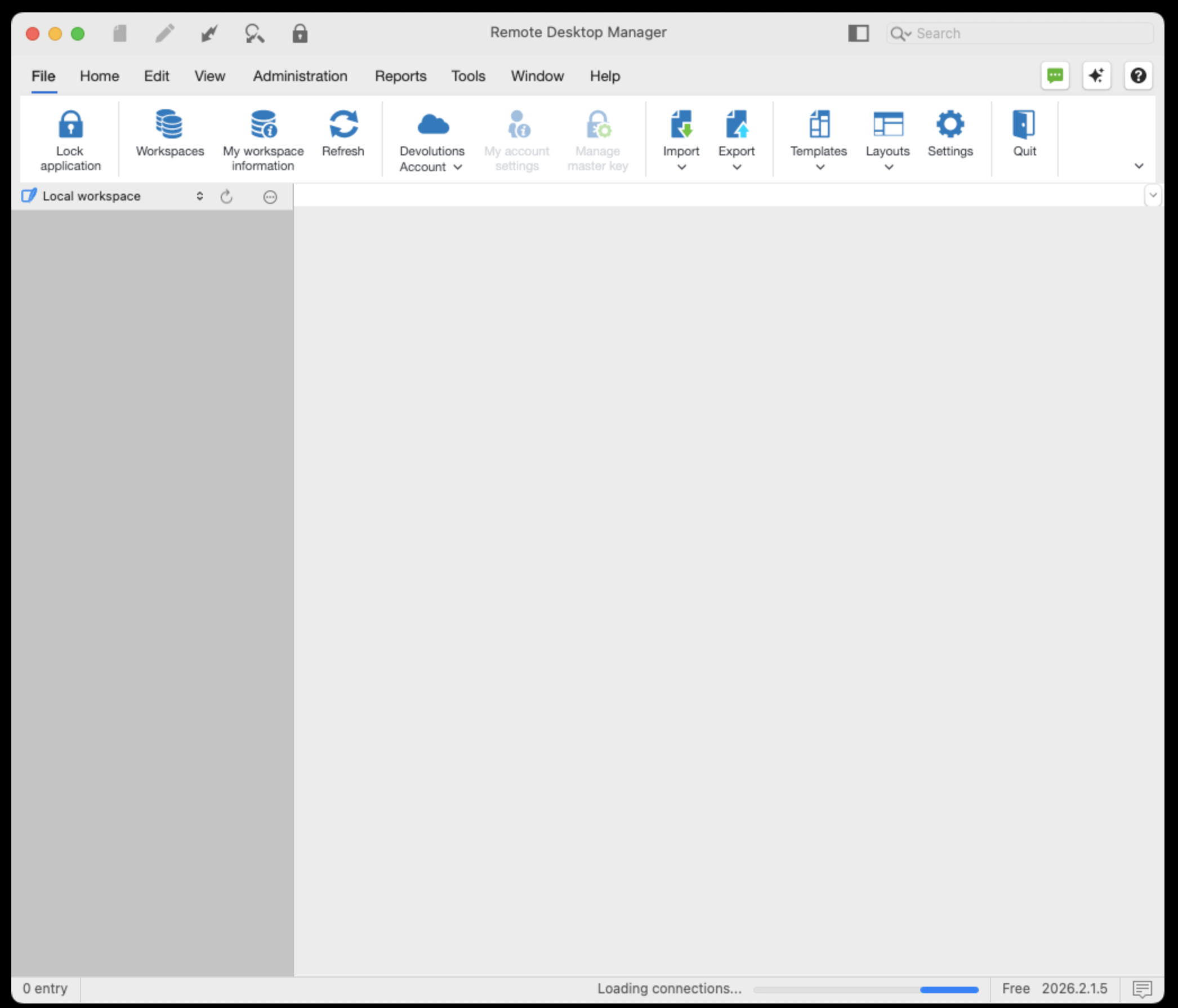
Screenshot 2026-06-11 at 4.55.42 PM.png
All Comments (1)
Hello,
Thank you for reaching out regarding this matter.
The issue is likely related to the local configuration data. Could you please try using a fresh configuration folder and let me know whether the issue persists?
To do so, please follow these steps:
- Make sure RDM is completely closed; otherwise, the following steps will not work.
- Open Finder.
- Click Go in the menu bar.
- Select Go to Folder...
- Paste the following path: ~/Library/Application Support
- Open the folder: com.devolutions.remotedesktopmanager
- Locate the RemoteDesktopManager.cfg file.
- Rename the file to something else (for example, RemoteDesktopManager.old).
- Launch RDM again.
- Create a new local data source and try creating entries.
If this resolves the issue, we can then look into transferring your existing entries. If the issue persists, simply delete the newly created RemoteDesktopManager.cfg file and rename RemoteDesktopManager.old back to RemoteDesktopManager.cfg.
Please let me know whether this helps.
Best regards,
Jacob Lafrenière
