Could not access starting directory

whenever i start session that is locally a PowerShell , i got the following error
[error 2147942667 (0x8007010b) when launching `"C:\Program Files\PowerShell\7\pwsh.exe"']
Could not access starting directory "E:\BIN""
All Comments (1)
Hello,
Thank you for reaching out regarding this issue.
To assist with the investigation, could you please provide the following information?
The version of Remote Desktop Manager you are currently using.
The Workspace (Data source) in use.
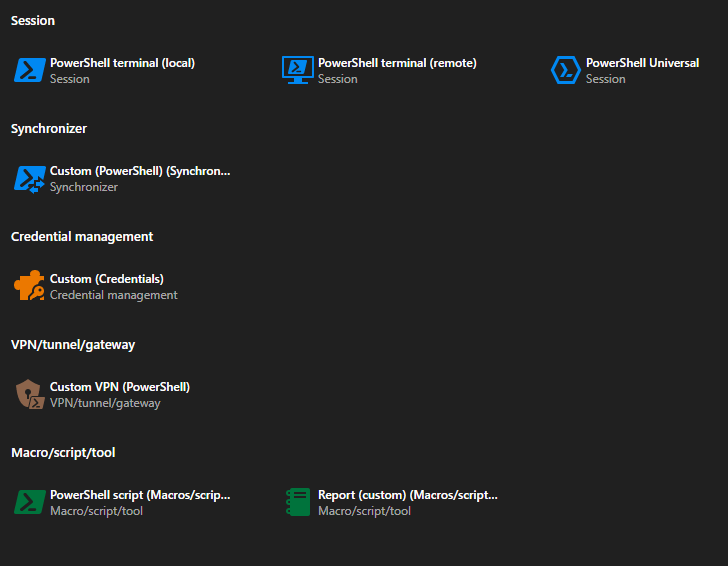
The exact entry type that is triggering the error. (Screenshot bellow)
A screenshot of the error message.
Once I have this information, I will be able to investigate the issue further.
I look forward to your reply.
Best regards,
Jacob Lafrenière