Cyberark dashboard error

Hi,
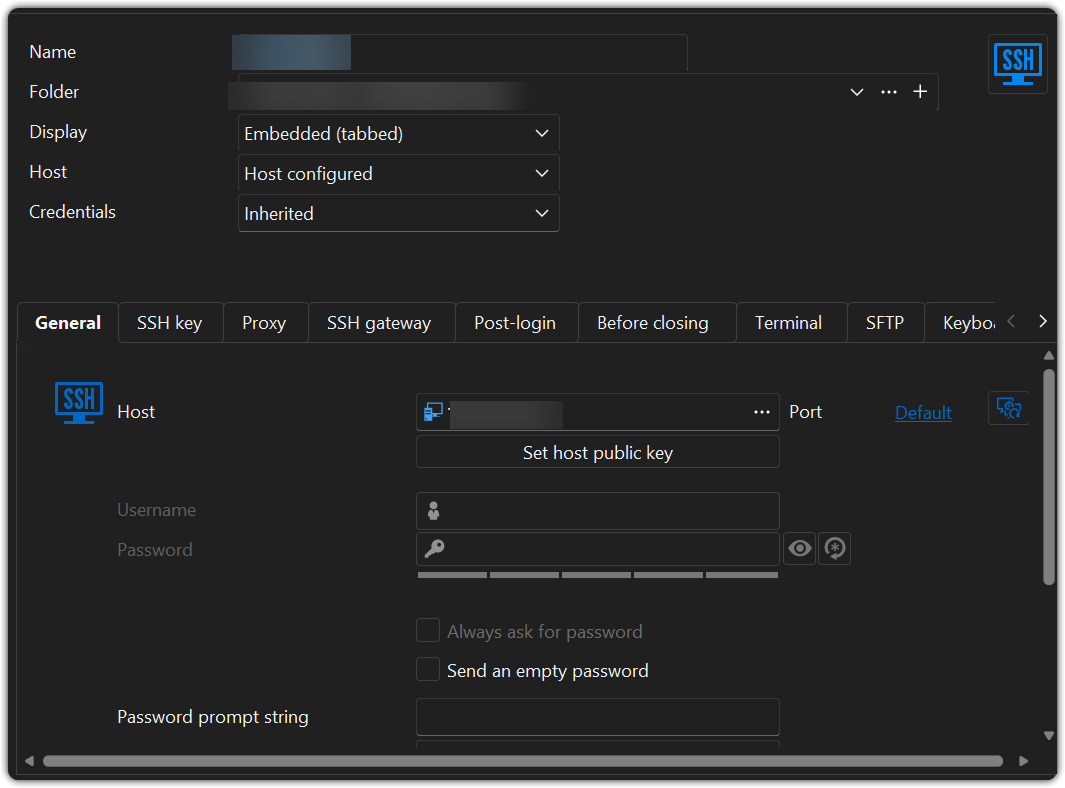
I upgrade to 2026.25. I got this error when I open existed entry, any idea of this? I have no this issue on version 2026.1.22. The entry just a normal SSH entry as below.
Thanks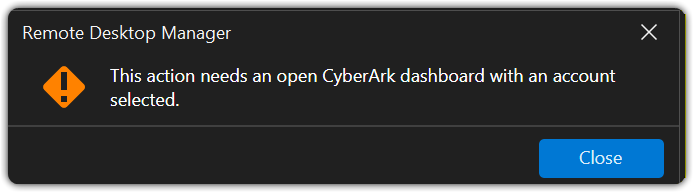
9c2bf9f2-7e9a-4abe-8ff3-0a33553af2bc.png
7b1af8b2-0c57-49d4-820e-e8d720e86bc8.png
All Comments (8)
Hi,
I use 2026.2.5 windows portable version here.
Hi,
It seems the entry is set up to open through CyberArk PSM when double clicked.
Could you validate that in the entry's properties, in the advanded tab, the "connect using dashboard on double click" is set to Default (no) or no?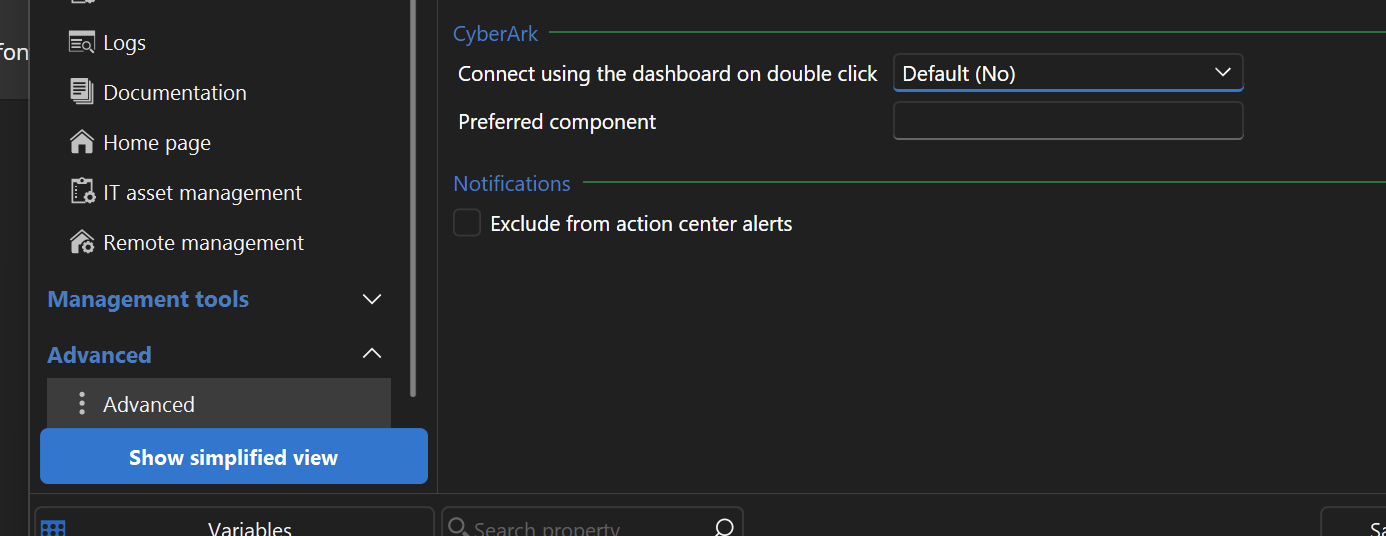
Jonathan Lafontaine
ebccad37-0dd3-4d57-a2d4-cf8267f3c161.png
Hi
Here is default settings at my side
I also checked there is no easy way to change it in batch mode, any suggestion on this? I have more than 1000 entries need to change. 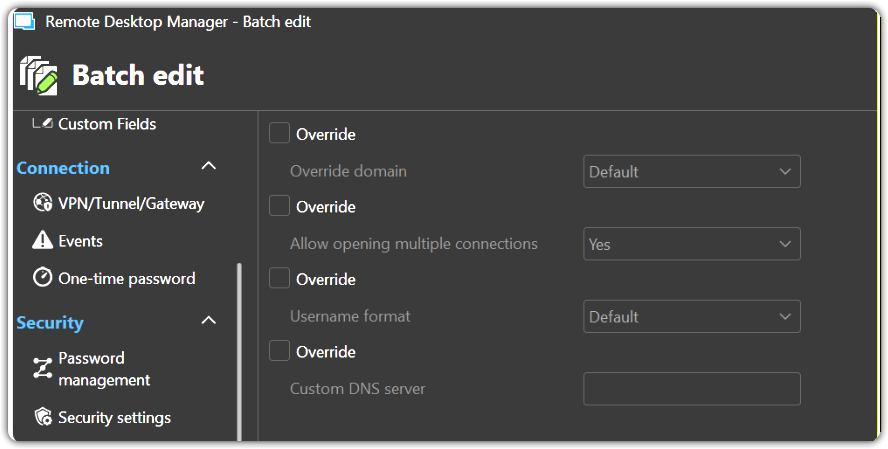
600f615a-943f-4c60-98fe-753bac5297c3.png
d032413b-6cbf-4415-a35c-80b850e04c42.png
Hi,
Thank you, that confirms what I suspected.
There is a way, yes. In Settings -> Entry Types, set "Connect using the dashboard on double-click" to No.
All entries using "Default (Yes)" will switch to "Default (No)".
That being said, I'll bring back the old behavior for entries that don't support connecting with the CyberArk dashboard.
Jonathan Lafontaine
Hi,
Version 2026.2.8 or newer will include a fix.
Double-clicking an entry that does not support connecting through the CyberArk dashboard will not display a warning that it requires a CyberArk dashboard, even when "Connect using dashboard on double-click" is set to "Yes".
Jonathan Lafontaine
I don't have the same issue as describe NeilSmith2025, but the CyberArk Dashboard isn't working properly in RDM 2026.2.7.
When I launch this object, I authenticate correctly and it logs me into CyberArk. The CyberArk Dashboard object lists all my privileged accounts, but the problem is that everything in the Dashboard is inactive. The buttons don't work, and I can't select any accounts.
You can see in attached screen
I reinstall RDM to version 2026.2.5. where this CyberArk Dashboard works.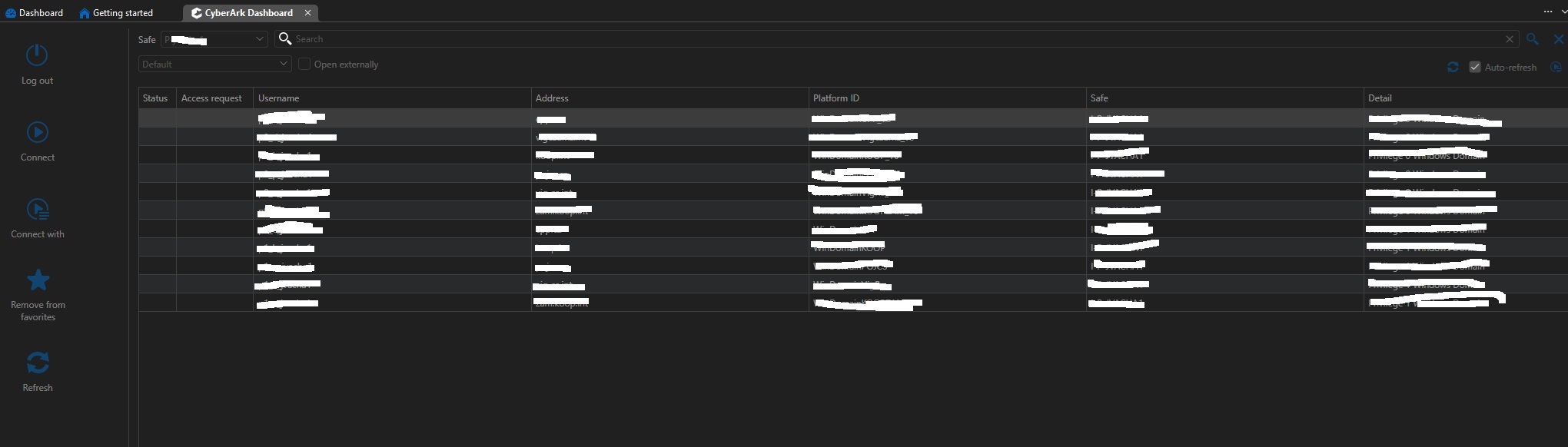
Cyberark_dashboard.jpg
Hi Jakub,
Thank you for letting me know. I'll look into this issue right away.
Jonathan Lafontaine
Hi Jakub,
Is your CyberArk dashboard entry in your user vault? If so, this was fixed and should work properly in 2026.2.8.
If it is not, I'll keep looking.
Jonathan Lafontaine
