Bulk edit websession settings
1 vote

Hi,
I have lots of configured websessions configured and want to adjust some settings for almost all of them.
I marked some in my connections tree and clicked "Batch Edit":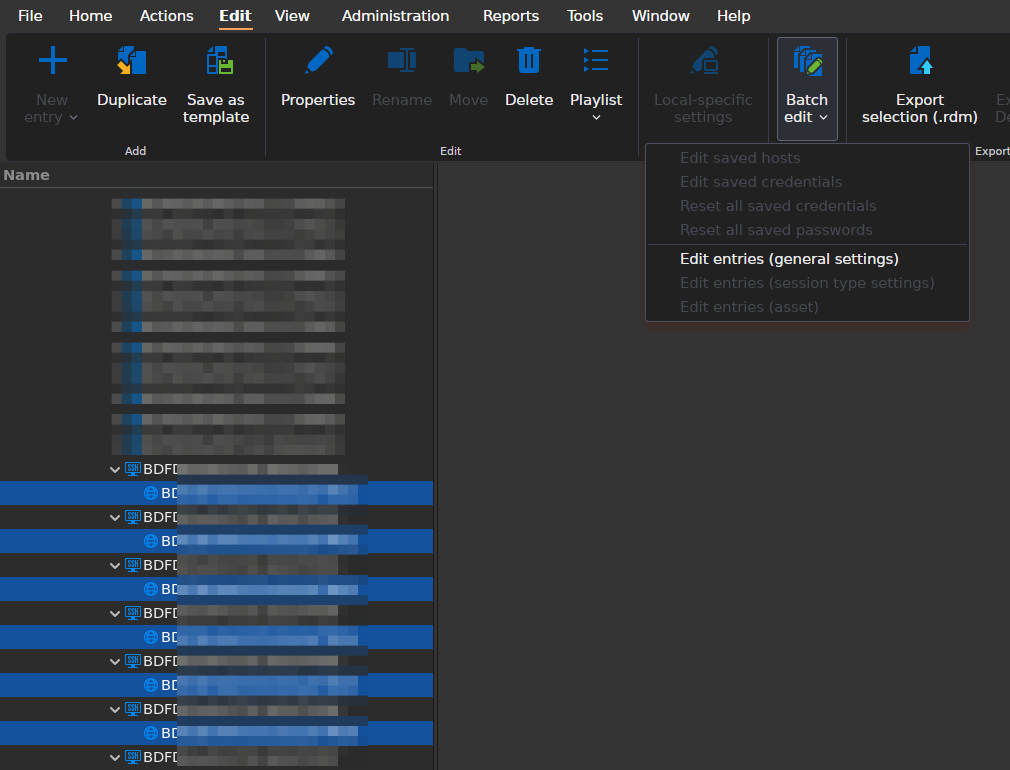
"Edit Entries (session type settings)" is greyed out. What is the right way to edit lots of those session entries at once ?
I'm on RDM 2026.1.2.3 64-bit on Fedora 43 Gnome Wayland.
Bildschirmfoto vom 2026-05-29 07-52-53.png
All Comments (5)
Hello,
Thank you for contacting us regarding this matter.
Could you please follow the steps outlined in the following document and let us know whether they help resolve the issue?
https://docs.devolutions.net/rdm/kb/how-to-articles/batch-edit-connection-entries/?tab=macos
In the meantime, when you click Edit Entries under General Settings (as shown in your screenshot), do you have access to the options you would like to modify?
Best regards,
Tommy Sanders
Hi Tommy,
thanks for the hint, I immediately tried that, unfortunately without success: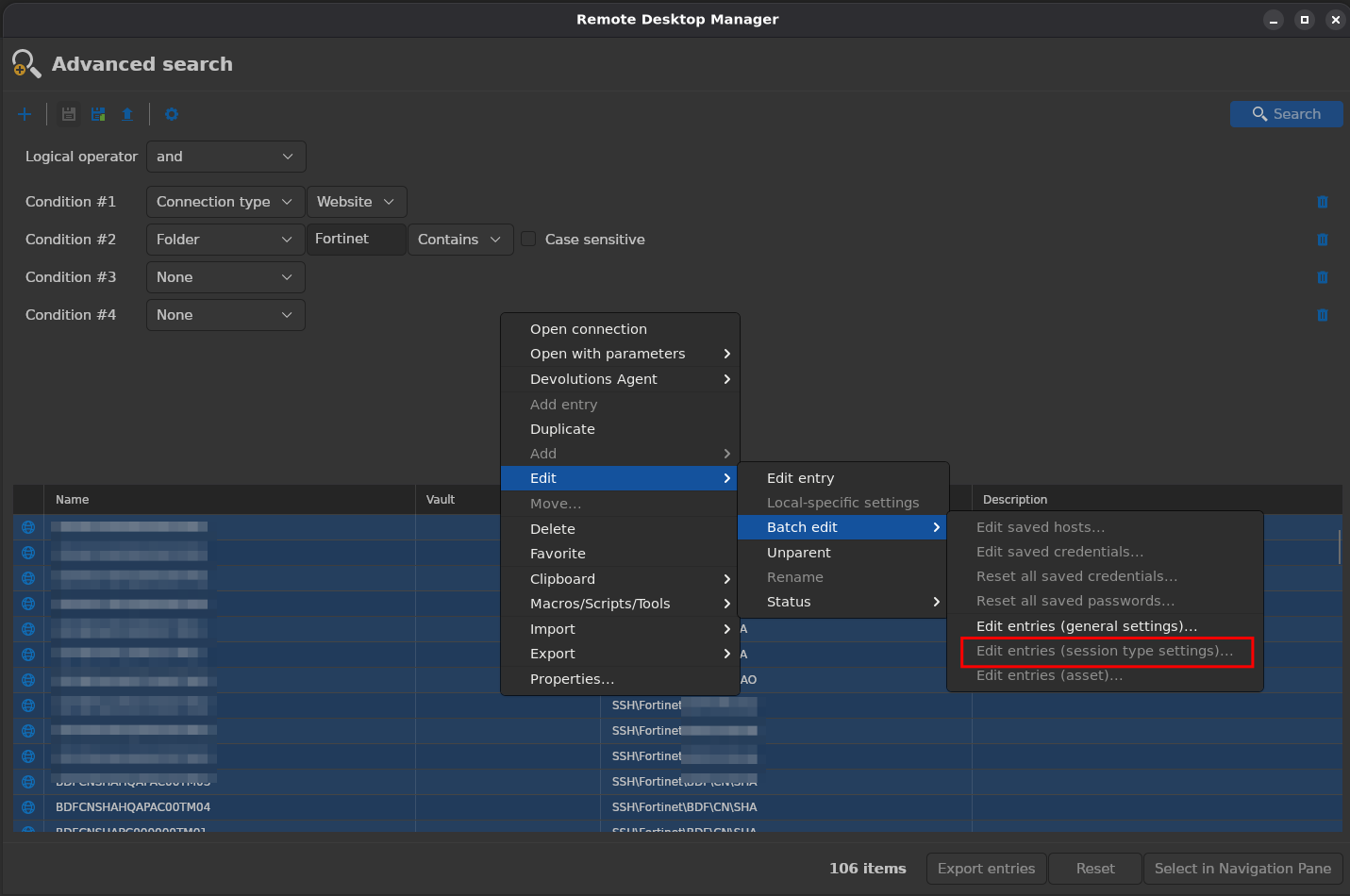
As you can see, session type settings are still greyed out on Linux.
Regarding your second question: no, the settings I need to adjust are in the session type area.
e8c51b95-84b1-4647-b684-0c48140cfe82.png
Hello,
Thank you for contacting us. We have a few questions to help narrow down the issue:
1. Did the Batch Edit options work previously, and if so, on which version of RDM?
2. Could you confirm if your user has the Edit permission explicitly granted on the selected entries?
Please let us know and we will be happy to assist further.
Best regards,
Tommy Sanders
Hi,
- No, not since I use RDM (for about 2 years now)
- This is a single user instance with local db.
Best regards
Markus
Hello,
Thank you for your response,
I have opened a case for a remote session.
Best regards,
Tommy Sanders